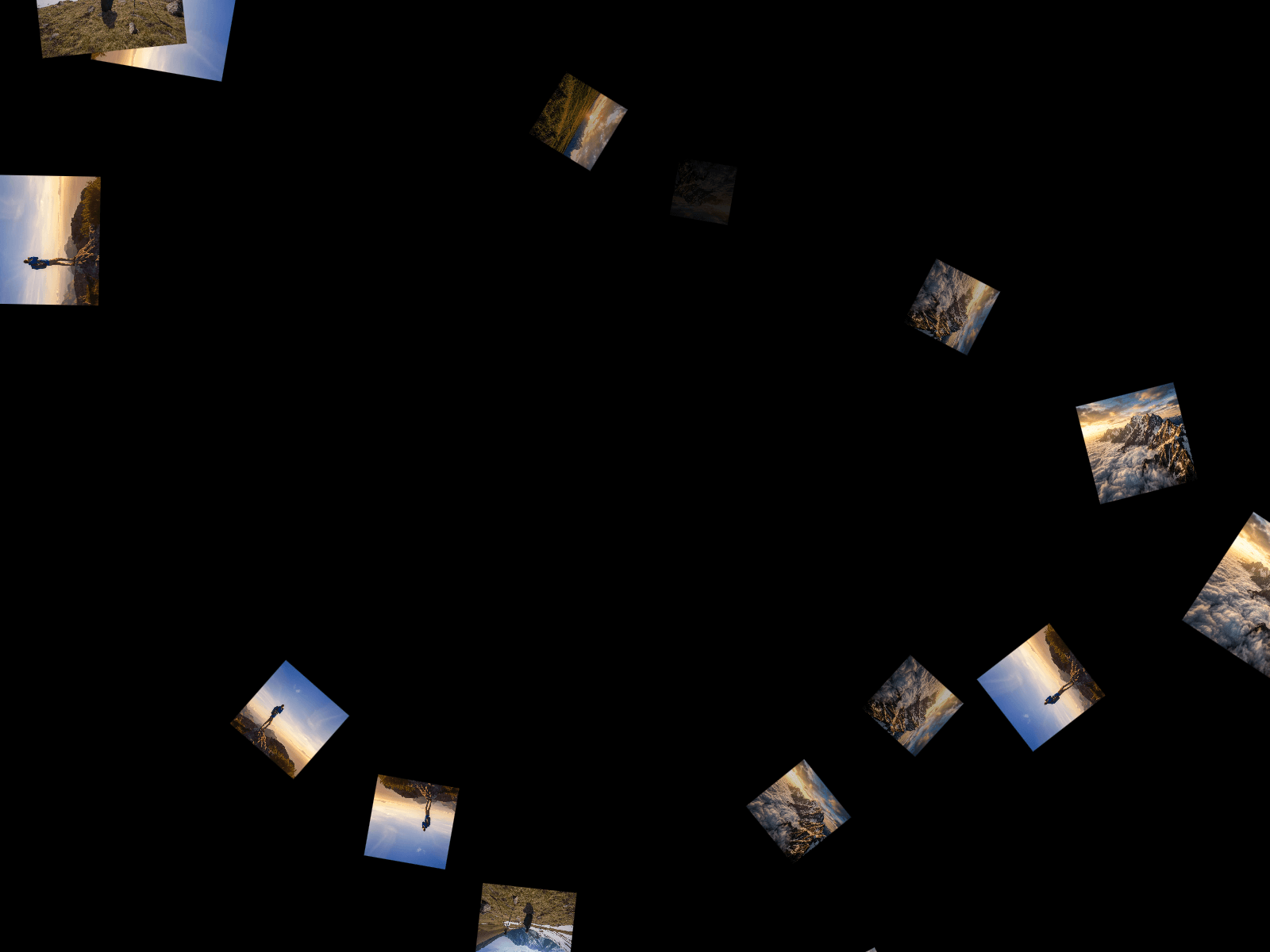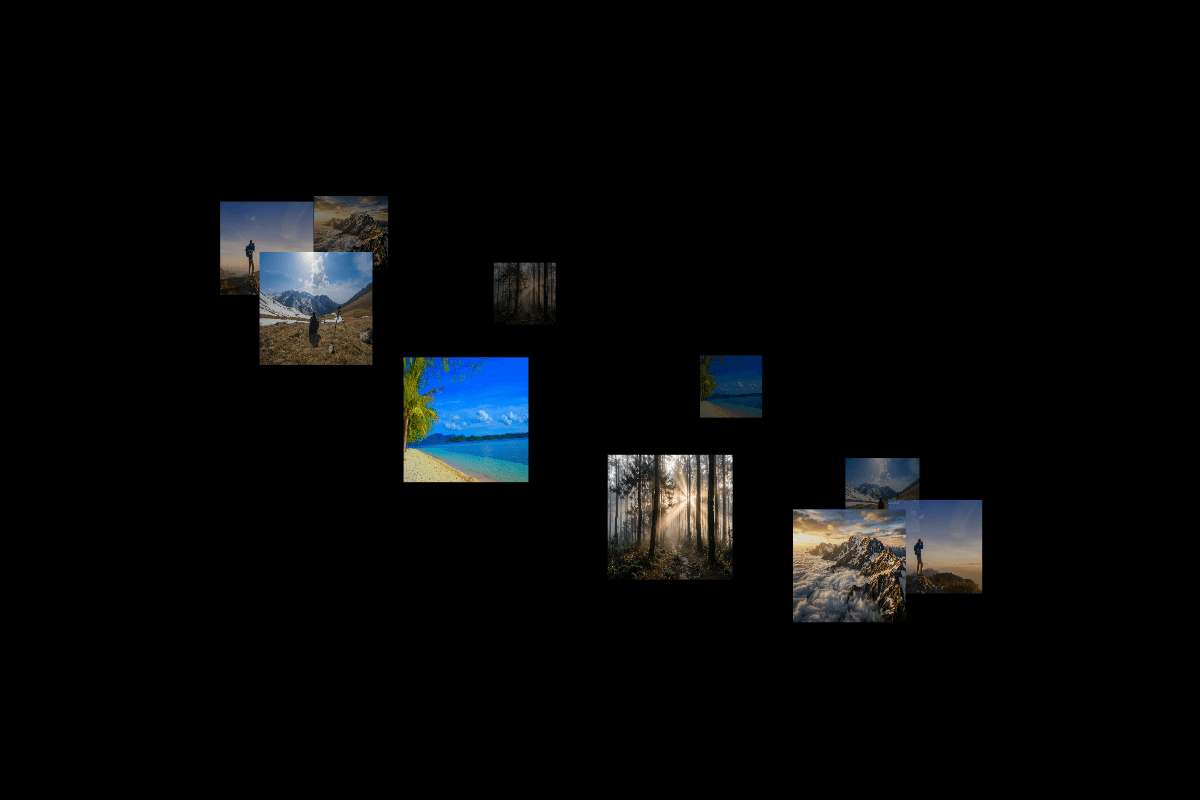
Create an immersive 3D orbit animation where images smoothly revolve around an invisible center with realistic depth, scaling, and optional self-rotation. The component simulates floating satellites moving along an elliptical orbit, making it perfect for showcasing logos, products, team members, NFTs, or featured content in a dynamic and engaging way. Easily customize the orbit shape, image size, motion, spacing, and rotation to create unique visual experiences.
Customize Options
Images – Upload one or multiple images to display as orbiting satellites.
Satellites – Controls the total number of orbiting items in the animation.
Orbit Speed – Adjusts how quickly the satellites rotate around the center.
Tilt Angle – Changes the 3D viewing angle of the orbit for a flatter or more dramatic perspective.
Orbit Width – Controls the horizontal radius of the orbital path.
Orbit Height – Controls the vertical radius of the orbital path, creating a flatter or taller ellipse.
Center Fade – Adjusts the fade zone at the center where background satellites gradually become transparent for improved depth.
Base Size – Sets the default size of each orbiting image before depth scaling is applied.
Self Rotate – Enables or disables individual image rotation while orbiting.

Create an immersive 3D orbit animation where images smoothly revolve around an invisible center with realistic depth, scaling, and optional self-rotation. The component simulates floating satellites moving along an elliptical orbit, making it perfect for showcasing logos, products, team members, NFTs, or featured content in a dynamic and engaging way. Easily customize the orbit shape, image size, motion, spacing, and rotation to create unique visual experiences.
Customize Options
Images – Upload one or multiple images to display as orbiting satellites.
Satellites – Controls the total number of orbiting items in the animation.
Orbit Speed – Adjusts how quickly the satellites rotate around the center.
Tilt Angle – Changes the 3D viewing angle of the orbit for a flatter or more dramatic perspective.
Orbit Width – Controls the horizontal radius of the orbital path.
Orbit Height – Controls the vertical radius of the orbital path, creating a flatter or taller ellipse.
Center Fade – Adjusts the fade zone at the center where background satellites gradually become transparent for improved depth.
Base Size – Sets the default size of each orbiting image before depth scaling is applied.
Self Rotate – Enables or disables individual image rotation while orbiting.