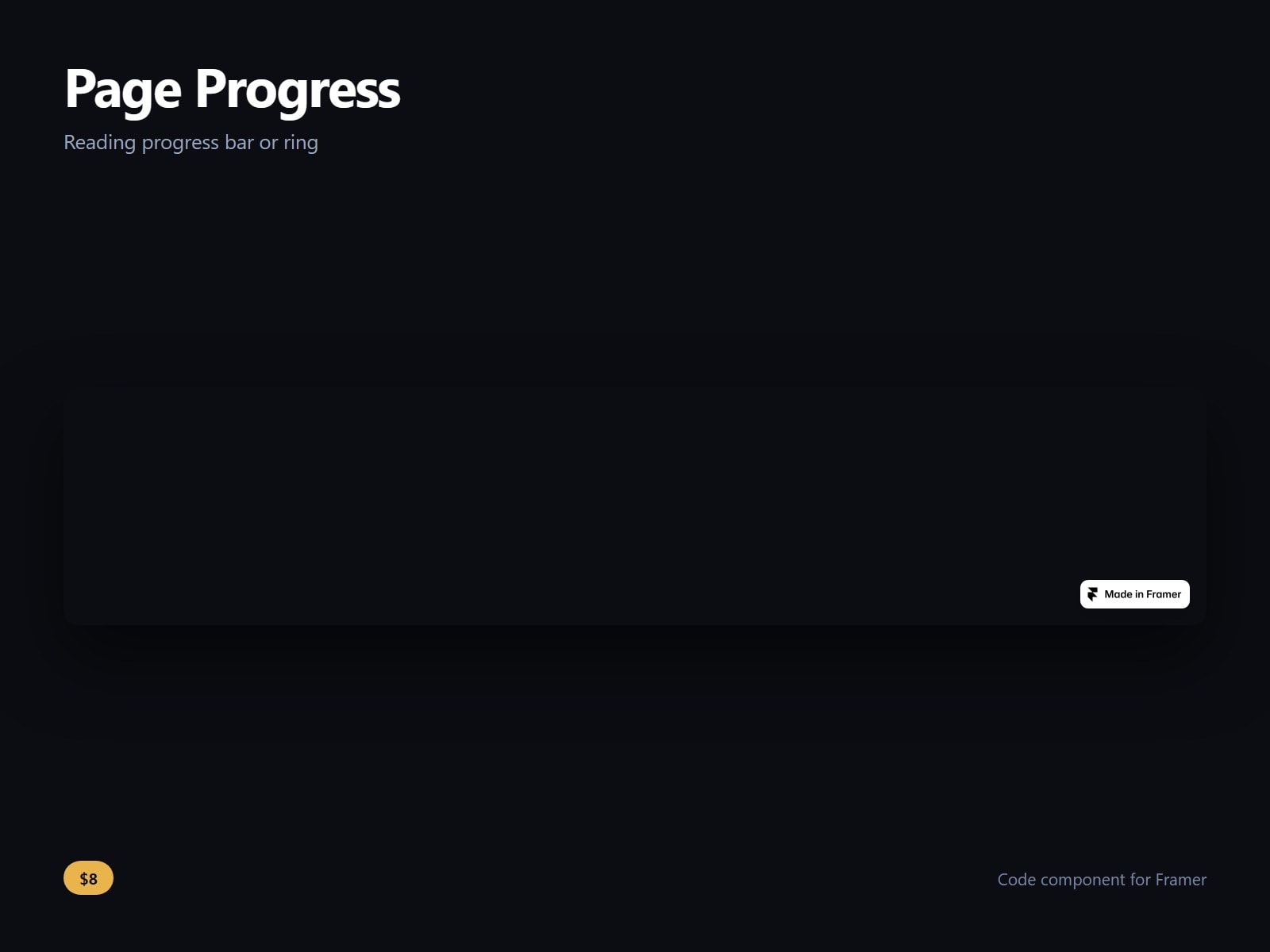
A scroll progress bar and reading progress ring for Framer.
Bar across the top or bottom, or a ring in any corner. It measures the whole page, or one element you name with a CSS selector, which is what you want when the article is a section rather than the document.
Thickness, size, radius, track colour, fill colour and an optional second colour for a gradient fill are controls, along with a percent readout, a completed colour that takes over at 100, hiding until the visitor has scrolled past a percentage you set, and click to return to the top.
It listens passively and updates on an animation frame rather than on every scroll event, and it watches the page for size changes, so it stays correct when images load and the document gets taller underneath it. If the selector you gave it matches nothing, it falls back to the page rather than sitting at zero.
After purchase you receive the component URL. In Framer, press Insert, choose Add Component URL, and paste it.
Licence: yours to use on your own sites and on client sites, commercially, with no attribution. Not for resale or redistribution: do not share the component URL, and do not publish the component or its code anywhere, paid or free. Full terms arrive with your purchase. Questions: me@majedesigns.dev

A scroll progress bar and reading progress ring for Framer.
Bar across the top or bottom, or a ring in any corner. It measures the whole page, or one element you name with a CSS selector, which is what you want when the article is a section rather than the document.
Thickness, size, radius, track colour, fill colour and an optional second colour for a gradient fill are controls, along with a percent readout, a completed colour that takes over at 100, hiding until the visitor has scrolled past a percentage you set, and click to return to the top.
It listens passively and updates on an animation frame rather than on every scroll event, and it watches the page for size changes, so it stays correct when images load and the document gets taller underneath it. If the selector you gave it matches nothing, it falls back to the page rather than sitting at zero.
After purchase you receive the component URL. In Framer, press Insert, choose Add Component URL, and paste it.
Licence: yours to use on your own sites and on client sites, commercially, with no attribution. Not for resale or redistribution: do not share the component URL, and do not publish the component or its code anywhere, paid or free. Full terms arrive with your purchase. Questions: me@majedesigns.dev