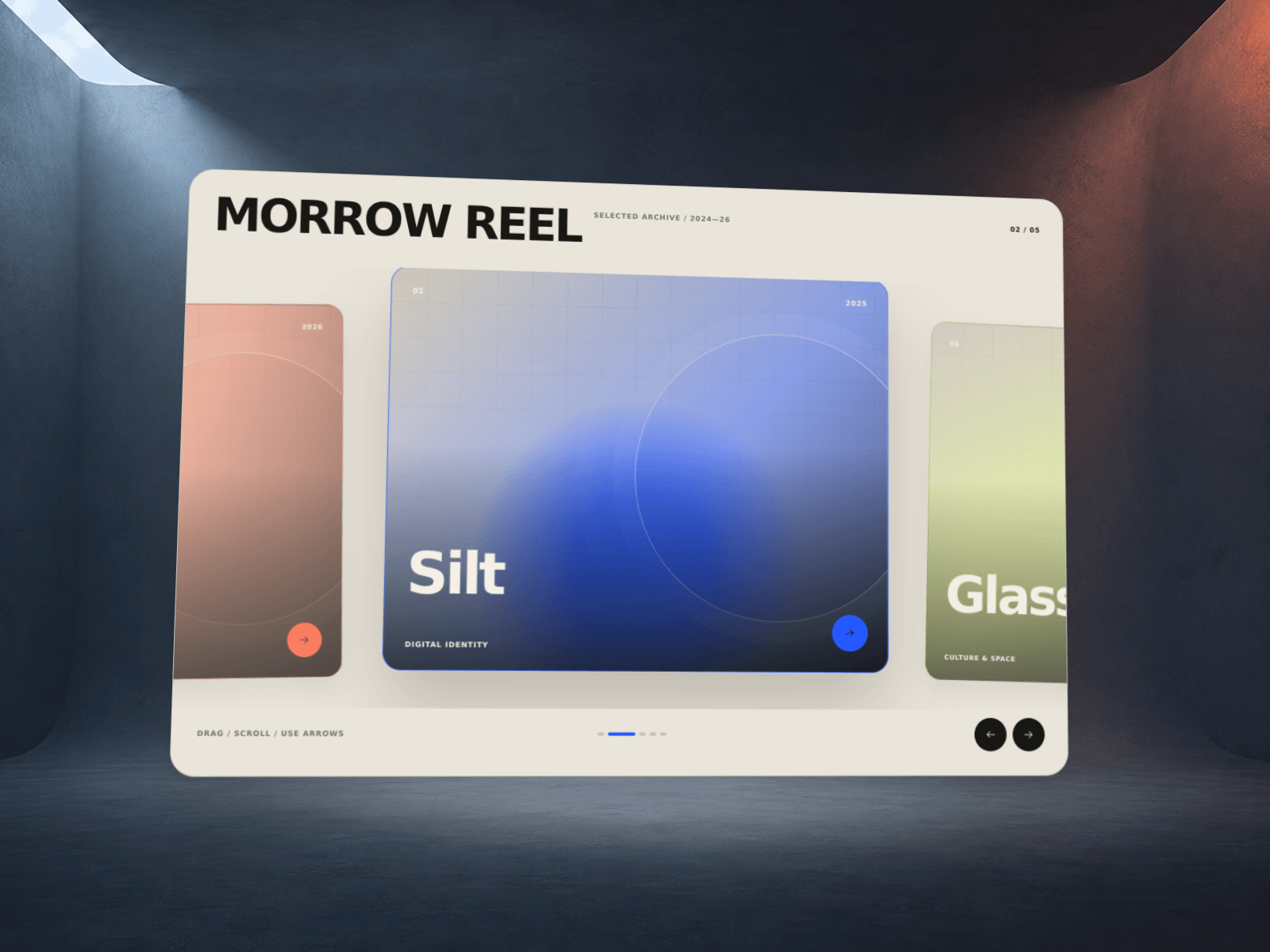
ParticleVideoSlider transforms your video content into a living cloud of particles. Each clip is rendered as thousands of depth-mapped points that react to brightness, creating a tactile 3D texture from any footage.
Transitions between clips Choose from four particle transition styles — Scatter (radial burst), Explode (from center), Vortex (spiral), or Rain (fall). The outgoing and incoming clips overlap with a smooth cross-dissolve timed to your liking.
Wave ripple effect A luminance wave sweeps periodically across the particle surface. Control direction (Horizontal, Vertical, Radial, or Cursor), speed, glow intensity, band width, and the interval between passes. Enable Z Lift to push particles toward the viewer as the wave rolls over them.
Organic cursor ripple In Cursor mode the wave expands as an isoline from the pointer — warped by layered noise so it looks like a living, irregular ring rather than a perfect circle. Adjust Distortion to dial in how organic it feels.
Color modes
Video — original colors from the footage
Tint — luminance-mapped single accent color
Duotone — two-color gradient driven by brightness
Controls at a glance
Up to 4 video clips with automatic slideshow
Slide interval and transition duration
Particle density, size, depth scale, turbulence
Wave: direction, speed, interval, glow, width, Z lift, distortion
Color mode, brightness, additive / normal blending
Max pixel ratio cap for GPU performance tuning
Technical Built on Three.js (WebGL) with a custom GLSL shader pipeline. Fully responsive — fills any container. Renders a static poster image in the Framer canvas preview

ParticleVideoSlider transforms your video content into a living cloud of particles. Each clip is rendered as thousands of depth-mapped points that react to brightness, creating a tactile 3D texture from any footage.
Transitions between clips Choose from four particle transition styles — Scatter (radial burst), Explode (from center), Vortex (spiral), or Rain (fall). The outgoing and incoming clips overlap with a smooth cross-dissolve timed to your liking.
Wave ripple effect A luminance wave sweeps periodically across the particle surface. Control direction (Horizontal, Vertical, Radial, or Cursor), speed, glow intensity, band width, and the interval between passes. Enable Z Lift to push particles toward the viewer as the wave rolls over them.
Organic cursor ripple In Cursor mode the wave expands as an isoline from the pointer — warped by layered noise so it looks like a living, irregular ring rather than a perfect circle. Adjust Distortion to dial in how organic it feels.
Color modes
Video — original colors from the footage
Tint — luminance-mapped single accent color
Duotone — two-color gradient driven by brightness
Controls at a glance
Up to 4 video clips with automatic slideshow
Slide interval and transition duration
Particle density, size, depth scale, turbulence
Wave: direction, speed, interval, glow, width, Z lift, distortion
Color mode, brightness, additive / normal blending
Max pixel ratio cap for GPU performance tuning
Technical Built on Three.js (WebGL) with a custom GLSL shader pipeline. Fully responsive — fills any container. Renders a static poster image in the Framer canvas preview
 Olexandr Demydov