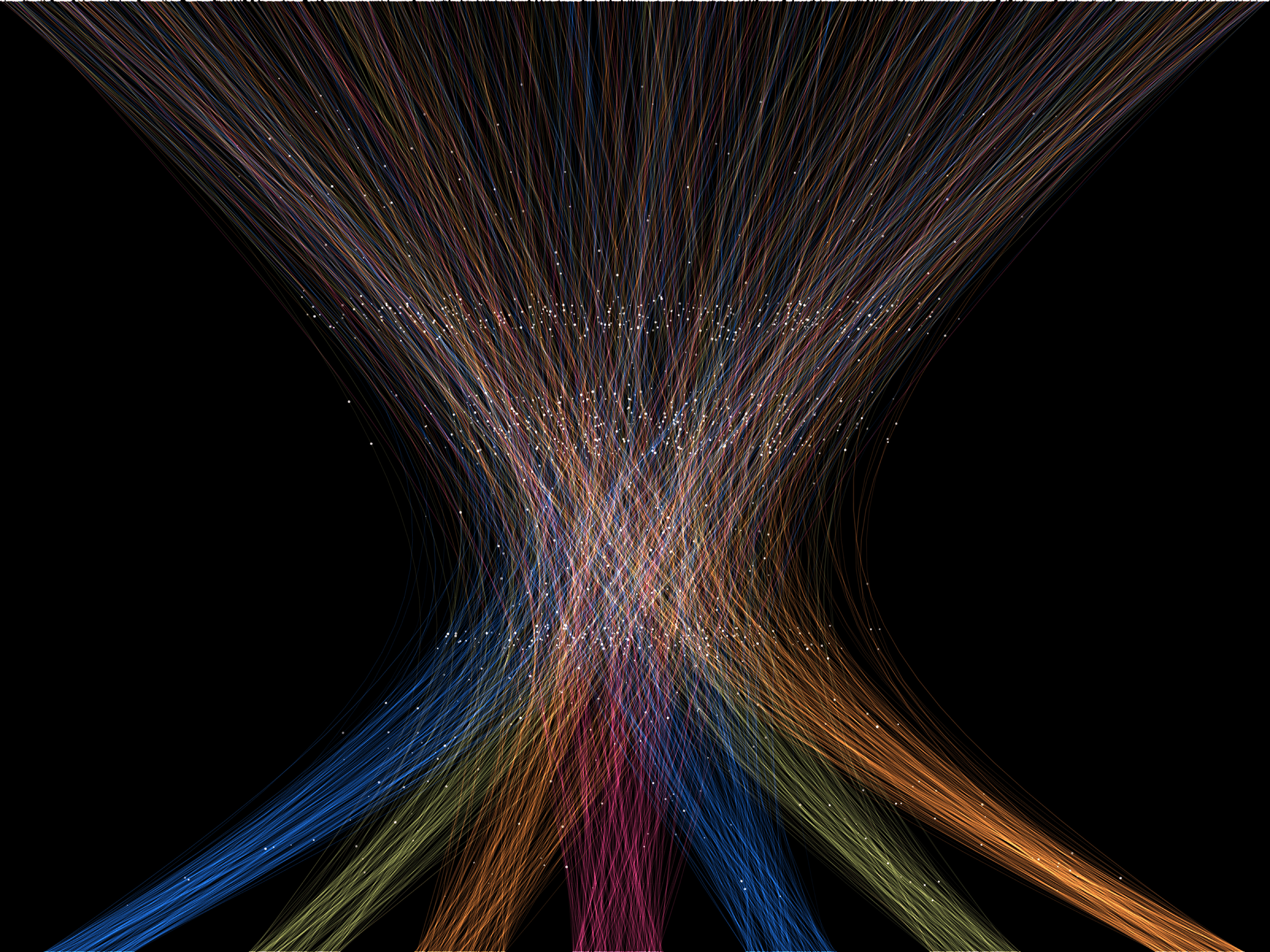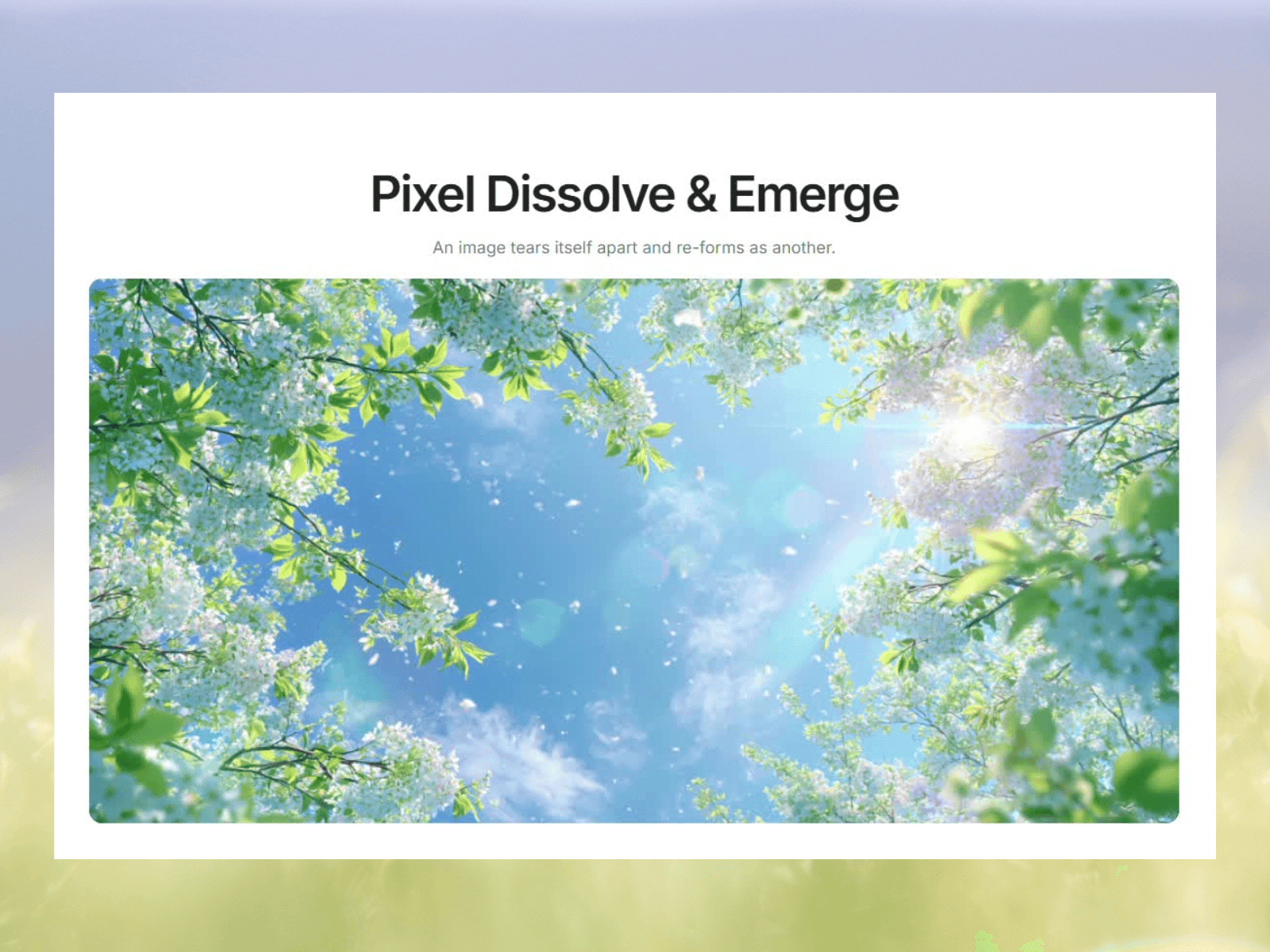
Pixel Dissolve turns any image into a cloud of pixels that disintegrates and reforms a cinematic particle dissolve, running entirely on canvas.
The image first shatters into flat pixel blocks. Then a ragged front sweeps across, and the particles scatter outward, shrink to dust, and fade to nothing. Point it at a single image to dissolve it away, or give it two and it moshes from one into the other — the second image growing back out from the centre.
Drop it on any frame, choose your images, and it does the rest. No dependencies, no video files.
Fully responsive. It measures its own frame and redraws to fit crisp on a full-bleed hero or a small card, identical on Desktop, Tablet, and Mobile breakpoints. Tuned to stay smooth at large sizes, with a clean static frame in the editor and on export.
Controls
Mode — Dissolve (image scatters away) or Emerge (transition between two images)
Trigger — On appear, hover, click, or continuous loop
Direction — which way the dissolve front sweeps
Block Size & Shape — how fine or chunky the pixels are
Smear, Chaos & Drift Out — how far and how wildly particles scatter
Protect Center — keep your subject intact while the background disperses
Tile Glow & Bloom — the shimmer and light as particles break apart
Timing — independent dissolve, emerge, and hold durations
Support
Questions, requests, or found a bug? Reach out at support@premshandilya.com — happy to help, and updates are free.
Refunds
All sales are final. Because Pixel Dissolve is a digital product delivered instantly, purchases are non-refundable.

Pixel Dissolve turns any image into a cloud of pixels that disintegrates and reforms a cinematic particle dissolve, running entirely on canvas.
The image first shatters into flat pixel blocks. Then a ragged front sweeps across, and the particles scatter outward, shrink to dust, and fade to nothing. Point it at a single image to dissolve it away, or give it two and it moshes from one into the other — the second image growing back out from the centre.
Drop it on any frame, choose your images, and it does the rest. No dependencies, no video files.
Fully responsive. It measures its own frame and redraws to fit crisp on a full-bleed hero or a small card, identical on Desktop, Tablet, and Mobile breakpoints. Tuned to stay smooth at large sizes, with a clean static frame in the editor and on export.
Controls
Mode — Dissolve (image scatters away) or Emerge (transition between two images)
Trigger — On appear, hover, click, or continuous loop
Direction — which way the dissolve front sweeps
Block Size & Shape — how fine or chunky the pixels are
Smear, Chaos & Drift Out — how far and how wildly particles scatter
Protect Center — keep your subject intact while the background disperses
Tile Glow & Bloom — the shimmer and light as particles break apart
Timing — independent dissolve, emerge, and hold durations
Support
Questions, requests, or found a bug? Reach out at support@premshandilya.com — happy to help, and updates are free.
Refunds
All sales are final. Because Pixel Dissolve is a digital product delivered instantly, purchases are non-refundable.
 Prem Shandilya