Pixel Mask: Animated Pixel Masking
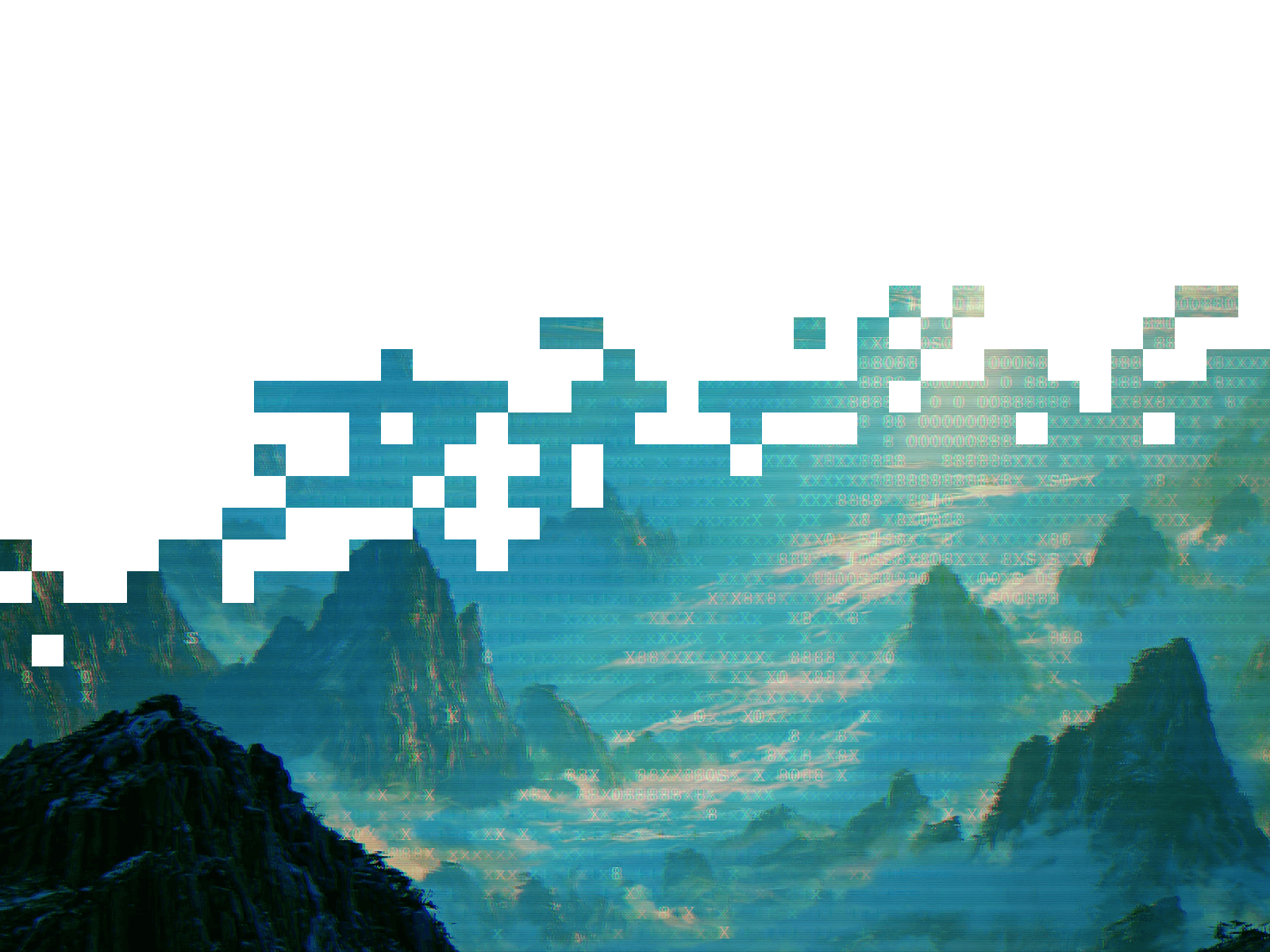
Solid artwork on one side, breaking into loose scattered squares on the other. The edge keeps moving, so the image never sits still. Rendered live in the browser, no code and no exported frame sequences.
What you get
Works with any image or video. Drop in a photo or an mp4 and pick Cover, Contain or Fill.
5 mask shapes: Edges · Linear · Radial · Corner · Field
8 presets: Editorial · Frame · Scanline · Diagonal · Aperture · Storm · Mosaic · Ghost
An angle dial on the Linear and Corner shapes, so the dissolve sweeps in from any direction you want.
Full control of the dissolve: block size, coverage, edge width, warp, grain, speed and seed. Presets set starting values and never lock a control.
Sharp or Pixelated blocks. Sharp keeps full image detail inside every block, Pixelated flattens each one to a single colour.
Masked areas are genuinely transparent, so whatever sits behind shows through. Fill them with a colour instead when you want it opaque.
Pauses off screen, respects reduced motion, and draws a crisp static frame in the editor and on export.
Drop it behind a hero, inside a card, or across a full-bleed banner.
What's included:
Remix link to the Component.
Free updates. The remix link always carries the latest version
Email support: support@premshandilya.com
License: Single-user license. Use Pixel Mask in unlimited personal and commercial Framer projects, including client work. Reselling, redistributing, or repackaging the component or its source code as your own asset is not permitted.
Refunds: This is a non-refundable digital product, so try the live demo before purchasing. If anything doesn't work as shown, email me and I'll fix it fast.

Pixel Mask: Animated Pixel Masking
Solid artwork on one side, breaking into loose scattered squares on the other. The edge keeps moving, so the image never sits still. Rendered live in the browser, no code and no exported frame sequences.
What you get
Works with any image or video. Drop in a photo or an mp4 and pick Cover, Contain or Fill.
5 mask shapes: Edges · Linear · Radial · Corner · Field
8 presets: Editorial · Frame · Scanline · Diagonal · Aperture · Storm · Mosaic · Ghost
An angle dial on the Linear and Corner shapes, so the dissolve sweeps in from any direction you want.
Full control of the dissolve: block size, coverage, edge width, warp, grain, speed and seed. Presets set starting values and never lock a control.
Sharp or Pixelated blocks. Sharp keeps full image detail inside every block, Pixelated flattens each one to a single colour.
Masked areas are genuinely transparent, so whatever sits behind shows through. Fill them with a colour instead when you want it opaque.
Pauses off screen, respects reduced motion, and draws a crisp static frame in the editor and on export.
Drop it behind a hero, inside a card, or across a full-bleed banner.
What's included:
Remix link to the Component.
Free updates. The remix link always carries the latest version
Email support: support@premshandilya.com
License: Single-user license. Use Pixel Mask in unlimited personal and commercial Framer projects, including client work. Reselling, redistributing, or repackaging the component or its source code as your own asset is not permitted.
Refunds: This is a non-refundable digital product, so try the live demo before purchasing. If anything doesn't work as shown, email me and I'll fix it fast.
 Prem Shandilya