Spotlight Gallery FX is an immersive video showcase for Framer that places a featured video inside a sleek phone-style frame, surrounded by continuously moving image rows. Create a cinematic experience with smooth transitions, autoplay, navigation, and ambient motion.
Phone Showcase — Display videos inside a polished phone-style frame.
Multiple Videos — Add multiple videos and switch between them.
Autoplay — Automatically play videos when visible.
Transitions — Choose Crossfade or Vertical Slide.
Navigation — Add previous/next arrows and a video counter.
Play Button — Let visitors control playback.
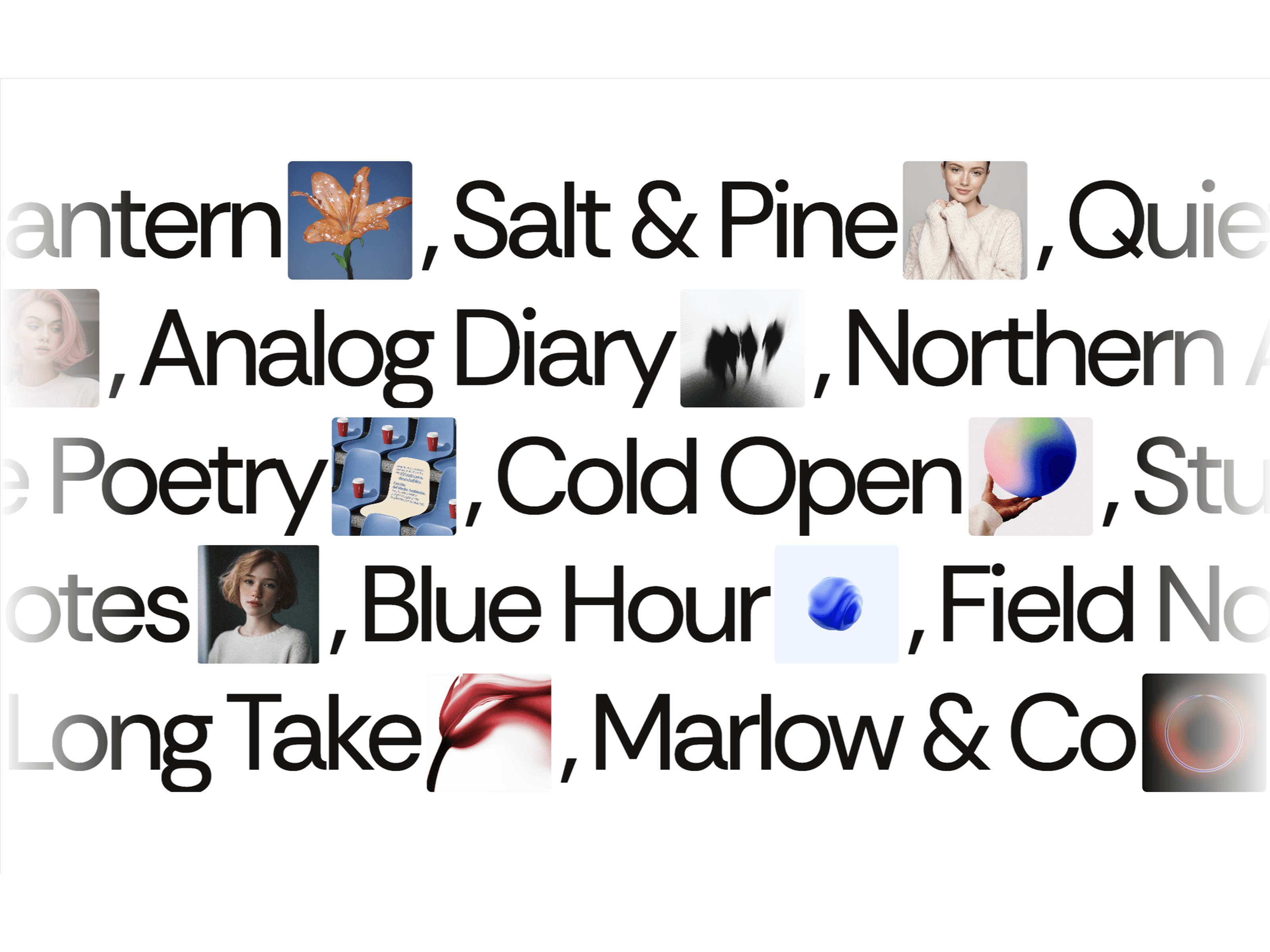
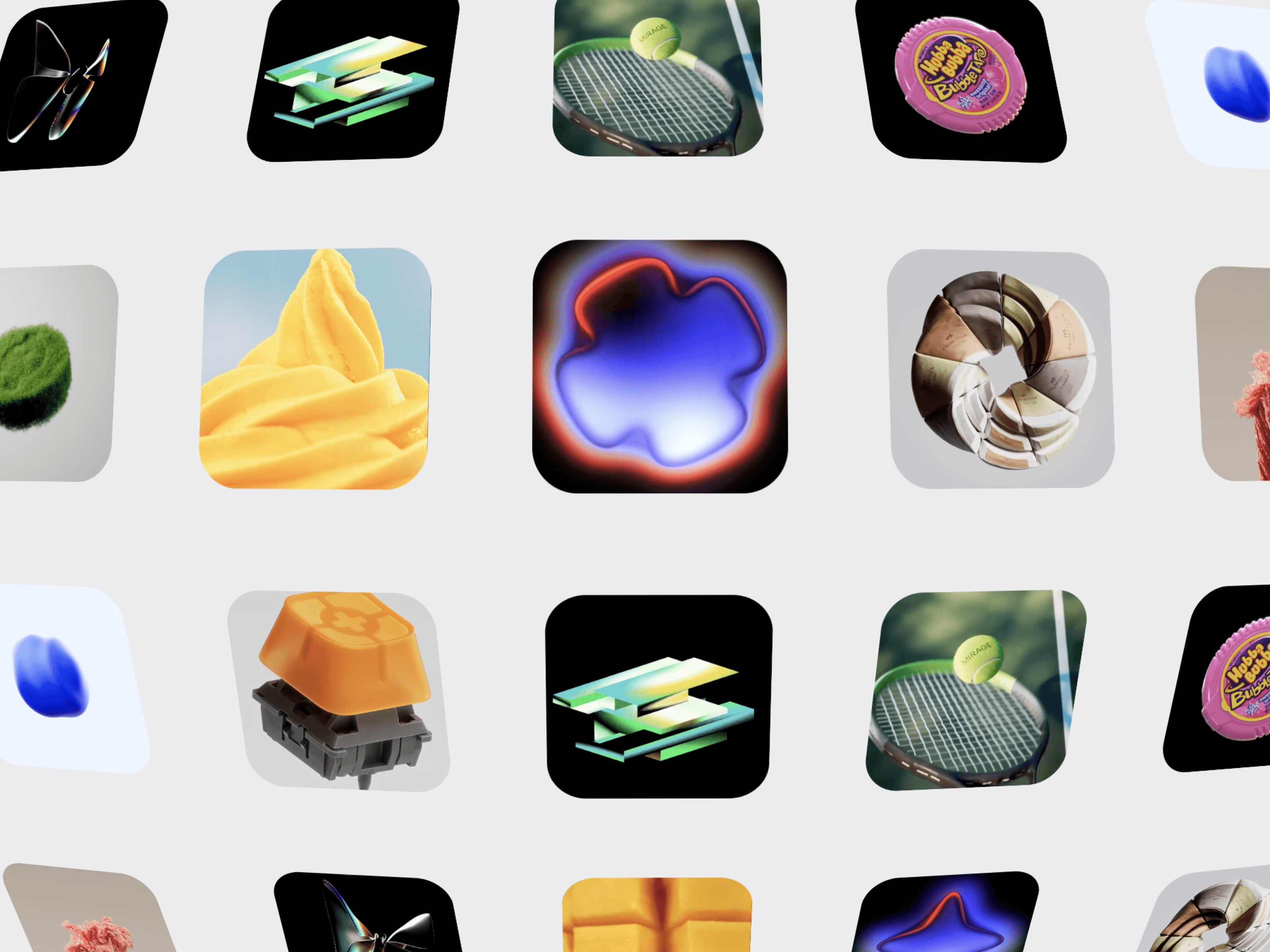
Infinite Image Rows — Create continuously moving background galleries.
Up to 4 Rows — Build layered ambient layouts.
Independent Controls — Set direction and speed for each row.
Blur & Opacity — Create depth and visual atmosphere.
Edge Fade & Center Haze — Keep focus on the featured video.
Videos — Upload MP4, WebM, or MOV files.
Gallery Images — Add images for background rows.
Phone Scale — Adjust featured phone size.
Rows — Control the number of gallery rows.
Speed — Adjust overall movement speed.
Card Height — Set background image height.
Card Gap — Control spacing between cards.
Card Radius — Customize corner radius.
Row Direction — Move rows left or right.
Row Speed — Fine-tune each row independently.
Autoplay — Enable or disable automatic playback.
Muted — Control video audio.
Loop — Enable continuous video playback.
Transition — Choose Crossfade or Vertical Slide.
Transition Duration — Adjust animation timing.
Play Button — Show or hide playback controls.
Navigation — Show or hide arrows.
Counter — Display the current video number.
Background Blur — Adjust image blur.
Background Opacity — Control gallery visibility.
Edge Fade — Soften gallery edges.
Center Haze — Add a subtle spotlight effect.
Background & Text — Customize colors.

Spotlight Gallery FX is an immersive video showcase for Framer that places a featured video inside a sleek phone-style frame, surrounded by continuously moving image rows. Create a cinematic experience with smooth transitions, autoplay, navigation, and ambient motion.
Phone Showcase — Display videos inside a polished phone-style frame.
Multiple Videos — Add multiple videos and switch between them.
Autoplay — Automatically play videos when visible.
Transitions — Choose Crossfade or Vertical Slide.
Navigation — Add previous/next arrows and a video counter.
Play Button — Let visitors control playback.
Infinite Image Rows — Create continuously moving background galleries.
Up to 4 Rows — Build layered ambient layouts.
Independent Controls — Set direction and speed for each row.
Blur & Opacity — Create depth and visual atmosphere.
Edge Fade & Center Haze — Keep focus on the featured video.
Videos — Upload MP4, WebM, or MOV files.
Gallery Images — Add images for background rows.
Phone Scale — Adjust featured phone size.
Rows — Control the number of gallery rows.
Speed — Adjust overall movement speed.
Card Height — Set background image height.
Card Gap — Control spacing between cards.
Card Radius — Customize corner radius.
Row Direction — Move rows left or right.
Row Speed — Fine-tune each row independently.
Autoplay — Enable or disable automatic playback.
Muted — Control video audio.
Loop — Enable continuous video playback.
Transition — Choose Crossfade or Vertical Slide.
Transition Duration — Adjust animation timing.
Play Button — Show or hide playback controls.
Navigation — Show or hide arrows.
Counter — Display the current video number.
Background Blur — Adjust image blur.
Background Opacity — Control gallery visibility.
Edge Fade — Soften gallery edges.
Center Haze — Add a subtle spotlight effect.
Background & Text — Customize colors.