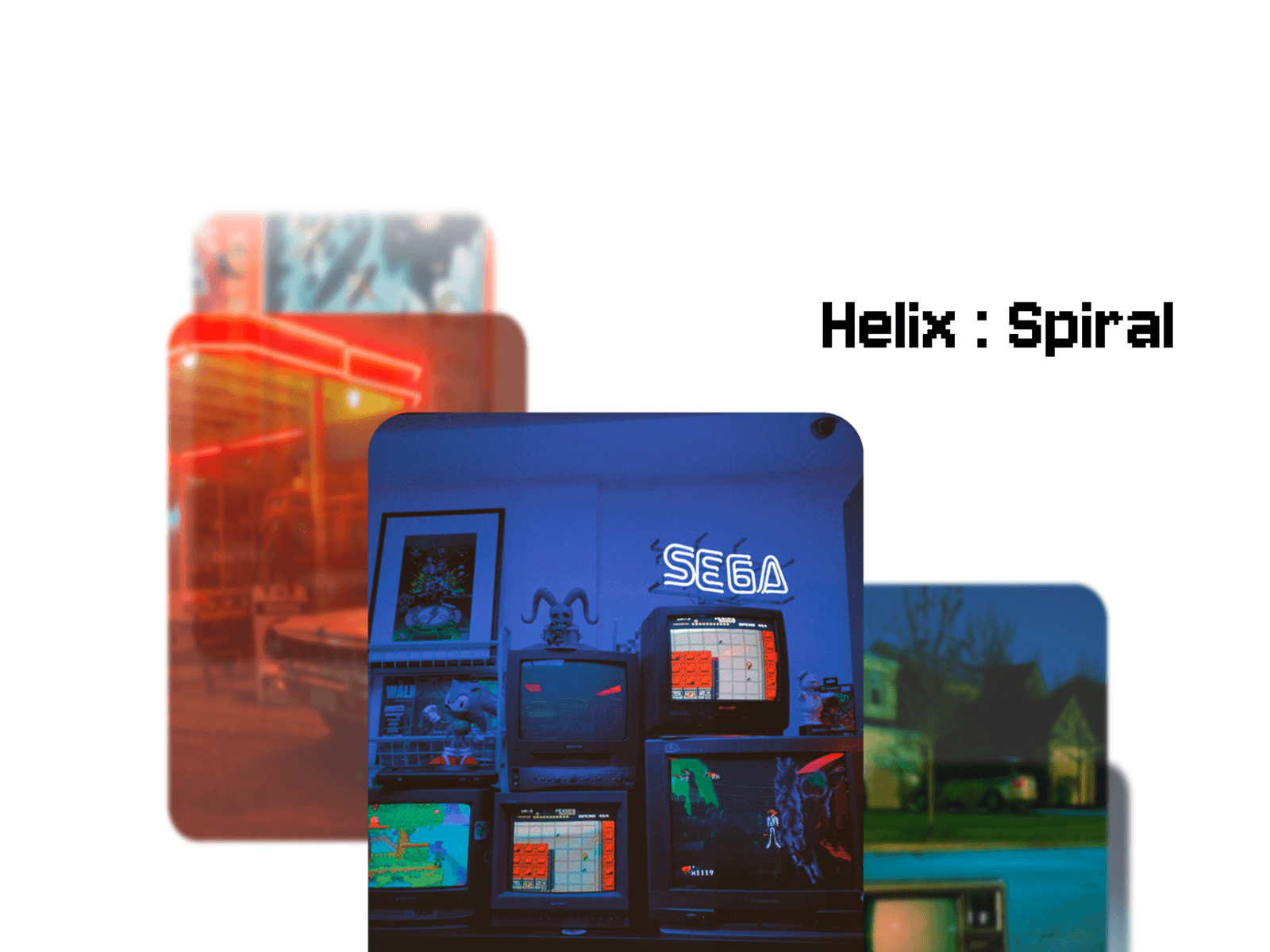
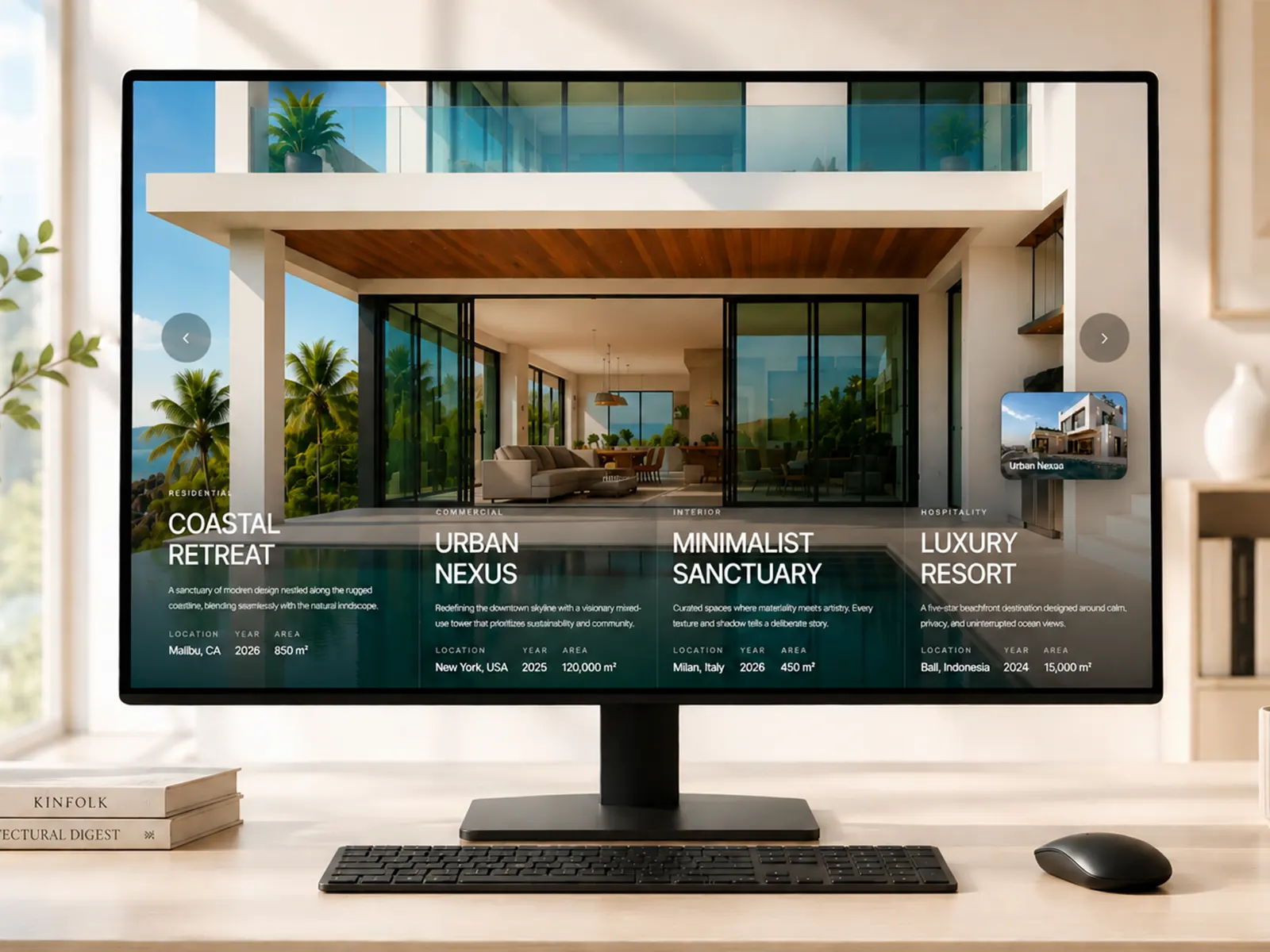
Transform static layouts into interactive experiences. Let your visitors drag, explore, and discover your content.
Overview
A drag-to-resize panel component that turns passive viewers into active explorers. Create 2 or 3 panel layouts where visitors control the split — perfect for comparisons, portfolios, and feature showcases that demand attention.
Features
Drag-to-resize panels with smooth, responsive interactions
2 or 3 panel configurations
Horizontal and vertical layout directions
Nested panel support for complex layouts
Image, video, and component support per panel
Text overlays with optional mask/knockout effect
Customizable gap, border radius, and colors
Auto-hide panels when dragged to edge
Video autoplay, loop, and mute controls
Works on desktop (mouse interactions)
Use Cases
Before/after comparisons
Portfolio and case study showcases
Feature and product comparisons
Interactive dashboards
Pricing tier breakdowns
Image galleries with captions
Video presentations
Customization
All settings available directly in Framer's UI — no code required. Adjust panel sizes, colors, content types, text positioning, and more from the properties panel.

Transform static layouts into interactive experiences. Let your visitors drag, explore, and discover your content.
Overview
A drag-to-resize panel component that turns passive viewers into active explorers. Create 2 or 3 panel layouts where visitors control the split — perfect for comparisons, portfolios, and feature showcases that demand attention.
Features
Drag-to-resize panels with smooth, responsive interactions
2 or 3 panel configurations
Horizontal and vertical layout directions
Nested panel support for complex layouts
Image, video, and component support per panel
Text overlays with optional mask/knockout effect
Customizable gap, border radius, and colors
Auto-hide panels when dragged to edge
Video autoplay, loop, and mute controls
Works on desktop (mouse interactions)
Use Cases
Before/after comparisons
Portfolio and case study showcases
Feature and product comparisons
Interactive dashboards
Pricing tier breakdowns
Image galleries with captions
Video presentations
Customization
All settings available directly in Framer's UI — no code required. Adjust panel sizes, colors, content types, text positioning, and more from the properties panel.