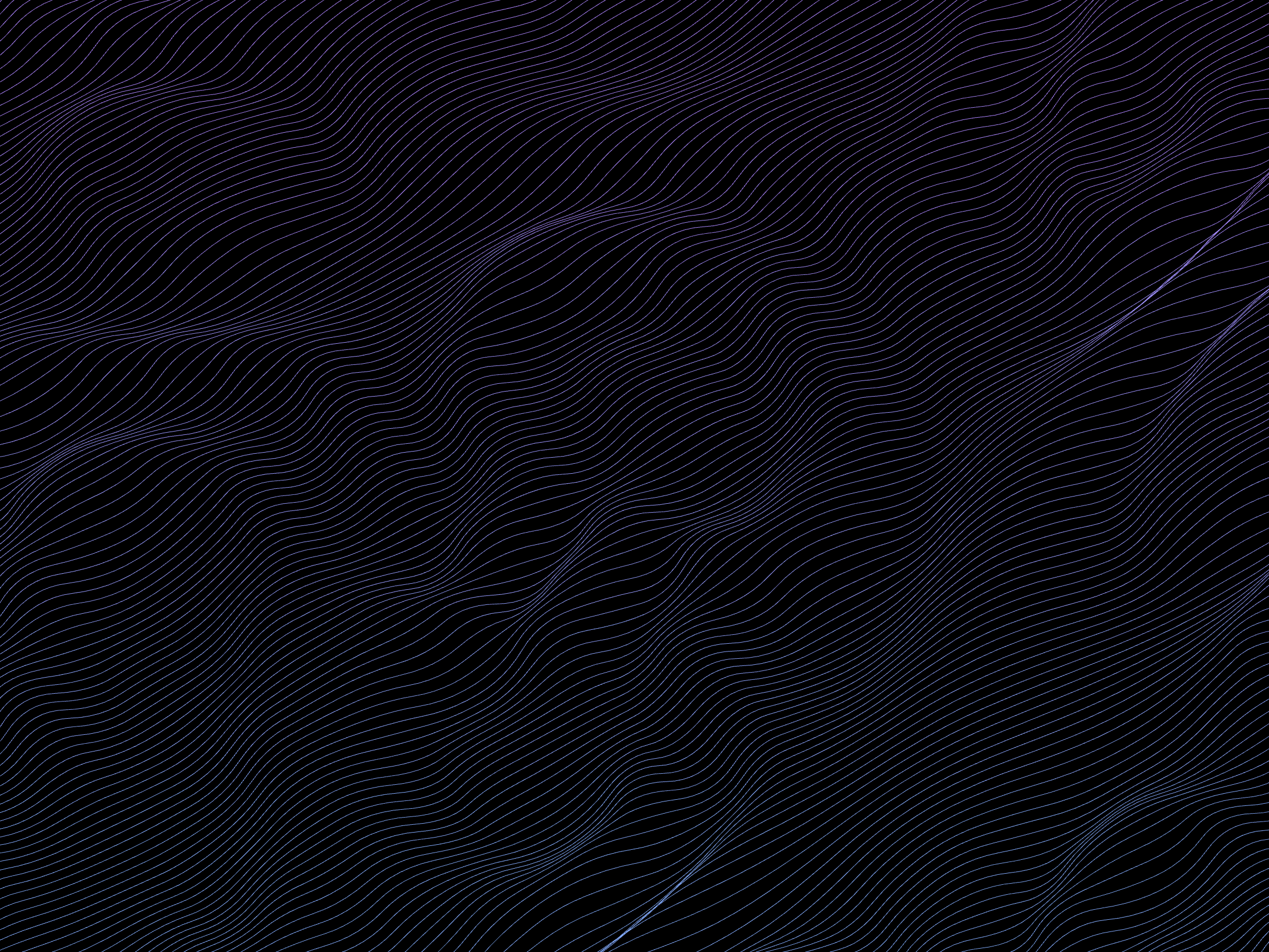
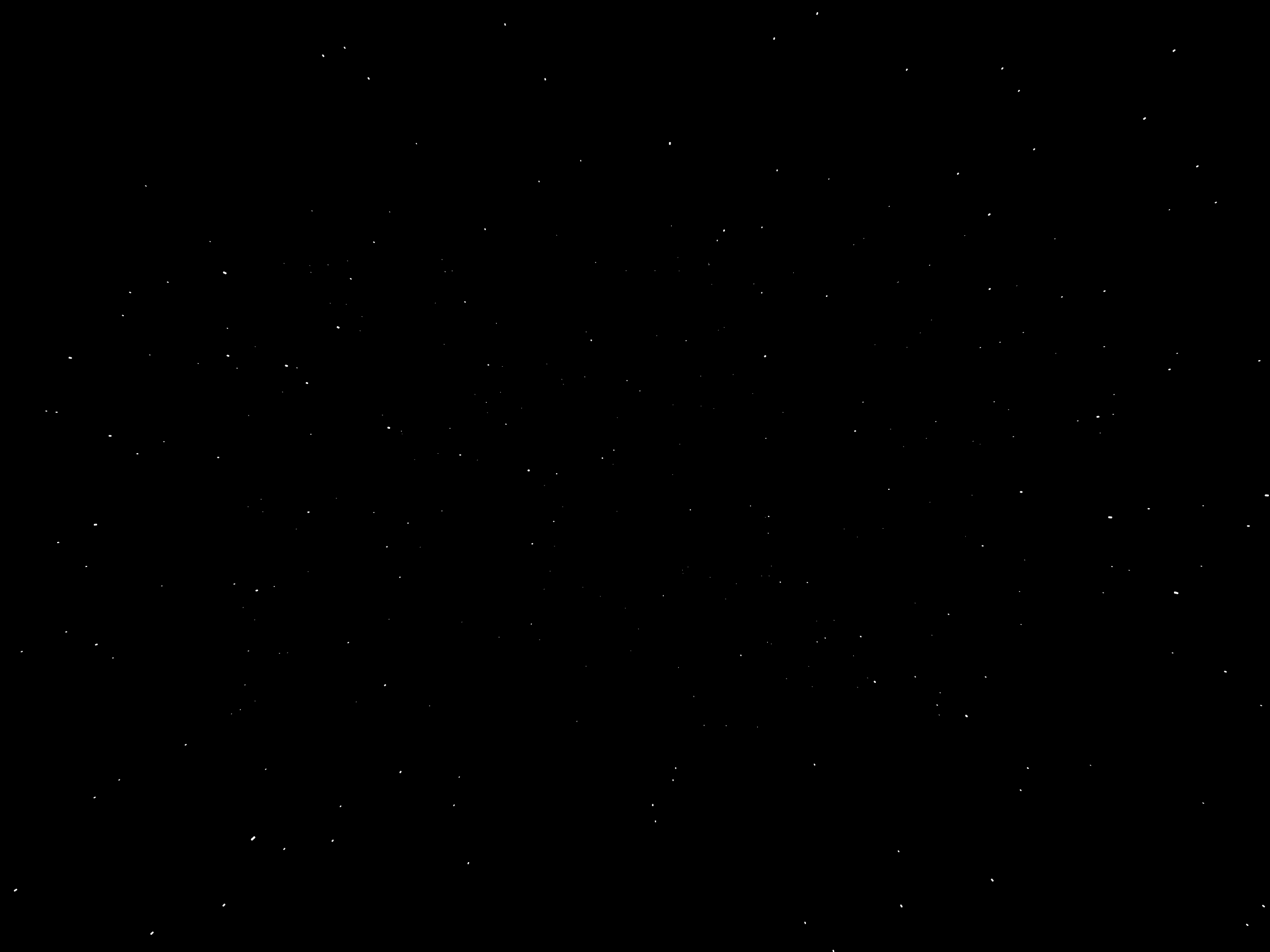
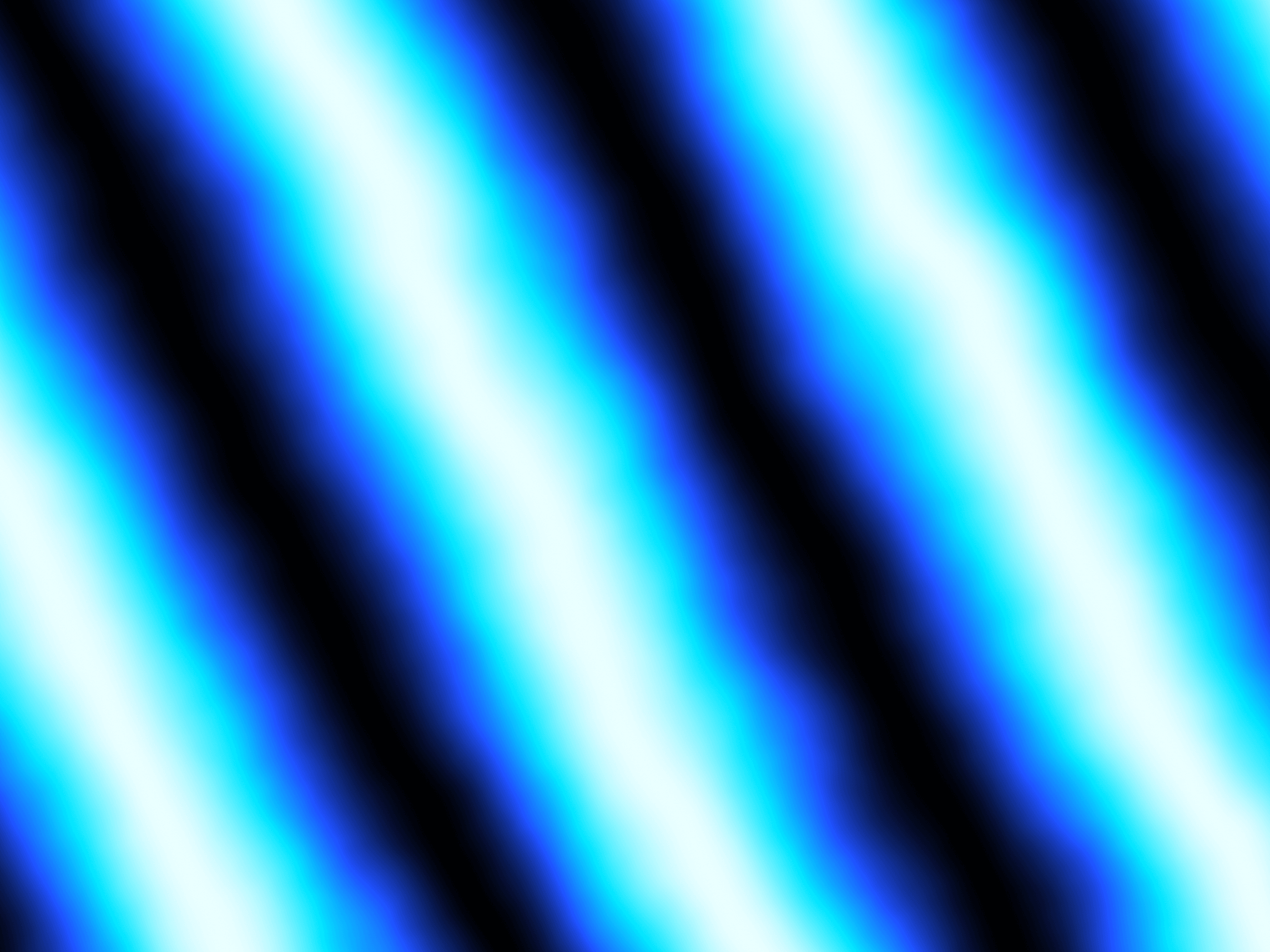
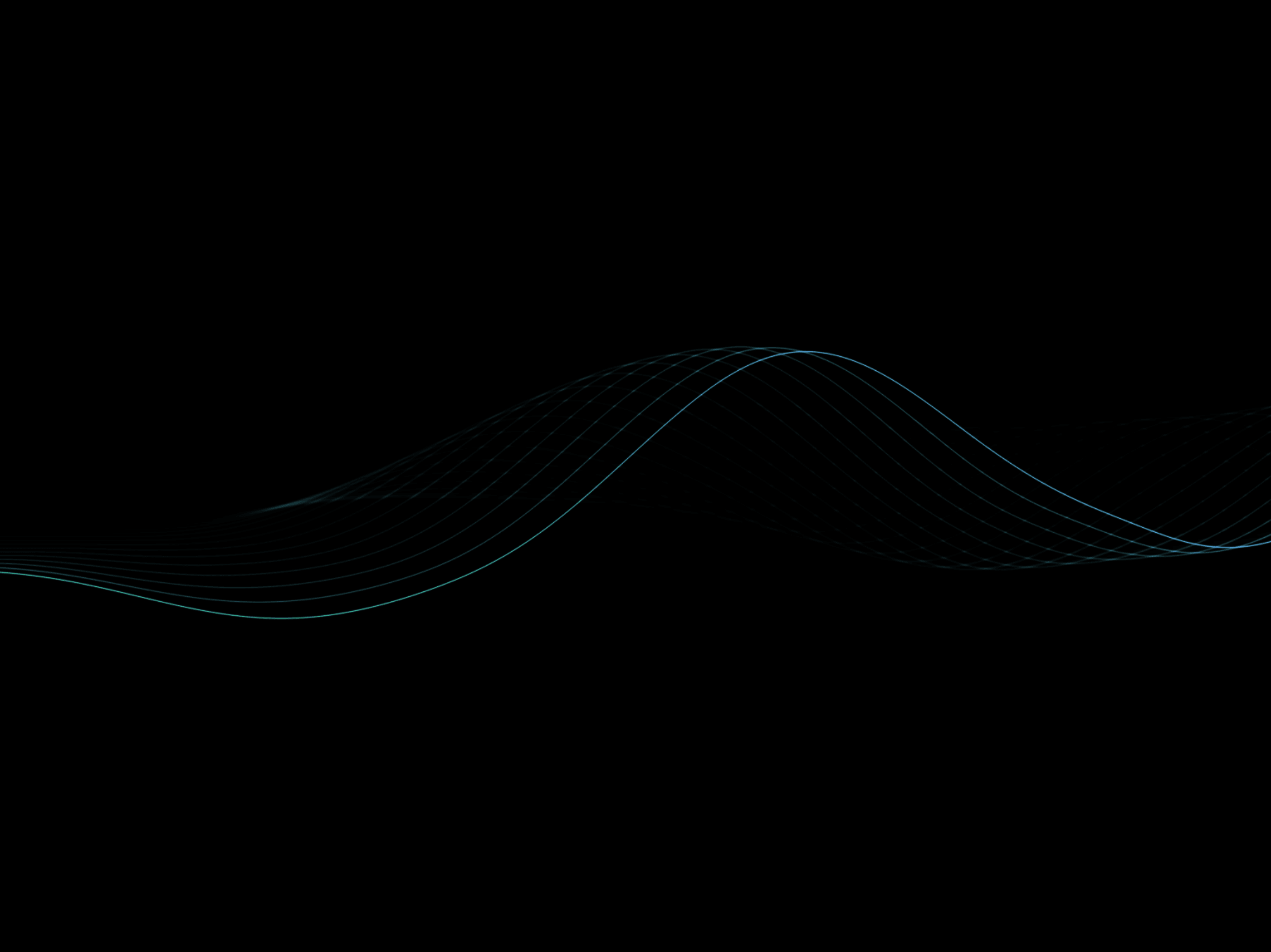
It reacts to the cursor (the vanishing point follows your pointer), bursts forward on click, and can even run its flow in reverse to pull viewers into the screen instead of pushing out. Lightweight & dependency-free. Handwritten raw WebGL shader, no external libraries. A single fullscreen draw call, capped pixel ratio, and it automatically pauses when scrolled off-screen, so it stays smooth and battery-friendly.
How to use
Drag Warp Speed Lines onto the canvas (or into any frame).
Set it to fill its container — use 100% width/height or place it as a full-bleed background layer.
Pick a Palette (or go Custom with your own 4 color stops) and dial in Speed, Streak, Density, and Core Fill to taste.
Toggle Direction to flow Outward or Inward, and leave Pointer / Click Warp on for interactivity.
That's it — it runs live in the canvas and on your published site.
Features
6 ready-made palettes — Hyper Blue, Warp, Inferno, Emerald, Gold, Mono — plus a Custom mode with four color stops (Core / Mid / Edge / Accent).
Reversible flow — switch Direction between Outward (lightspeed jump) and Inward (warp dive); the motion-blur trail flips with it.
Pointer interaction — the vanishing point follows the cursor, with adjustable Pointer Force.
Click Warp — a momentary speed burst on click, with eased decay.
Cinematic controls — Streak (motion-blur trail), Twist (spiral curvature), Center Glow, Vignette, and Core Fill to close the empty center.
Full look control — Speed, Density, Zoom, Gain, Threshold, Contrast, and Brightness.
Performance-aware — raw WebGL, pixel-ratio capped at 2x, and auto-pauses off-screen.
Static-render safe — shows a clean frozen frame in thumbnails and exports.
Responsive — fills any container and adapts on resize.
Refund Policy
Due to the nature of digital products, all sales are final. Once purchased, this template is non-refundable. Please make sure it fits your needs before completing the checkout. Support: hi@alicorak.com

It reacts to the cursor (the vanishing point follows your pointer), bursts forward on click, and can even run its flow in reverse to pull viewers into the screen instead of pushing out. Lightweight & dependency-free. Handwritten raw WebGL shader, no external libraries. A single fullscreen draw call, capped pixel ratio, and it automatically pauses when scrolled off-screen, so it stays smooth and battery-friendly.
How to use
Drag Warp Speed Lines onto the canvas (or into any frame).
Set it to fill its container — use 100% width/height or place it as a full-bleed background layer.
Pick a Palette (or go Custom with your own 4 color stops) and dial in Speed, Streak, Density, and Core Fill to taste.
Toggle Direction to flow Outward or Inward, and leave Pointer / Click Warp on for interactivity.
That's it — it runs live in the canvas and on your published site.
Features
6 ready-made palettes — Hyper Blue, Warp, Inferno, Emerald, Gold, Mono — plus a Custom mode with four color stops (Core / Mid / Edge / Accent).
Reversible flow — switch Direction between Outward (lightspeed jump) and Inward (warp dive); the motion-blur trail flips with it.
Pointer interaction — the vanishing point follows the cursor, with adjustable Pointer Force.
Click Warp — a momentary speed burst on click, with eased decay.
Cinematic controls — Streak (motion-blur trail), Twist (spiral curvature), Center Glow, Vignette, and Core Fill to close the empty center.
Full look control — Speed, Density, Zoom, Gain, Threshold, Contrast, and Brightness.
Performance-aware — raw WebGL, pixel-ratio capped at 2x, and auto-pauses off-screen.
Static-render safe — shows a clean frozen frame in thumbnails and exports.
Responsive — fills any container and adapts on resize.
Refund Policy
Due to the nature of digital products, all sales are final. Once purchased, this template is non-refundable. Please make sure it fits your needs before completing the checkout. Support: hi@alicorak.com