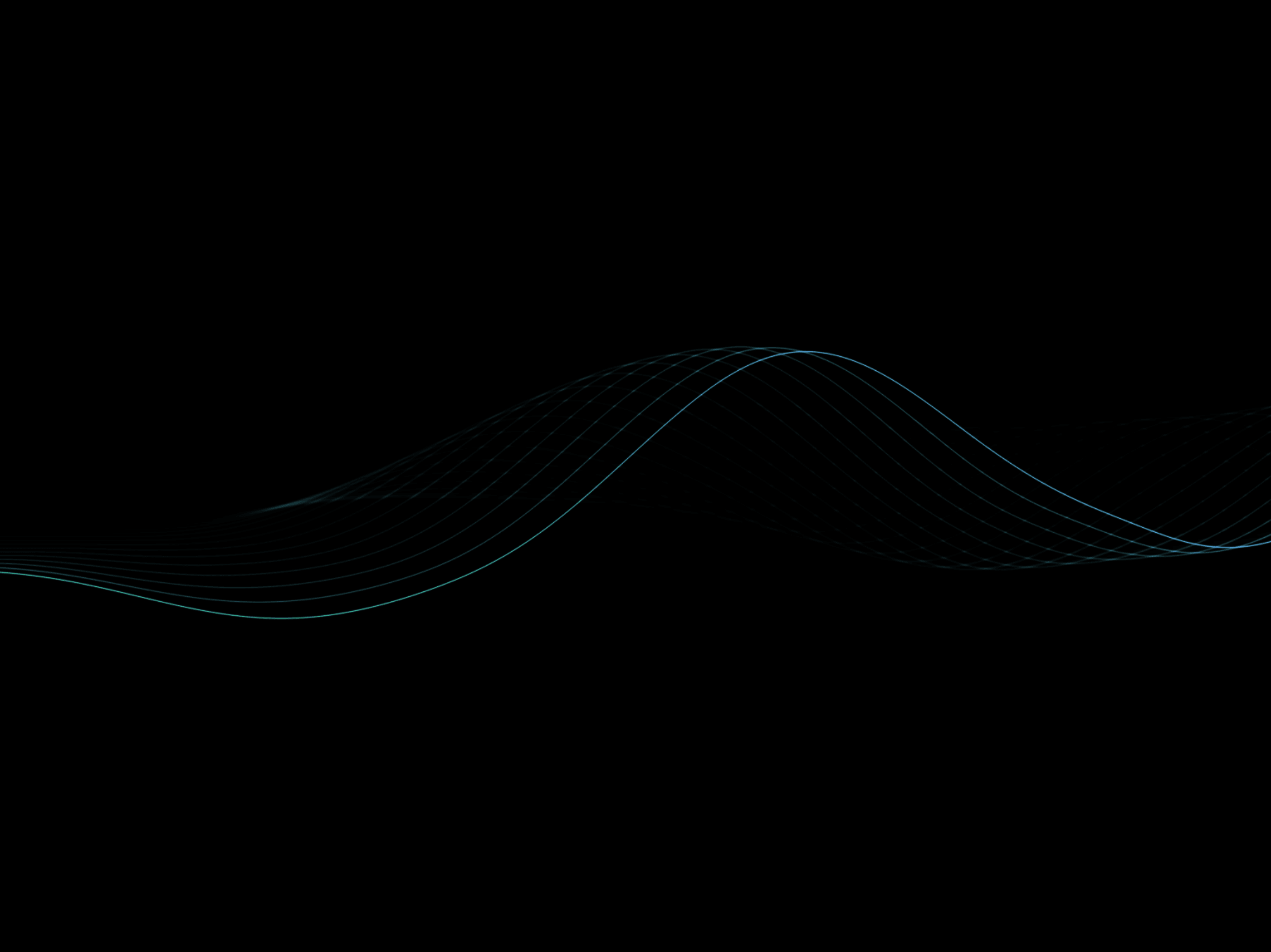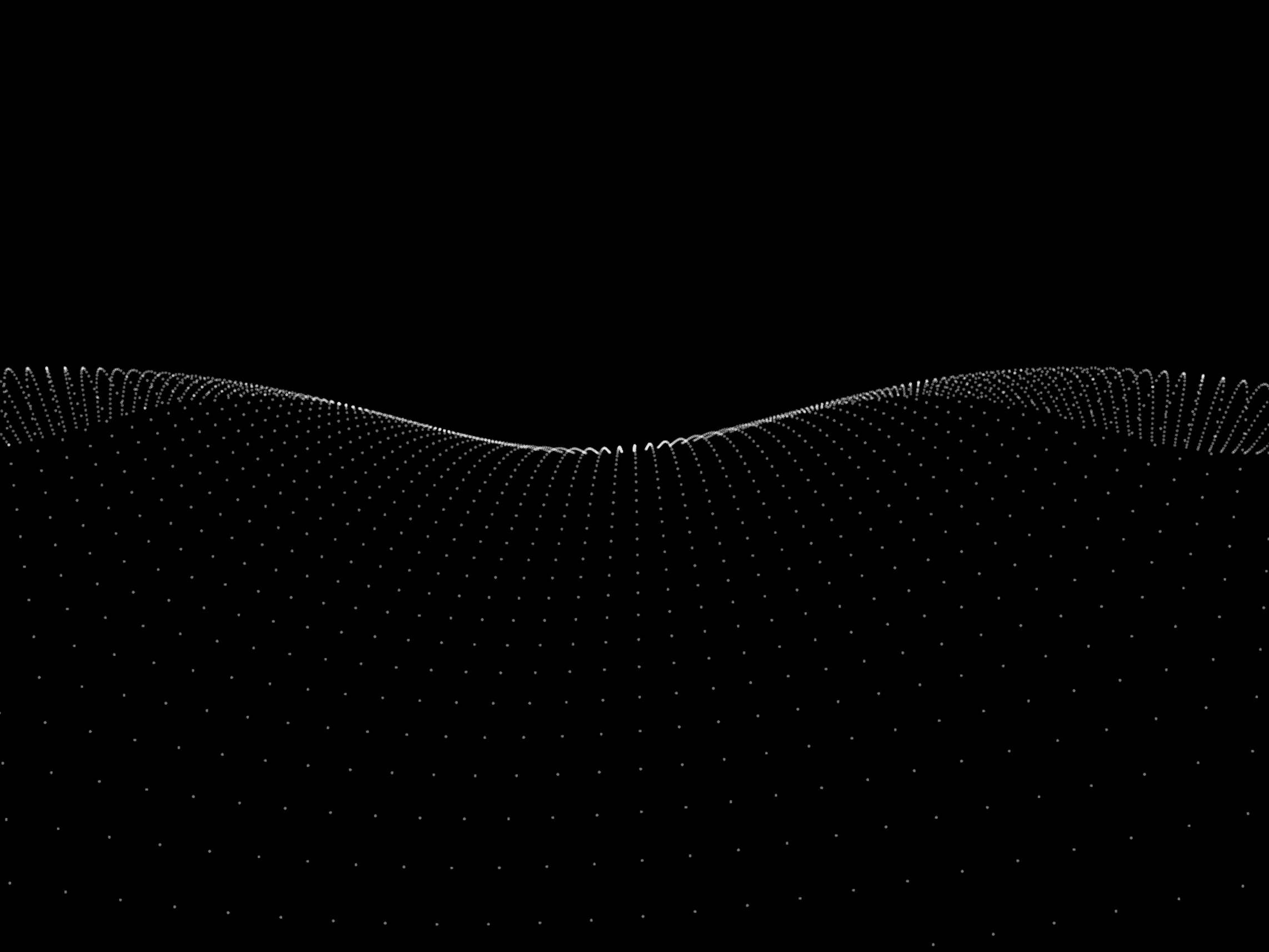
Bring your layouts to life with an animated field of flowing particles driven by dynamic wave simulations. Wave Animation combines pixel-based rendering, customizable wave patterns, gradients, and interactive effects to create immersive backgrounds that range from subtle ambient motion to expressive visual experiences.
Choose from built-in presets or create your own animation by adjusting wave behavior, particle styling, perspective, and motion.
How to use
Drop the component into your layout and resize it to cover the desired area. Choose one of the built-in styles or switch to Custom mode for complete control over the animation.
Customize the wave using controls for speed, frequency, amplitude, particle density, gradients, glow, perspective, and motion. Enable optional cursor trails and color shifting to create a more interactive experience, then fine-tune rendering quality and performance settings directly from the properties panel.
Features
Animated pixel-based wave background
Multiple built-in presets
Fully customizable wave behavior
Adjustable particle density and size
Round and square particle styles
Custom particle and background colors
Optional gradients and color shifting
Adjustable wave speed, frequency, and amplitude
Optional shimmer and glow effects
Cursor trail interaction
Adjustable perspective, tilt, and rotation
Depth fade for added dimensionality
Rendering quality controls
Respects reduced-motion preferences
Works as a section, frame, or full-page background
Responsive across desktop, tablet, and mobile
No setup or coding required
Refund Policy:
Due to the nature of digital products, all sales are final. Once purchased, this component is non-refundable. Please make sure it fits your needs before completing the checkout.
Support: hi@alicorak.com

Bring your layouts to life with an animated field of flowing particles driven by dynamic wave simulations. Wave Animation combines pixel-based rendering, customizable wave patterns, gradients, and interactive effects to create immersive backgrounds that range from subtle ambient motion to expressive visual experiences.
Choose from built-in presets or create your own animation by adjusting wave behavior, particle styling, perspective, and motion.
How to use
Drop the component into your layout and resize it to cover the desired area. Choose one of the built-in styles or switch to Custom mode for complete control over the animation.
Customize the wave using controls for speed, frequency, amplitude, particle density, gradients, glow, perspective, and motion. Enable optional cursor trails and color shifting to create a more interactive experience, then fine-tune rendering quality and performance settings directly from the properties panel.
Features
Animated pixel-based wave background
Multiple built-in presets
Fully customizable wave behavior
Adjustable particle density and size
Round and square particle styles
Custom particle and background colors
Optional gradients and color shifting
Adjustable wave speed, frequency, and amplitude
Optional shimmer and glow effects
Cursor trail interaction
Adjustable perspective, tilt, and rotation
Depth fade for added dimensionality
Rendering quality controls
Respects reduced-motion preferences
Works as a section, frame, or full-page background
Responsive across desktop, tablet, and mobile
No setup or coding required
Refund Policy:
Due to the nature of digital products, all sales are final. Once purchased, this component is non-refundable. Please make sure it fits your needs before completing the checkout.
Support: hi@alicorak.com