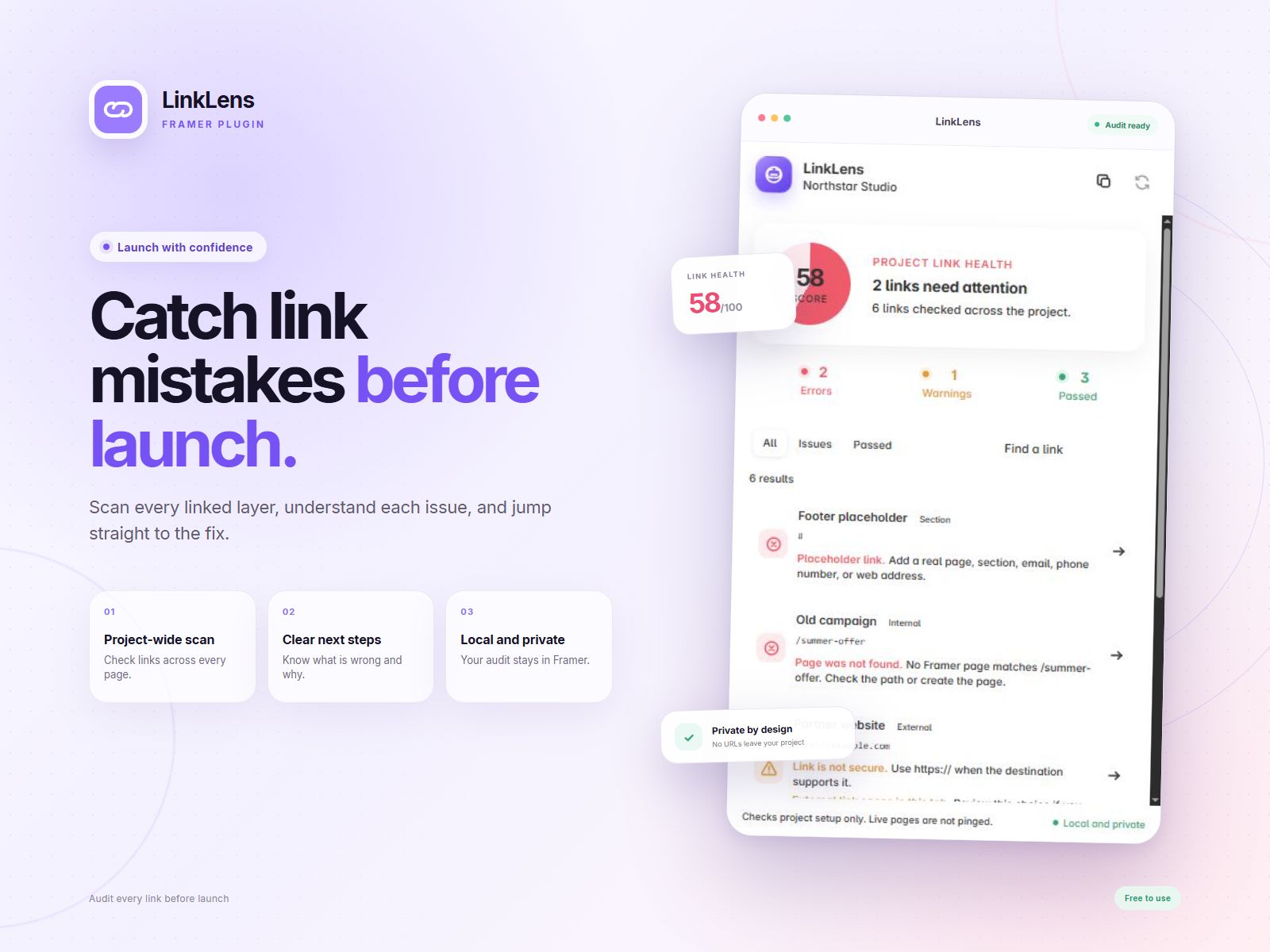
LinkLens scans linked text layers and frames across your Framer project. It finds common mistakes that can send visitors to the wrong place or make a site feel unfinished.
- Scan links across the whole project.
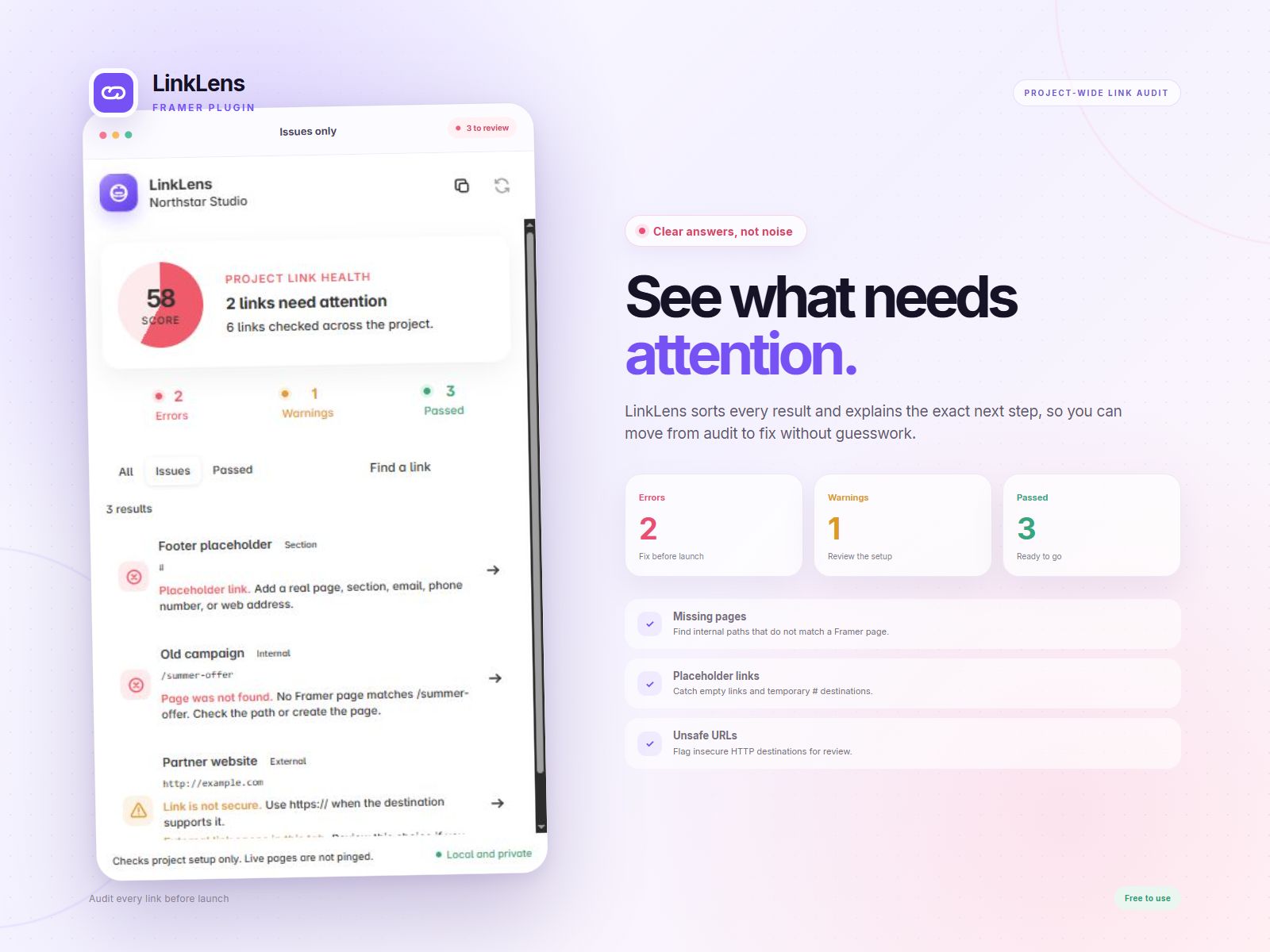
- Find placeholder links and missing internal pages.
- Check dynamic page routes such as /blog/:slug.
- Spot unsafe, insecure, or incomplete web addresses.
- Find invalid email and phone links.
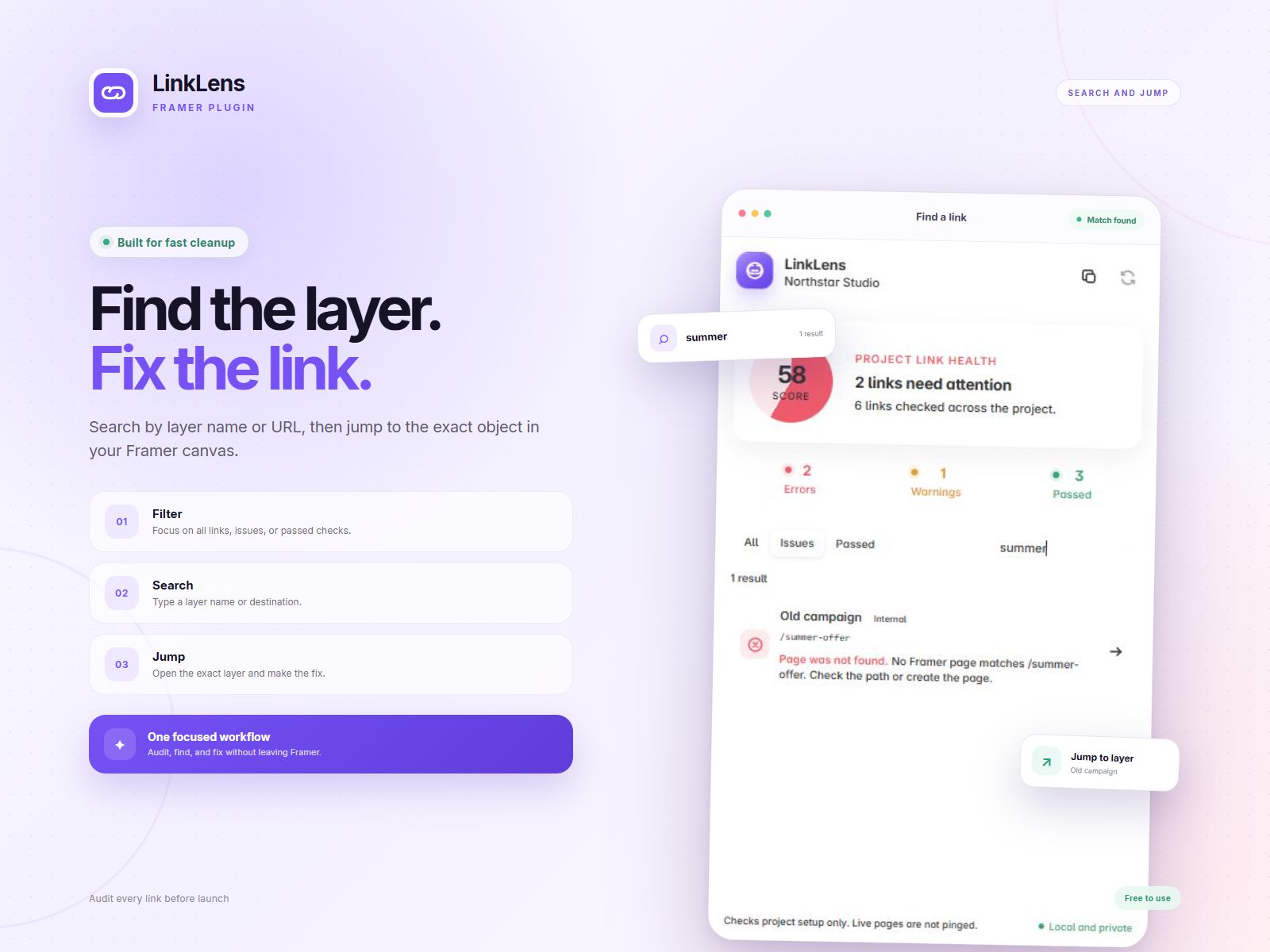
- Search and filter errors, warnings, and passed links.
- Click any result to jump to the exact layer in Framer.
- Copy a clear report for a client or teammate.
1. Open the plugin from the Framer Plugins menu.
2. Let LinkLens scan the project.
3. Open the Issues filter.
4. Click a result to show its layer in Framer.
5. Fix the link and scan again.
LinkLens works locally inside Framer. It does not send project data to a server. It checks how links are set up and does not test whether external websites are online.
Need help? Leave a comment on the Marketplace listing

LinkLens scans linked text layers and frames across your Framer project. It finds common mistakes that can send visitors to the wrong place or make a site feel unfinished.
- Scan links across the whole project.
- Find placeholder links and missing internal pages.
- Check dynamic page routes such as /blog/:slug.
- Spot unsafe, insecure, or incomplete web addresses.
- Find invalid email and phone links.
- Search and filter errors, warnings, and passed links.
- Click any result to jump to the exact layer in Framer.
- Copy a clear report for a client or teammate.
1. Open the plugin from the Framer Plugins menu.
2. Let LinkLens scan the project.
3. Open the Issues filter.
4. Click a result to show its layer in Framer.
5. Fix the link and scan again.
LinkLens works locally inside Framer. It does not send project data to a server. It checks how links are set up and does not test whether external websites are online.
Need help? Leave a comment on the Marketplace listing