Cookie Consent Hub adds a clean, customizable cookie consent banner to your published
Framer site and records your visitors' choices — so you can respect GDPR, CCPA, and similar
rules without writing any code.
How it works
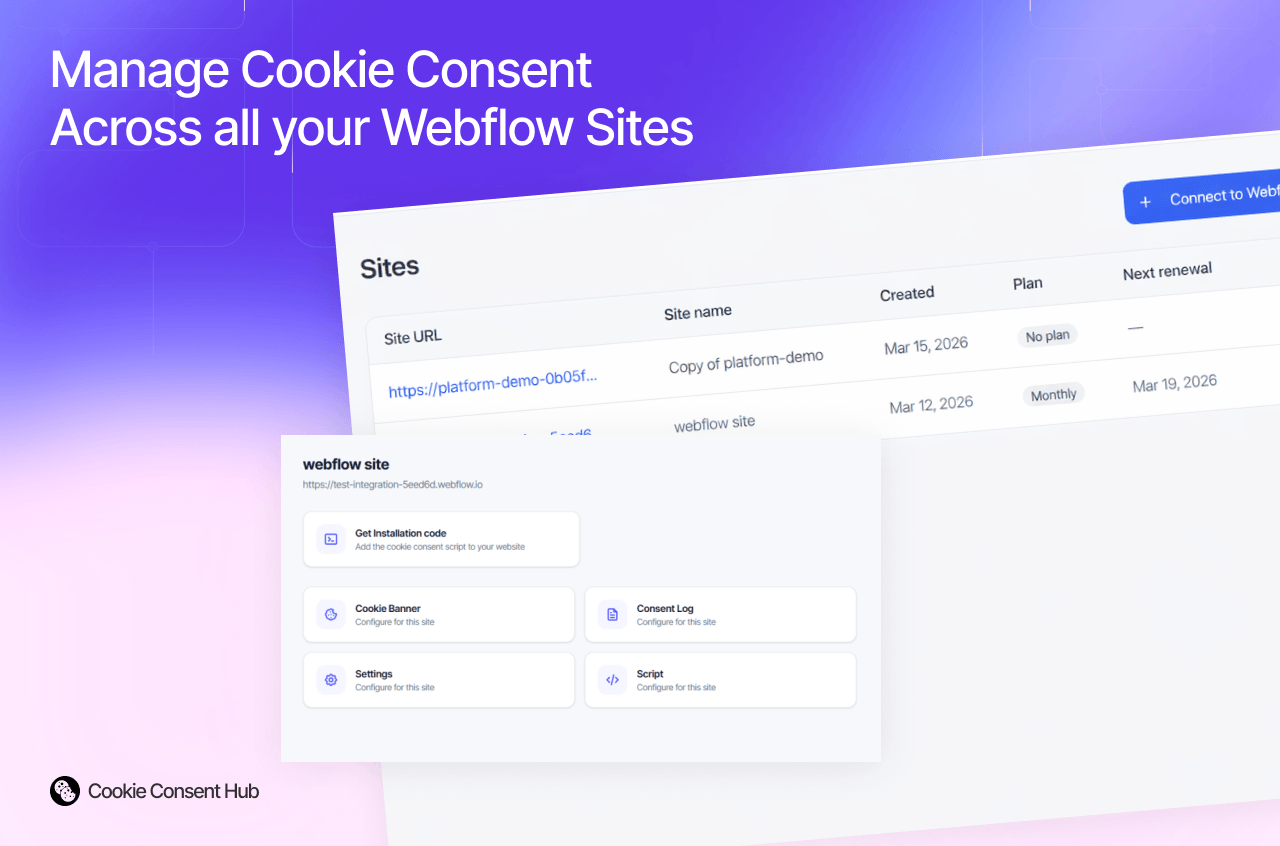
1. In the [Cookie Consent Hub dashboard](https://cookieconsenthub.com), add your Framer site
and choose a plan.
2. On the site's Integrations tab, generate an API key cch_live_…).
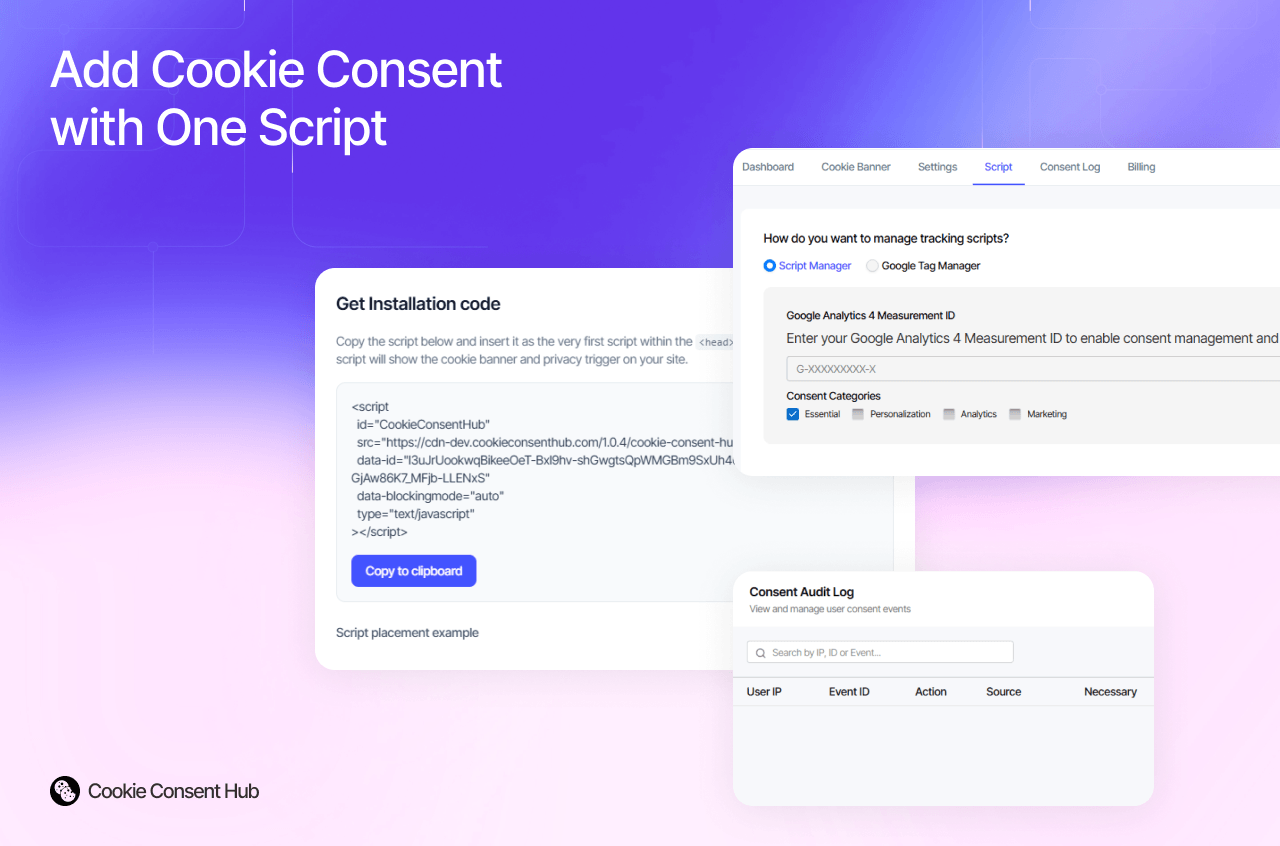
3. Open this plugin in Framer, paste the API key, and click Connect — the plugin adds the
consent script to your site automatically (no manual code, no snippet to paste).
4. Publish your Framer site. Your banner goes live on your published URL.
What you get
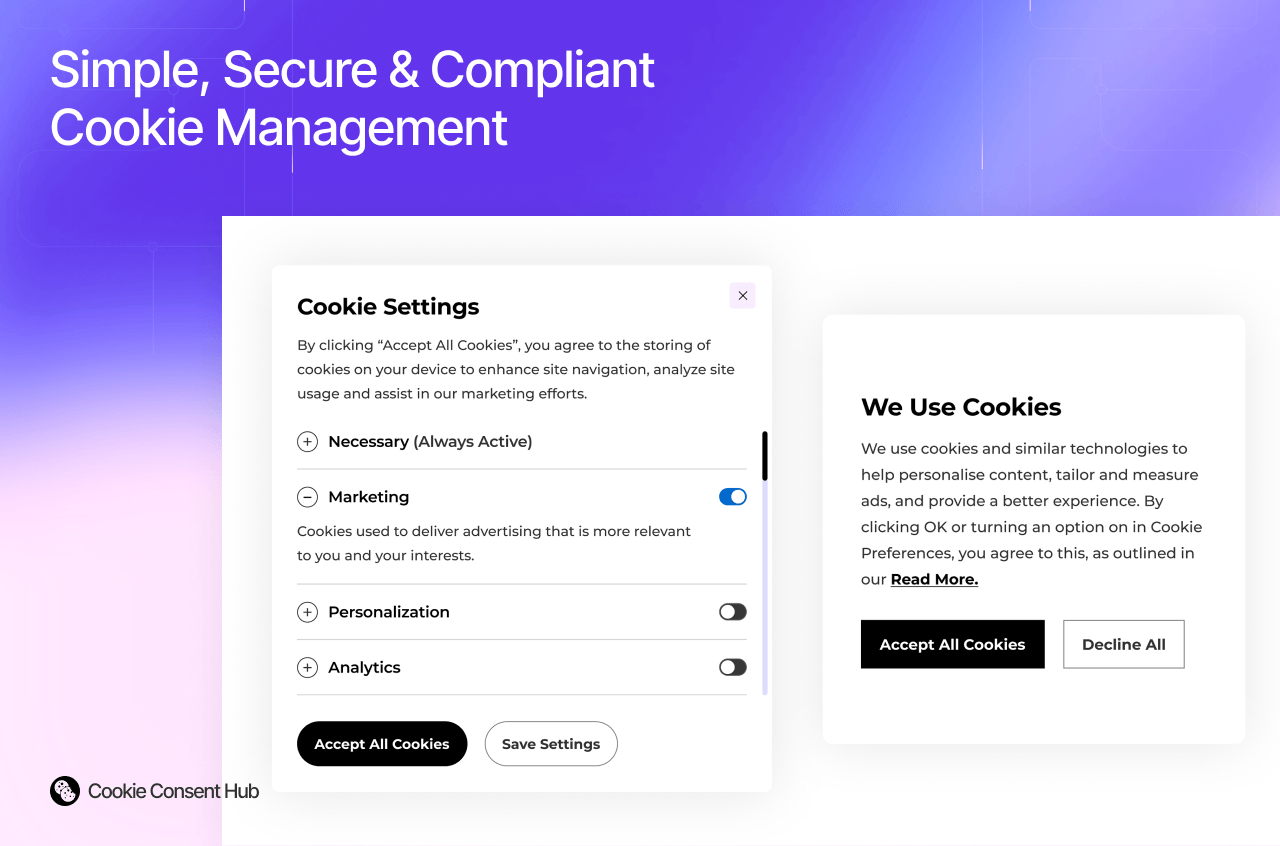
- A friendly banner with clear choices: accept all, reject non‑essential, or fine‑tune by
category (essential, analytics, marketing, personalization).
- A record of consent (accept / reject / customized) you can review in the dashboard.
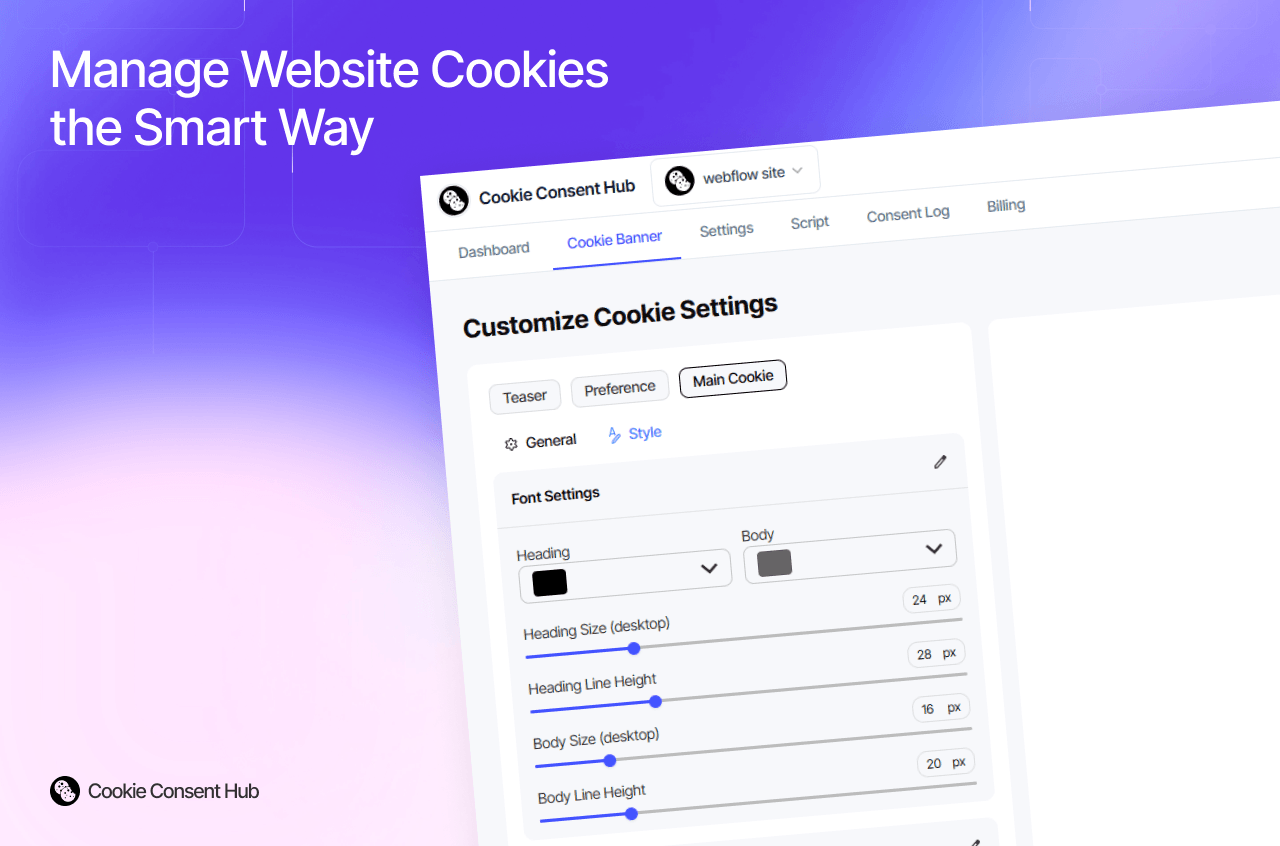
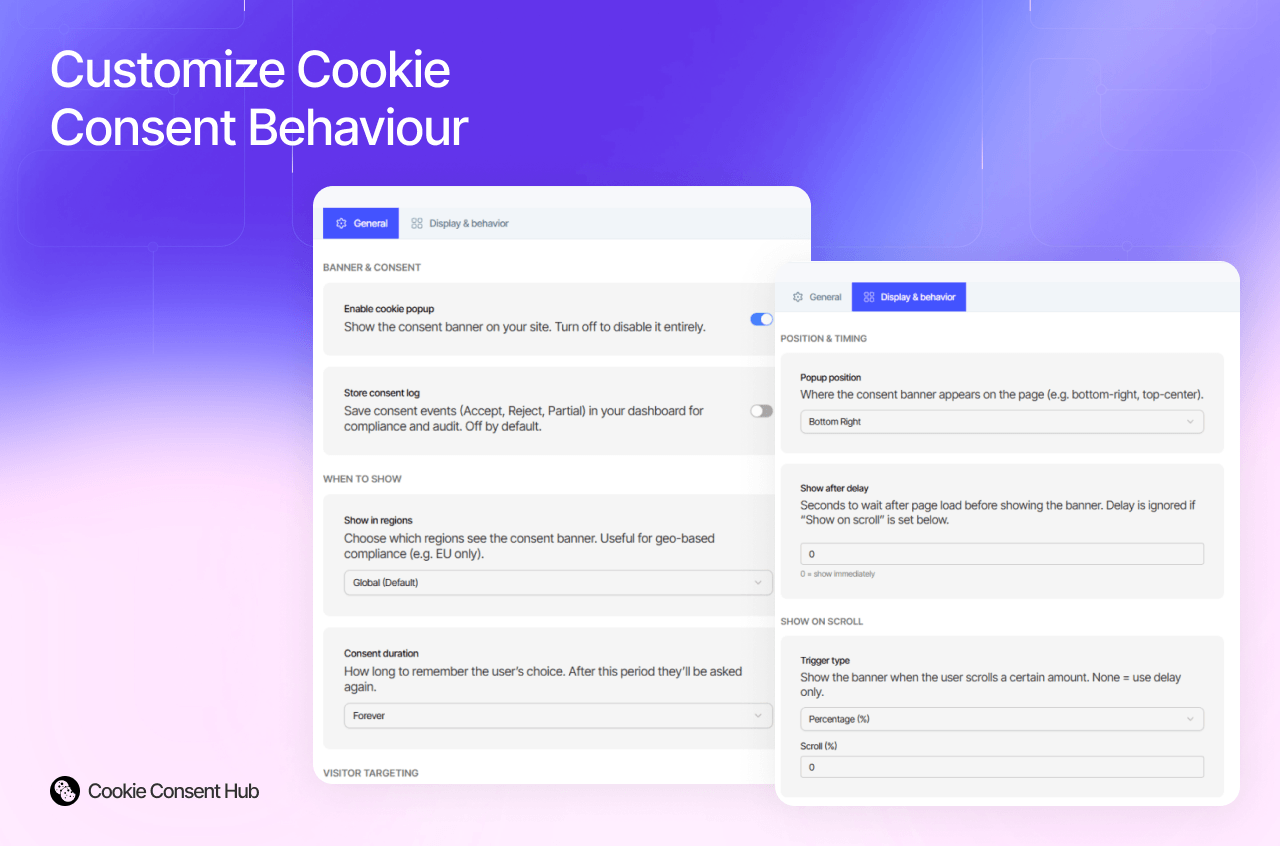
- Appearance, categories, regions, and behavior are managed from the dashboard; a few common
settings (enable/disable, position, region, reject button) are editable right in the plugin.
- Works with Google Analytics / Google Tag Manager so your tags respect each visitor's choice.

Cookie Consent Hub adds a clean, customizable cookie consent banner to your published
Framer site and records your visitors' choices — so you can respect GDPR, CCPA, and similar
rules without writing any code.
How it works
1. In the [Cookie Consent Hub dashboard](https://cookieconsenthub.com), add your Framer site
and choose a plan.
2. On the site's Integrations tab, generate an API key cch_live_…).
3. Open this plugin in Framer, paste the API key, and click Connect — the plugin adds the
consent script to your site automatically (no manual code, no snippet to paste).
4. Publish your Framer site. Your banner goes live on your published URL.
What you get
- A friendly banner with clear choices: accept all, reject non‑essential, or fine‑tune by
category (essential, analytics, marketing, personalization).
- A record of consent (accept / reject / customized) you can review in the dashboard.
- Appearance, categories, regions, and behavior are managed from the dashboard; a few common
settings (enable/disable, position, region, reject button) are editable right in the plugin.
- Works with Google Analytics / Google Tag Manager so your tags respect each visitor's choice.