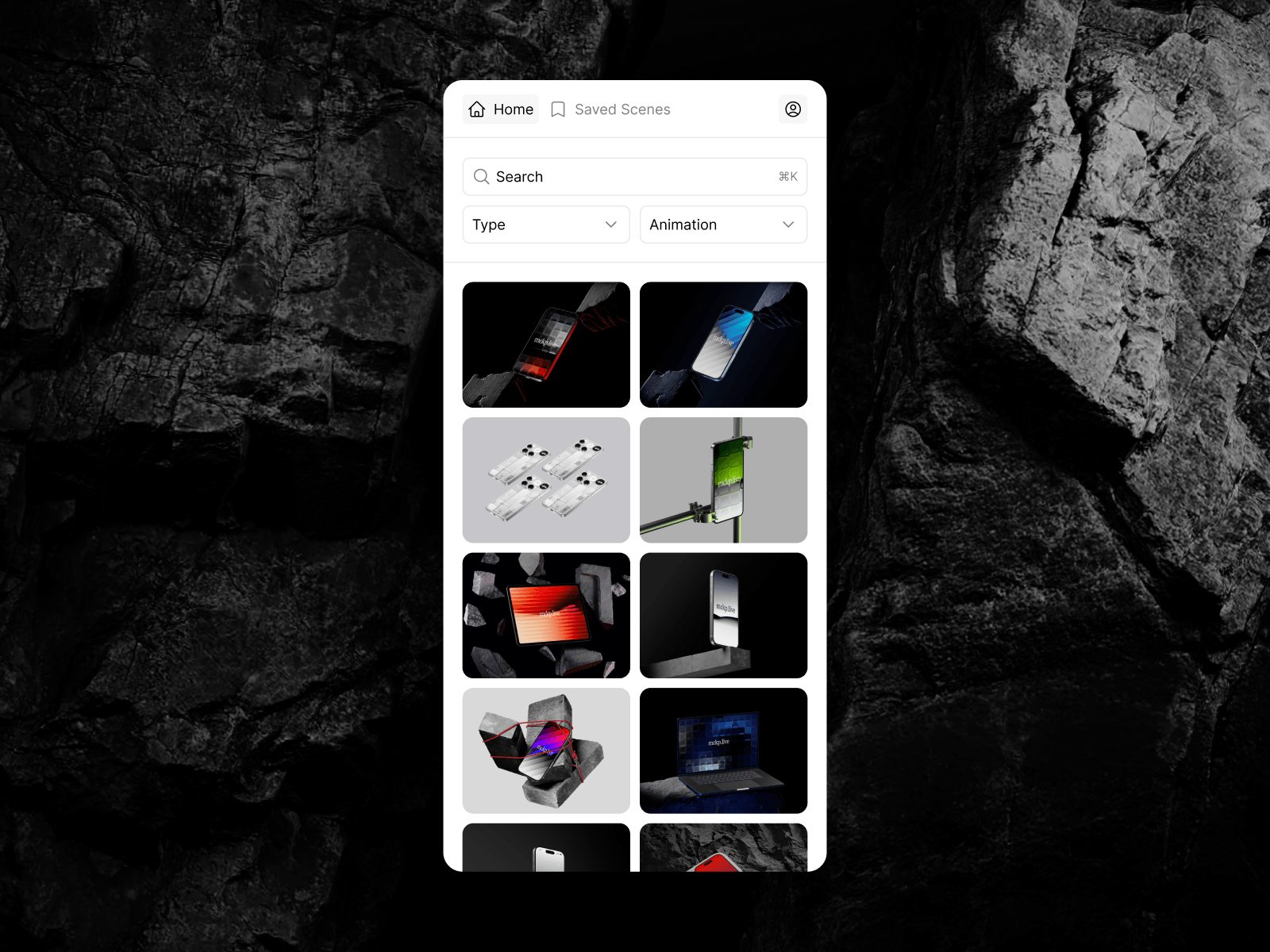
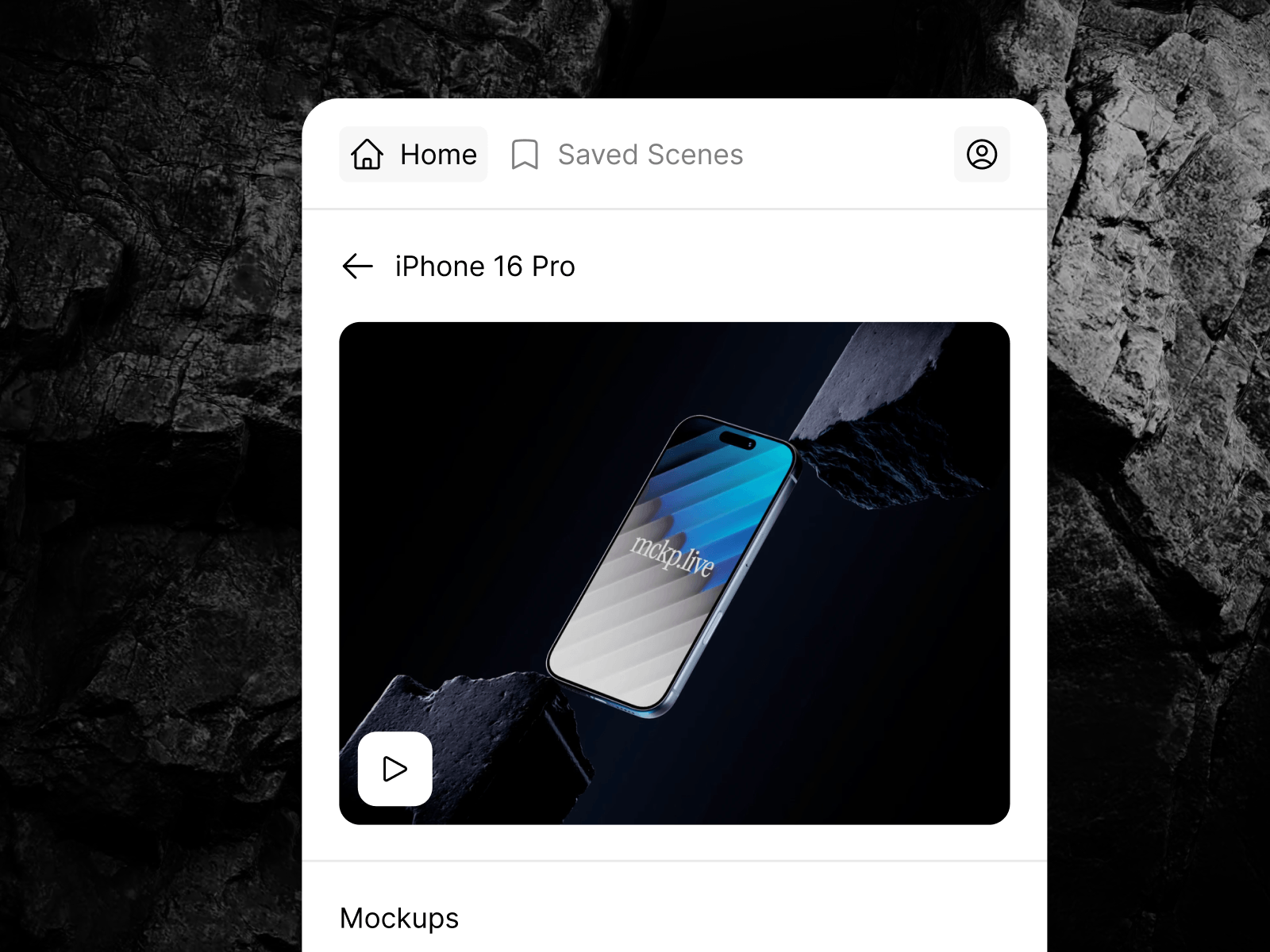
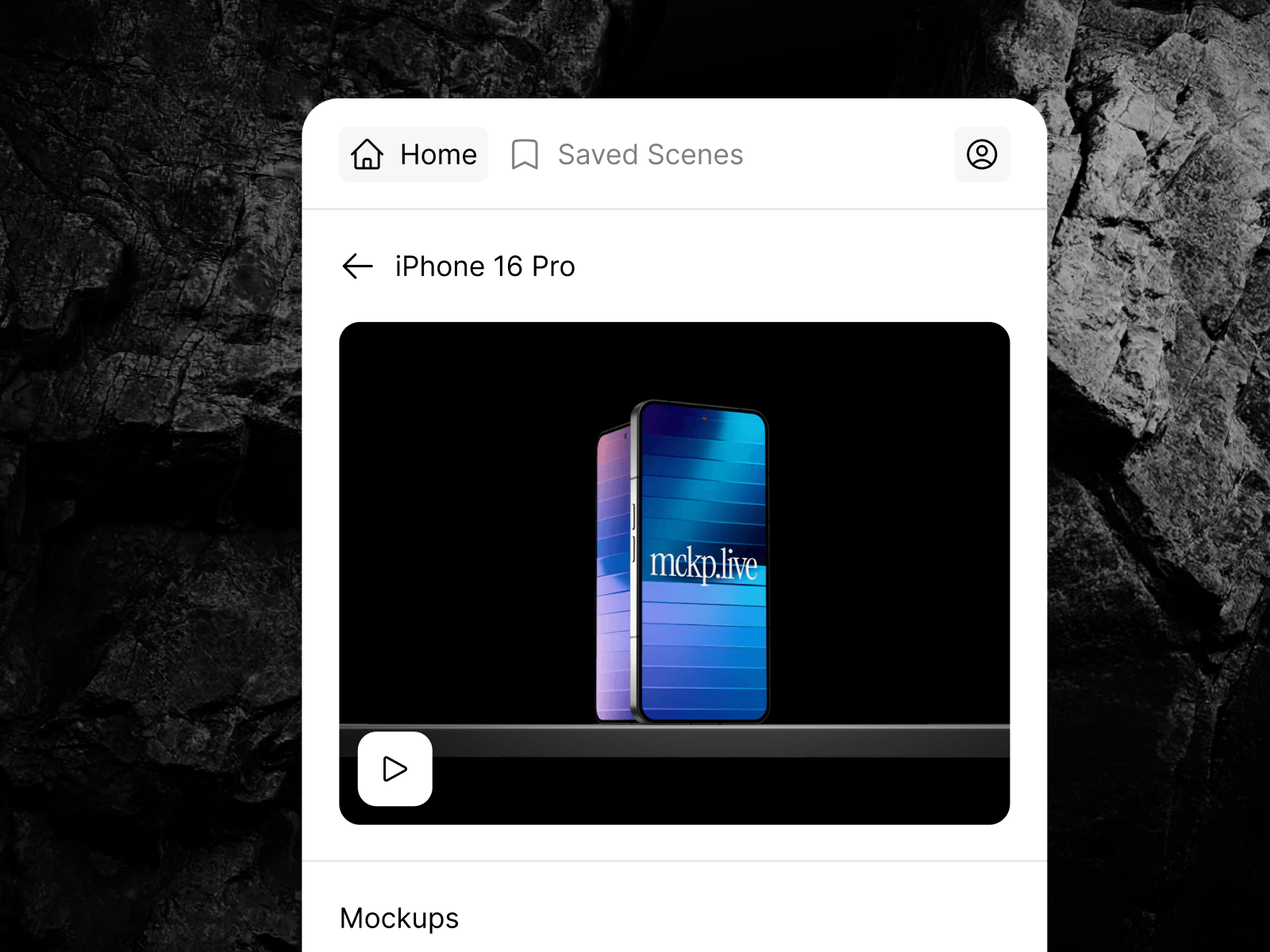
Drop live, animated 3D device mockups straight onto your Framer canvas.
Mockups that breathe. mckp.live brings interactive 3D device mockups — phones, laptops, tablets and more — right into Framer, by ls.graphics.
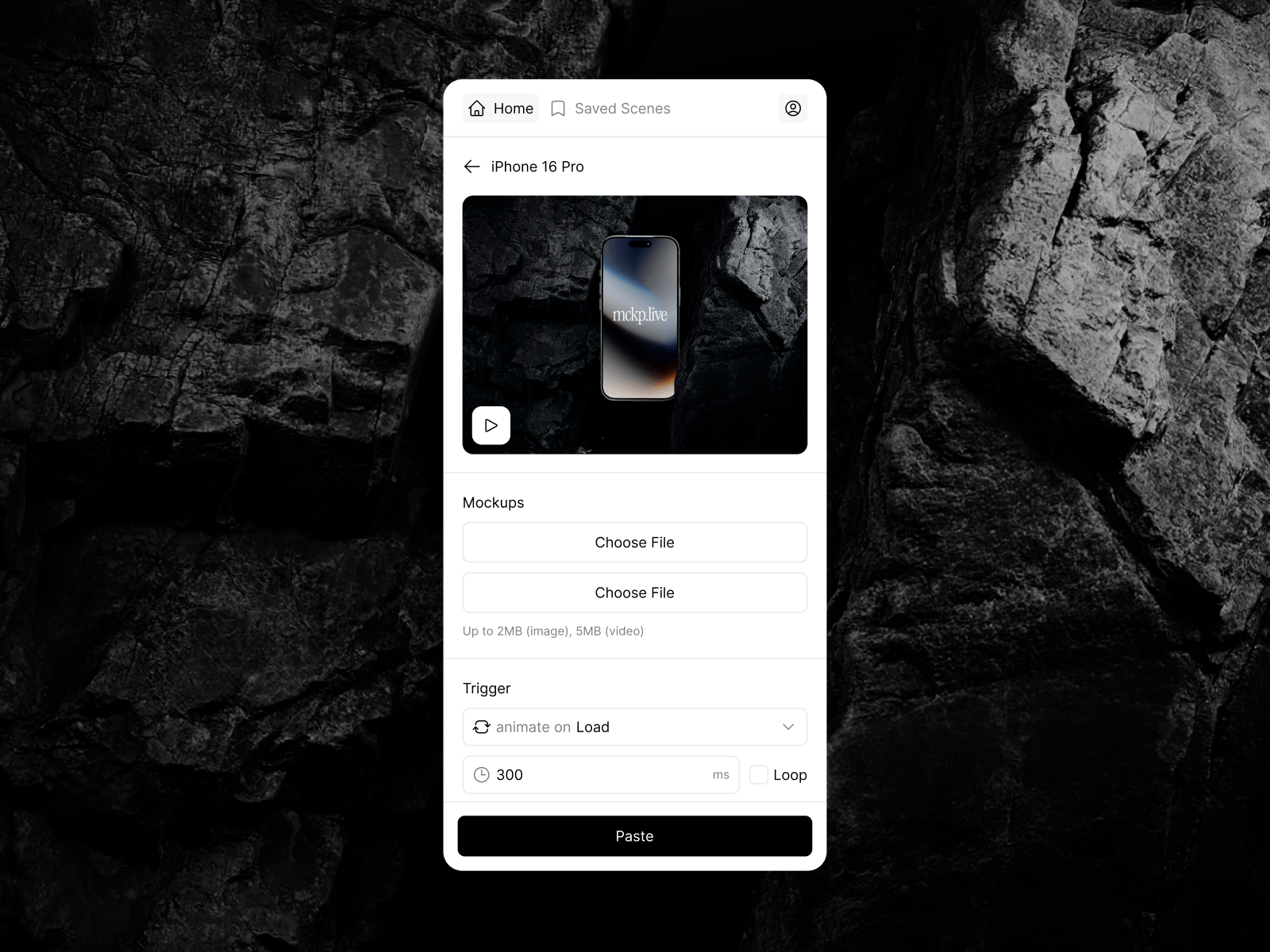
Browse the mockup library without leaving your project, drop a scene onto the canvas, and it stays fully alive on your published site: mockups can react to scroll, cursor, hover, clicks, or play on load — no plugins for your visitors, no video exports, no fake screenshots.
Features
Live 3D on your site. Insert a mockup as a lightweight component that renders real-time 3D on the published page.
Animation triggers. Scroll, hover, click, in-view, mouse-move or on-load — set the animation to fire exactly the way your layout needs.
Cursor & zoom interactions. Cursor-follow parallax, click zoom (dolly or FOV) and camera zoom, configurable per instance.
Custom backgrounds. Transparent or any color — match the mockup to your design.
Image export. Need it static? Paste any frame as a plain image.
Video export. Insert the animation as an mp4/webm video component when you want zero runtime.
Saved scenes. Reuse the setups you've already crafted in mckp.live.
How it works
Open the plugin and sign in (free to start).
Pick a mockup, customize the scene.
Paste it to the canvas — as a live component, an image, or a video.
Publish. The mockup runs live on your site.

Drop live, animated 3D device mockups straight onto your Framer canvas.
Mockups that breathe. mckp.live brings interactive 3D device mockups — phones, laptops, tablets and more — right into Framer, by ls.graphics.
Browse the mockup library without leaving your project, drop a scene onto the canvas, and it stays fully alive on your published site: mockups can react to scroll, cursor, hover, clicks, or play on load — no plugins for your visitors, no video exports, no fake screenshots.
Features
Live 3D on your site. Insert a mockup as a lightweight component that renders real-time 3D on the published page.
Animation triggers. Scroll, hover, click, in-view, mouse-move or on-load — set the animation to fire exactly the way your layout needs.
Cursor & zoom interactions. Cursor-follow parallax, click zoom (dolly or FOV) and camera zoom, configurable per instance.
Custom backgrounds. Transparent or any color — match the mockup to your design.
Image export. Need it static? Paste any frame as a plain image.
Video export. Insert the animation as an mp4/webm video component when you want zero runtime.
Saved scenes. Reuse the setups you've already crafted in mckp.live.
How it works
Open the plugin and sign in (free to start).
Pick a mockup, customize the scene.
Paste it to the canvas — as a live component, an image, or a video.
Publish. The mockup runs live on your site.
 mckp.live