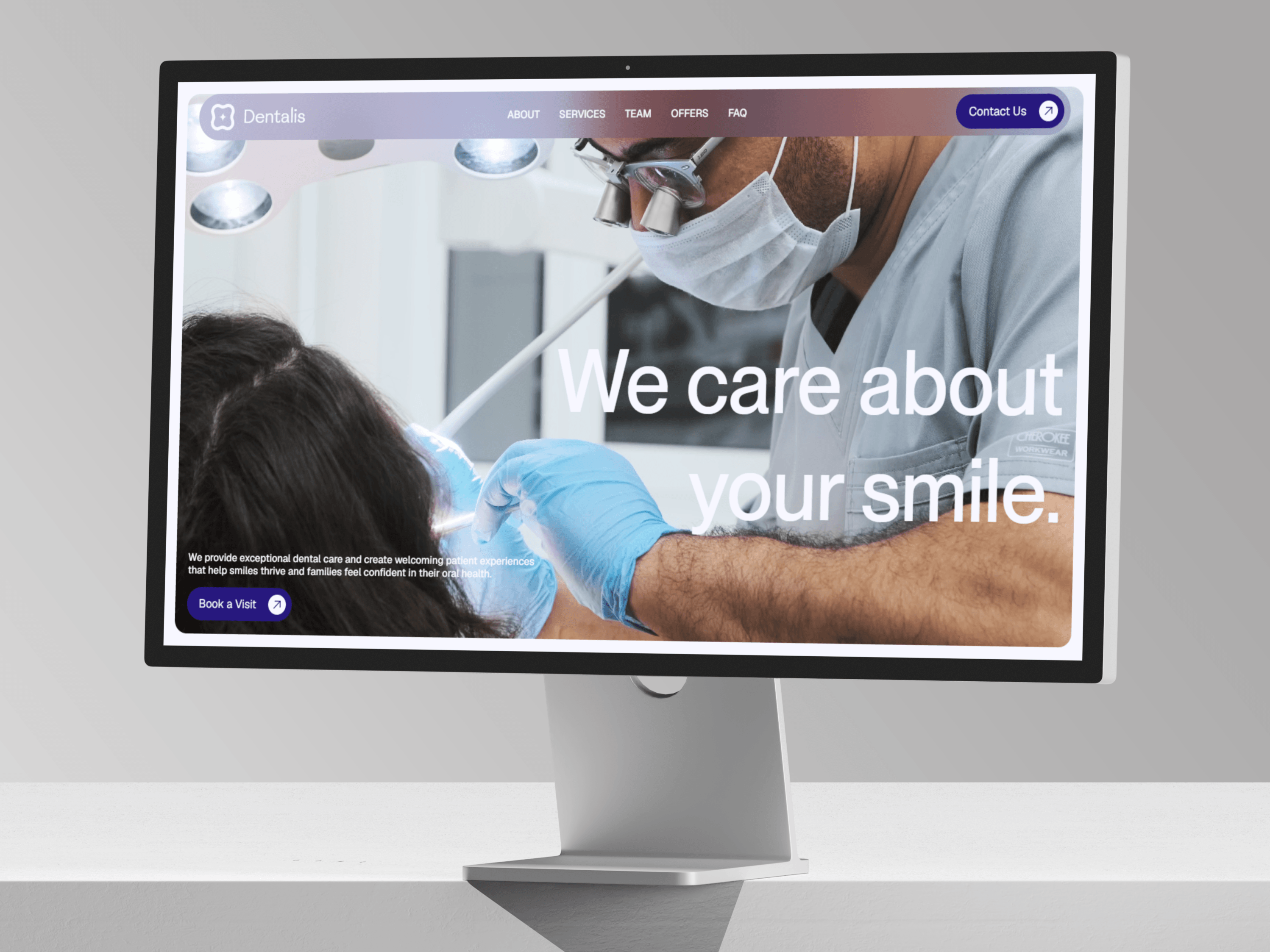
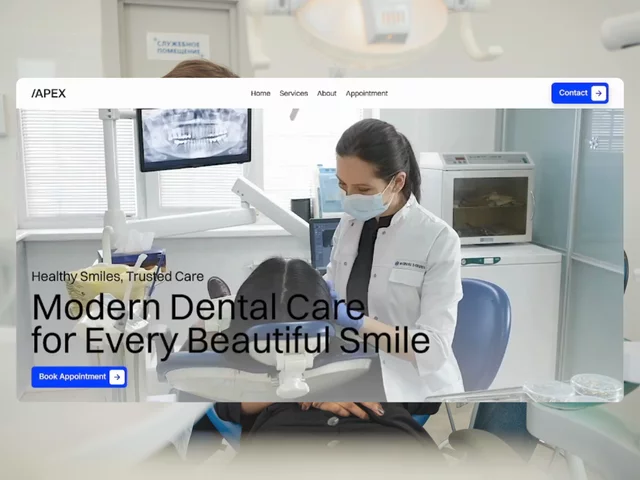
A premium landing page template for dental clinics that converts visitors into booked appointments. Includes a real, working AI chatbot powered by Google Gemini — it answers questions about services, pricing, and hours using only your info, day or night.
Calming, trust-building design built for healthcare
AI chatbot removes friction by answering instantly, reducing drop-off
Fully responsive on mobile, tablet, desktop
No backend needed — just add an API key
Full landing page (Hero, Services, About, Testimonials, FAQ, Contact, Booking CTA)
Drag-and-drop AI Chatbot component
Property panel for colors, text, and chatbot behavior — no code
Editable "Website Context" field so answers stay accurate to your clinic
Step 1: Duplicate the Template
Open it in Framer and click Duplicate to make your own copy.
Step 2: Get a Free Gemini API Key
Go to aistudio.google.com
Sign in with Google
Click Get API Key → Create API Key
Copy the key
Step 3: Add the API Key
Click the AIChatbot component
In the right panel, find Gemini API Key
Paste your key
Step 4: Add Your Clinic Info
Find the Website Context field
Paste your services, pricing, hours, FAQs, address, and phone number
More detail = better, more accurate answers
Step 5: Customize the Chatbot In the same panel, set:
Assistant Name
Welcome Message
Suggested Questions
Colors and Avatar
Window size and position
Step 6: Edit the Rest of the Page Update the hero, services, images, and contact info to match your branding.
Step 7: Test It Ask the chatbot a few real questions to make sure it answers correctly.
Step 8: Publish Publish your site. Your clinic now has a live AI assistant working 24/7.
Gemini's free tier is enough for most small clinic sites. If traffic grows, check ai.google.dev/pricing for paid limits.

A premium landing page template for dental clinics that converts visitors into booked appointments. Includes a real, working AI chatbot powered by Google Gemini — it answers questions about services, pricing, and hours using only your info, day or night.
Calming, trust-building design built for healthcare
AI chatbot removes friction by answering instantly, reducing drop-off
Fully responsive on mobile, tablet, desktop
No backend needed — just add an API key
Full landing page (Hero, Services, About, Testimonials, FAQ, Contact, Booking CTA)
Drag-and-drop AI Chatbot component
Property panel for colors, text, and chatbot behavior — no code
Editable "Website Context" field so answers stay accurate to your clinic
Step 1: Duplicate the Template
Open it in Framer and click Duplicate to make your own copy.
Step 2: Get a Free Gemini API Key
Go to aistudio.google.com
Sign in with Google
Click Get API Key → Create API Key
Copy the key
Step 3: Add the API Key
Click the AIChatbot component
In the right panel, find Gemini API Key
Paste your key
Step 4: Add Your Clinic Info
Find the Website Context field
Paste your services, pricing, hours, FAQs, address, and phone number
More detail = better, more accurate answers
Step 5: Customize the Chatbot In the same panel, set:
Assistant Name
Welcome Message
Suggested Questions
Colors and Avatar
Window size and position
Step 6: Edit the Rest of the Page Update the hero, services, images, and contact info to match your branding.
Step 7: Test It Ask the chatbot a few real questions to make sure it answers correctly.
Step 8: Publish Publish your site. Your clinic now has a live AI assistant working 24/7.
Gemini's free tier is enough for most small clinic sites. If traffic grows, check ai.google.dev/pricing for paid limits.