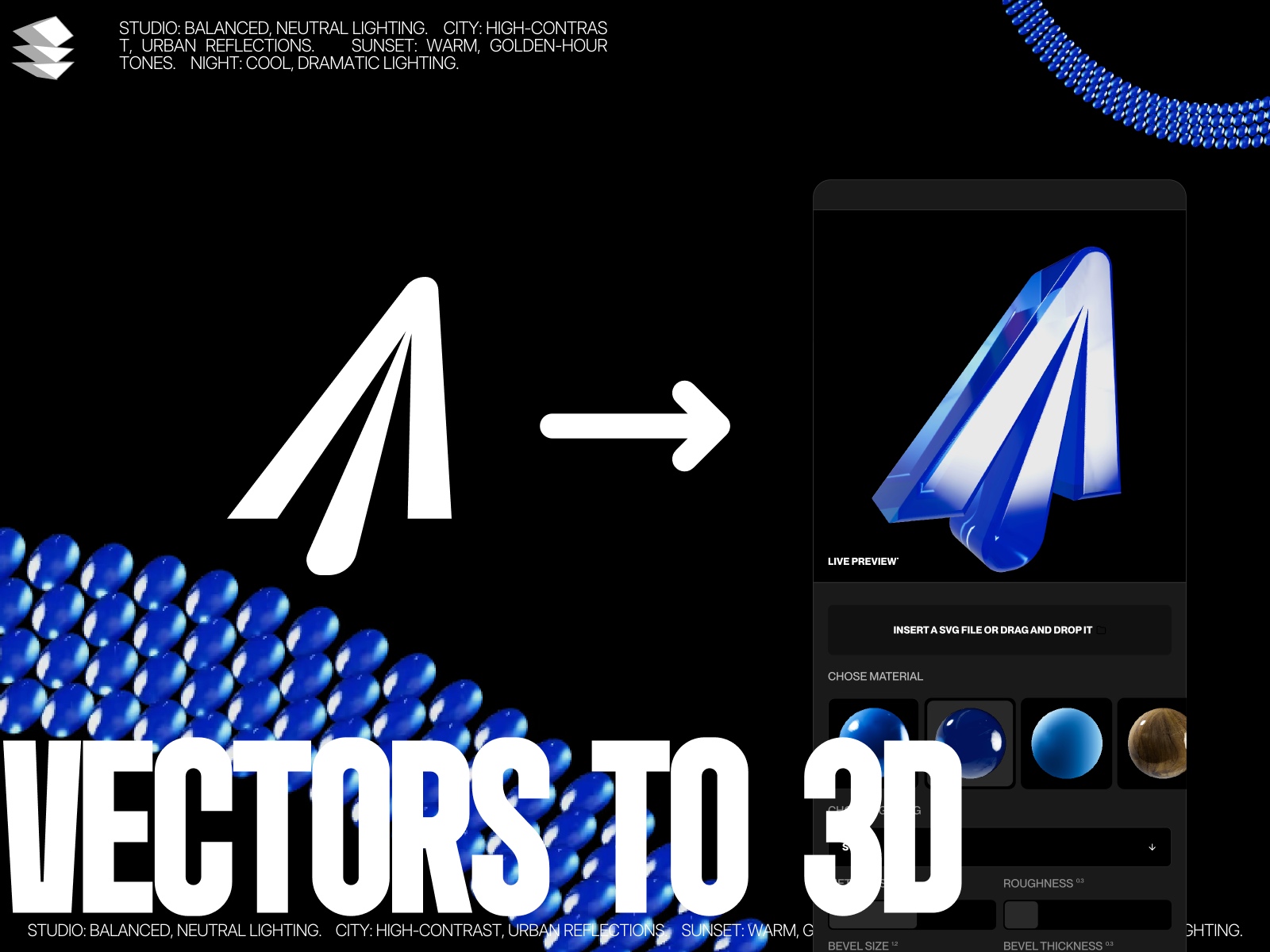
Turn any SVG into a cinematic, photorealistic 3D masterpiece in seconds. No 3D skills required.
You want your Framer sites to stand out. You want that premium, high-end "Apple-style" aesthetic. But learning 3D software like Blender or Spline takes time, and integrating them into Framer can be a headache.
Vector to 3D changes the game.
It's a powerful, code-based component that lives directly inside Framer. Just paste your SVG code, and watch it instantly extrude into a gorgeous, brushed-titanium 3D object.
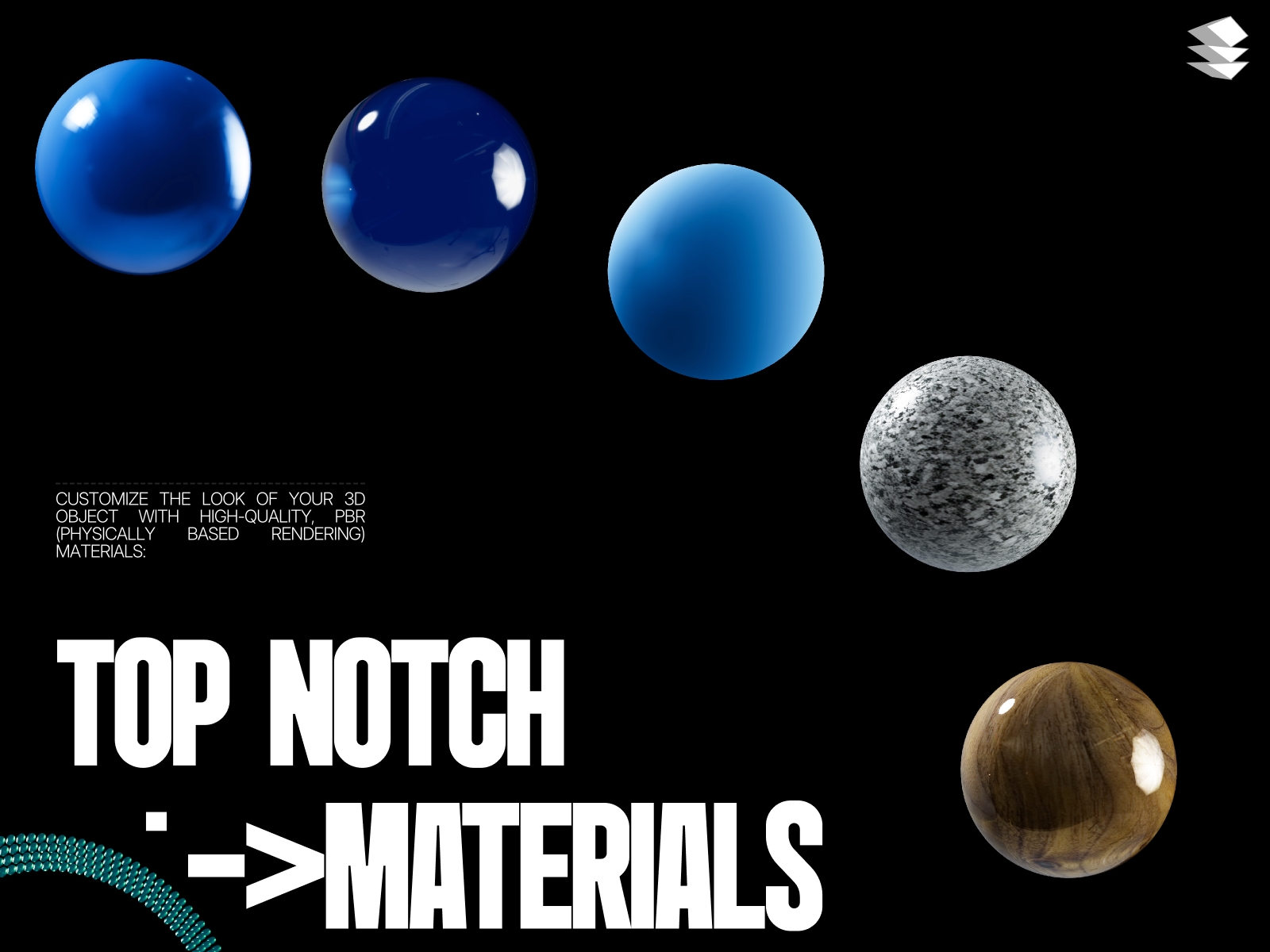
We didn't just slap a grey color on a 3D shape. vector to 3D uses Physically-Based Rendering (PBR) with custom-generated noise textures to simulate real brushed metal. It catches the light, has realistic imperfections, and looks incredibly tangible.
Make it pop with built-in Bloom effects. Control the intensity, radius, and threshold to create that futuristic, glowing "cyberpunk" or "luxury" look that grabs attention immediately.
Don't just look at it—touch it. Your visitors can rotate, pan, and zoom around your logo. It brings a level of engagement to your site that static images simply can't match.
Auto-Rotate: Keep it spinning for a dynamic hero section.
Mouse Tilt: Subtle interaction that follows the cursor.
Tweak every detail to match your brand:
Material: Adjust Metalness, Roughness, and Anisotropy.
Geometry: Control Extrusion Depth, Bevel Thickness, and Size.
Lighting: Fine-tune studio lighting intensity and environment reflections.
Color: From classic Silver to Gold, Rose Gold, or Matte Black.
Hero Sections: Create a centerpiece that stops the scroll.
3D Logos: Give your brand a literal new dimension.
Portfolios: Show off your design skills with high-tech visuals.
Product Teasers: Abstract 3D shapes that hint at premium quality.
Zero Dependencies: Built with pure Three.js for maximum stability in Framer.
Performance Optimized: Efficient rendering ensures your site stays fast.
Transparent Background: Seamlessly blends into any design, dark or light.
there are no refunds.
 Julio Aragoza