Lead Form
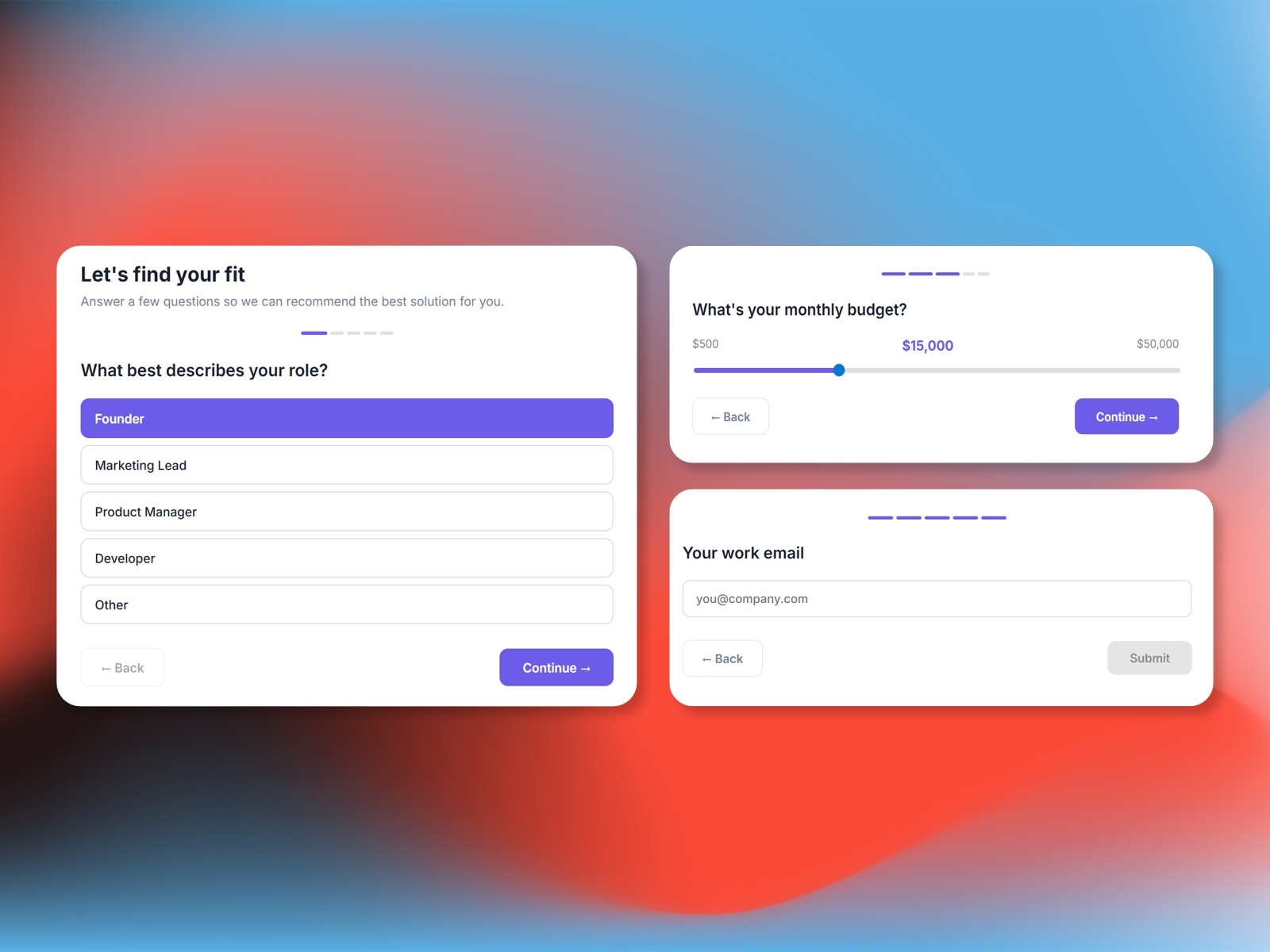
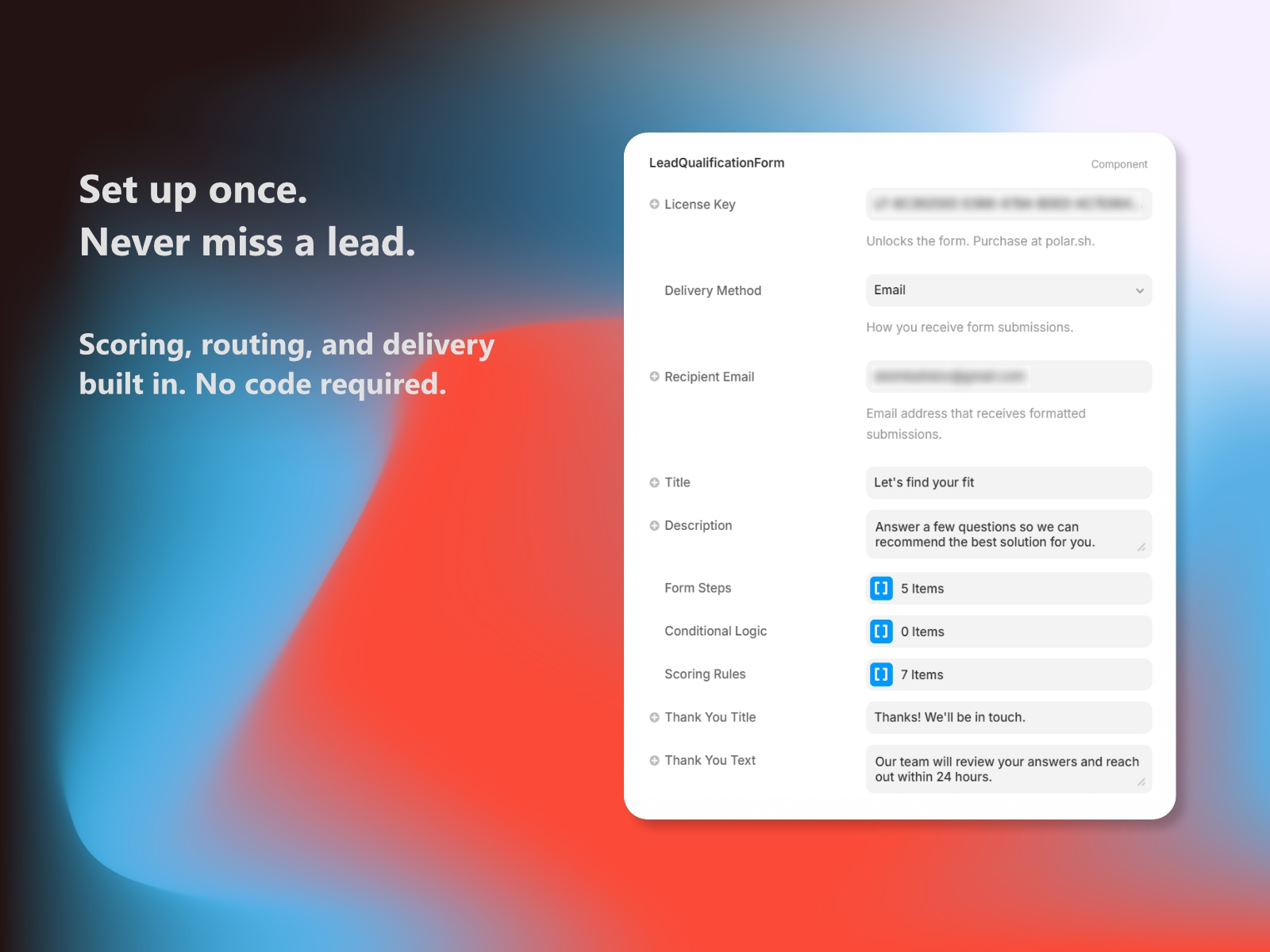
Multi-step lead qualification forms with scoring, conditional logic, and delivery routing to Email, Slack, or Webhooks. Fully customizable steps, styling, and scoring rules. License key required.
Lead Form turns your Framer site into a lead qualification machine. Build multi-step forms with radio buttons, dropdowns, sliders, and text inputs - then route submissions to your inbox, Slack, or any webhook.
Why Lead Form?
Multi-Step UX: Guide visitors through a clean, one-question-at-a-time flow that boosts completion rates.
Built-in Lead Scoring: Assign point values to answers and surface high-intent leads automatically.
Conditional Logic: Skip or jump to steps based on previous answers.
Zero Backend Required: Works out of the box - just pick a delivery method and go. No server setup needed.
Key Features
5 Input Types: Radio buttons, dropdowns, sliders, free text, and email.
Delivery Routing: Send submissions via Email, Slack incoming webhook, or a custom HTTP endpoint.
Lead Scoring: Assign points per answer and display scores on the thank-you screen or in delivery payloads.
Conditional Steps: Route users to different questions based on their answers.
Full Styling Control: Colors, fonts, border radius, progress bar style -- match any brand.
Quick Start
Open the Lead Form plugin and click Install Component.
Select the component and paste your License Key.
Choose a Delivery Method and enter the destination.
Customize questions, styling, and scoring in the properties panel.
Changelog
Updated the icon
Details
 CodePerfect