Lua Rank - AI Content Sync
Sync articles from Lua into Framer CMS collections with full control over schema, field mapping, and publishing.
About this Plugin
What this plugin does
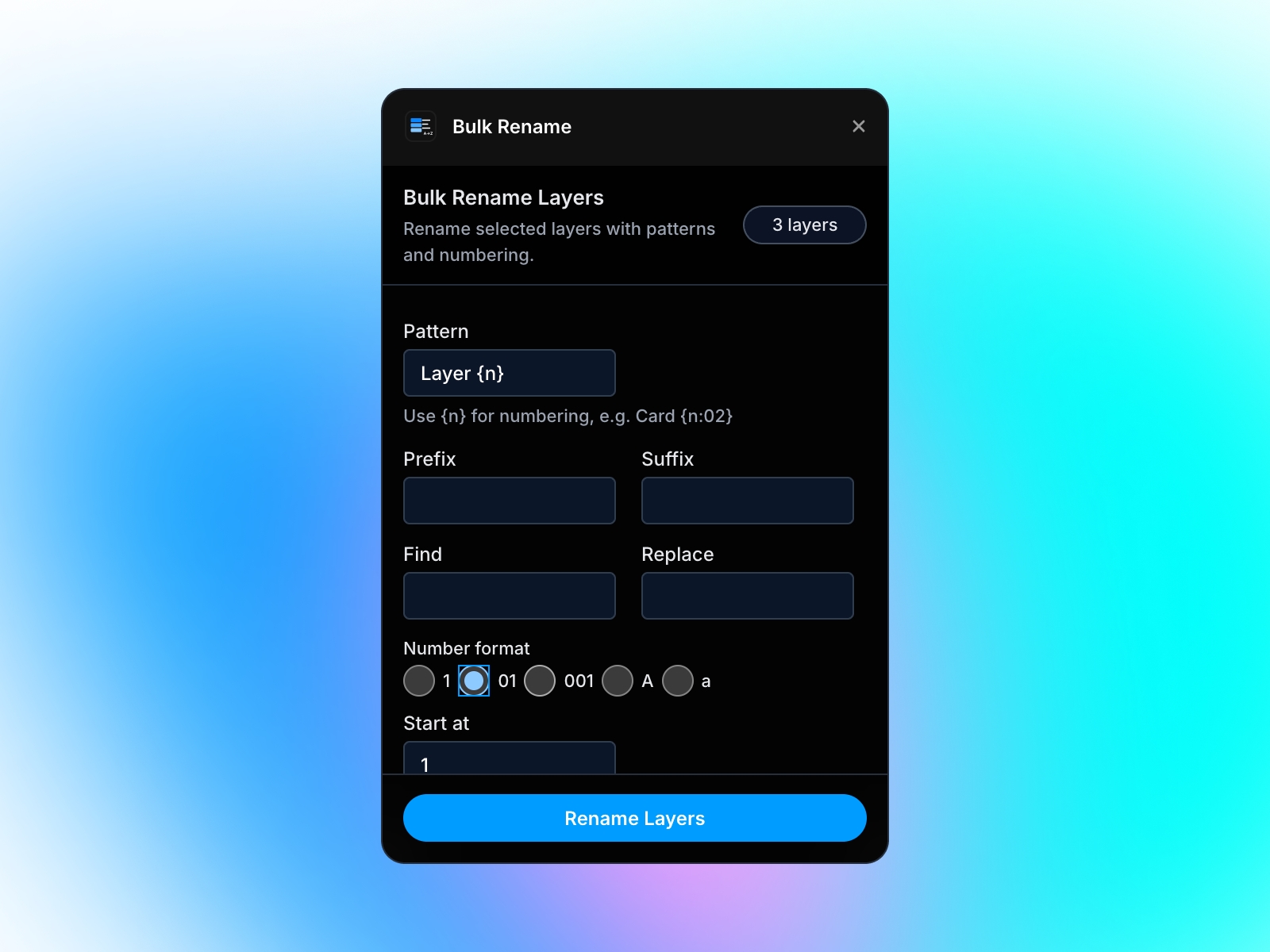
The Lua Framer Plugin lets you sync articles generated in Lua directly into your Framer CMS collections without copy-pasting.
It supports two workflows:
Managed links
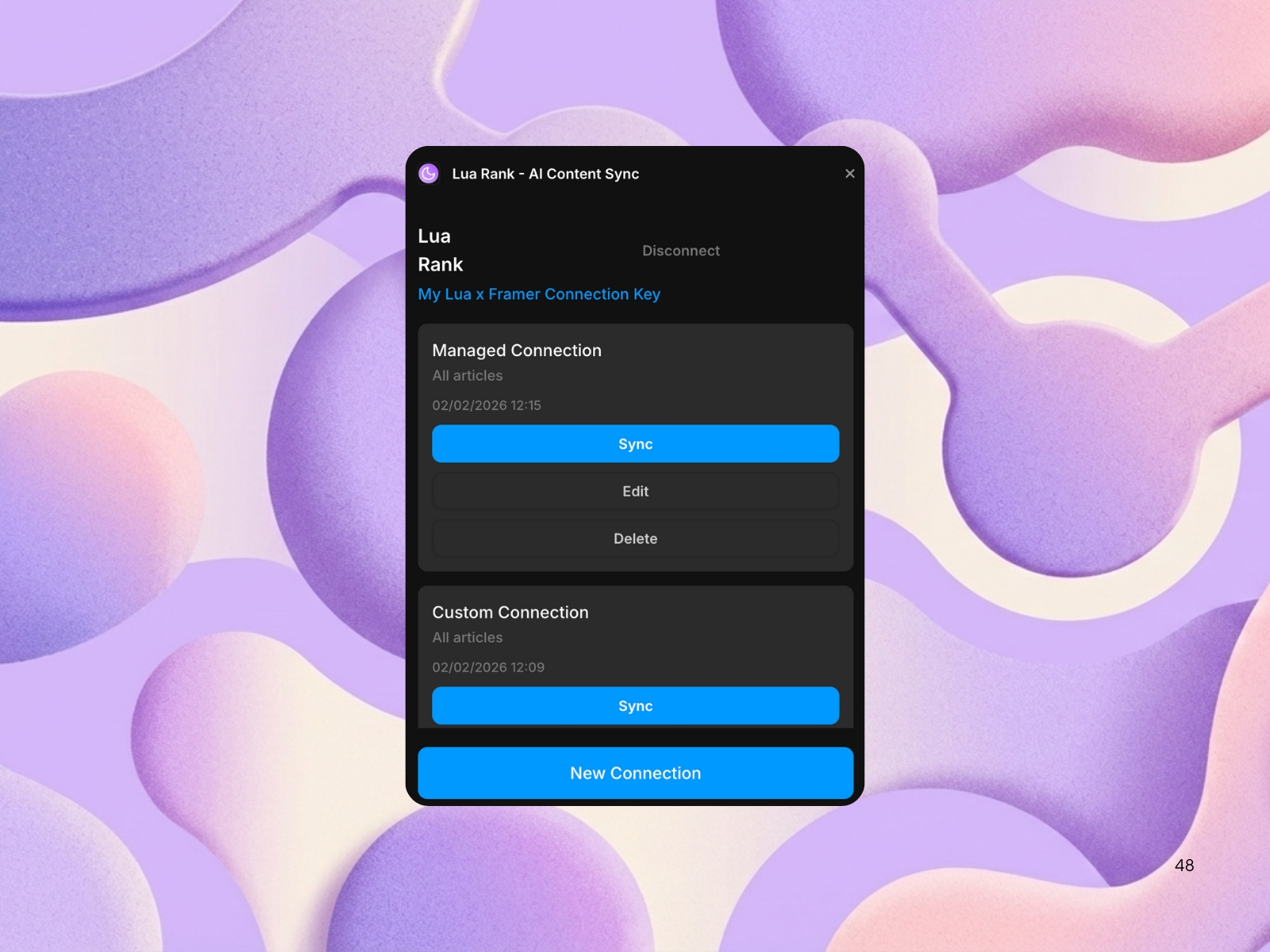
Create a new CMS collection fully managed by Lua, with a predefined schema. Syncing is done via the CMS “Sync” button and keeps content up to date with Lua.
Custom links
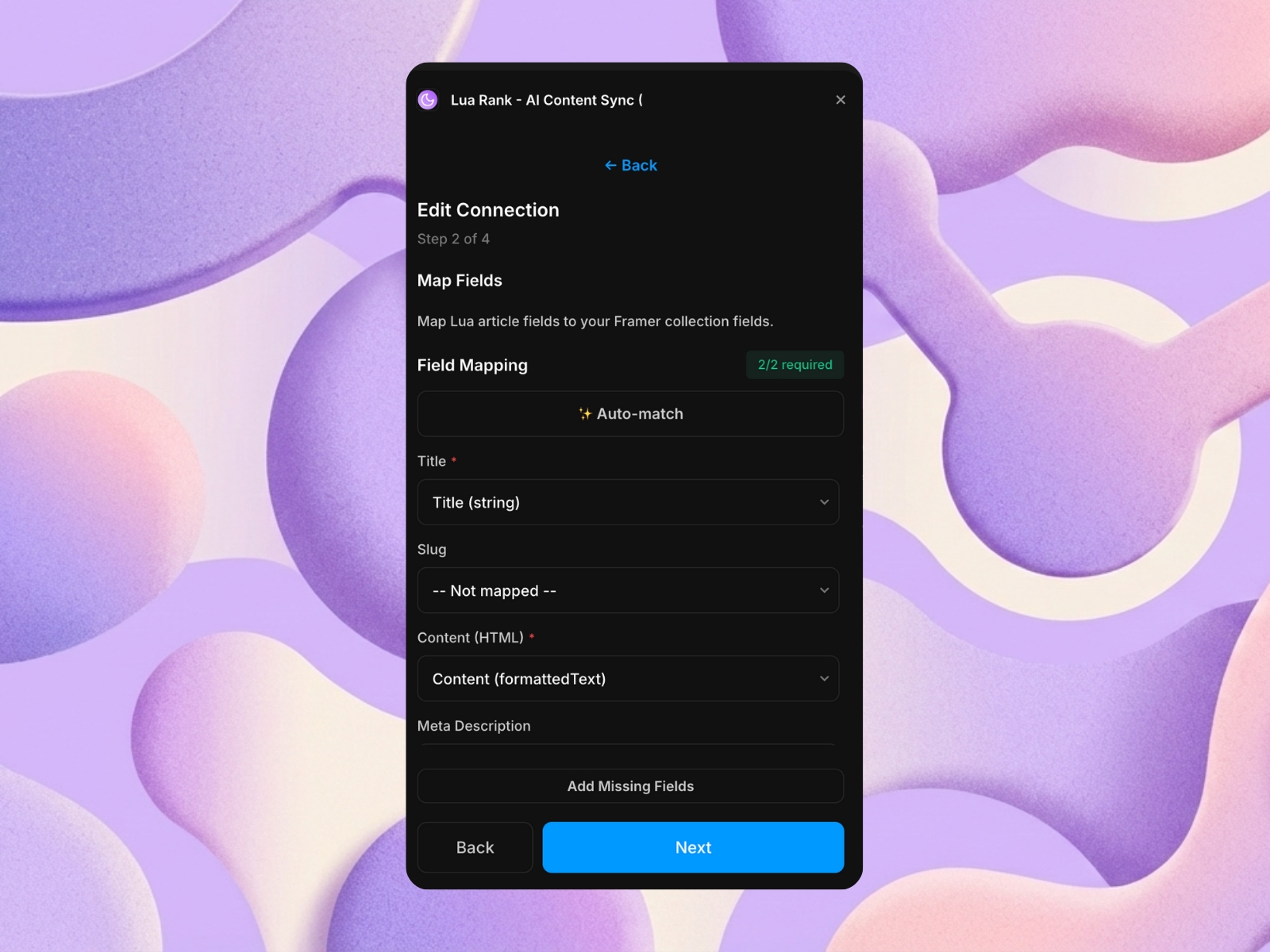
Connect Lua to an existing CMS collection you have and map only the fields you want. You stay in full control of your schema and publishing workflow.
Key behaviours
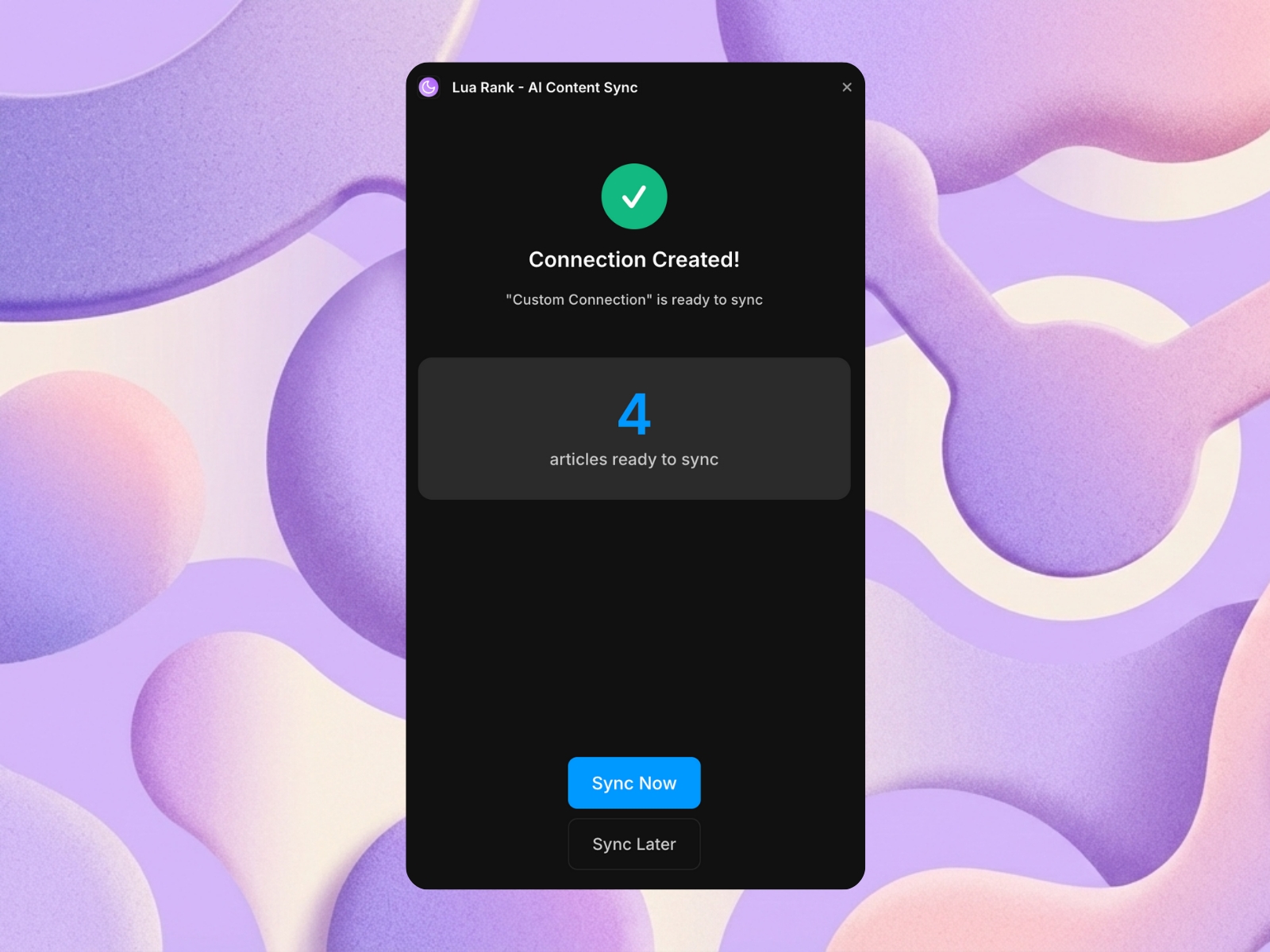
Syncing is always user-triggered
New articles are created and existing ones are updated (no duplicates)
Lua never auto-publishes content
Existing CMS schemas are never modified unless the user creates a new (managed) collection on Framer directly
Multiple CMS links can be active at the same time
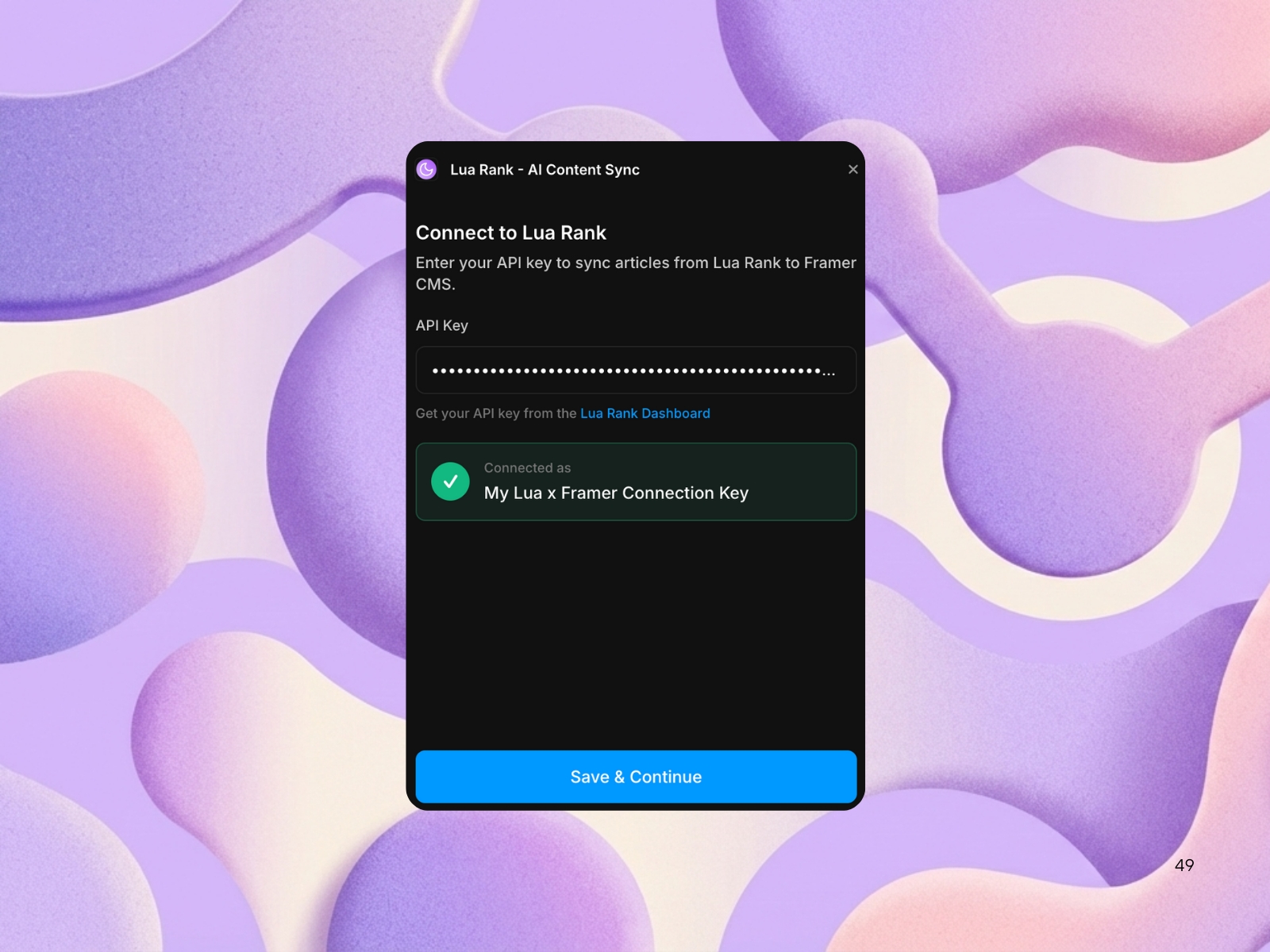
User is able to disconnect API key at any point
Article content is synced as formatted HTML, and images use stable public URLs, making the plugin compatible with typical Framer blog setups.For any questions or support email: hello@luarank.com
Changelog
Field mapping UX: The mapping step now enforces one Framer field per Lua field and removes the “Add Missing Fields” button, so the plugin no longer auto-creates CMS fields; users map only to existing collection fields.
State feedback to Lua: After a successful sync, the plugin now calls back into Lua’s API to mark those articles as published, keeping Lua’s article state in sync with Framer.
Workspace-scoped API keys: The integration now uses workspace-scoped API keys and a dedicated “Test connection” flow from the Lua dashboard to validate the key and mark the Framer integration as configured.
Details
 Guilherme Hortinha