Search & Replace for CMS
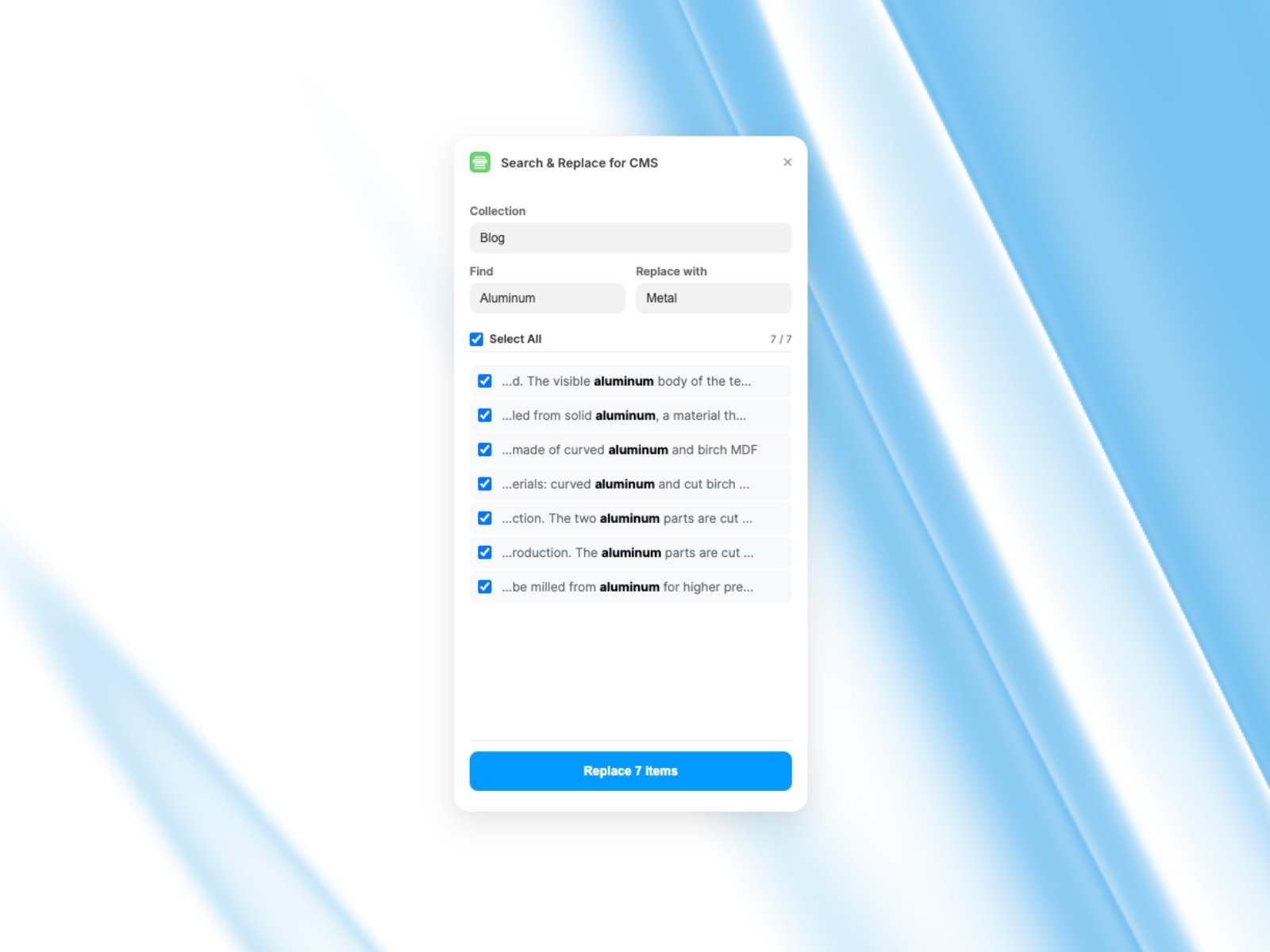
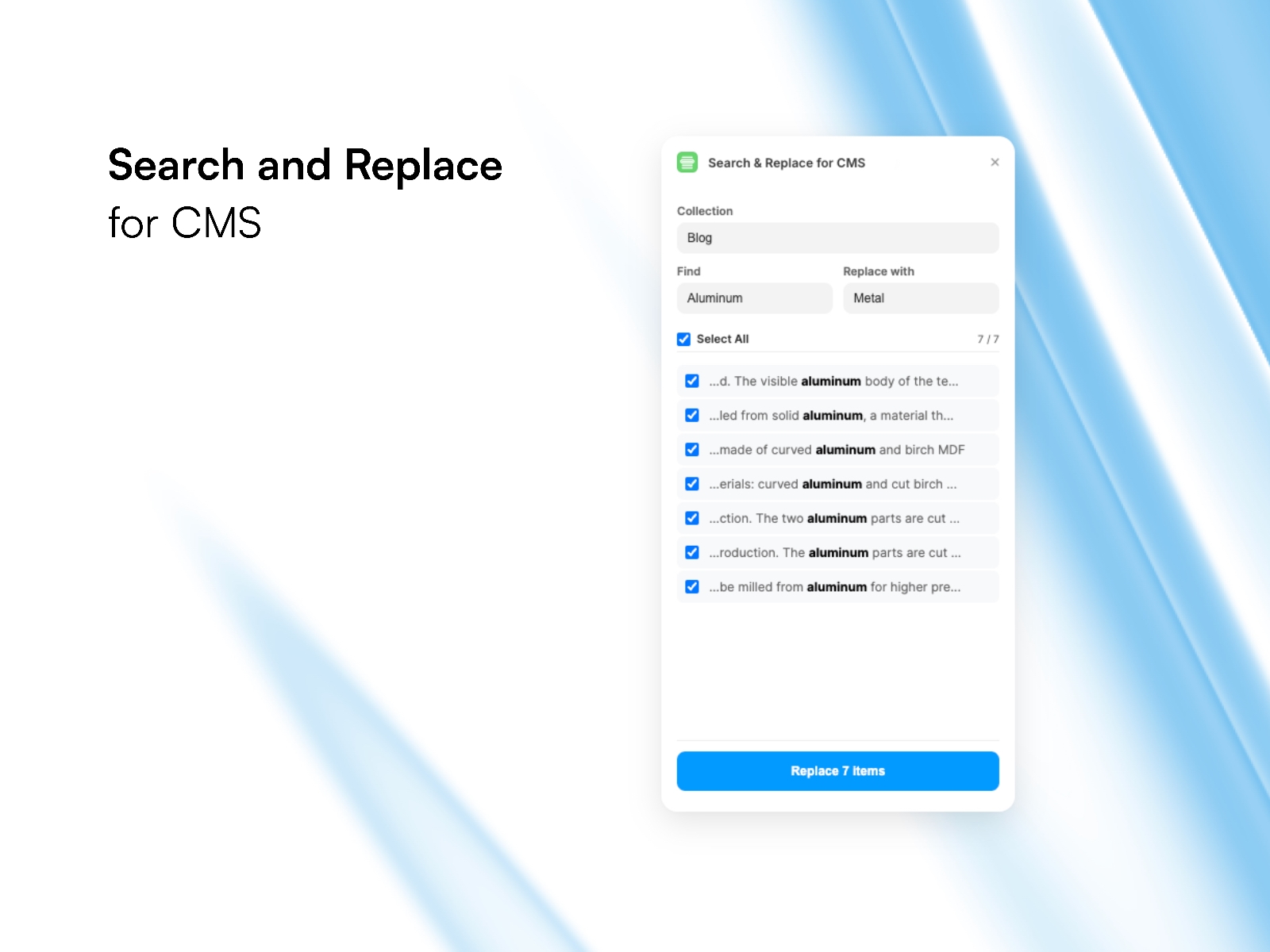
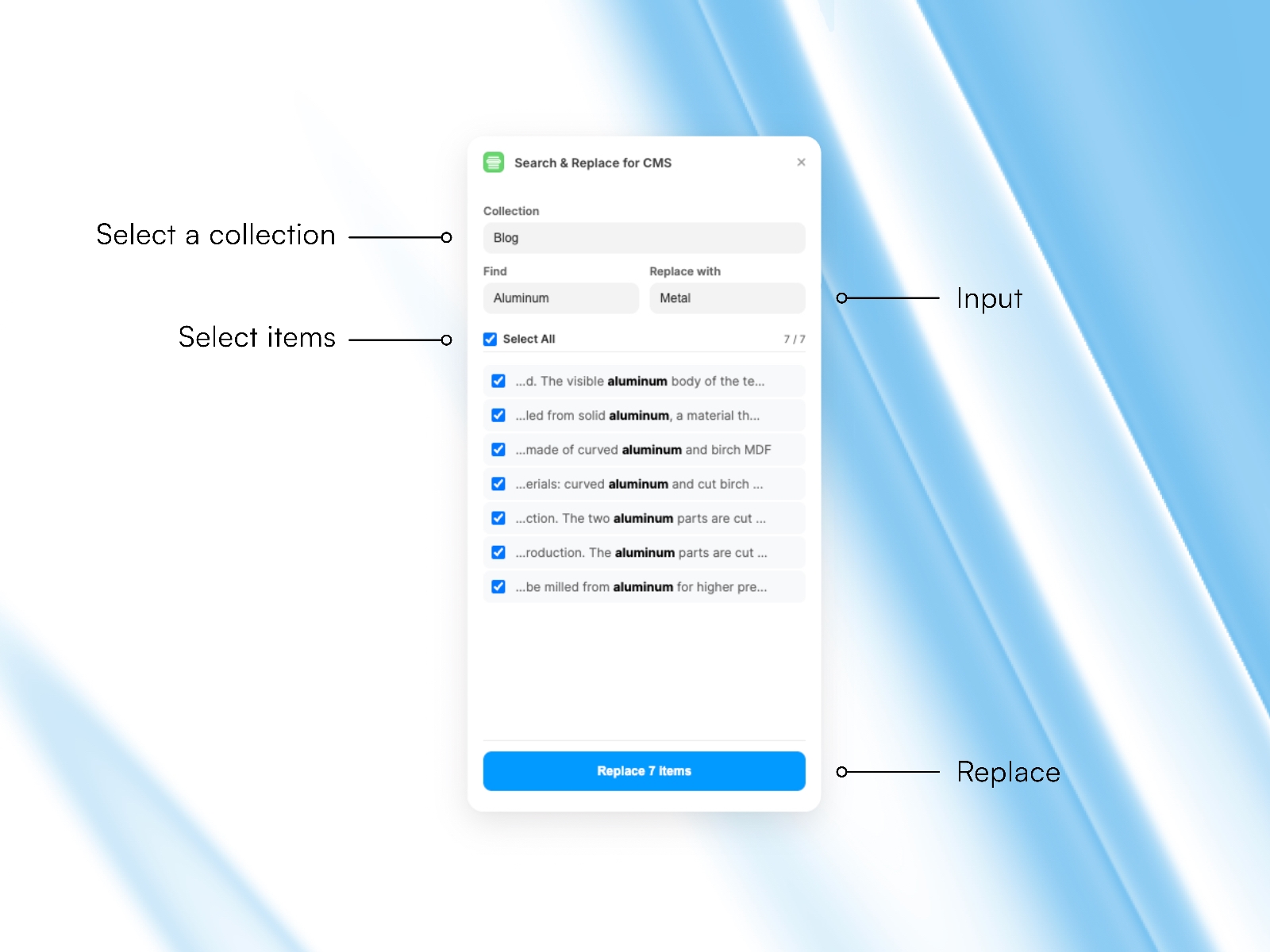
Instantly find and replace text across your CMS. Features live preview with context snippets, case-insensitive search, and selective editing. Works with Rich Text fields and safely updates content without breaking images or other data.
About this Plugin
Managing large CMS collections in Framer just got easier. Whether you need to fix a recurring typo, update a product name, or rebrand your content, this plugin handles it in seconds.
Unlike basic tools, Search and Replace for CMS is built for safety and precision. It scans your entire collection including deep inside Rich Text (Formatted Text) fields and gives you a live preview of every match before you change a thing.
Key Features:
Live Context Preview: See exactly where your search term appears with a text snippet (bolded for clarity).
Selective Replacement: Use checkboxes to pick exactly which items to update and which to skip.
Rich Text Support: Finds and replaces text even within formatted blog posts and HTML content.
Safe Partial Updates: Only modifies the text you want to change. Your images, dates, and other fields remain 100% untouched.
Case Insensitive: Finds "Framer", "framer", and "FRAMER" automatically.
Stop manually opening every single CMS item. Save hours of work with one click.
Changelog
Addressed review feedback:
Fixed Dark Mode: The UI now correctly respects the Framer app theme settings (data-framer-theme) instead of the system theme.
Updated Mode: Changed the plugin mode in framer.json to "collection" (CMS only).
Icon: Verified correct icon configuration.