Ultra Image Optimizer
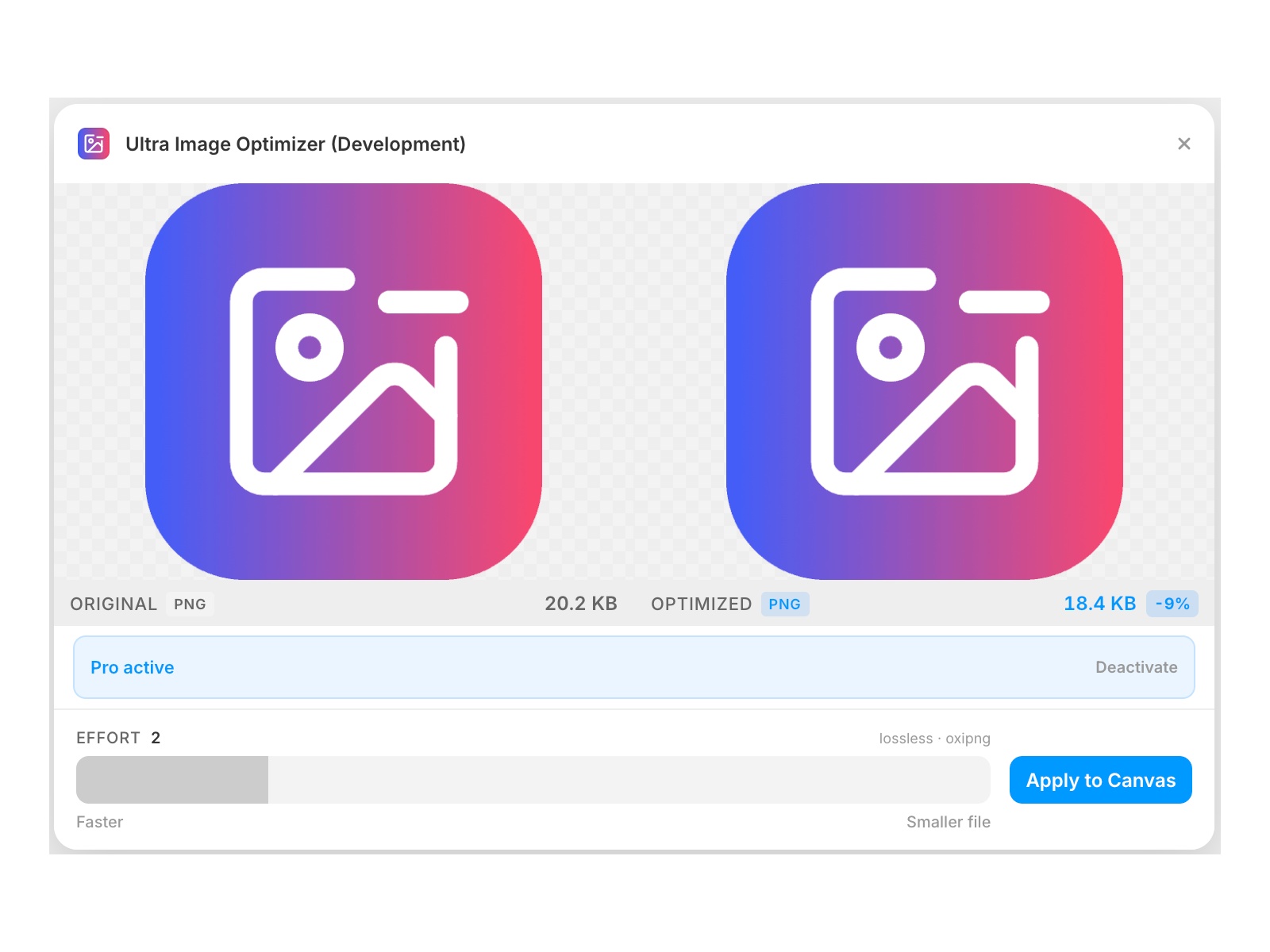
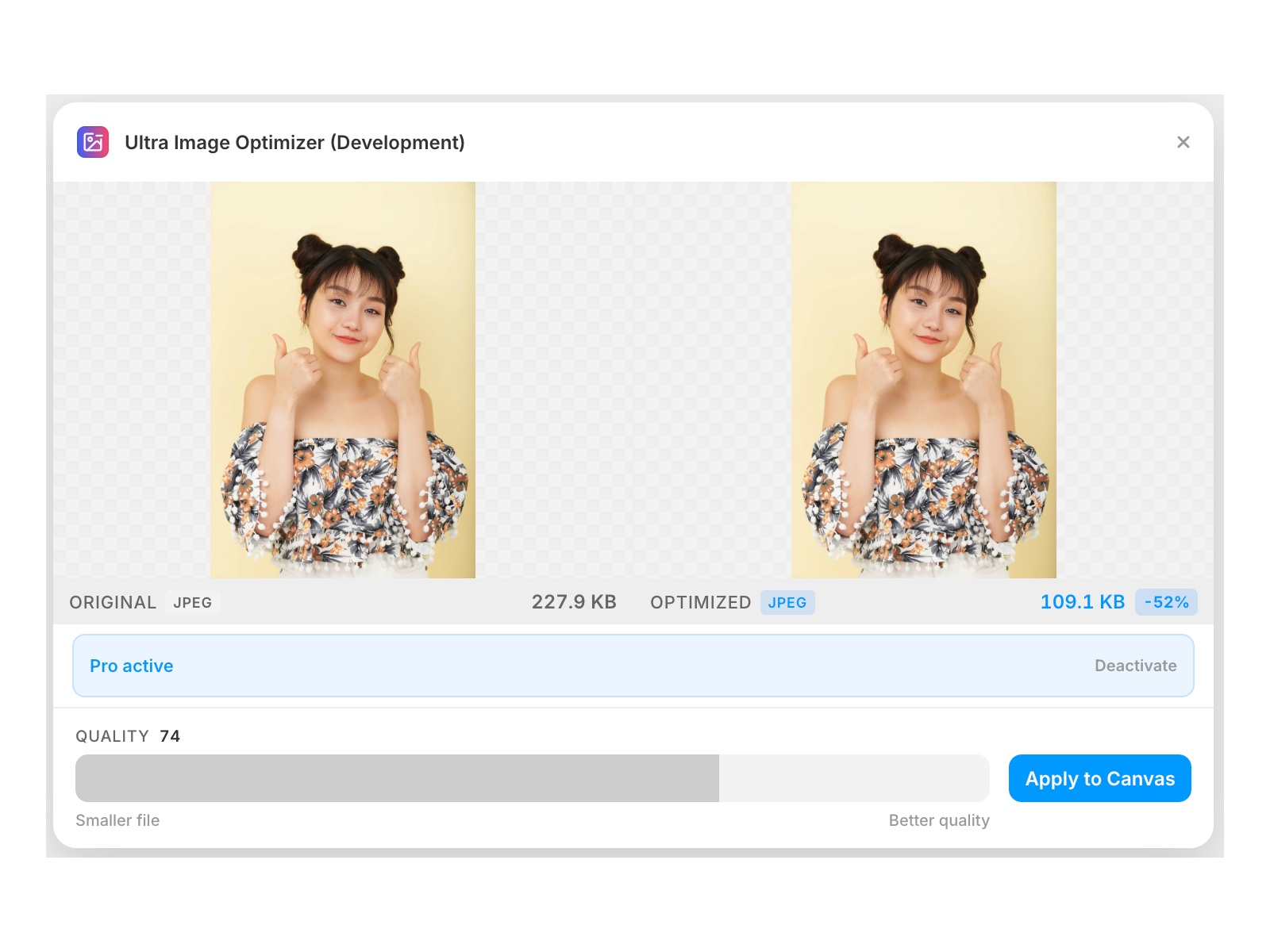
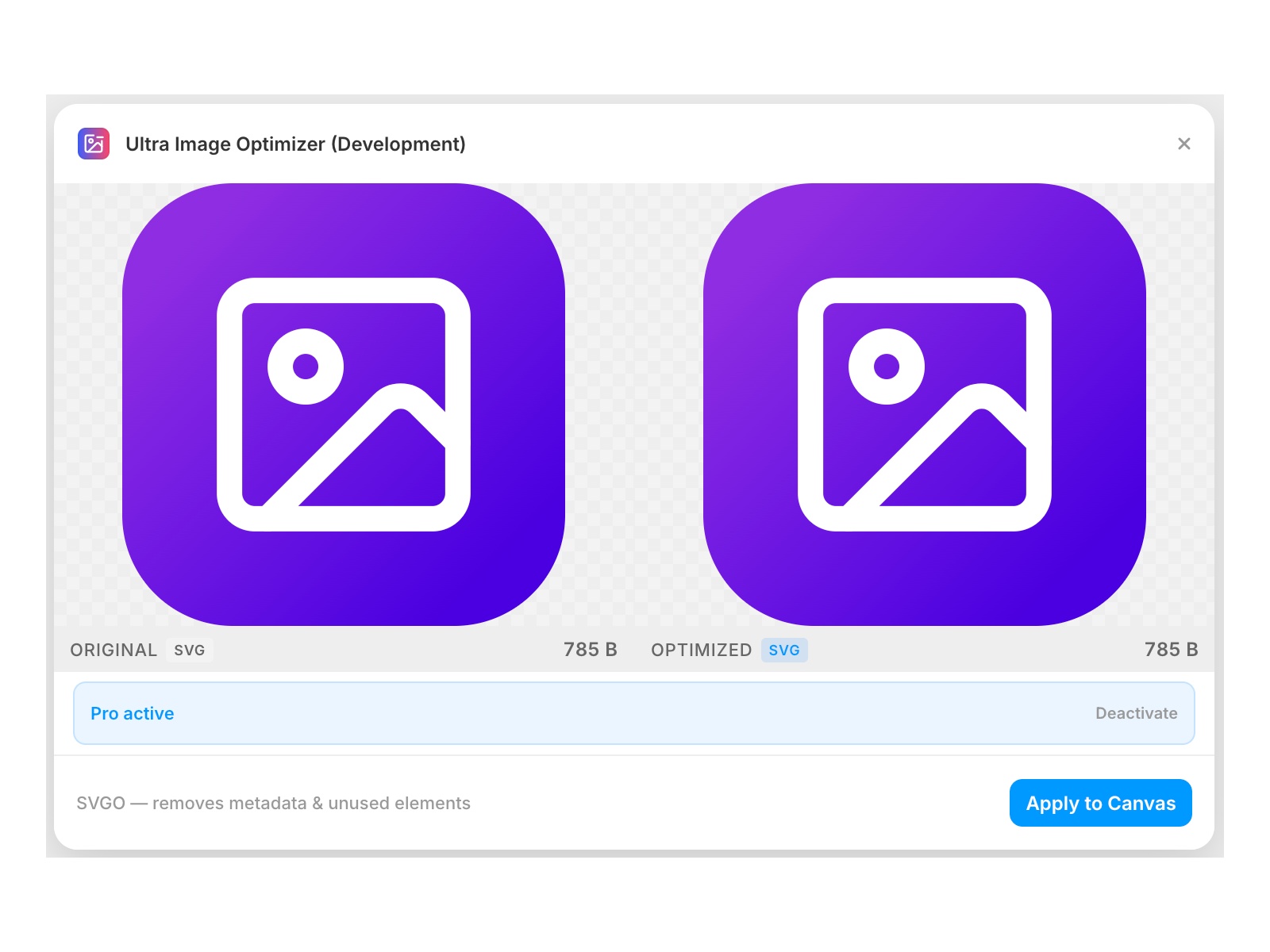
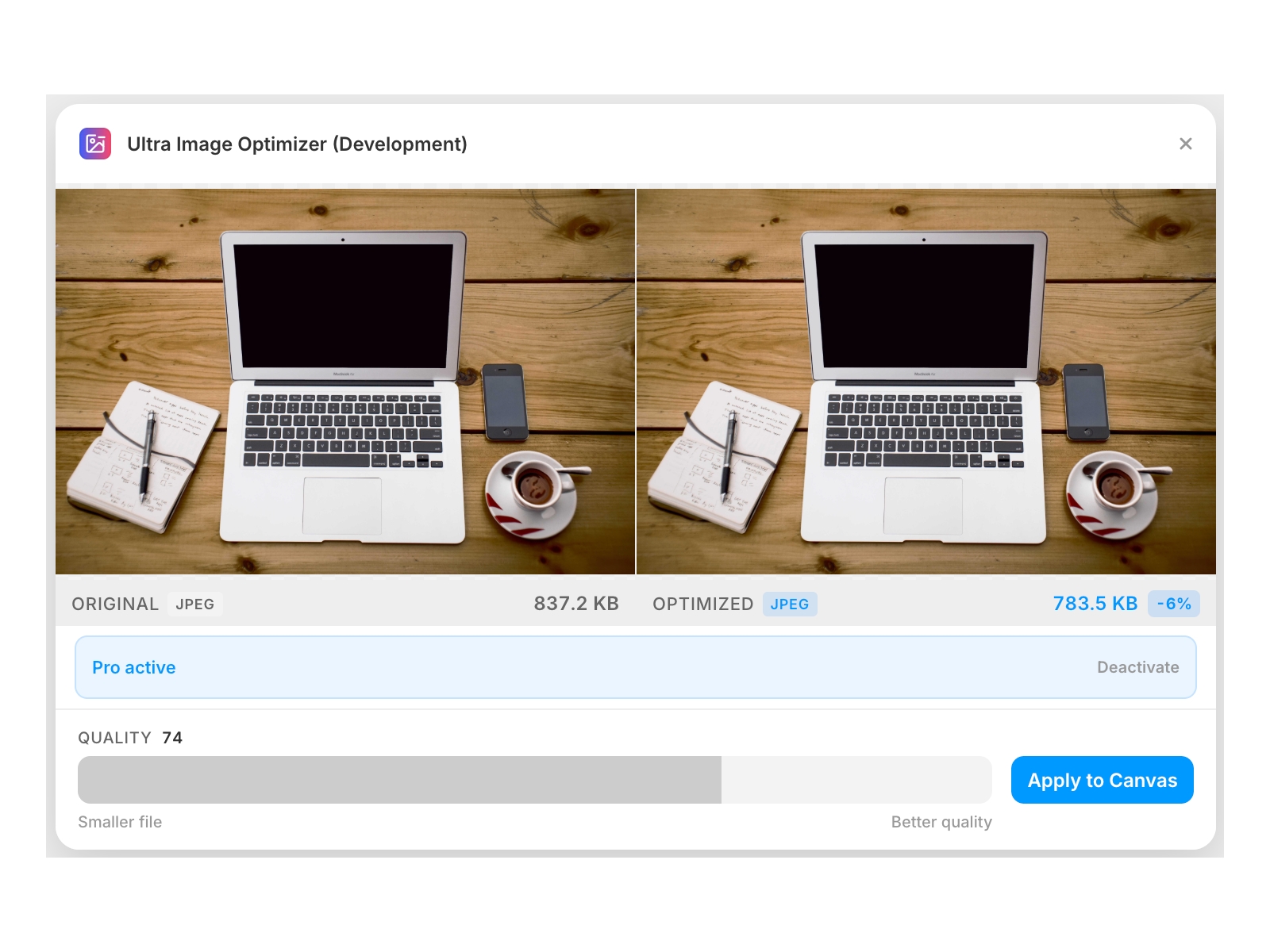
Select any image layer and Ultra Image Optimizer compresses it using professional codecs. PNG optimization is free — lossless, always smaller. Pro unlocks JPEG, WebP, AVIF, SVG, GIF, BMP and TIFF with a quality slider and live before/after preview.
About this Plugin
Ultra Image Optimizer
Every image on your Framer canvas carries weight. Ultra Image Optimizer compresses them directly in the editor — no exporting, no external tools, no round-trips. Select a layer, see the result side by side, apply in one click.
What you can do
Optimize PNG losslessly with oxipng — always smaller, never degraded (free)
Compress JPEG with MozJPEG — the encoder used by Facebook and Google (Pro)
Compress WebP with libwebp for smaller files at equivalent quality (Pro)
Compress AVIF with libavif for the best compression ratios of any format (Pro)
Optimize SVG with SVGO — strips editor metadata, unused defs, redundant attributes (Pro)
Convert GIF to WebP automatically — dramatically smaller with full color (Pro)
Handle BMP and TIFF by converting to optimized PNG (Pro)
Live side-by-side before/after preview before committing anything
Free vs Pro
PNG optimization is completely free — no account, no license, no limits. Select a PNG layer, adjust the effort level, and apply. That's it.
Pro unlocks every other format: JPEG, WebP, AVIF, SVG, GIF, BMP, and TIFF. A quality slider lets you dial in the right balance between file size and visual fidelity. One license key, no subscription required per project.
How it works
Select an image layer on the canvas and open the plugin. The original appears on the left; the optimized version appears on the right as soon as compression finishes. Adjust the slider, then click Apply to Canvas. The compressed image replaces the original in place — no new layers, no re-linking.
Runs entirely in your browser
All compression happens locally using WebAssembly — MozJPEG, libwebp, libavif, oxipng, and SVGO run directly in the plugin with no server calls and no data leaving your machine. Codecs are pre-compiled in the background when the plugin opens, so the first compression is fast.
Details
 R ZH
R ZH