Joviseo KIM
Joviseo KIM

Joviseo KIM

Creator10 Components
Joviseo KIM
Joviseo KIMin Marketplace·23m

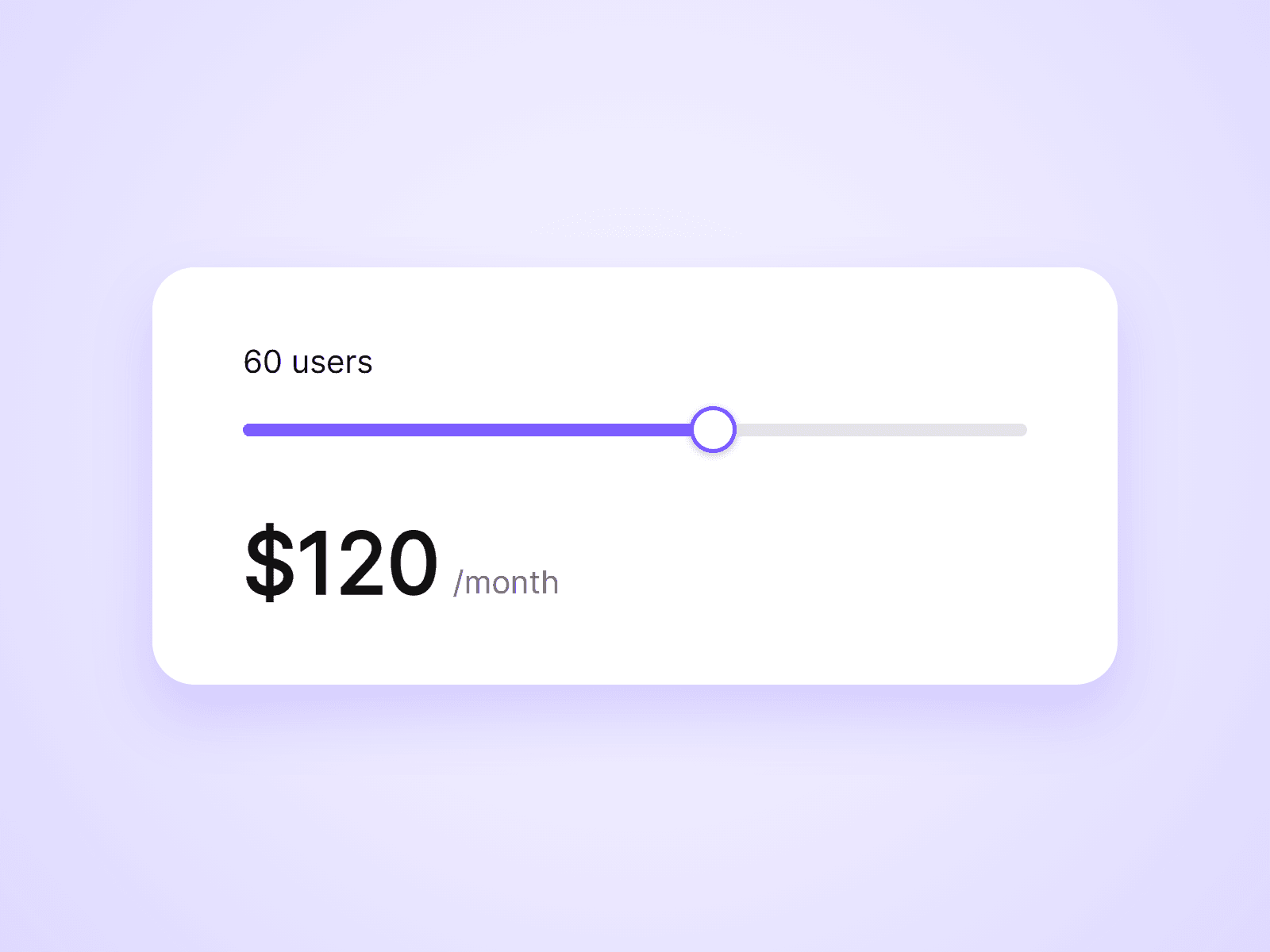
Live Pricing Slider is live.

A slider for usage-based pricing. Visitors drag to pick an amount, such as a number of users, and the price updates as they drag. Choose per-unit or tiered pricing from the property panel, with no formulas to write.

It also pairs with Live Pricing Toggle to apply a yearly discount.

Joviseo KIM
Joviseo KIMin Marketplace·1h

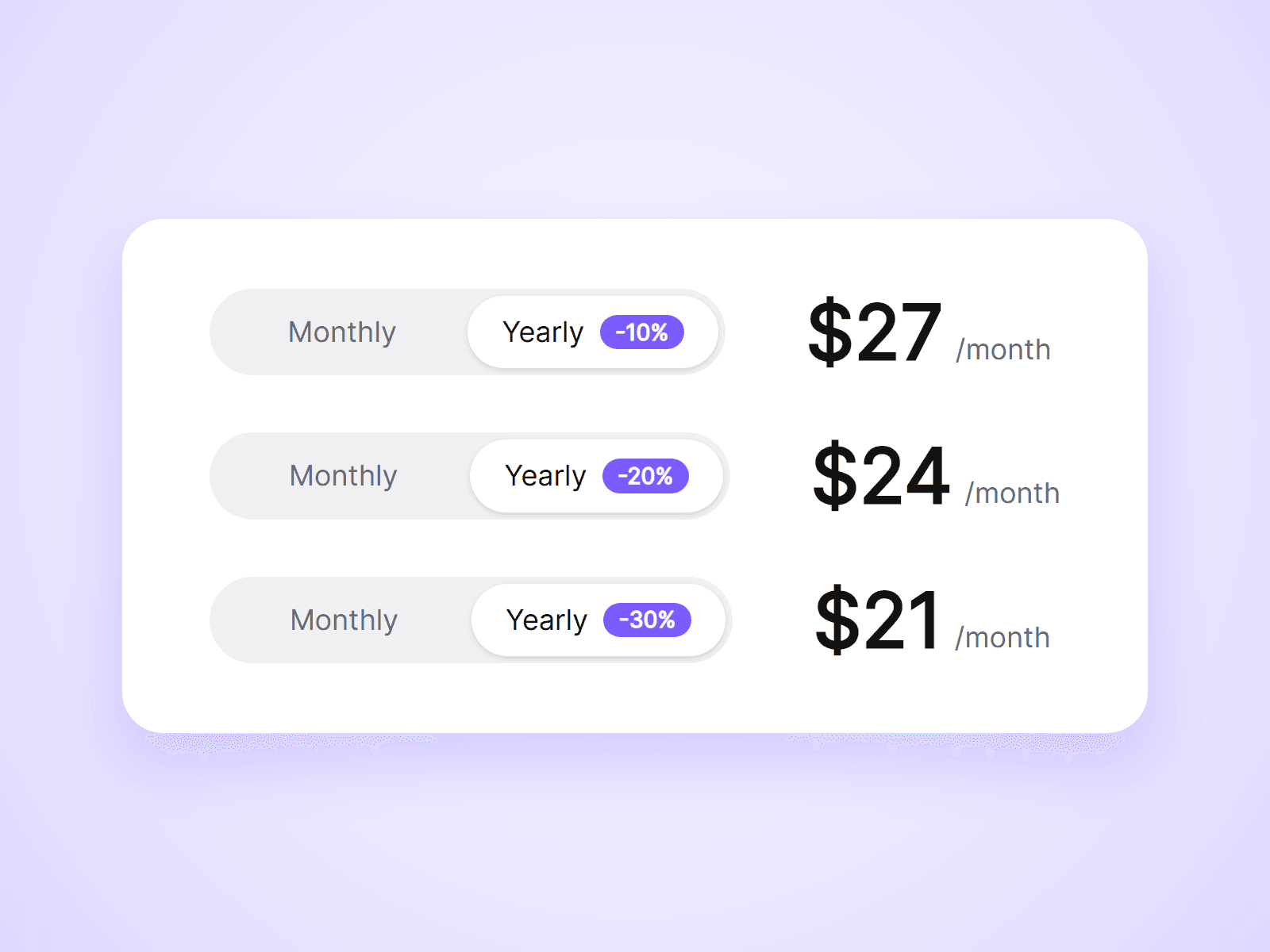
A monthly / yearly pricing toggle that actually changes your prices. Place one toggle on the page and one price in each plan card. When a visitor clicks the toggle, every price switches with it.

What you can customize

Everything is set from the property panel. No code needed.

- Type: Toggle or Price, from the same component

- Toggle labels, so it works for any two price sets

- Default option when the page loads

- Badge text and colors, such as -20% or 2 months free

- Track, thumb and label colors

- Font, radius, inset and padding

- Thumb transition

- Monthly and yearly price text, in any currency or format

- Suffix for each option, such as /month

- Optional crossed-out monthly price next to the yearly price

- Price and suffix fonts and colors

Details

- A toggle changes every price on the page with the same Group name. No variants or interactions to wire up.

- Use different Group names to run separate pricing tables on one page.

- Prices switch with a short fade and respect the visitor's reduced motion setting.

- The toggle works with mouse, touch and keyboard.

- The component changes the prices shown. It does not change checkout links.

How to use

Add the component to your pricing page. That is your toggle. Then drag another copy into each plan card, set its Type to Price, and type in the monthly and yearly prices. On the canvas the toggle cannot be clicked. Set Default to Yearly to see your yearly prices while designing, or open the preview.

Code

This is a code component. Unlinking is not available, so the source cannot be viewed or edited. When an update is released, an Update button appears next to the component in your Assets panel.

Support

Email joviseo1106@gmail.com. Replies usually take up to 3 business days.

More components, including four free ones, are at https://joviseo.vercel.app

Joviseo KIM
Joviseo KIMin Marketplace·3h

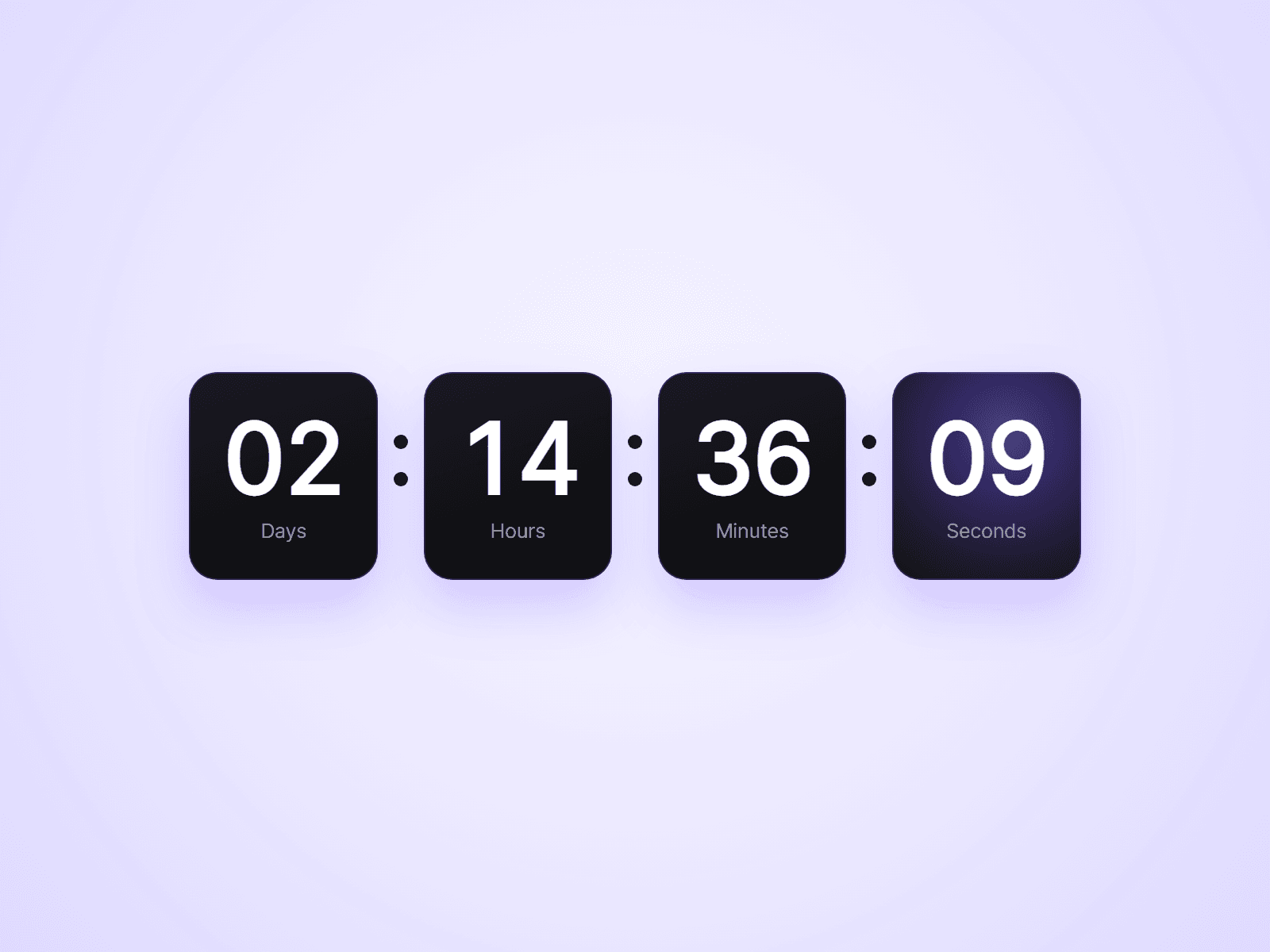
Countdown Timer is live.

Count down to a fixed date for a launch or a sale, or give every visitor their own timer that starts on their first visit and keeps running when they come back.

When time is up, it can show zeros, show a message, hide itself, or run a Framer interaction, so you can switch a section to a "Sale ended" variant.

Units, labels, fonts, colors and box style are all set from the property panel. No code needed.

Try the demo: https://cultural-universe-619242.framer.app/countdown

Joviseo KIM
Joviseo KIMin Marketplace·1d

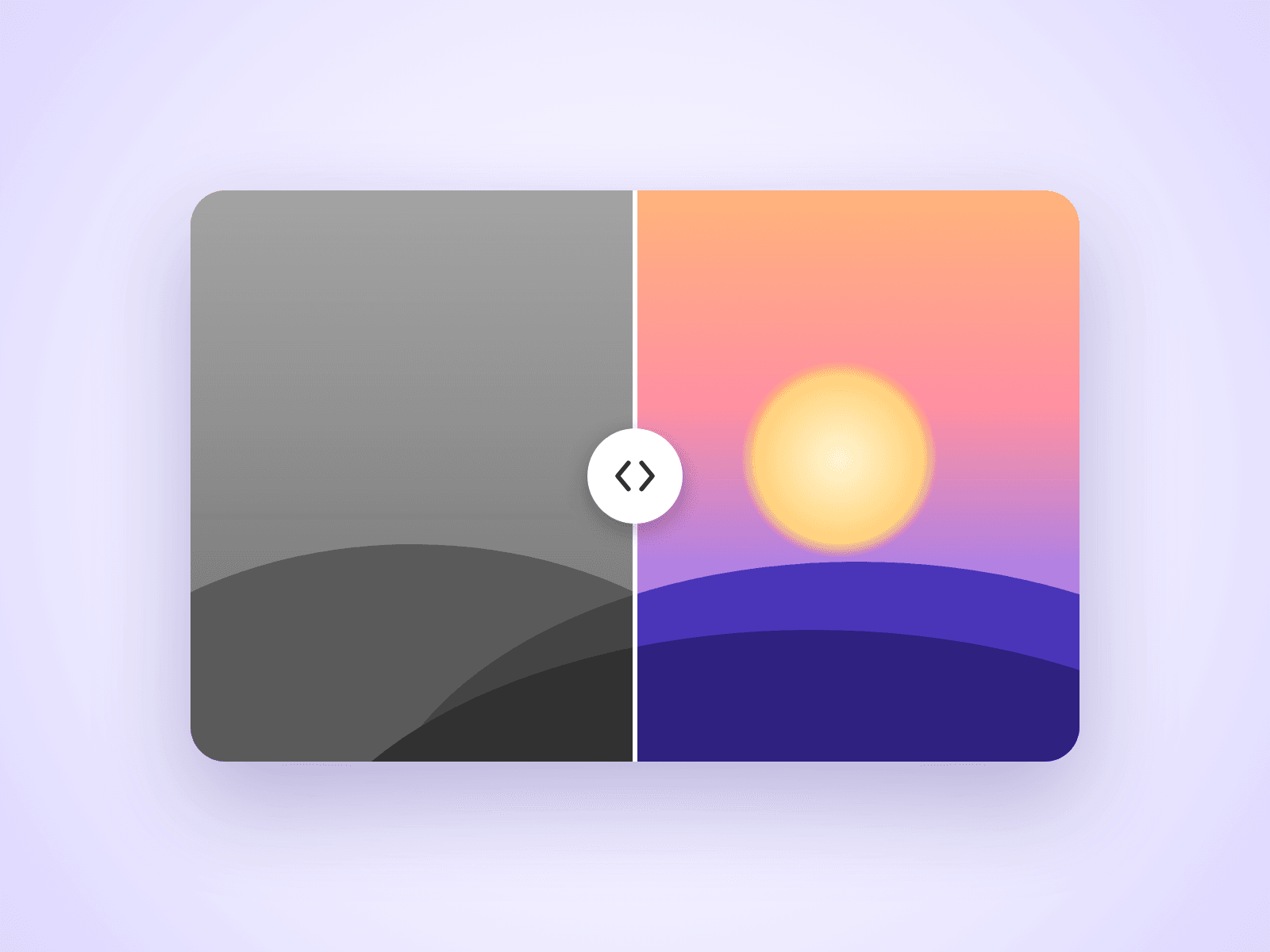
Before After Slider

An image comparison slider for Framer sites. Visitors drag the handle to reveal one image over the other, which makes it ideal for retouching, redesigns, renovations and any before and after story.

Customizable Properties

Everything is set from the property panel, with no code editing.

- Before and After: the two images to compare

- Direction: horizontal or vertical

- Move On: drag the handle, or follow the mouse on hover

- Start: where the divider begins

- Handle: size, color, line thickness and arrows

- Labels: text, colors and size, or hide them

- Radius: corner radius

Details

Works with mouse, touch and keyboard. A horizontal slider still lets the page scroll up and down on phones. Images use Framer's responsive image control, so they load at the right size.

How To Use

Drop the component on your page, pick a Before and an After image in the property panel, and resize the component to match your images.

About The Code

This is a code component, but no coding is needed. To keep quality consistent and deliver updates, unlinking is not available, so the source code cannot be viewed or edited. When an Update button appears next to the component, apply it to get the latest version.

Need Help?

Email joviseo1106@gmail.com. Questions are usually answered within 3 business days.

More Resources

More components by Joviseo, including four free ones: https://joviseo.vercel.app

Joviseo KIM
Joviseo KIMin Marketplace·1d

Typing Effect Text

A headline that types out a list of phrases one character at a time, deletes them, and moves on to the next. A fixed prefix stays in place, so you can write lines like "We design websites." and rotate the last word.

Customizable Properties

Everything is set from the property panel, with no code editing.

- Prefix and Phrases: the fixed text and the list of rotating phrases

- Tag: H1, H2, H3, P or Span, for correct heading structure

- Type Speed, Delete Speed and Pause

- Loop: repeat forever or stop on the last phrase

- Reserve Width and Align: keep space for the longest phrase so nothing shifts

- Cursor: character, color and blinking

- Font, Text color and Typed Text color

Details

Typing starts when the text scrolls into view. Visitors who prefer reduced motion see the first phrase without animation.

About The Code

This is a code component, but no coding is needed. To keep quality consistent and deliver updates, unlinking is not available, so the source code cannot be viewed or edited.

More Resources

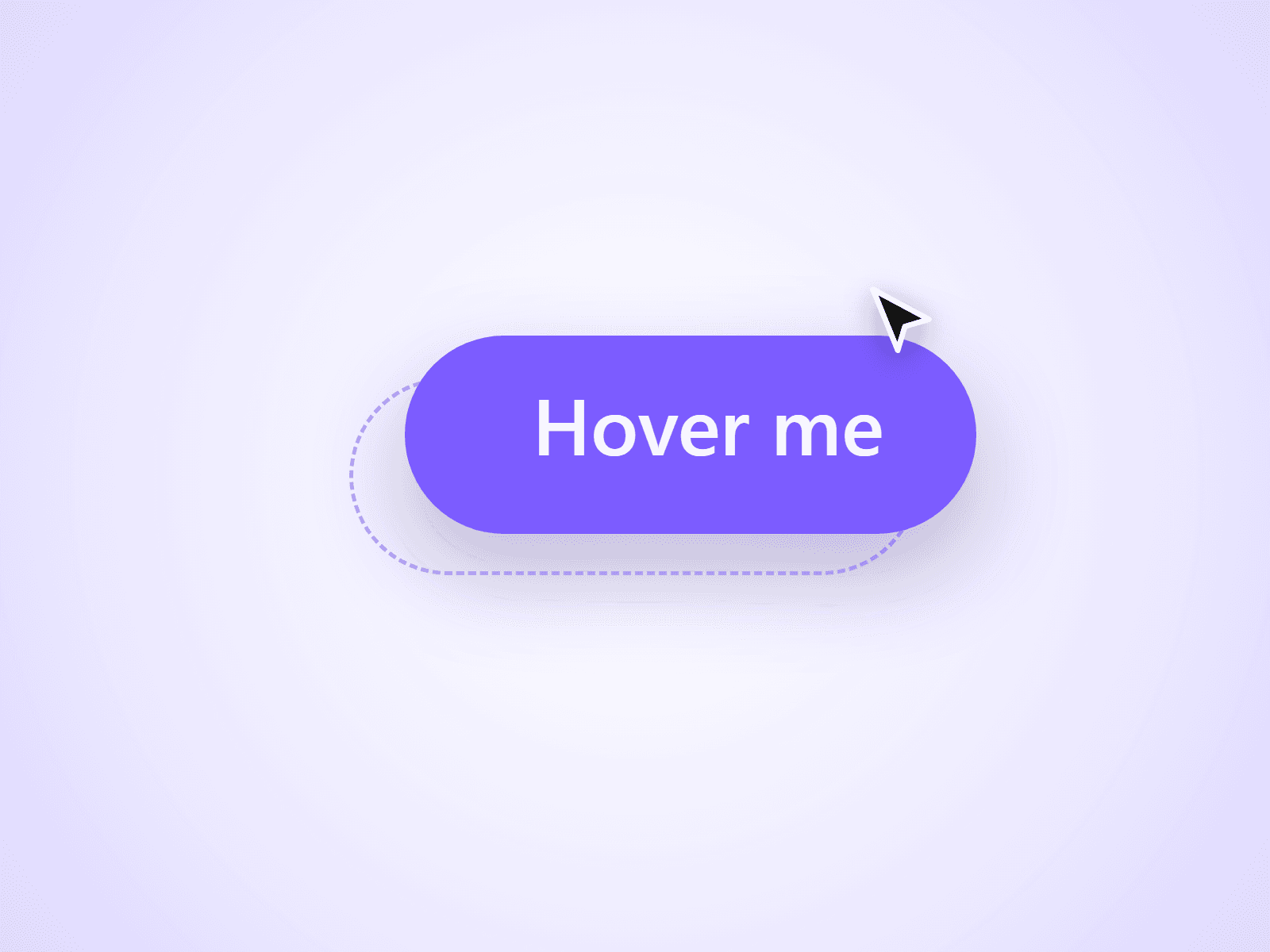
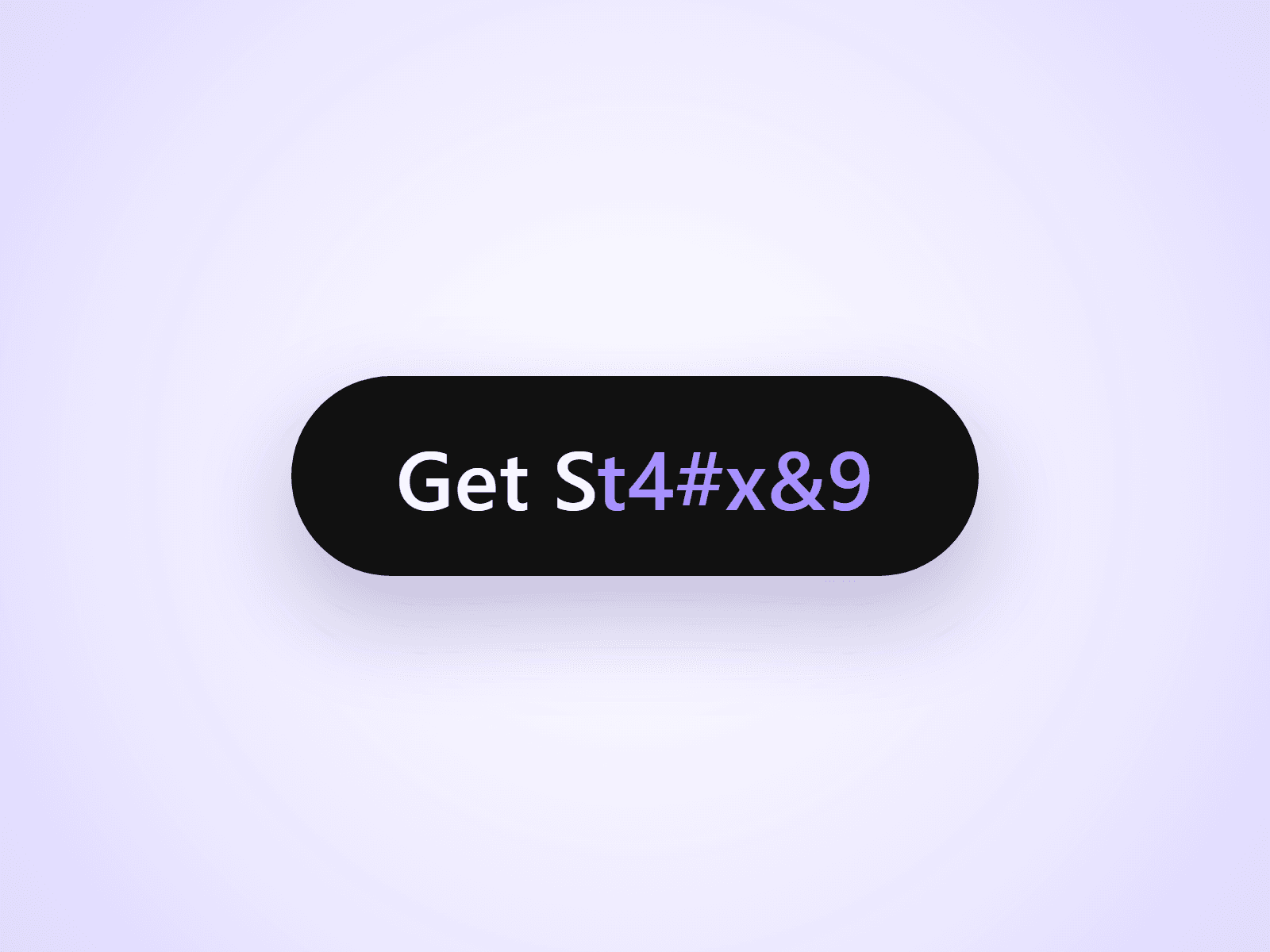
More components by Joviseo: Scroll To Top Ring, Reading Progress Bar, Text Scramble Button and Magnetic Pull Button. https://joviseo.vercel.app