Adaptive Glass Nav
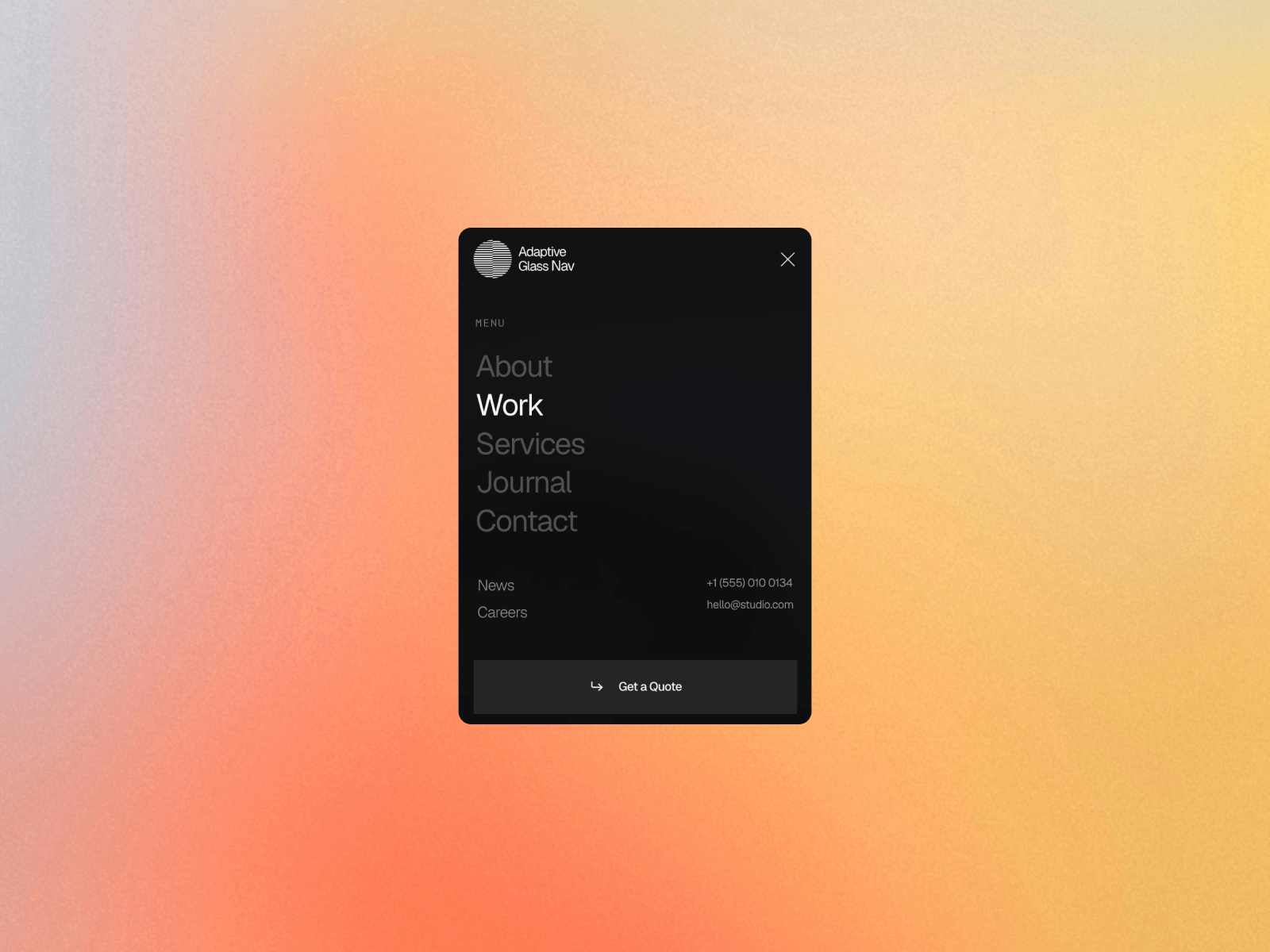
A nav that reads what's behind it. The bar samples the pixels underneath as you scroll and switches between light and dark glass on its own, so it stays readable over an image, a video, or a dark section without you building a variant for each one. Tap it and it grows into a dark panel with oversized split-text links.
Features
Automatic light and dark switching, no scroll offsets to maintain
Reads images, video, background images, and stacked translucent layers
Force any section with a Dark IDs list or a data attribute
Lock it to Light or Dark instead if you'd rather set it yourself
Up to 8 primary links with split-text reveal, by letter, word, or line
Secondary column, contact rows, and a CTA
Page dims and blurs behind the open menu
Pins itself left, center, or right with your own offsets
Separate colors and fonts for every state
Current page is detected and marked automatically
Setup
Drop it on the page and set your offsets. The layer you place is only an anchor, the live bar pins itself to the viewport, so it can sit anywhere in the layout. No overrides, no code editing.
Good to know
Rendered to the top of the document, so no parent frame can clip or stack over it
Scroll locks while the menu is open, including smooth scroll setups like Lenis
Scrollbar width is padded back in, so the page never jumps on close
Sampling needs images that allow cross origin reads. Framer hosted media works, external CDNs may need the Dark IDs list
Set Theme to Light or Dark to skip sampling entirely

Adaptive Glass Nav
A nav that reads what's behind it. The bar samples the pixels underneath as you scroll and switches between light and dark glass on its own, so it stays readable over an image, a video, or a dark section without you building a variant for each one. Tap it and it grows into a dark panel with oversized split-text links.
Features
Automatic light and dark switching, no scroll offsets to maintain
Reads images, video, background images, and stacked translucent layers
Force any section with a Dark IDs list or a data attribute
Lock it to Light or Dark instead if you'd rather set it yourself
Up to 8 primary links with split-text reveal, by letter, word, or line
Secondary column, contact rows, and a CTA
Page dims and blurs behind the open menu
Pins itself left, center, or right with your own offsets
Separate colors and fonts for every state
Current page is detected and marked automatically
Setup
Drop it on the page and set your offsets. The layer you place is only an anchor, the live bar pins itself to the viewport, so it can sit anywhere in the layout. No overrides, no code editing.
Good to know
Rendered to the top of the document, so no parent frame can clip or stack over it
Scroll locks while the menu is open, including smooth scroll setups like Lenis
Scrollbar width is padded back in, so the page never jumps on close
Sampling needs images that allow cross origin reads. Framer hosted media works, external CDNs may need the Dark IDs list
Set Theme to Light or Dark to skip sampling entirely
 Flowit Supply


