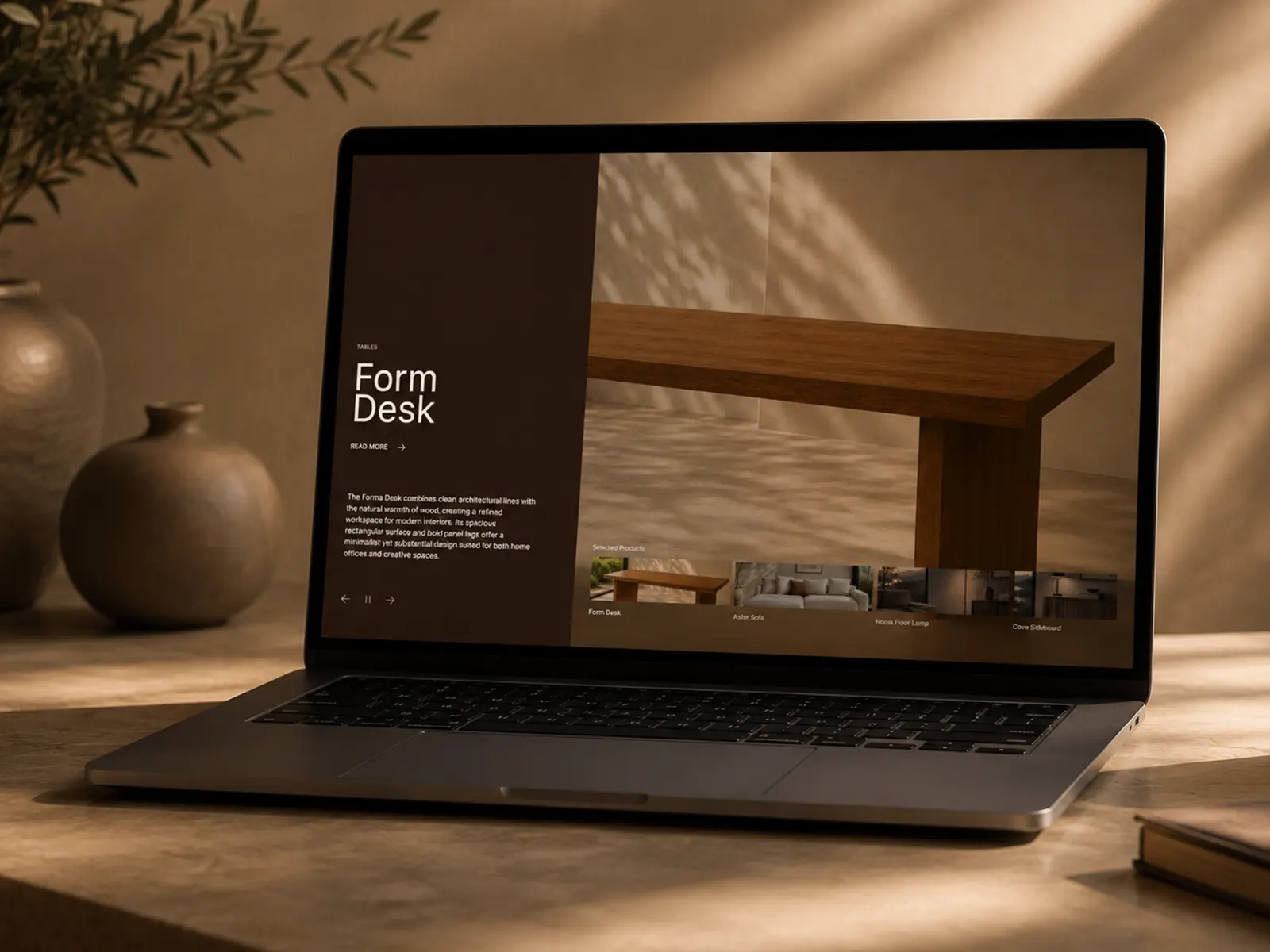
Aperture Slider is a Framer component for showcasing projects, products, spaces, and visual stories through an immersive editorial slider. It combines large-scale imagery, elegant typography, smooth transitions, and intuitive navigation in a refined split-screen layout.
Key Features
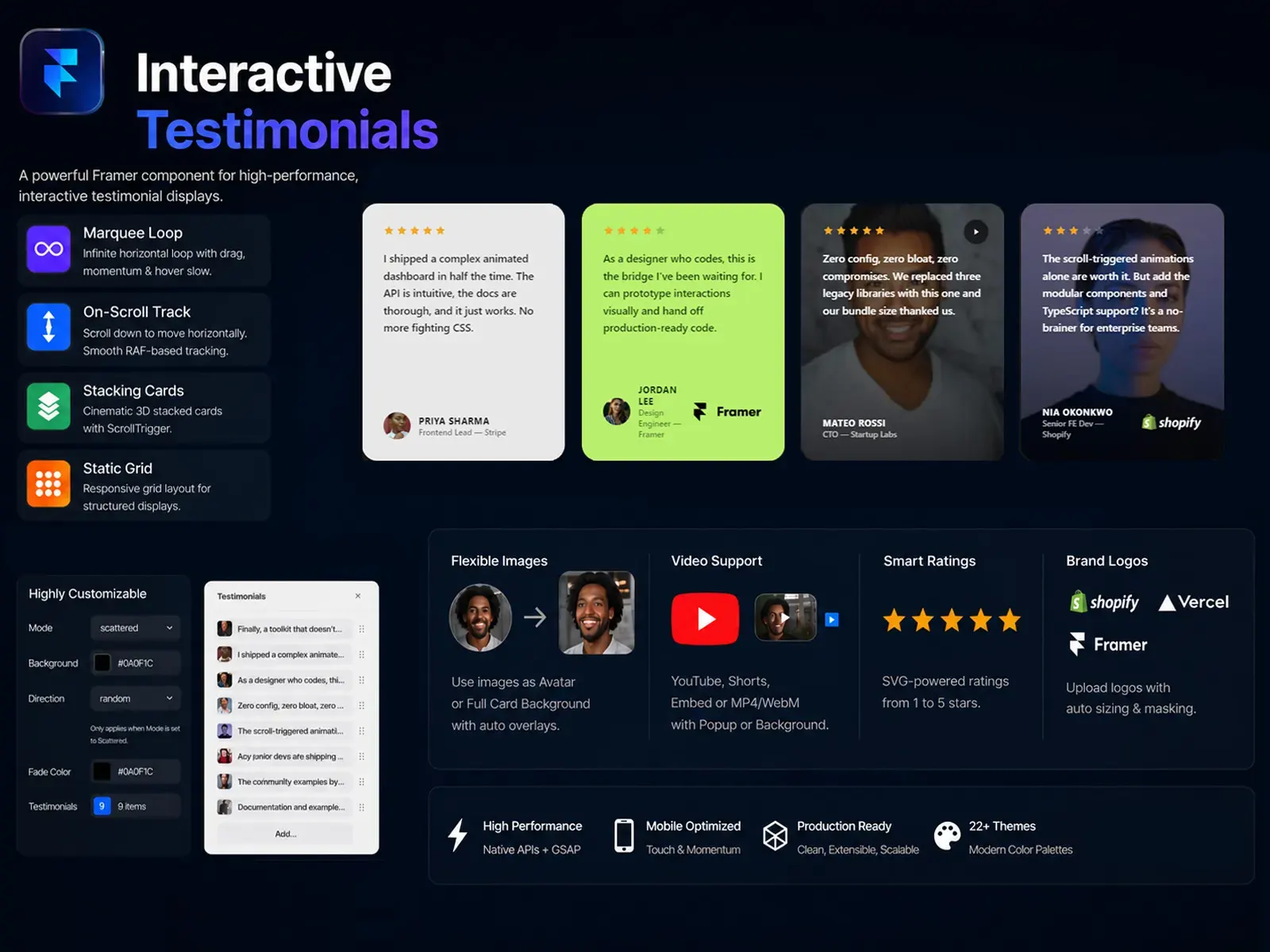
Framer CMS Ready — Connect dynamic project collections with titles, categories, descriptions, images, videos, and links.
Image & Video Support — Showcase projects using high-quality images or background video with fallback imagery.
Smooth Slider Animations — Elegant transitions between slides with polished image reveals and animated content.
Autoplay Controls — Enable automatic slide rotation with adjustable timing, plus play/pause controls.
Thumbnail Navigation — Add a responsive thumbnail dock for quickly browsing and selecting projects.
Touch & Keyboard Navigation — Supports swipe gestures on mobile and arrow-key navigation on desktop.
Project Links — Give every slide its own destination with optional new-tab behavior.
Fully Customizable — Control colors, typography, panel width, spacing, labels, button text, thumbnails, and animation timing directly from Framer.
Responsive by Default — Designed to adapt seamlessly across desktop, tablet, and mobile layouts.
Editorial Design — A minimal, cinematic presentation built for premium visual storytelling.
Perfect For
Architecture portfolios, interior design studios, furniture brands, creative agencies, photography portfolios, product showcases, case studies, lookbooks, and editorial websites.

Aperture Slider is a Framer component for showcasing projects, products, spaces, and visual stories through an immersive editorial slider. It combines large-scale imagery, elegant typography, smooth transitions, and intuitive navigation in a refined split-screen layout.
Key Features
Framer CMS Ready — Connect dynamic project collections with titles, categories, descriptions, images, videos, and links.
Image & Video Support — Showcase projects using high-quality images or background video with fallback imagery.
Smooth Slider Animations — Elegant transitions between slides with polished image reveals and animated content.
Autoplay Controls — Enable automatic slide rotation with adjustable timing, plus play/pause controls.
Thumbnail Navigation — Add a responsive thumbnail dock for quickly browsing and selecting projects.
Touch & Keyboard Navigation — Supports swipe gestures on mobile and arrow-key navigation on desktop.
Project Links — Give every slide its own destination with optional new-tab behavior.
Fully Customizable — Control colors, typography, panel width, spacing, labels, button text, thumbnails, and animation timing directly from Framer.
Responsive by Default — Designed to adapt seamlessly across desktop, tablet, and mobile layouts.
Editorial Design — A minimal, cinematic presentation built for premium visual storytelling.
Perfect For
Architecture portfolios, interior design studios, furniture brands, creative agencies, photography portfolios, product showcases, case studies, lookbooks, and editorial websites.
 sherwin