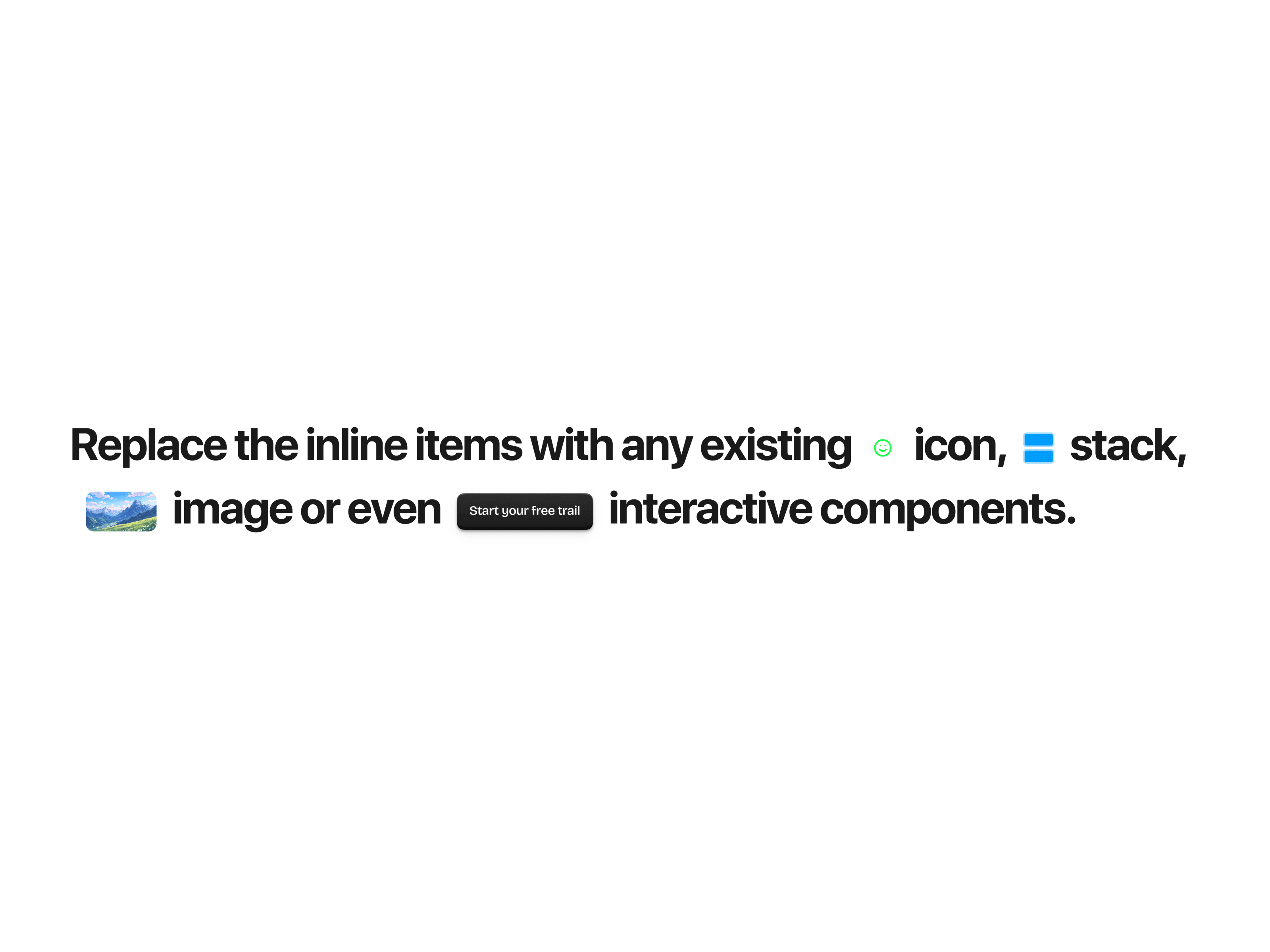
CoolWriter is a playful, scroll-driven typewriter effect for Framer. Text types itself out as visitors scroll — or on autoplay — with a glowing animated cursor, springy character reveals, and inline images or live Framer components dropped right between your words. Every detail is tunable from the property panel.
Two modes — type on scroll (scrubbed to scroll position) or classic autoplay speed
Inline media & components — place images or real Framer components between words with [1], [2] tags
Animated gradient cursor — two-color glow, blink, width, and trailing character effect with bounce, rotate, and scale
Shimmer — multi-color shimmer sweep across freshly typed text
Springy reveals & edge blur — per-character spring physics with distance, scale, stiffness, and soft blur falloff
Full typography control — any font, size, alignment, letter spacing, line height, and paragraph gap
Fast & accessible — animations pause offscreen, screen-reader friendly text, no dependencies
Add the component to your Framer canvas
Write your paragraphs in the property panel — use [1], [2] to place inline items
Pick Scroll or Autoplay mode and tune cursor, shimmer, and sparkle settings
Done
Everything is exposed in the property panel — no code needed:
Content — multiple paragraphs, inline items ([1], [2] tags) as images or component slots with size, radius, background, rotation, offset, and vertical alignment per item
Typography — full font picker, text color, alignment (left/center), line height, and paragraph gap
Cursor — two gradient colors, width, blink toggle, and glow intensity
Playback — Scroll or In View mode, scroll length, and typing speed
Reveal — on/off, distance, scale, spring stiffness, and damping per character
Trail — length, bounce, rotation, and scale of the trailing characters behind the cursor
Shimmer — on/off, custom color palette, sweep length, and glow strength
Edge blur — on/off, maximum blur, and falloff curve at the typing edge

CoolWriter is a playful, scroll-driven typewriter effect for Framer. Text types itself out as visitors scroll — or on autoplay — with a glowing animated cursor, springy character reveals, and inline images or live Framer components dropped right between your words. Every detail is tunable from the property panel.
Two modes — type on scroll (scrubbed to scroll position) or classic autoplay speed
Inline media & components — place images or real Framer components between words with [1], [2] tags
Animated gradient cursor — two-color glow, blink, width, and trailing character effect with bounce, rotate, and scale
Shimmer — multi-color shimmer sweep across freshly typed text
Springy reveals & edge blur — per-character spring physics with distance, scale, stiffness, and soft blur falloff
Full typography control — any font, size, alignment, letter spacing, line height, and paragraph gap
Fast & accessible — animations pause offscreen, screen-reader friendly text, no dependencies
Add the component to your Framer canvas
Write your paragraphs in the property panel — use [1], [2] to place inline items
Pick Scroll or Autoplay mode and tune cursor, shimmer, and sparkle settings
Done
Everything is exposed in the property panel — no code needed:
Content — multiple paragraphs, inline items ([1], [2] tags) as images or component slots with size, radius, background, rotation, offset, and vertical alignment per item
Typography — full font picker, text color, alignment (left/center), line height, and paragraph gap
Cursor — two gradient colors, width, blink toggle, and glow intensity
Playback — Scroll or In View mode, scroll length, and typing speed
Reveal — on/off, distance, scale, spring stiffness, and damping per character
Trail — length, bounce, rotation, and scale of the trailing characters behind the cursor
Shimmer — on/off, custom color palette, sweep length, and glow strength
Edge blur — on/off, maximum blur, and falloff curve at the typing edge


