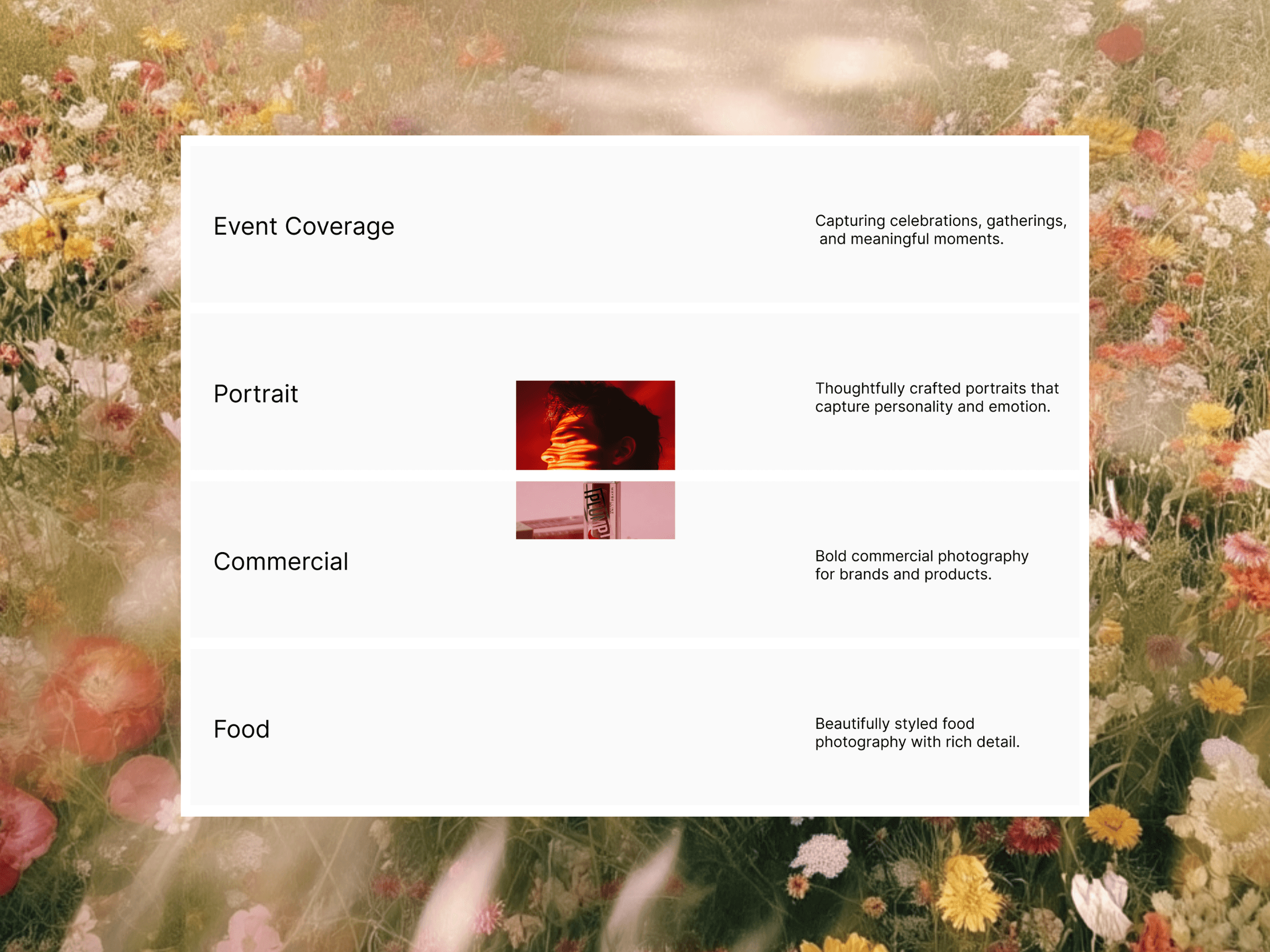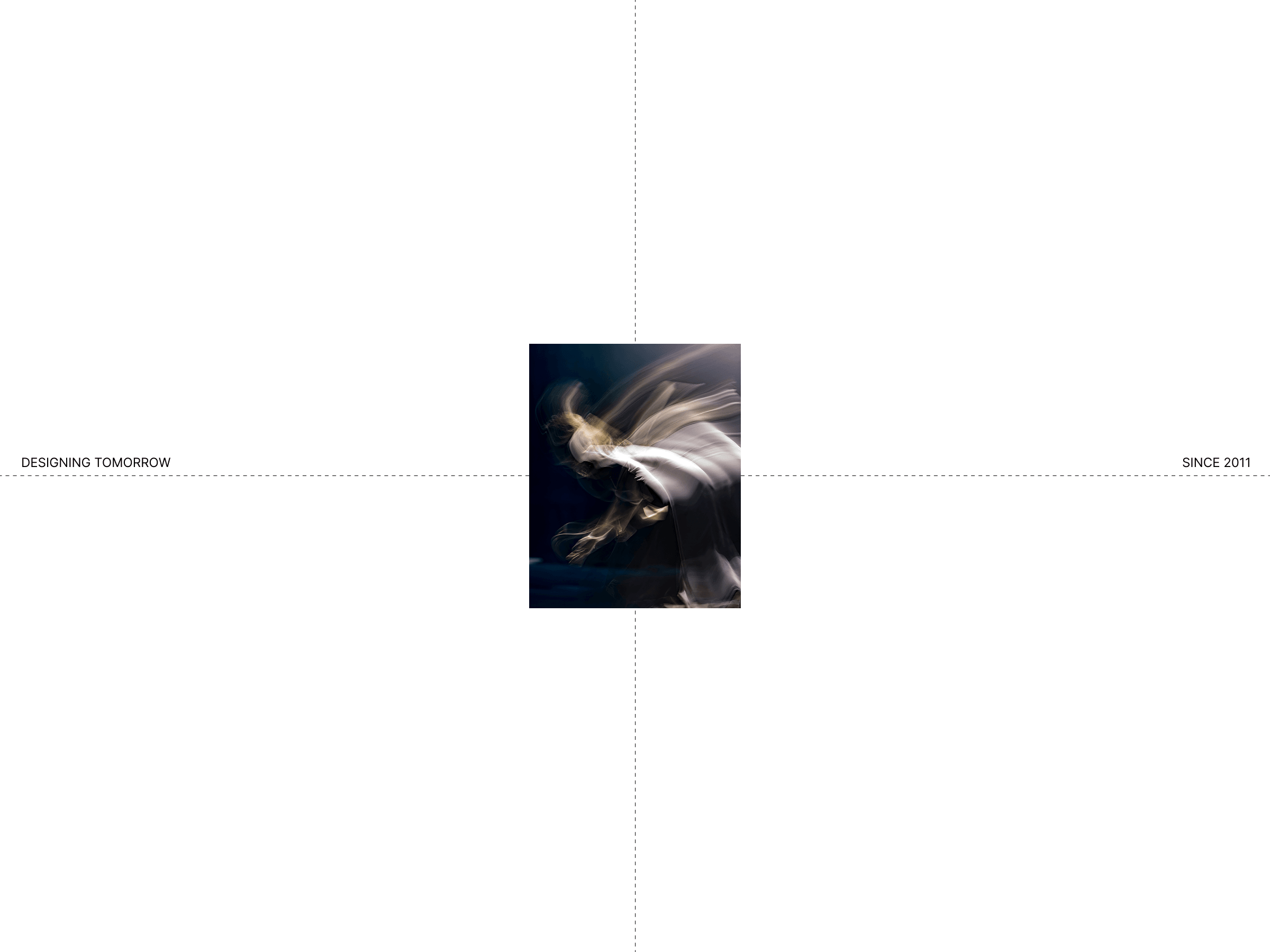
Cursor Crosshair is a premium cursor interaction that adds a precise crosshair following the pointer, optional axis labels, and a dynamic image preview that changes as you move.
Designed for portfolios, creative studios, photography sites, architecture websites, and interactive landing pages. It can run across the whole site or be limited to a single section.
Mode — Apply the effect to the whole site or a specific section.
Crosshair — Customize color, thickness, opacity, and line style.
Axis Labels — Add custom left/right labels such as PREV / NEXT, with full control over typography, color, position, and text transformation.
Center Image — Add one or multiple images that follow the cursor.
Image Size & Style — Adjust width, height, radius, and opacity.
Image Loop — When using multiple images, control how often they change based on cursor distance, transition speed, and reveal style.
Image Frame — Add a solid, dashed, dotted, or bracket-style frame with customizable color, thickness, spacing, and backdrop.
Clickable Elements — Automatically hide the crosshair when hovering interactive elements, with a customizable CSS selector and fade duration.
Background — Customize the section background when using This Section mode.
For any questions, collaborations, or opportunities, feel free to contact me
or

Cursor Crosshair is a premium cursor interaction that adds a precise crosshair following the pointer, optional axis labels, and a dynamic image preview that changes as you move.
Designed for portfolios, creative studios, photography sites, architecture websites, and interactive landing pages. It can run across the whole site or be limited to a single section.
Mode — Apply the effect to the whole site or a specific section.
Crosshair — Customize color, thickness, opacity, and line style.
Axis Labels — Add custom left/right labels such as PREV / NEXT, with full control over typography, color, position, and text transformation.
Center Image — Add one or multiple images that follow the cursor.
Image Size & Style — Adjust width, height, radius, and opacity.
Image Loop — When using multiple images, control how often they change based on cursor distance, transition speed, and reveal style.
Image Frame — Add a solid, dashed, dotted, or bracket-style frame with customizable color, thickness, spacing, and backdrop.
Clickable Elements — Automatically hide the crosshair when hovering interactive elements, with a customizable CSS selector and fade duration.
Background — Customize the section background when using This Section mode.
For any questions, collaborations, or opportunities, feel free to contact me
or
 Nora Salem