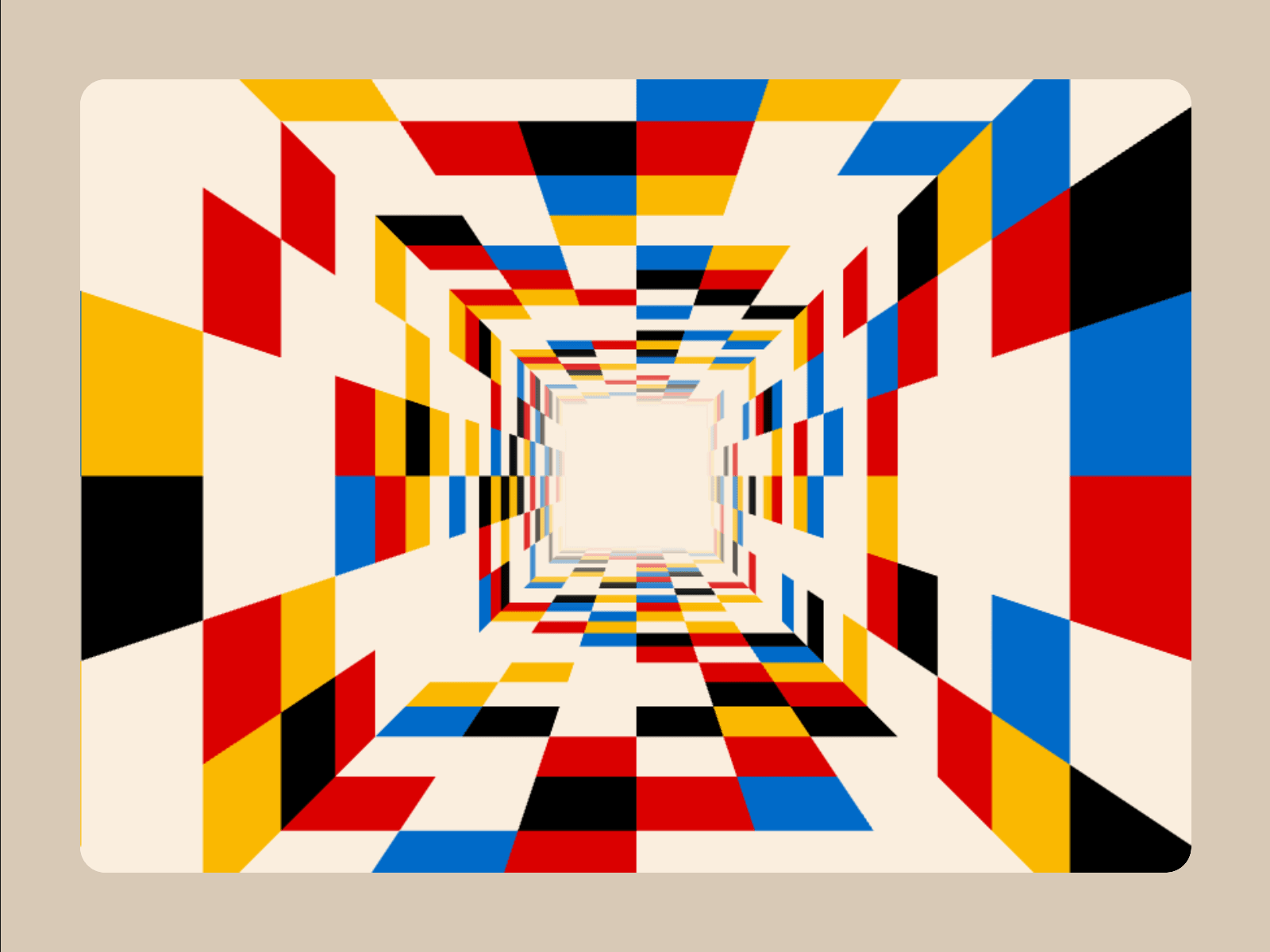
Turn any frame into an infinite 3D world. Combine bold perspective, seamless motion, custom colors, and uploaded media in one responsive WebGL effect.
Immersive hero sections
Portfolio and campaign intros
Product launches and event sites
Interactive galleries and media walls
Playful transitions, backgrounds, and portals
Autoplay: Start automatically or on interaction
Direction: Travel in or out
Speed: Travel rate
Spin: Rotation rate
Interaction: Click, hover, or none
Interaction Speed: Active travel rate
Interaction Spin: Active rotation rate
Depth: Tunnel length
Cell Width: Cell width
Cell Height: Depth-row height
Tunnel Walls: Choose 3–8 sides
Anchor: Camera framing
Vanishing: Convergence point
Distance Fade: Far-end fade
Cell Colors: Custom palette
Media: Images, GIFs, and videos
Blank: Empty-cell weight
Color: Color-cell weight
Media Mix: Media-cell weight
Seed: Repeatable layout
Cell Base Color: Empty-cell color
Background: Exterior and fade color
Grid Lines: Border color
Horizontal Lines: Toggle row lines
Vertical Lines: Toggle column lines
Border Thickness: Grid weight
Corner Radius: Frame rounding
Hover Bubble: Toggle cursor label
Bubble Text: Label copy
Bubble Color: Label background
Bubble Text Color: Label color
Bubble Font: Label typography
Click URL: Destination
Open In: Current or new tab
Reduced Motion: Respect visitor settings
Bring your own media: Mix unlimited colors with uploaded images, animated GIFs, and videos.
Shape the space: Build triangular, square, or multi-sided tunnels and move the vanishing point anywhere.
Make it interactive: Change speed and spin on click or hover, then send visitors to any destination.
Built for performance: Rendering pauses when idle or offscreen and resumes without animation jumps.
Animations play in Framer Preview and on published sites. The editing canvas displays a static preview for optimal performance.

Turn any frame into an infinite 3D world. Combine bold perspective, seamless motion, custom colors, and uploaded media in one responsive WebGL effect.
Immersive hero sections
Portfolio and campaign intros
Product launches and event sites
Interactive galleries and media walls
Playful transitions, backgrounds, and portals
Autoplay: Start automatically or on interaction
Direction: Travel in or out
Speed: Travel rate
Spin: Rotation rate
Interaction: Click, hover, or none
Interaction Speed: Active travel rate
Interaction Spin: Active rotation rate
Depth: Tunnel length
Cell Width: Cell width
Cell Height: Depth-row height
Tunnel Walls: Choose 3–8 sides
Anchor: Camera framing
Vanishing: Convergence point
Distance Fade: Far-end fade
Cell Colors: Custom palette
Media: Images, GIFs, and videos
Blank: Empty-cell weight
Color: Color-cell weight
Media Mix: Media-cell weight
Seed: Repeatable layout
Cell Base Color: Empty-cell color
Background: Exterior and fade color
Grid Lines: Border color
Horizontal Lines: Toggle row lines
Vertical Lines: Toggle column lines
Border Thickness: Grid weight
Corner Radius: Frame rounding
Hover Bubble: Toggle cursor label
Bubble Text: Label copy
Bubble Color: Label background
Bubble Text Color: Label color
Bubble Font: Label typography
Click URL: Destination
Open In: Current or new tab
Reduced Motion: Respect visitor settings
Bring your own media: Mix unlimited colors with uploaded images, animated GIFs, and videos.
Shape the space: Build triangular, square, or multi-sided tunnels and move the vanishing point anywhere.
Make it interactive: Change speed and spin on click or hover, then send visitors to any destination.
Built for performance: Rendering pauses when idle or offscreen and resumes without animation jumps.
Animations play in Framer Preview and on published sites. The editing canvas displays a static preview for optimal performance.