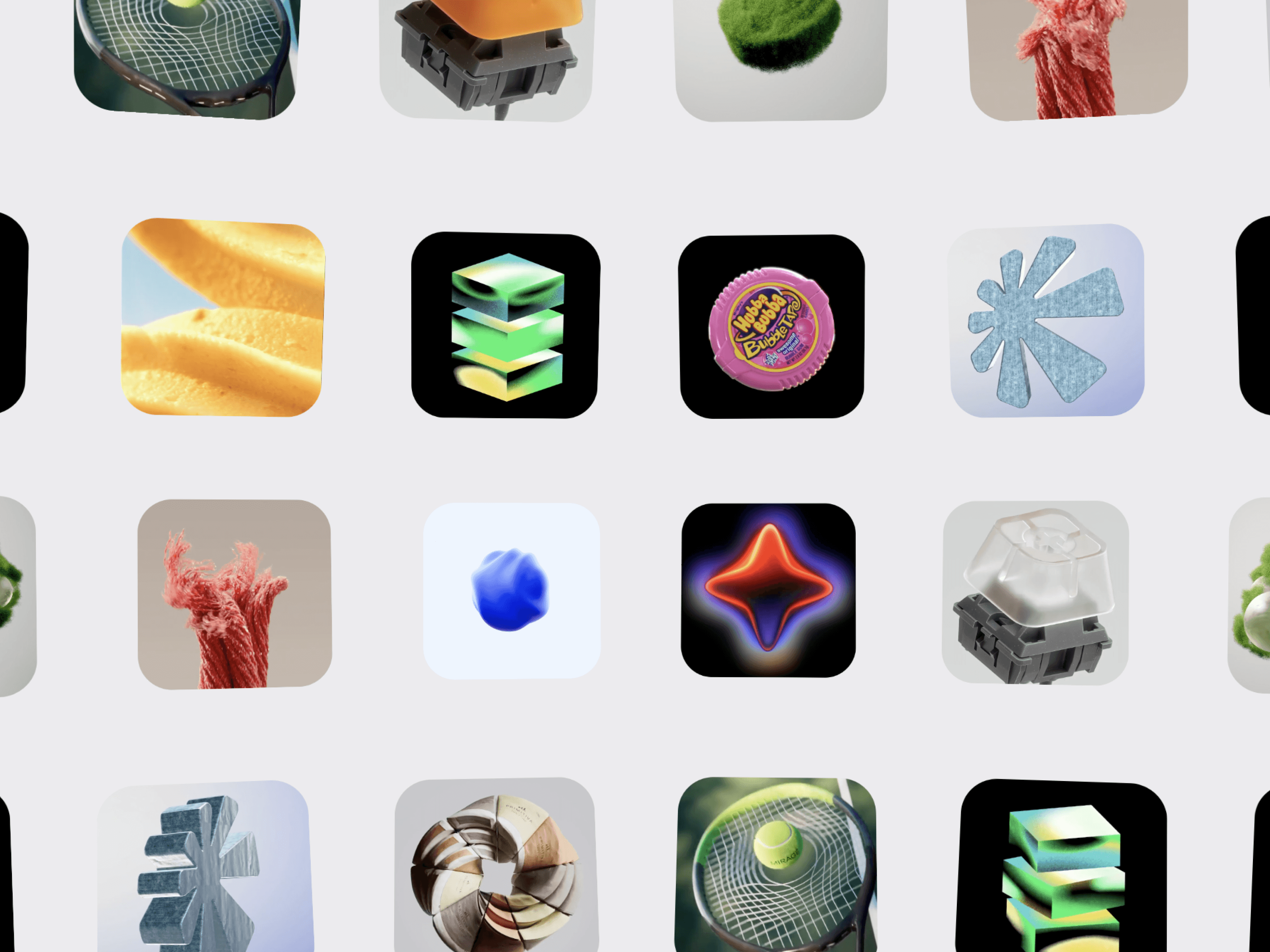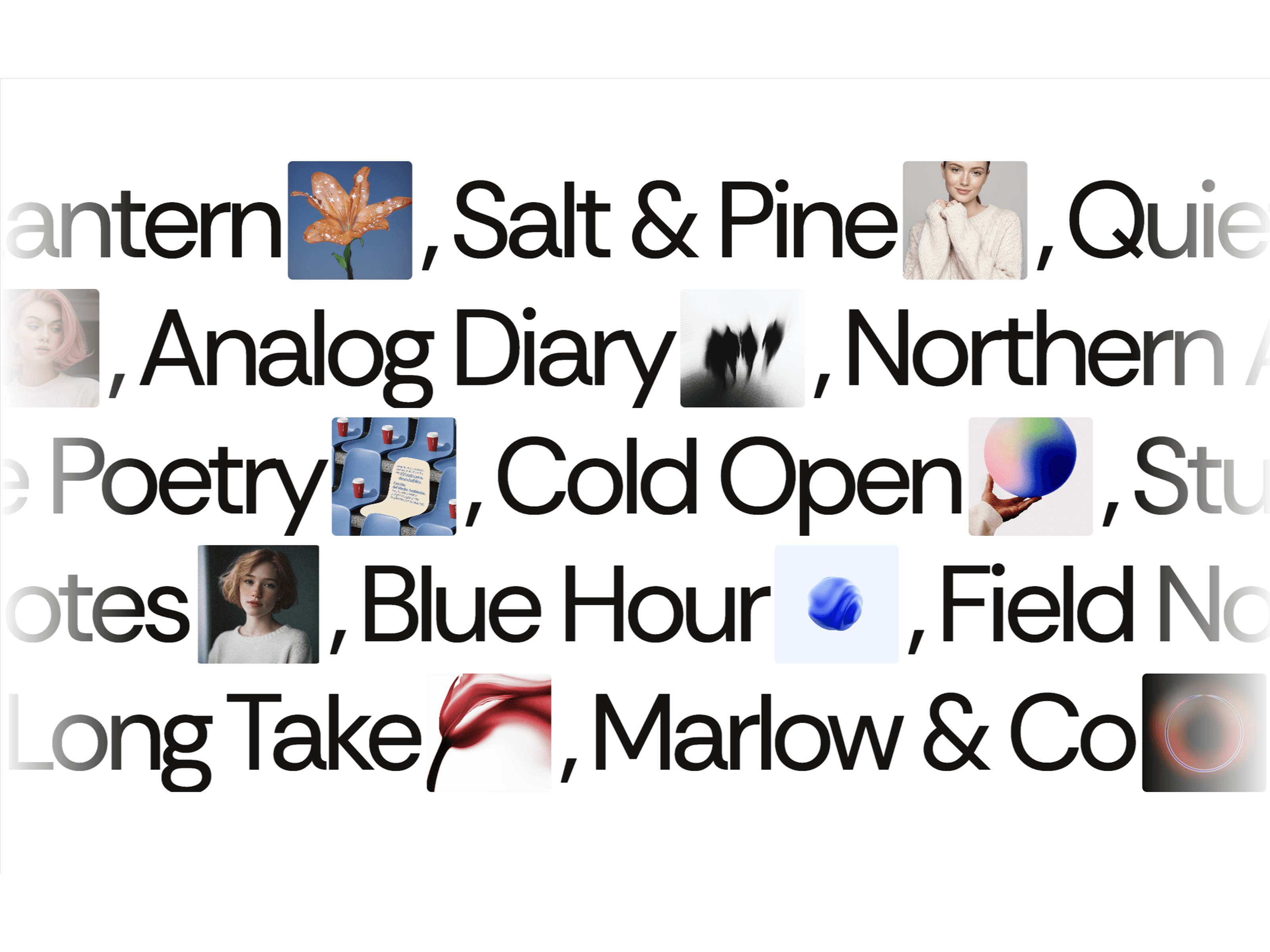
Ipad Spotlight is a smooth, immersive image carousel for Framer designed to create a striking fisheye spotlight effect. Images naturally grow toward the center while smoothly shrinking toward the edges, creating depth, motion, and a strong visual focus.
Add multiple images, customize the carousel to fit your design, and let visitors explore your gallery with infinite scrolling, autoplay, drag interactions, and smooth wheel navigation.
Fisheye Image Effect — Create a dynamic 3D-like perspective where the center image becomes the focal point.
Infinite Image Scrolling — Seamlessly loop through your images for a continuous carousel experience.
Center Spotlight — Smoothly enlarge cards as they approach the center of the screen.
Edge Compression — Automatically scale cards down toward the edges for a cinematic depth effect.
Custom Card Layout — Control image width, aspect ratio, spacing, overlap, and corner radius.
Autoplay — Keep your gallery moving automatically.
Direction Control — Choose between left and right movement.
Drag Interaction — Drag through images with smooth momentum.
Wheel Scrolling — Navigate the carousel using your mouse or trackpad.
Pause on Hover — Automatically pause autoplay when visitors hover over the gallery.
Smooth Wheel Easing — Create soft, natural scrolling instead of abrupt movement.
Control images, individual links, new-tab behavior, card width, aspect ratio, edge scale, spotlight spread, overlap, background color, corner radius, autoplay, speed, direction, pause on hover, drag, momentum, wheel scrolling, wheel sensitivity, and wheel smoothing.
Keyword: Framer Carousel · Image Carousel · Framer Image Carousel · Spotlight Carousel · Fisheye Carousel · Fisheye Image Gallery · Infinite Image Slider · Framer Gallery · Interactive Image Gallery · Animated Carousel · Portfolio Carousel · Framer Component · Image Slider · Creative Portfolio · Framer Website

Ipad Spotlight is a smooth, immersive image carousel for Framer designed to create a striking fisheye spotlight effect. Images naturally grow toward the center while smoothly shrinking toward the edges, creating depth, motion, and a strong visual focus.
Add multiple images, customize the carousel to fit your design, and let visitors explore your gallery with infinite scrolling, autoplay, drag interactions, and smooth wheel navigation.
Fisheye Image Effect — Create a dynamic 3D-like perspective where the center image becomes the focal point.
Infinite Image Scrolling — Seamlessly loop through your images for a continuous carousel experience.
Center Spotlight — Smoothly enlarge cards as they approach the center of the screen.
Edge Compression — Automatically scale cards down toward the edges for a cinematic depth effect.
Custom Card Layout — Control image width, aspect ratio, spacing, overlap, and corner radius.
Autoplay — Keep your gallery moving automatically.
Direction Control — Choose between left and right movement.
Drag Interaction — Drag through images with smooth momentum.
Wheel Scrolling — Navigate the carousel using your mouse or trackpad.
Pause on Hover — Automatically pause autoplay when visitors hover over the gallery.
Smooth Wheel Easing — Create soft, natural scrolling instead of abrupt movement.
Control images, individual links, new-tab behavior, card width, aspect ratio, edge scale, spotlight spread, overlap, background color, corner radius, autoplay, speed, direction, pause on hover, drag, momentum, wheel scrolling, wheel sensitivity, and wheel smoothing.
Keyword: Framer Carousel · Image Carousel · Framer Image Carousel · Spotlight Carousel · Fisheye Carousel · Fisheye Image Gallery · Infinite Image Slider · Framer Gallery · Interactive Image Gallery · Animated Carousel · Portfolio Carousel · Framer Component · Image Slider · Creative Portfolio · Framer Website