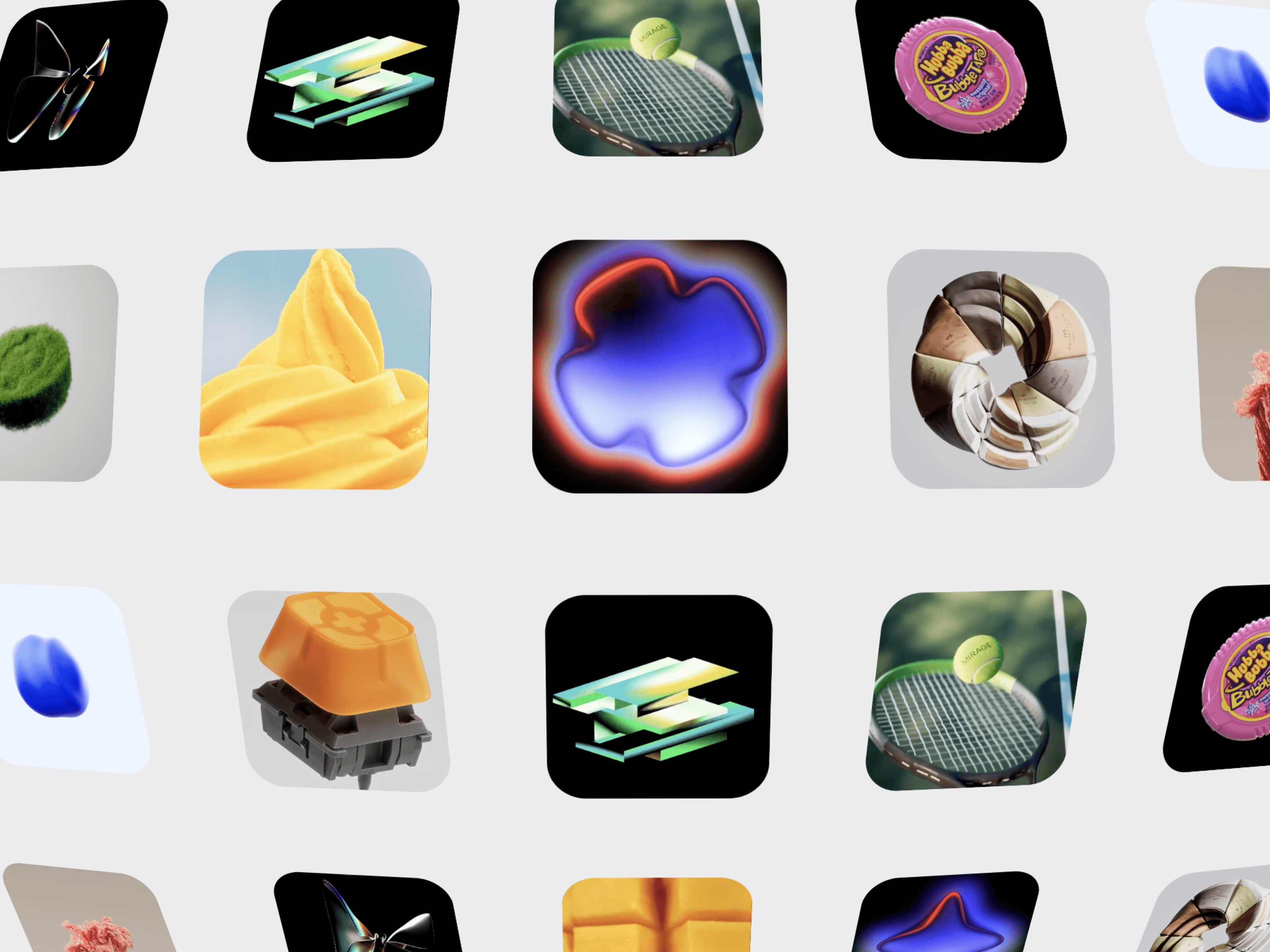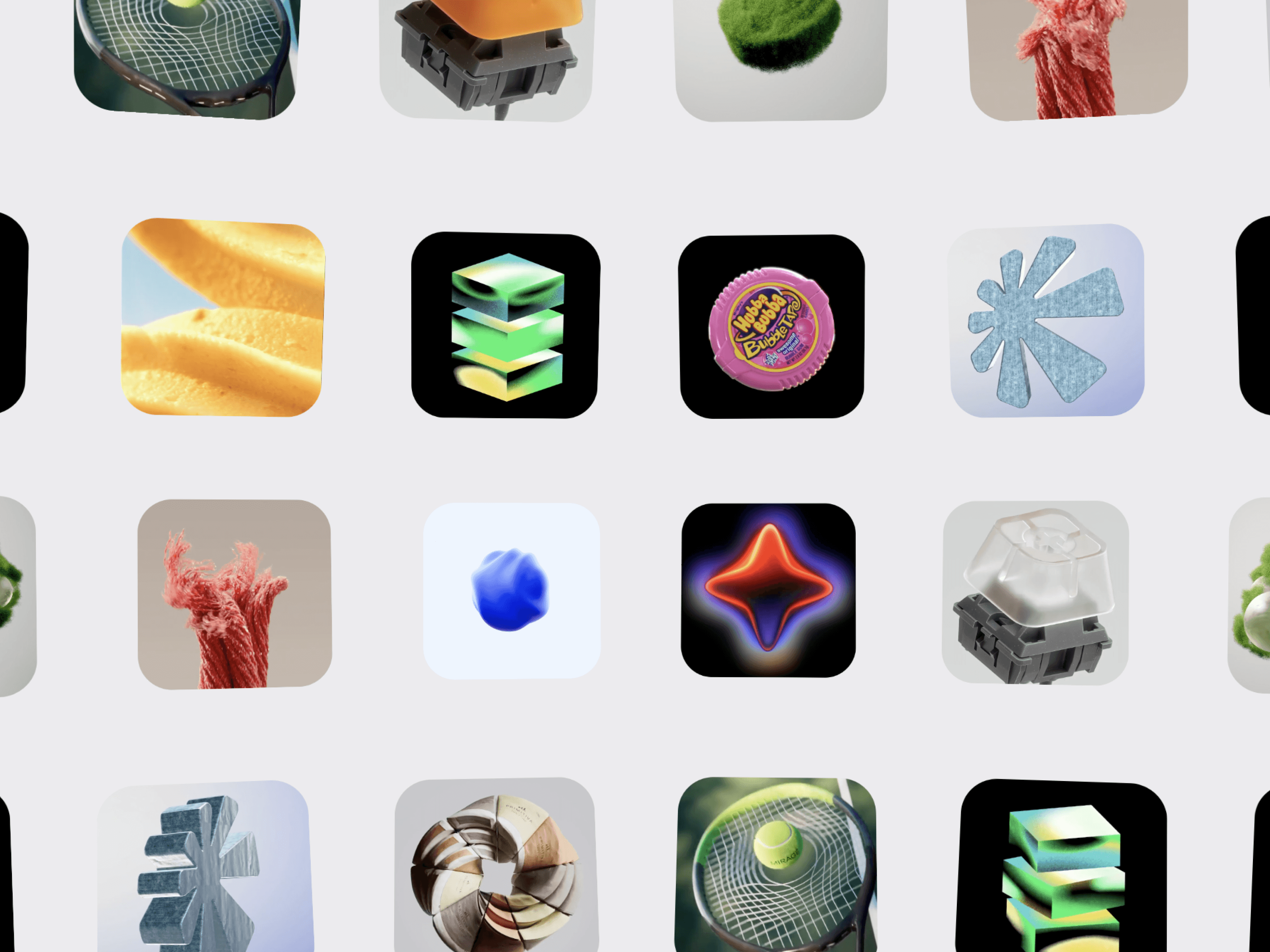
CMS Video Concave Gallery is an immersive 3D video gallery for Framer that transforms your videos into a smooth, continuously moving concave grid. Create a cinematic visual experience with infinite scrolling, realistic 3D perspective, drag interactions, hover effects, and optimized video playback.
Each video card can be connected individually to a Framer CMS page or any URL using the Link / CMS Link control. This makes it ideal for portfolios, projects, case studies, campaigns, products, and other visual collections.
Concave 3D Layout — Create a curved, dimensional video grid.
Infinite Scrolling — Seamlessly loop videos in any direction.
Multiple Rows & Columns — Create compact or large-scale galleries.
Custom Tiles — Adjust video size, spacing, and corner radius.
3D Controls — Fine-tune perspective, concavity, curvature, edge rotation, and depth.
Connect each video card to a different Framer CMS page.
Link to projects, case studies, products, or external URLs.
Choose Same Tab or New Tab.
Build interactive portfolio and collection experiences.
Drag to Explore with momentum.
Wheel Navigation for mouse and trackpad.
Autoplay in 8 directions.
Hover Effects with customizable scale and rotation.
Touch Friendly for mobile interactions.
Control video source, poster, CMS link, rows, columns, tile size, spacing, radius, perspective, concavity, curvature, edge rotation, depth, autoplay speed, direction, drag, wheel, hover effects, playback mode, maximum playing videos, muted playback, looping, preload behavior, and background color.
Creative Portfolios · Design Studios · Agencies · Fashion · Film & Motion · Photography · Architecture · Case Studies · Project Showcases · Product Galleries · Campaigns · Personal Websites · Framer CMS Projects
Turn a traditional video grid into an interactive 3D experience with CMS Video Concave Gallery.

CMS Video Concave Gallery is an immersive 3D video gallery for Framer that transforms your videos into a smooth, continuously moving concave grid. Create a cinematic visual experience with infinite scrolling, realistic 3D perspective, drag interactions, hover effects, and optimized video playback.
Each video card can be connected individually to a Framer CMS page or any URL using the Link / CMS Link control. This makes it ideal for portfolios, projects, case studies, campaigns, products, and other visual collections.
Concave 3D Layout — Create a curved, dimensional video grid.
Infinite Scrolling — Seamlessly loop videos in any direction.
Multiple Rows & Columns — Create compact or large-scale galleries.
Custom Tiles — Adjust video size, spacing, and corner radius.
3D Controls — Fine-tune perspective, concavity, curvature, edge rotation, and depth.
Connect each video card to a different Framer CMS page.
Link to projects, case studies, products, or external URLs.
Choose Same Tab or New Tab.
Build interactive portfolio and collection experiences.
Drag to Explore with momentum.
Wheel Navigation for mouse and trackpad.
Autoplay in 8 directions.
Hover Effects with customizable scale and rotation.
Touch Friendly for mobile interactions.
Control video source, poster, CMS link, rows, columns, tile size, spacing, radius, perspective, concavity, curvature, edge rotation, depth, autoplay speed, direction, drag, wheel, hover effects, playback mode, maximum playing videos, muted playback, looping, preload behavior, and background color.
Creative Portfolios · Design Studios · Agencies · Fashion · Film & Motion · Photography · Architecture · Case Studies · Project Showcases · Product Galleries · Campaigns · Personal Websites · Framer CMS Projects
Turn a traditional video grid into an interactive 3D experience with CMS Video Concave Gallery.