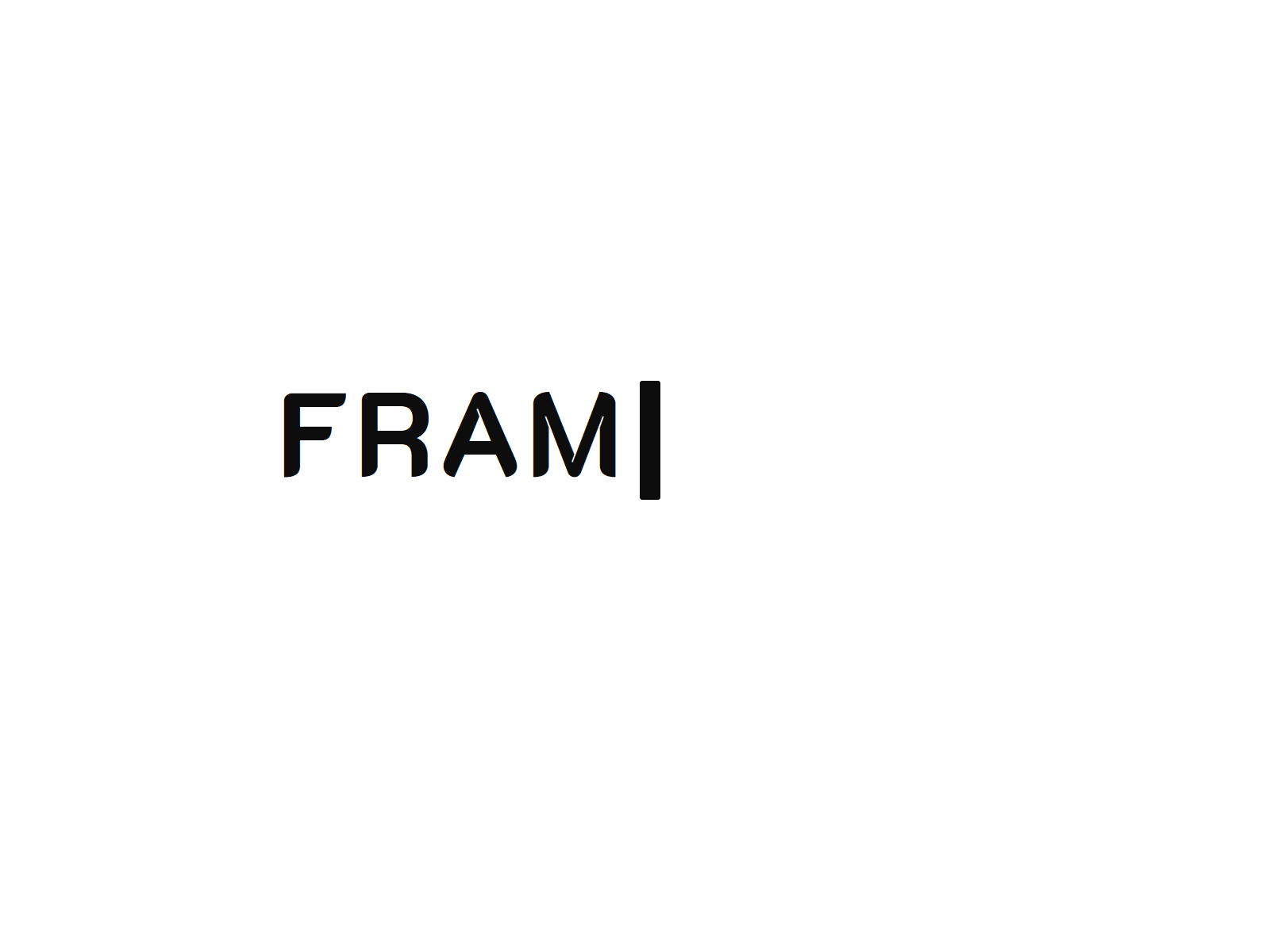
Most typewriter effects type like a robot — same speed, same rhythm, zero personality. This one doesn't.
Key Stroke adds real texture to on-screen typing: randomized speed per character so it never feels metronomic, natural pauses after punctuation, and occasional keyboard-adjacent typos that get noticed and corrected mid-sentence — just like real typing.
Built-in Heading + Subheading Sequencing means your subheading only starts once the heading finishes, with a configurable delay in between. No Overrides, no linking separate instances — just fill in two text fields.
Optional Synthesized Keyboard Clicks (no audio files, generated on the fly) add an extra layer of realism while typing and deleting. Full alignment control (left, center, right) keeps it flexible for hero sections, cards, or full-width layouts.
Heading & subheading text, independently styled (color, size, font — pulled straight from your project's font library) – Typing speed and jitter – Typo frequency – Punctuation pause timing – Cursor style (block, line, underscore) and blink – Start trigger: on load, on scroll into view, or on click – Loop on/off with custom delay – Line gap and text alignment – Optional keyboard click sound with volume control
Every control includes a short description right in the panel, so nothing requires guesswork.
Browsers block audio until a visitor interacts with the page. If your trigger is set to load or scroll, the very first run may be silent until they click anywhere on the page — this is standard browser behavior, not a bug.
Built as a single custom code component for smooth performance and easy duplication across your project.

Most typewriter effects type like a robot — same speed, same rhythm, zero personality. This one doesn't.
Key Stroke adds real texture to on-screen typing: randomized speed per character so it never feels metronomic, natural pauses after punctuation, and occasional keyboard-adjacent typos that get noticed and corrected mid-sentence — just like real typing.
Built-in Heading + Subheading Sequencing means your subheading only starts once the heading finishes, with a configurable delay in between. No Overrides, no linking separate instances — just fill in two text fields.
Optional Synthesized Keyboard Clicks (no audio files, generated on the fly) add an extra layer of realism while typing and deleting. Full alignment control (left, center, right) keeps it flexible for hero sections, cards, or full-width layouts.
Heading & subheading text, independently styled (color, size, font — pulled straight from your project's font library) – Typing speed and jitter – Typo frequency – Punctuation pause timing – Cursor style (block, line, underscore) and blink – Start trigger: on load, on scroll into view, or on click – Loop on/off with custom delay – Line gap and text alignment – Optional keyboard click sound with volume control
Every control includes a short description right in the panel, so nothing requires guesswork.
Browsers block audio until a visitor interacts with the page. If your trigger is set to load or scroll, the very first run may be silent until they click anywhere on the page — this is standard browser behavior, not a bug.
Built as a single custom code component for smooth performance and easy duplication across your project.
 Jephthah Ledum


