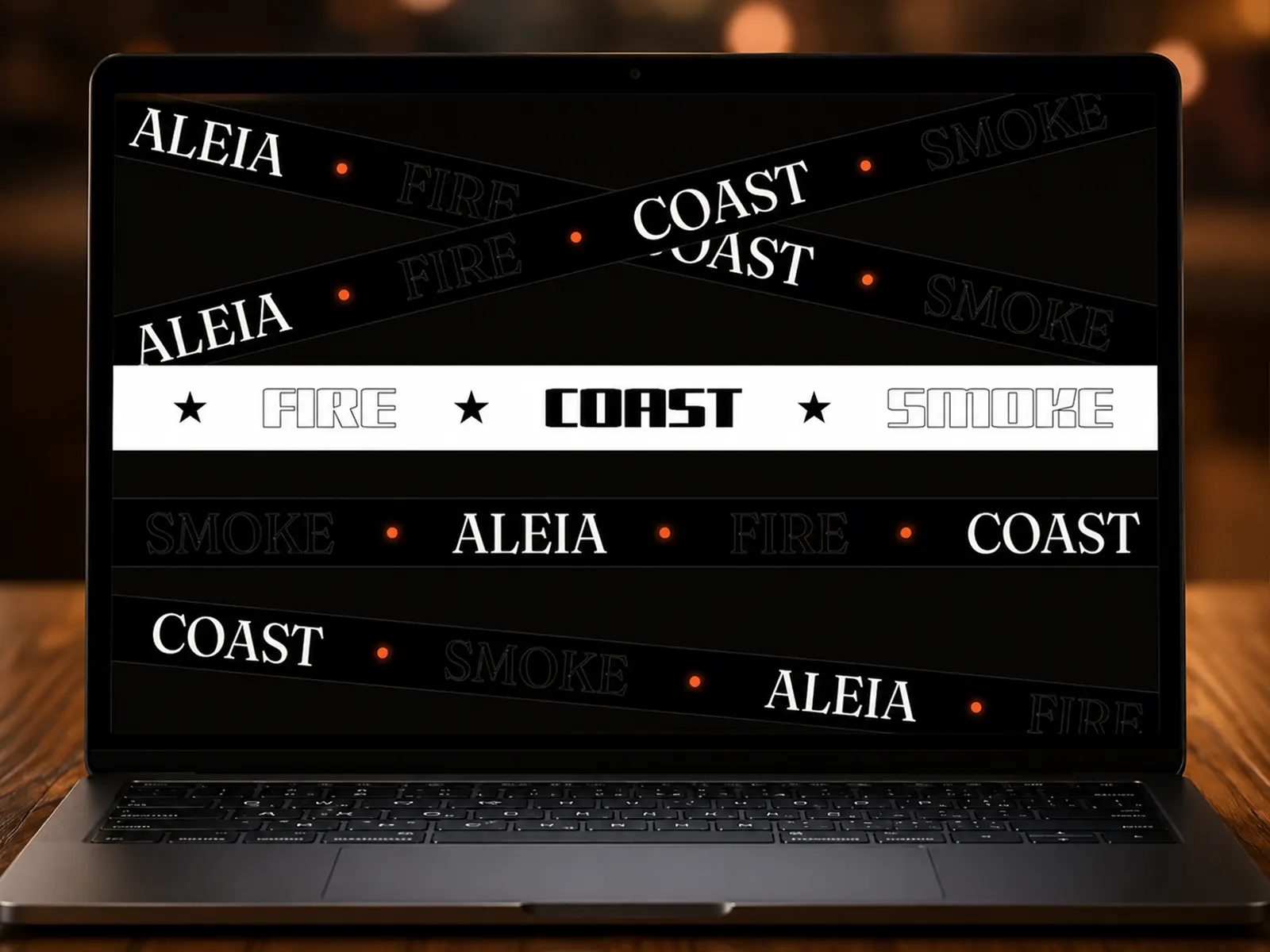
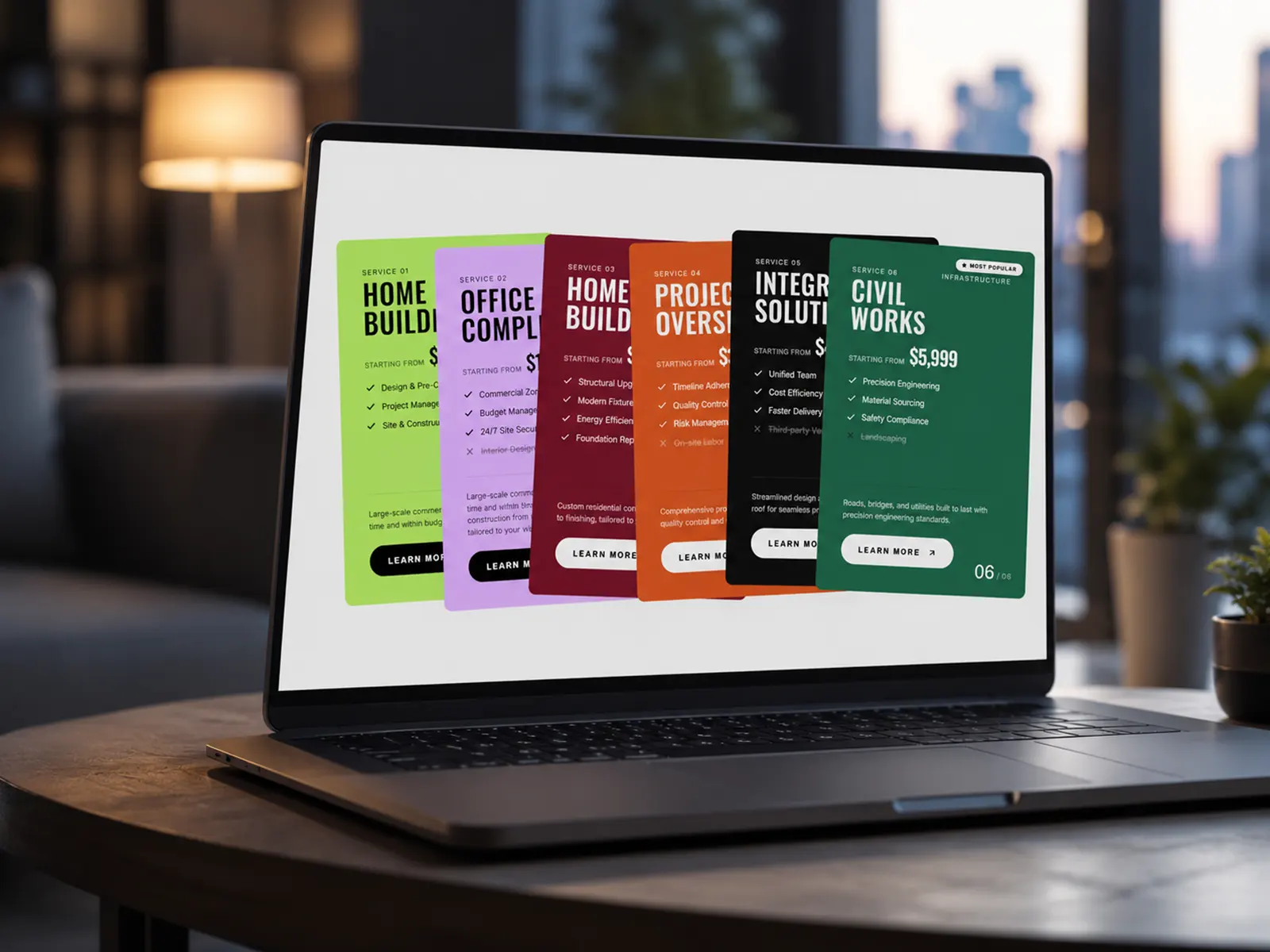
Modal Canvas Overlay lets you connect a Frame through the Component Instance property and display it inside either a centered modal or a sliding offcanvas panel. Whether it's a reservation form, contact section, menu, announcement, gallery, video, or any custom layout you've designed, your connected Frame opens with smooth, polished animations.
Simply connect your Frame, customize the appearance, and your trigger is ready to use.
Connect any Frame using the Component Instance property
Display content as a centered Modal or Offcanvas
Left or right offcanvas placement
Adjustable offcanvas width
Fully customizable CTA button
Optional star icon
Optional animated arrow
Custom modal title and subtitle
Advanced typography controls
Complete color customization
Responsive across desktop, tablet, and mobile
Smooth opening and closing animations
Backdrop blur effect
Click outside to close
Press Escape to close
Customizable close button
Static preview on the Framer canvas
Lightweight and easy to customize
No code required
Reservation Forms
Contact Sections
Booking Interfaces
Navigation Menus
Image Galleries
Videos
Announcements
Promotional Content
Newsletters
Custom Layouts
Customize every part of the experience directly from Framer:
CTA button text
Optional icon and animated arrow
Button typography
Button colors and hover states
Border radius and spacing
Modal title and subtitle
Typography
Background and border colors
Accent colors
Close button styling
Modal or offcanvas display mode
Offcanvas position and width
Create elegant overlays by simply connecting a Frame through the Component Instance property—giving you complete design freedom while keeping setup fast and code-free.

Modal Canvas Overlay lets you connect a Frame through the Component Instance property and display it inside either a centered modal or a sliding offcanvas panel. Whether it's a reservation form, contact section, menu, announcement, gallery, video, or any custom layout you've designed, your connected Frame opens with smooth, polished animations.
Simply connect your Frame, customize the appearance, and your trigger is ready to use.
Connect any Frame using the Component Instance property
Display content as a centered Modal or Offcanvas
Left or right offcanvas placement
Adjustable offcanvas width
Fully customizable CTA button
Optional star icon
Optional animated arrow
Custom modal title and subtitle
Advanced typography controls
Complete color customization
Responsive across desktop, tablet, and mobile
Smooth opening and closing animations
Backdrop blur effect
Click outside to close
Press Escape to close
Customizable close button
Static preview on the Framer canvas
Lightweight and easy to customize
No code required
Reservation Forms
Contact Sections
Booking Interfaces
Navigation Menus
Image Galleries
Videos
Announcements
Promotional Content
Newsletters
Custom Layouts
Customize every part of the experience directly from Framer:
CTA button text
Optional icon and animated arrow
Button typography
Button colors and hover states
Border radius and spacing
Modal title and subtitle
Typography
Background and border colors
Accent colors
Close button styling
Modal or offcanvas display mode
Offcanvas position and width
Create elegant overlays by simply connecting a Frame through the Component Instance property—giving you complete design freedom while keeping setup fast and code-free.