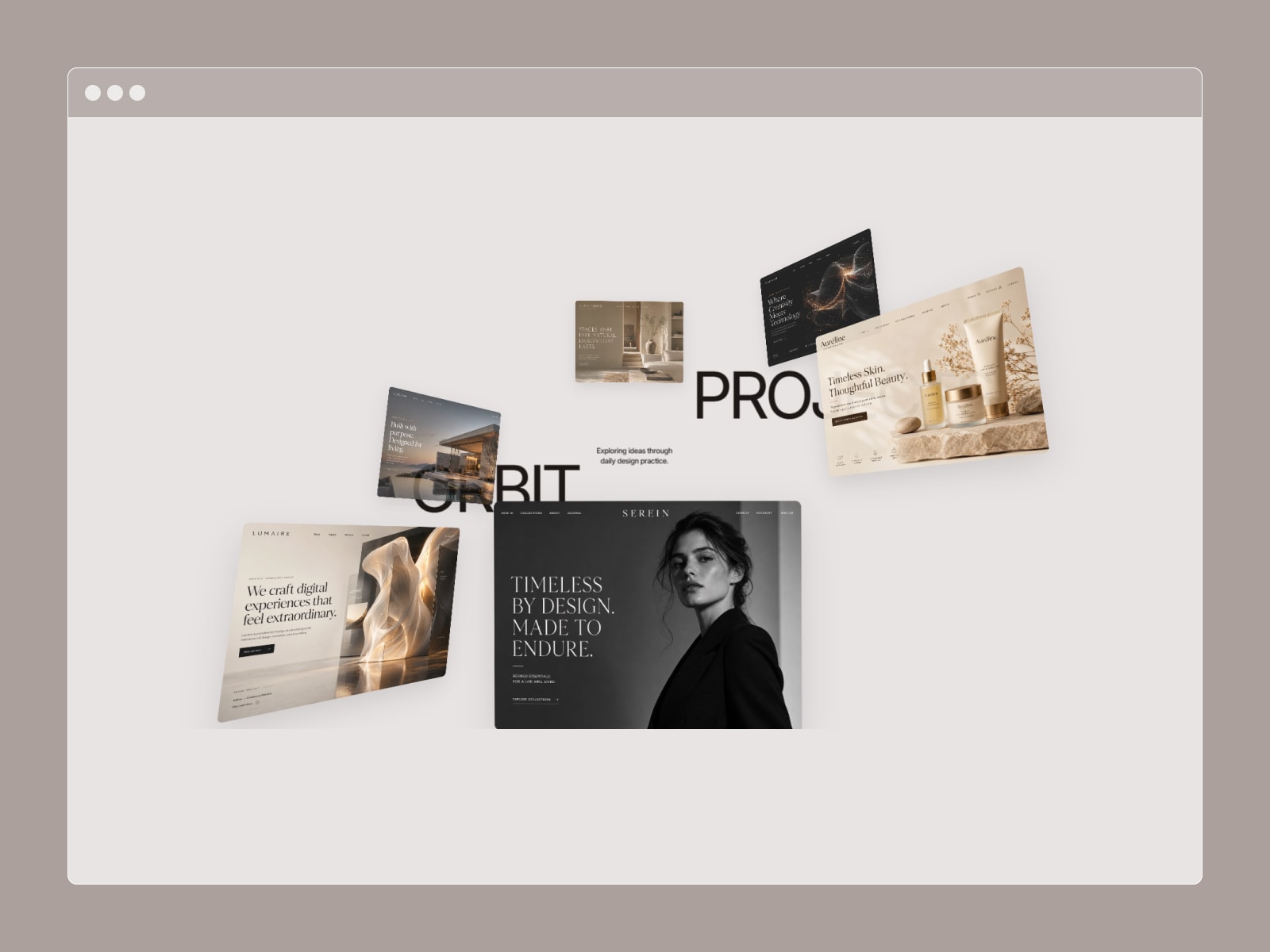
Mosaic Image Reveal transforms your image into a configurable grid of tiles and animates them into place with smooth 3D motion. Perfect for eye-catching hero sections or subtle feature reveals, every aspect of the animation can be customized directly from Framer's property panel.
Six 3D reveal styles: Explode, Flip 3D, Depth Zoom, Rise, Shuffle, and Blinds
Eight stagger patterns: Random, Left → Right, Right → Left, Top → Bottom, Diagonal, Center Out, Edges In, and Wave
Scroll-triggered or On Load reveal with adjustable viewport threshold
Cursor-following parallax tilt with configurable strength
Spring-based motion with adjustable stiffness, damping, and mass
Optional gradient overlay for cinematic depth and vignette effects
Tile gap and border radius controls
Accessible with built-in screen-reader alt text
Canvas-safe: always displays the final revealed state while editing
Image — Add any image with support for Framer responsive image tokens and object positioning.
Grid — Configure columns, rows (1–24), tile gap, overlap, and border radius.
Reveal — Choose In View or On Load, select a stagger pattern, set per-tile delay, and adjust the viewport trigger threshold.
3D Motion — Pick a reveal style and customize perspective, scatter distance, rotation, and spring physics.
Interaction — Enable cursor parallax tilt and control its strength.
Overlay — Add a gradient overlay with customizable colors, opacity, blend mode, and backdrop color.
Add the component to your Framer canvas.
Select an image.
Set your grid size (8 × 6 is a great starting point).
Choose a reveal style and stagger pattern.
Set the trigger to In View or On Load.
Preview the animation. The canvas always shows the fully revealed state for easy editing.

Mosaic Image Reveal transforms your image into a configurable grid of tiles and animates them into place with smooth 3D motion. Perfect for eye-catching hero sections or subtle feature reveals, every aspect of the animation can be customized directly from Framer's property panel.
Six 3D reveal styles: Explode, Flip 3D, Depth Zoom, Rise, Shuffle, and Blinds
Eight stagger patterns: Random, Left → Right, Right → Left, Top → Bottom, Diagonal, Center Out, Edges In, and Wave
Scroll-triggered or On Load reveal with adjustable viewport threshold
Cursor-following parallax tilt with configurable strength
Spring-based motion with adjustable stiffness, damping, and mass
Optional gradient overlay for cinematic depth and vignette effects
Tile gap and border radius controls
Accessible with built-in screen-reader alt text
Canvas-safe: always displays the final revealed state while editing
Image — Add any image with support for Framer responsive image tokens and object positioning.
Grid — Configure columns, rows (1–24), tile gap, overlap, and border radius.
Reveal — Choose In View or On Load, select a stagger pattern, set per-tile delay, and adjust the viewport trigger threshold.
3D Motion — Pick a reveal style and customize perspective, scatter distance, rotation, and spring physics.
Interaction — Enable cursor parallax tilt and control its strength.
Overlay — Add a gradient overlay with customizable colors, opacity, blend mode, and backdrop color.
Add the component to your Framer canvas.
Select an image.
Set your grid size (8 × 6 is a great starting point).
Choose a reveal style and stagger pattern.
Set the trigger to In View or On Load.
Preview the animation. The canvas always shows the fully revealed state for easy editing.