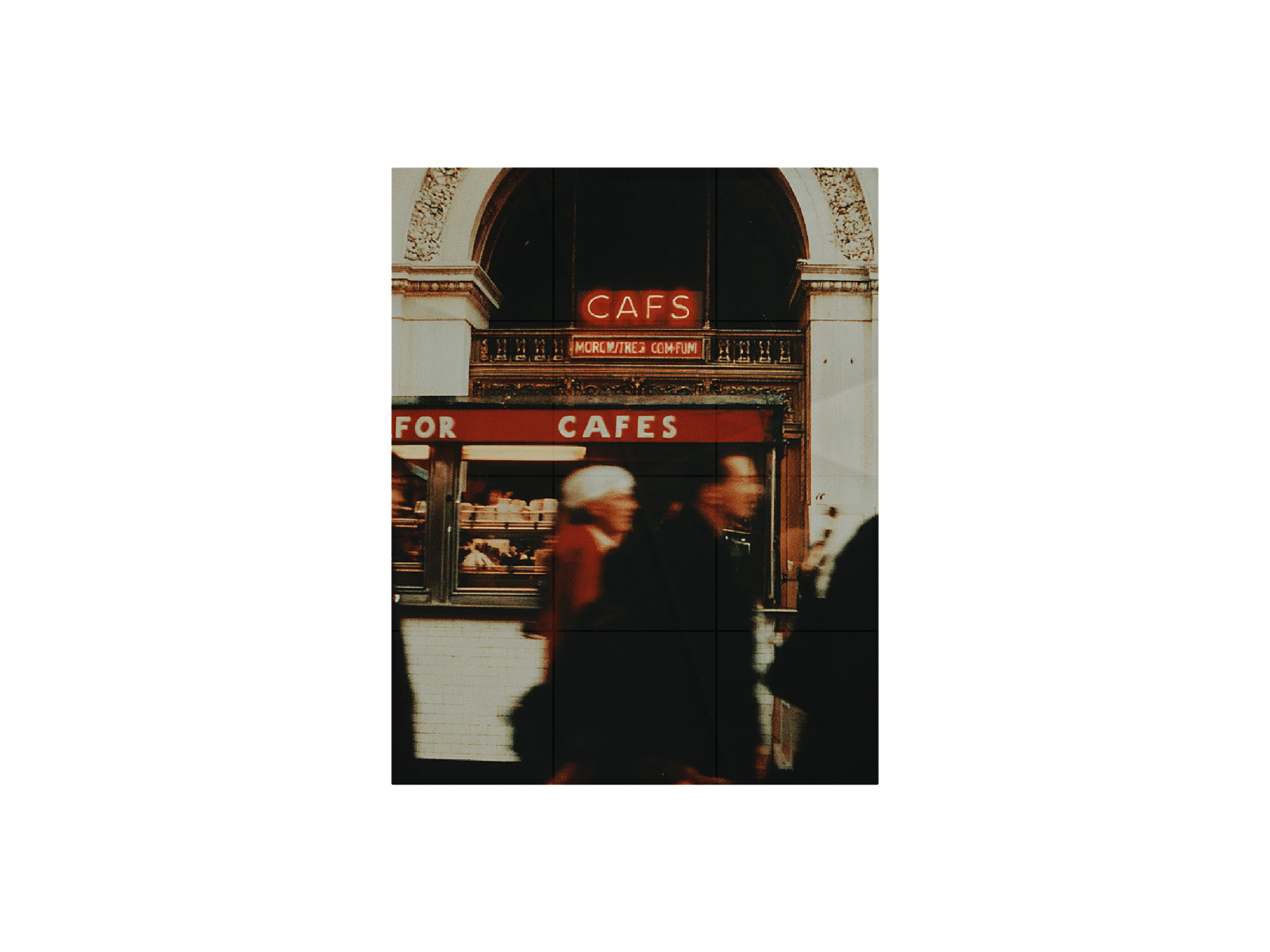
Split any image into a grid and watch it assemble tile by tile, then into the next. Piece by Piece turns a static photo into a slow, tactile reveal like a stop motion, built for portfolio heroes, case study openers, or anywhere an image should feel like it's arriving rather than just loading.
Drop in as many images as you like and it autoplays through all of them on a loop, each one building in the same grid order the last one used to disperse. Every tile settles into place with a configurable stop-motion tilt-and-scatter, so the assembly feels hand-placed rather than mechanical.
Switch on the texture layer for a worn, crumpled-paper look across the whole piece, soft directional shading, fine crease lines, and real SVG-generated grain (not a flat filter), with a subtle vignette pulling the edges down.
Includes:
Any number of images.
Adjustable grid (columns × rows)
Tile delay, transition speed, and configurable stop-motion steps
Tile tilt, overlap, and collage scatter for the settle-in feel
Optional divider image, divider color, and line width
Crumpled-paper texture overlay with independent paper and grain intensity
How to use: Just upload your images and if you want play around with the edit panel for your style or use the default settings.

Split any image into a grid and watch it assemble tile by tile, then into the next. Piece by Piece turns a static photo into a slow, tactile reveal like a stop motion, built for portfolio heroes, case study openers, or anywhere an image should feel like it's arriving rather than just loading.
Drop in as many images as you like and it autoplays through all of them on a loop, each one building in the same grid order the last one used to disperse. Every tile settles into place with a configurable stop-motion tilt-and-scatter, so the assembly feels hand-placed rather than mechanical.
Switch on the texture layer for a worn, crumpled-paper look across the whole piece, soft directional shading, fine crease lines, and real SVG-generated grain (not a flat filter), with a subtle vignette pulling the edges down.
Includes:
Any number of images.
Adjustable grid (columns × rows)
Tile delay, transition speed, and configurable stop-motion steps
Tile tilt, overlap, and collage scatter for the settle-in feel
Optional divider image, divider color, and line width
Crumpled-paper texture overlay with independent paper and grain intensity
How to use: Just upload your images and if you want play around with the edit panel for your style or use the default settings.