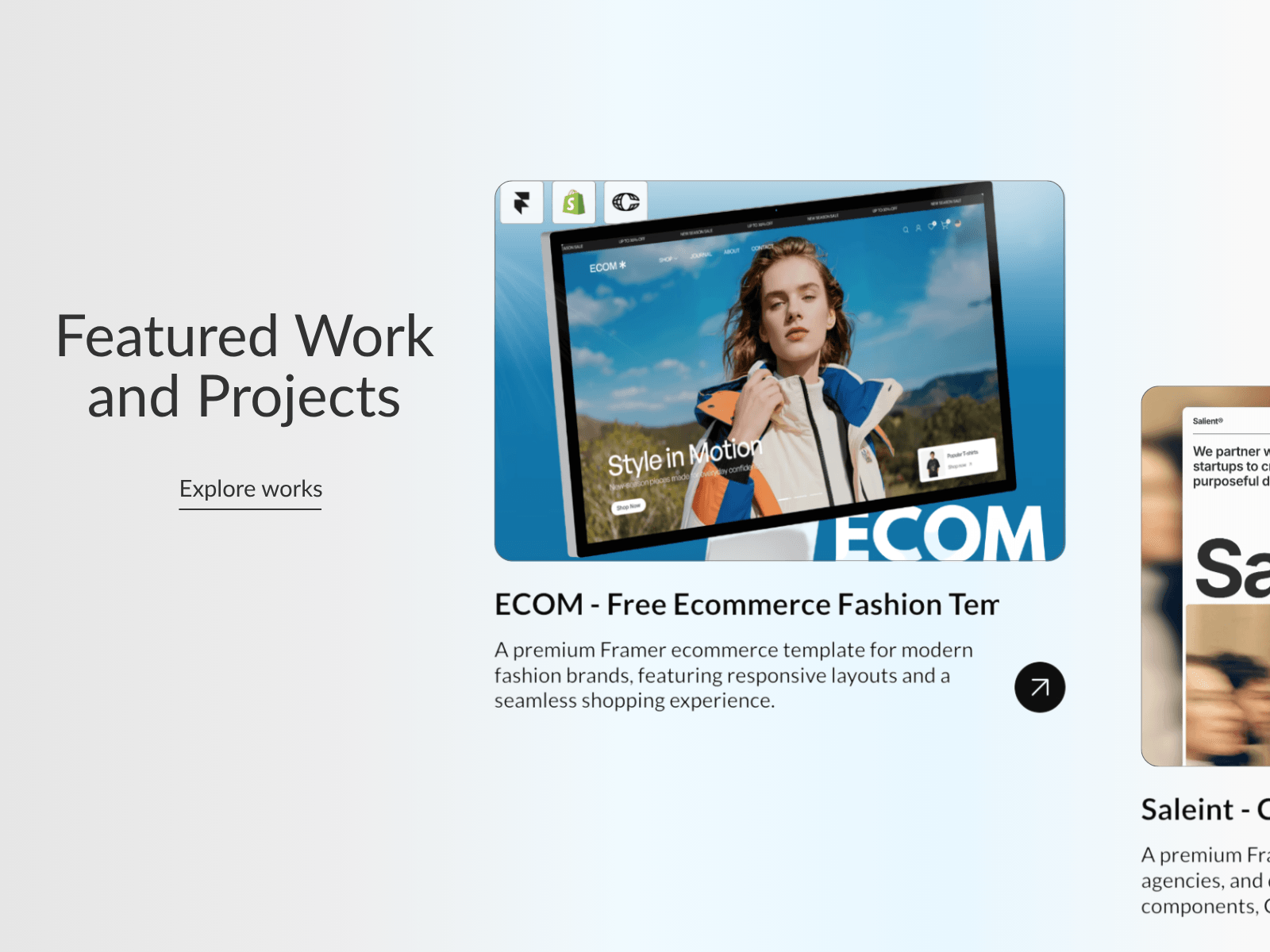
Have you ever seen those premium portfolio websites where featured projects smoothly slide into view as you scroll, creating a clean editorial storytelling experience?
That's exactly what Showcase Scroll brings to Framer.
Built 100% natively in Framer, Showcase Scroll is a responsive scroll showcase section that automatically transitions between project cards as visitors scroll. Each project becomes the center of attention before gracefully making way for the next, creating a smooth portfolio presentation that feels modern, intentional, and premium.
Unlike complex custom implementations, everything remains fully editable. Update images, project names, descriptions, buttons, links, and layouts directly inside Framer without touching code.
Simply copy the component into your project, customize the content from the property panel, and you're ready to showcase your work.
Getting started takes only a few minutes.
After purchase, you'll receive the component URL and a complete video setup guide.
Fully Native in Framer: Built entirely with Framer-no external libraries, custom scripts, or embeds.
Responsive by Default: Optimized for desktop, tablet, and mobile with dedicated responsive variants.
Fully Editable Content: Update headlines, project names, descriptions, buttons, images, and links directly from the property panel.
Portfolio Ready: Perfect for showcasing featured work, client projects, products, and case studies.
Zero-Code Setup: Copy, paste, customize, and publish in minutes.
Video Setup Guide Included: Includes a complete video walkthrough showing how to set up and customize the component from start to finish.
Made with ❤ by Soyeb
Have questions or need a custom Framer component? Reach out at heysoyebali@gmail.com

Have you ever seen those premium portfolio websites where featured projects smoothly slide into view as you scroll, creating a clean editorial storytelling experience?
That's exactly what Showcase Scroll brings to Framer.
Built 100% natively in Framer, Showcase Scroll is a responsive scroll showcase section that automatically transitions between project cards as visitors scroll. Each project becomes the center of attention before gracefully making way for the next, creating a smooth portfolio presentation that feels modern, intentional, and premium.
Unlike complex custom implementations, everything remains fully editable. Update images, project names, descriptions, buttons, links, and layouts directly inside Framer without touching code.
Simply copy the component into your project, customize the content from the property panel, and you're ready to showcase your work.
Getting started takes only a few minutes.
After purchase, you'll receive the component URL and a complete video setup guide.
Fully Native in Framer: Built entirely with Framer-no external libraries, custom scripts, or embeds.
Responsive by Default: Optimized for desktop, tablet, and mobile with dedicated responsive variants.
Fully Editable Content: Update headlines, project names, descriptions, buttons, images, and links directly from the property panel.
Portfolio Ready: Perfect for showcasing featured work, client projects, products, and case studies.
Zero-Code Setup: Copy, paste, customize, and publish in minutes.
Video Setup Guide Included: Includes a complete video walkthrough showing how to set up and customize the component from start to finish.
Made with ❤ by Soyeb
Have questions or need a custom Framer component? Reach out at heysoyebali@gmail.com


