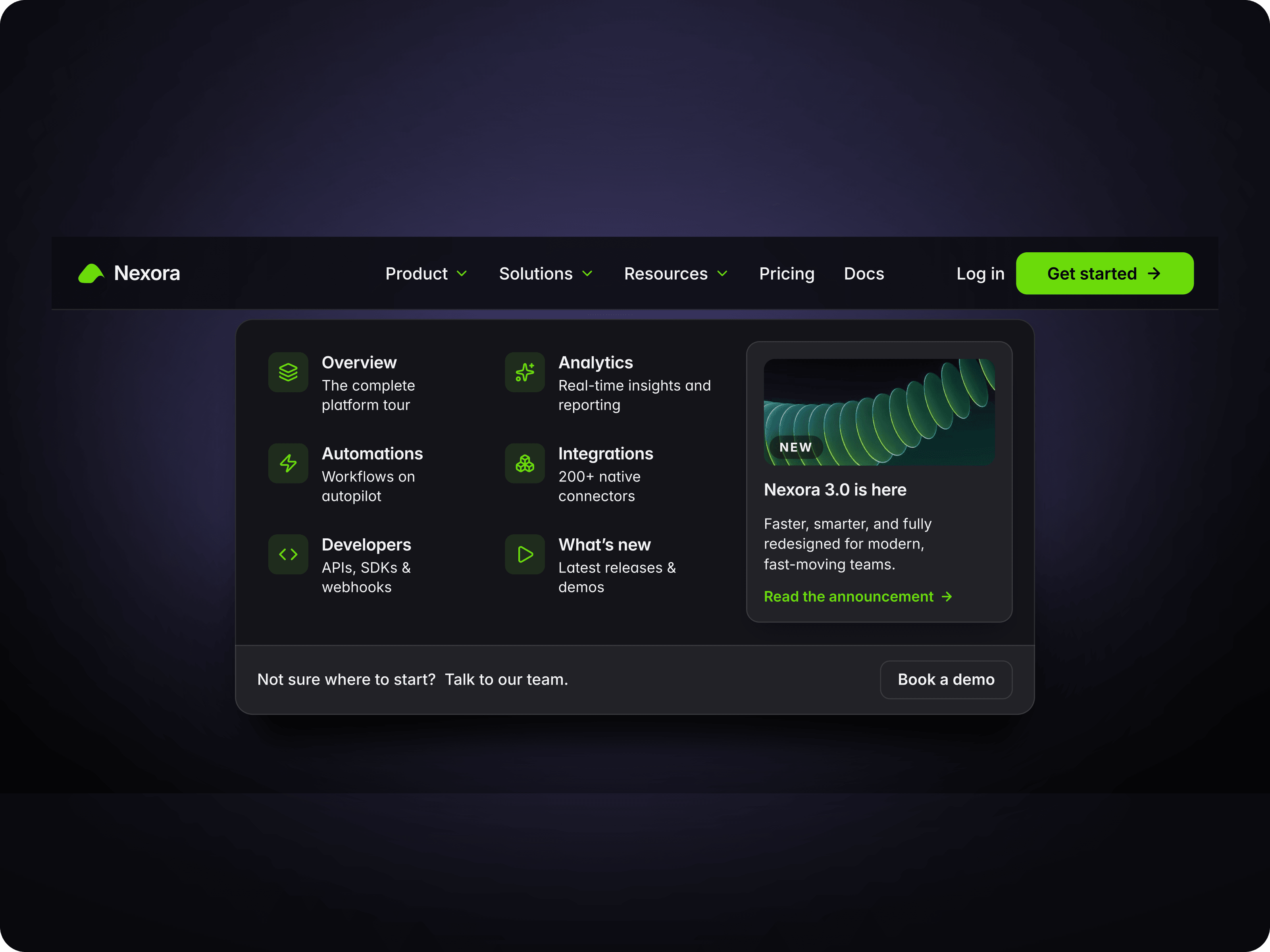
Enhance your Framer website with MenuSlideNVS, a clean, intuitive, and highly adaptable navigation menu. Designed for simplicity, this component features a smooth slide-out animation triggered by a simple hover, offering a seamless user experience without cluttering your page layout.
Smooth Hover Interaction: The menu elegantly expands on hover to reveal your navigation links and seamlessly retracts when not in use.
Up to 7 Menu Links: Add, name, and link up to seven distinct menu items. You have full control over the visibility of each item, allowing you to easily toggle links on or off as your site evolves.
Integrated Logo Support: Upload your custom logo and easily link it to your homepage for a cohesive branding experience.
Tailor every aspect of MenuSlideNVS directly from the Framer properties panel to match your unique design system:
Typography & Styling: Customize the text for each menu item and change the font style to align with your brand's typography.
Color Control: Easily adjust the menu background color and the logo background color.
Adjustable Geometry: Tweak the background radius and logo background radius to create anything from sharp, modern rectangles to soft, pill-shaped buttons.
Animation Settings: Fine-tune the transition timing and easing (such as Spring animations) to perfectly match your website's specific motion speed and style.
Closed State: Displays a minimal, compact layout featuring your logo container alongside a simple "Menu" prompt.
Open State: Effortlessly slides out horizontally on hover, expanding to display your active text links (e.g., home, work, blog, process) in a clean, readable row next to your logo.

Enhance your Framer website with MenuSlideNVS, a clean, intuitive, and highly adaptable navigation menu. Designed for simplicity, this component features a smooth slide-out animation triggered by a simple hover, offering a seamless user experience without cluttering your page layout.
Smooth Hover Interaction: The menu elegantly expands on hover to reveal your navigation links and seamlessly retracts when not in use.
Up to 7 Menu Links: Add, name, and link up to seven distinct menu items. You have full control over the visibility of each item, allowing you to easily toggle links on or off as your site evolves.
Integrated Logo Support: Upload your custom logo and easily link it to your homepage for a cohesive branding experience.
Tailor every aspect of MenuSlideNVS directly from the Framer properties panel to match your unique design system:
Typography & Styling: Customize the text for each menu item and change the font style to align with your brand's typography.
Color Control: Easily adjust the menu background color and the logo background color.
Adjustable Geometry: Tweak the background radius and logo background radius to create anything from sharp, modern rectangles to soft, pill-shaped buttons.
Animation Settings: Fine-tune the transition timing and easing (such as Spring animations) to perfectly match your website's specific motion speed and style.
Closed State: Displays a minimal, compact layout featuring your logo container alongside a simple "Menu" prompt.
Open State: Effortlessly slides out horizontally on hover, expanding to display your active text links (e.g., home, work, blog, process) in a clean, readable row next to your logo.
 Byron Napier