Most text hover effects simply change colour or trigger a basic animation. They work, but they rarely create an experience.
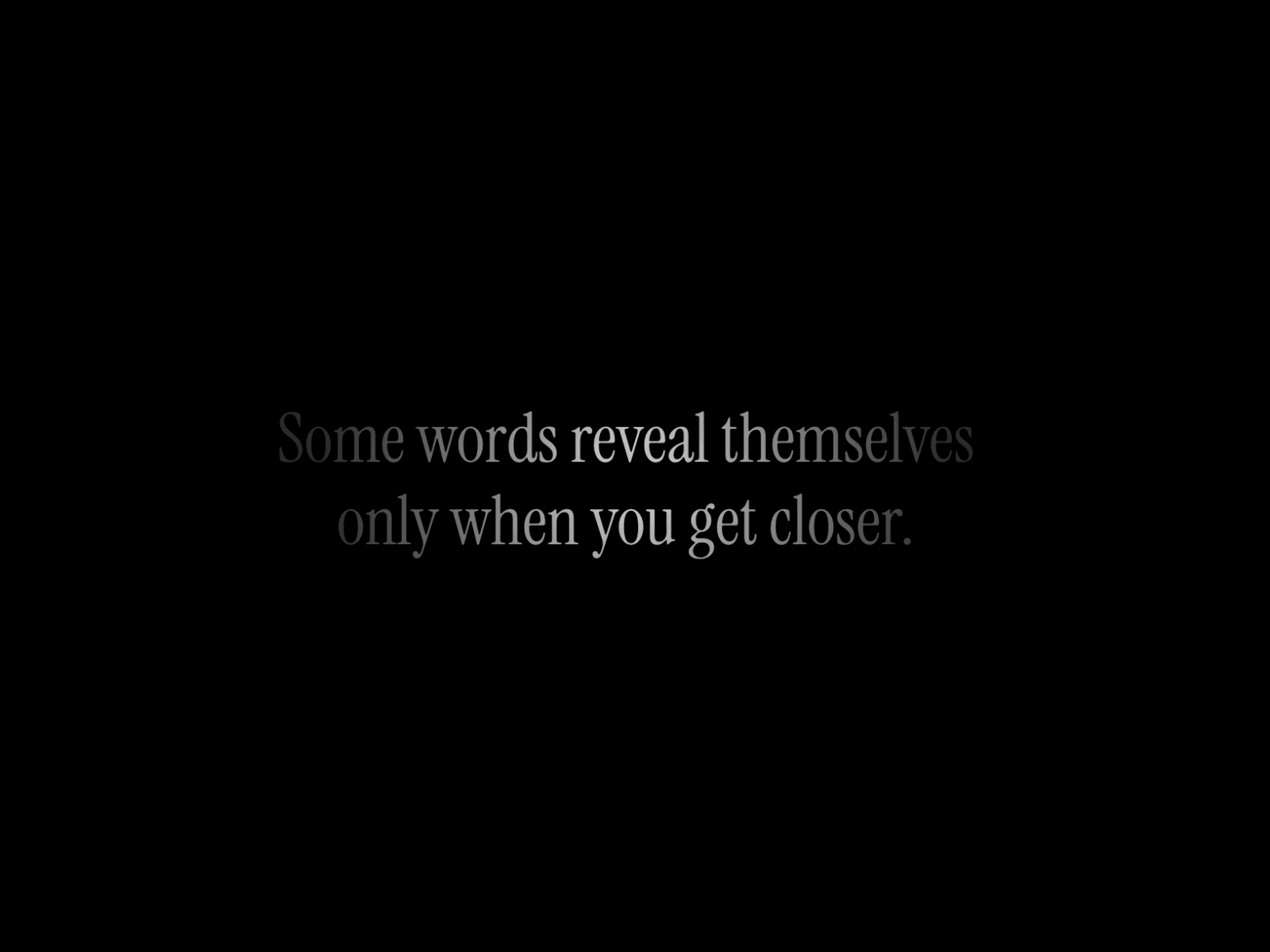
TextRevealSpotlight takes a different approach. Instead of relying on a standard hover state, it creates a smooth spotlight that follows your cursor in real time, revealing a brighter version of your text while the surrounding characters remain subtly dimmed. The result is a refined lighting effect that feels modern, immersive, and naturally encourages interaction.
Designed for flexibility, every aspect of the component can be customised directly from Framer's properties panel. Adjust the text, font, alignment, font size, bright and dim colors, spotlight size, intensity, and transition to perfectly match your brand or website, no coding required.
Perfect for hero sections, portfolios, landing pages, agency websites, product showcases, and premium web experiences.
Drag TextRevealSpotlight onto your Framer canvas.
Resize it to fit your layout.
Enter your text and choose your font.
Customize the colors, spotlight size, intensity, and transition.
Preview or publish your site to see the interactive spotlight effect.
Note: The animation is visible in Preview and on your published website.
Text - Content displayed by the component.
Font - Select any font from your project.
Alignment - Left, center, or right.
Font Size - Control the text size.
Bright Color - Color revealed inside the spotlight.
Dim Color - Base color outside the spotlight.
Spotlight Size - Adjust the reveal area's diameter.
Intensity - Control the strength of the lighting effect.
Transition - Smoothness of the spotlight movement.
Real-time cursor-following spotlight
Fully customizable appearance
Editable typography and alignment
Adjustable spotlight size and intensity
Smooth, high-performance animations
Made with ❤ by Saket

Most text hover effects simply change colour or trigger a basic animation. They work, but they rarely create an experience.
TextRevealSpotlight takes a different approach. Instead of relying on a standard hover state, it creates a smooth spotlight that follows your cursor in real time, revealing a brighter version of your text while the surrounding characters remain subtly dimmed. The result is a refined lighting effect that feels modern, immersive, and naturally encourages interaction.
Designed for flexibility, every aspect of the component can be customised directly from Framer's properties panel. Adjust the text, font, alignment, font size, bright and dim colors, spotlight size, intensity, and transition to perfectly match your brand or website, no coding required.
Perfect for hero sections, portfolios, landing pages, agency websites, product showcases, and premium web experiences.
Drag TextRevealSpotlight onto your Framer canvas.
Resize it to fit your layout.
Enter your text and choose your font.
Customize the colors, spotlight size, intensity, and transition.
Preview or publish your site to see the interactive spotlight effect.
Note: The animation is visible in Preview and on your published website.
Text - Content displayed by the component.
Font - Select any font from your project.
Alignment - Left, center, or right.
Font Size - Control the text size.
Bright Color - Color revealed inside the spotlight.
Dim Color - Base color outside the spotlight.
Spotlight Size - Adjust the reveal area's diameter.
Intensity - Control the strength of the lighting effect.
Transition - Smoothness of the spotlight movement.
Real-time cursor-following spotlight
Fully customizable appearance
Editable typography and alignment
Adjustable spotlight size and intensity
Smooth, high-performance animations
Made with ❤ by Saket


