Add Dodo Payments checkout links with modal overlay and inline checkout directly in Framer without sending customers away.
Easily sell your digital products, SaaS subscriptions, and digital goods on your Framer website with DodoPayments Checkout.
Instead of redirecting customers away to external checkout links, this plugin lets you open checkout pages in a sleek, high-converting Modal Overlay or embed them Inline directly into your Framer pages. Keep customers on your site, reduce checkout drop-offs, and deliver a frictionless purchasing experience.
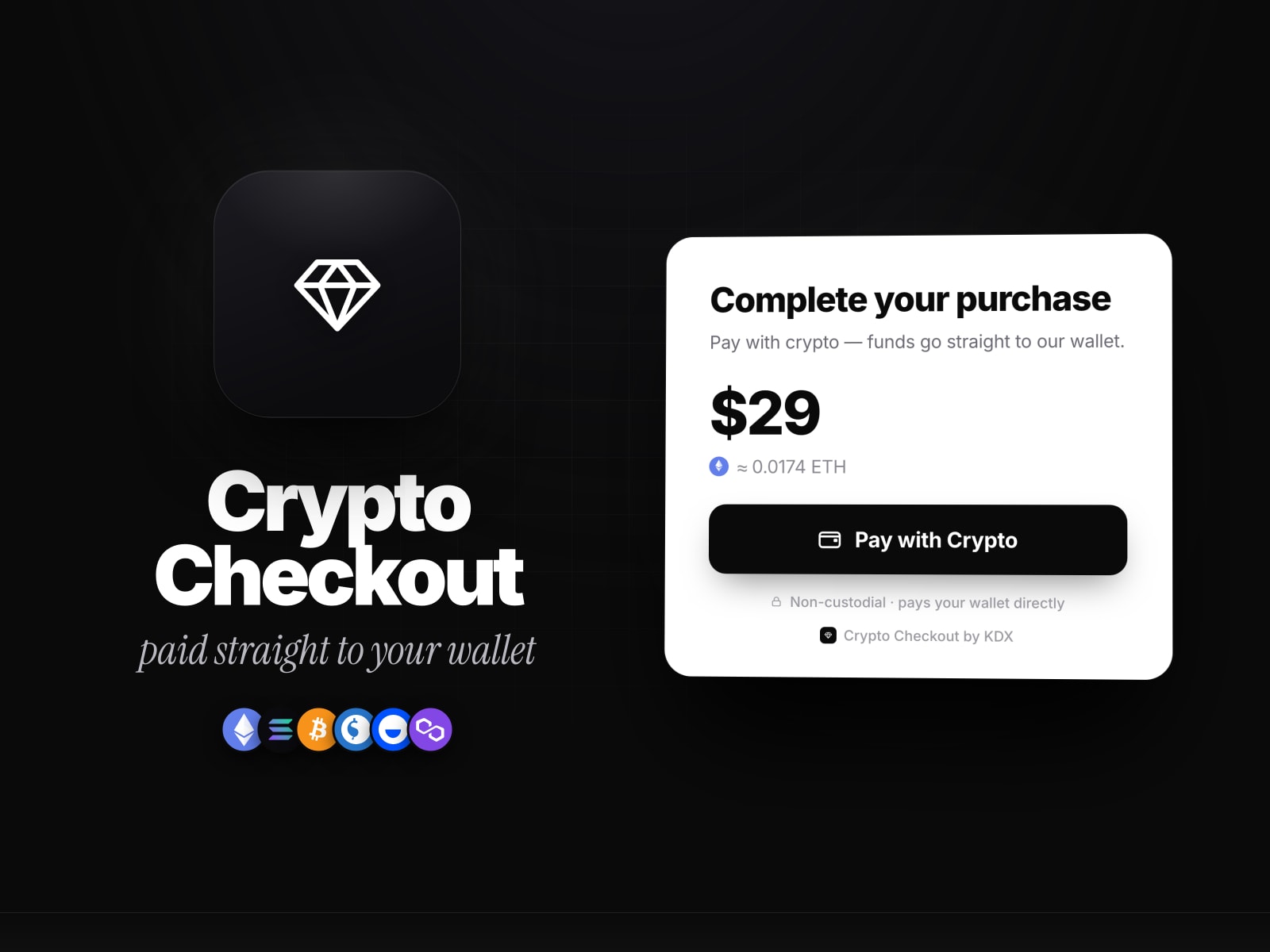
Modal Overlay Checkout: Launch an interactive, distraction-free checkout overlay iframe on top of your page with backdrop blur and smooth exit triggers.
Inline Embed Mode: Seamlessly embed full Dodo Payments checkout forms directly into your page layout or pricing tables.
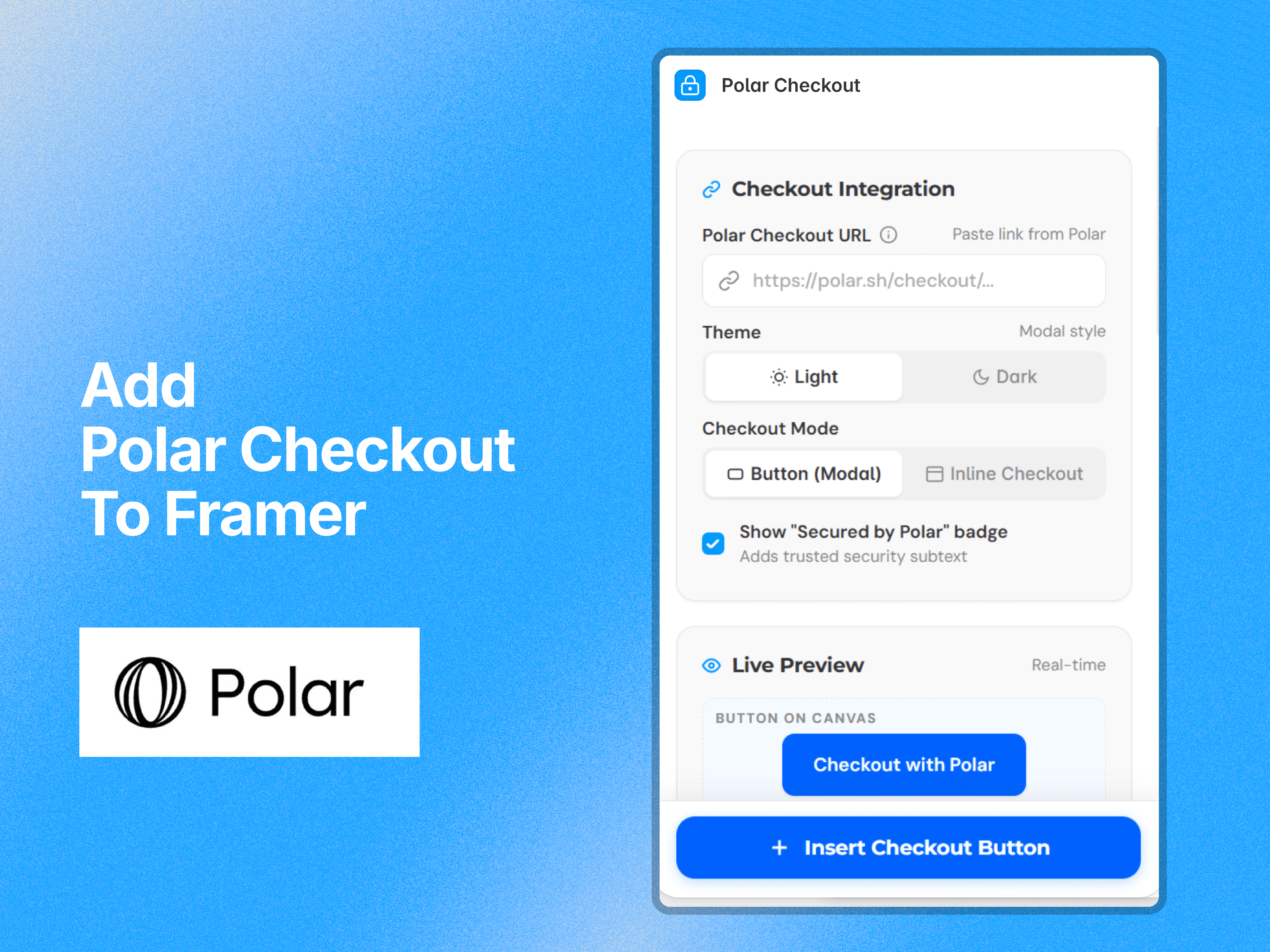
Visual Customization: Match your brand with controls for button colors, typography, hover effects, corner radius, padding, and shadows.
Trust Badge: Display an optional "Secured by Dodo Payments" trust badge to boost buyer confidence.
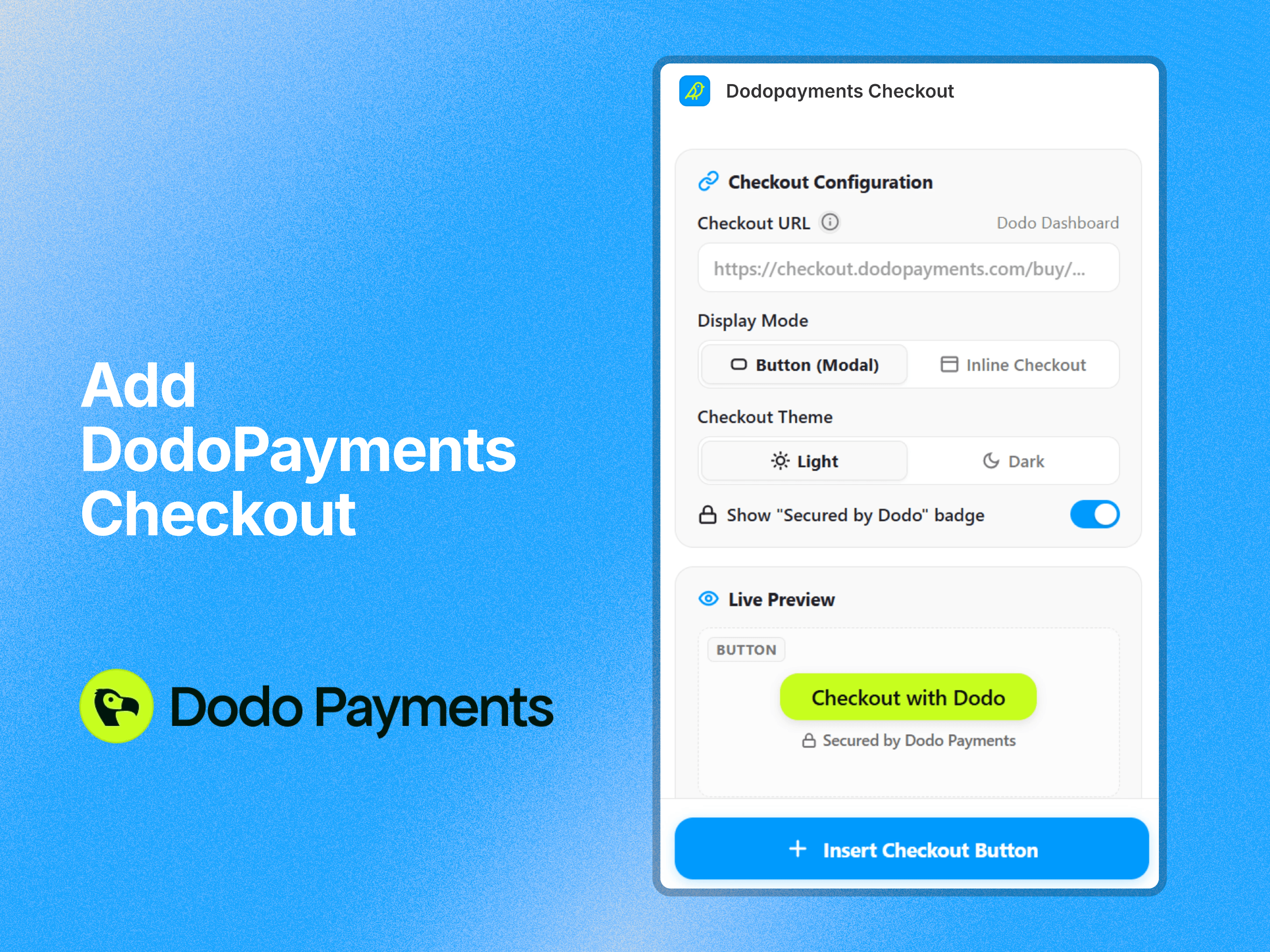
Live Preview: Preview button styles and color combinations directly inside the plugin panel before inserting.
Demo: Insert and test a working demo checkout component onto your canvas instantly—no license key required to try it out.
Copy your checkout product link from your Dodo Payments Dashboard.
Open the Dodopayments Checkout plugin in Framer.
Paste your checkout URL and choose your display mode (Button Modal or Inline).
Customize your colors, border radius, and typography.
Click Insert Component to drop it directly onto your canvas!
Live Demo Website: dodocheckout.framer.website
Built by: Soubhagya Sahu / BuildinFrame

Add Dodo Payments checkout links with modal overlay and inline checkout directly in Framer without sending customers away.
Easily sell your digital products, SaaS subscriptions, and digital goods on your Framer website with DodoPayments Checkout.
Instead of redirecting customers away to external checkout links, this plugin lets you open checkout pages in a sleek, high-converting Modal Overlay or embed them Inline directly into your Framer pages. Keep customers on your site, reduce checkout drop-offs, and deliver a frictionless purchasing experience.
Modal Overlay Checkout: Launch an interactive, distraction-free checkout overlay iframe on top of your page with backdrop blur and smooth exit triggers.
Inline Embed Mode: Seamlessly embed full Dodo Payments checkout forms directly into your page layout or pricing tables.
Visual Customization: Match your brand with controls for button colors, typography, hover effects, corner radius, padding, and shadows.
Trust Badge: Display an optional "Secured by Dodo Payments" trust badge to boost buyer confidence.
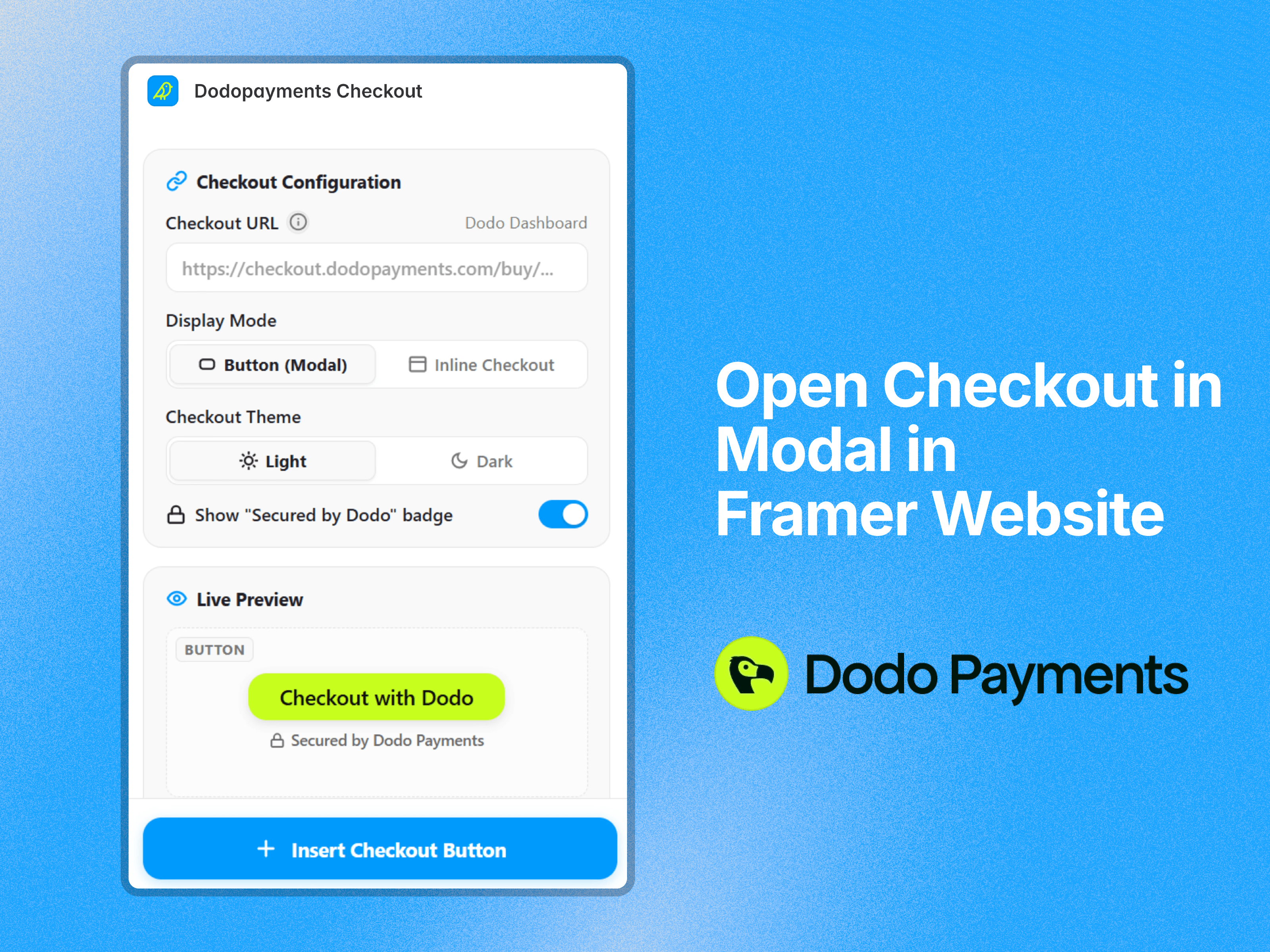
Live Preview: Preview button styles and color combinations directly inside the plugin panel before inserting.
Demo: Insert and test a working demo checkout component onto your canvas instantly—no license key required to try it out.
Copy your checkout product link from your Dodo Payments Dashboard.
Open the Dodopayments Checkout plugin in Framer.
Paste your checkout URL and choose your display mode (Button Modal or Inline).
Customize your colors, border radius, and typography.
Click Insert Component to drop it directly onto your canvas!
Live Demo Website: dodocheckout.framer.website
Built by: Soubhagya Sahu / BuildinFrame