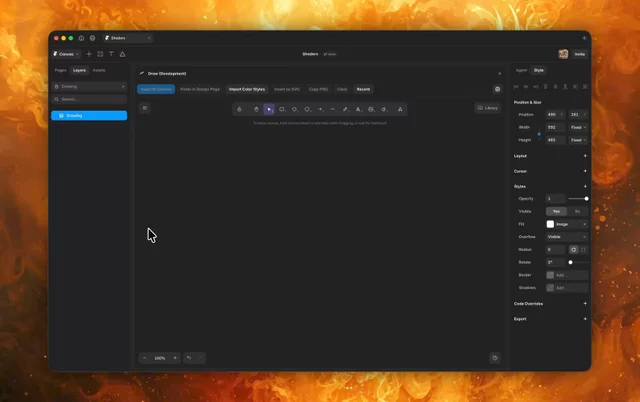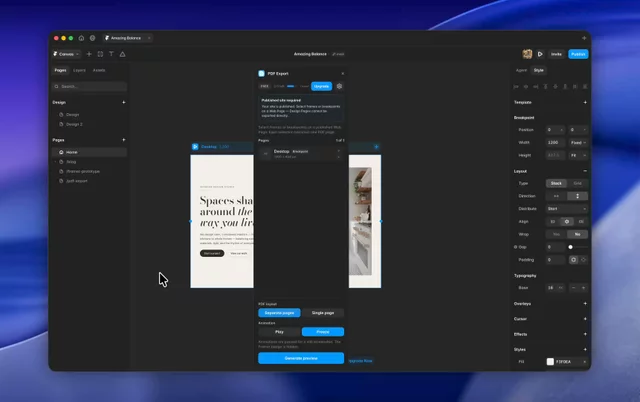
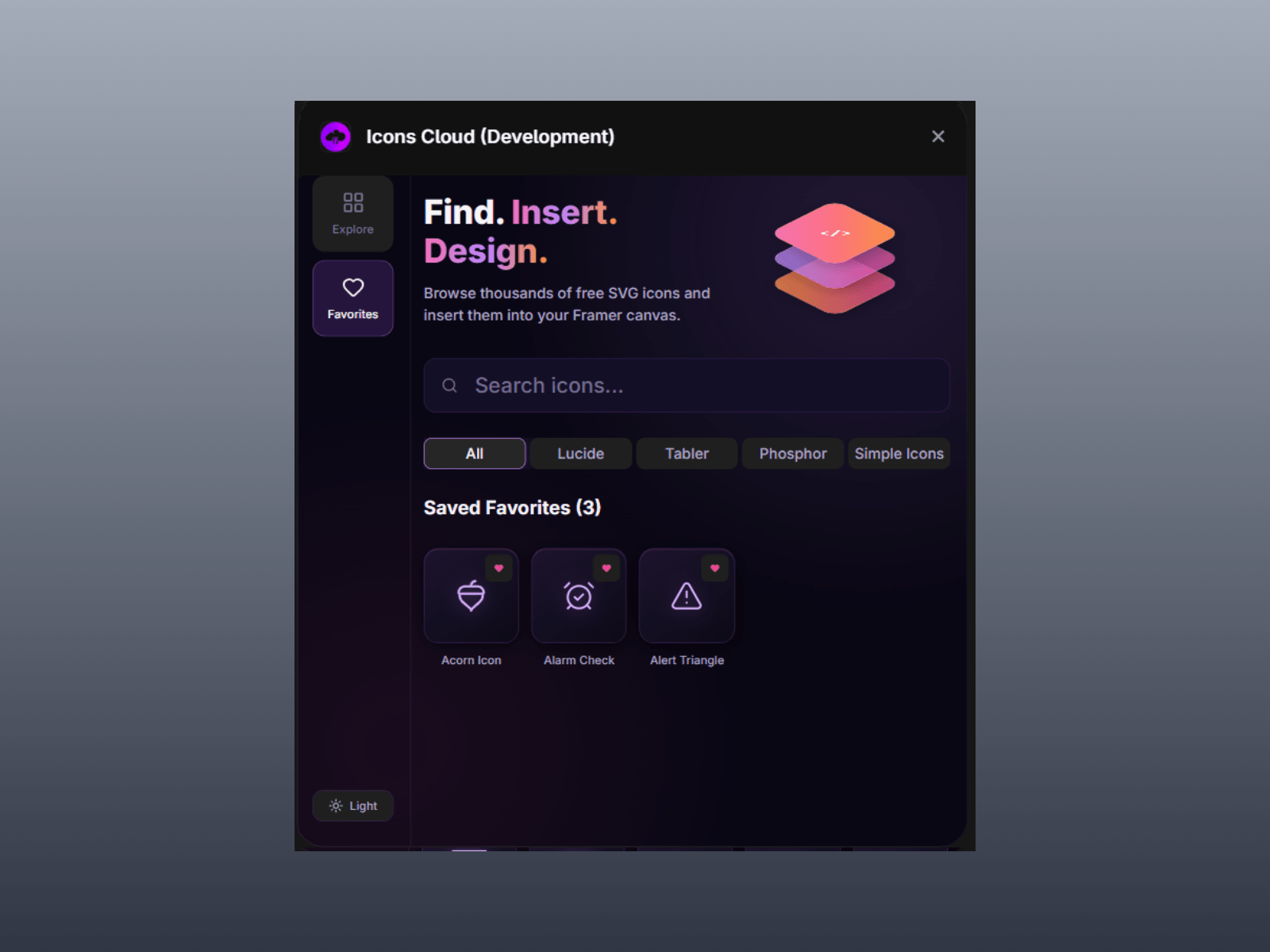
Icons Cloud brings thousands of production-ready vector icons directly into your Framer workspace. Access Lucide, Tabler, Phosphor, and Simple Icons in one unified plugin without breaking your design flow or manually downloading .svg files. Search, tweak styling properties, and drop customizable vector graphics straight onto your canvas with pixel-perfect precision.
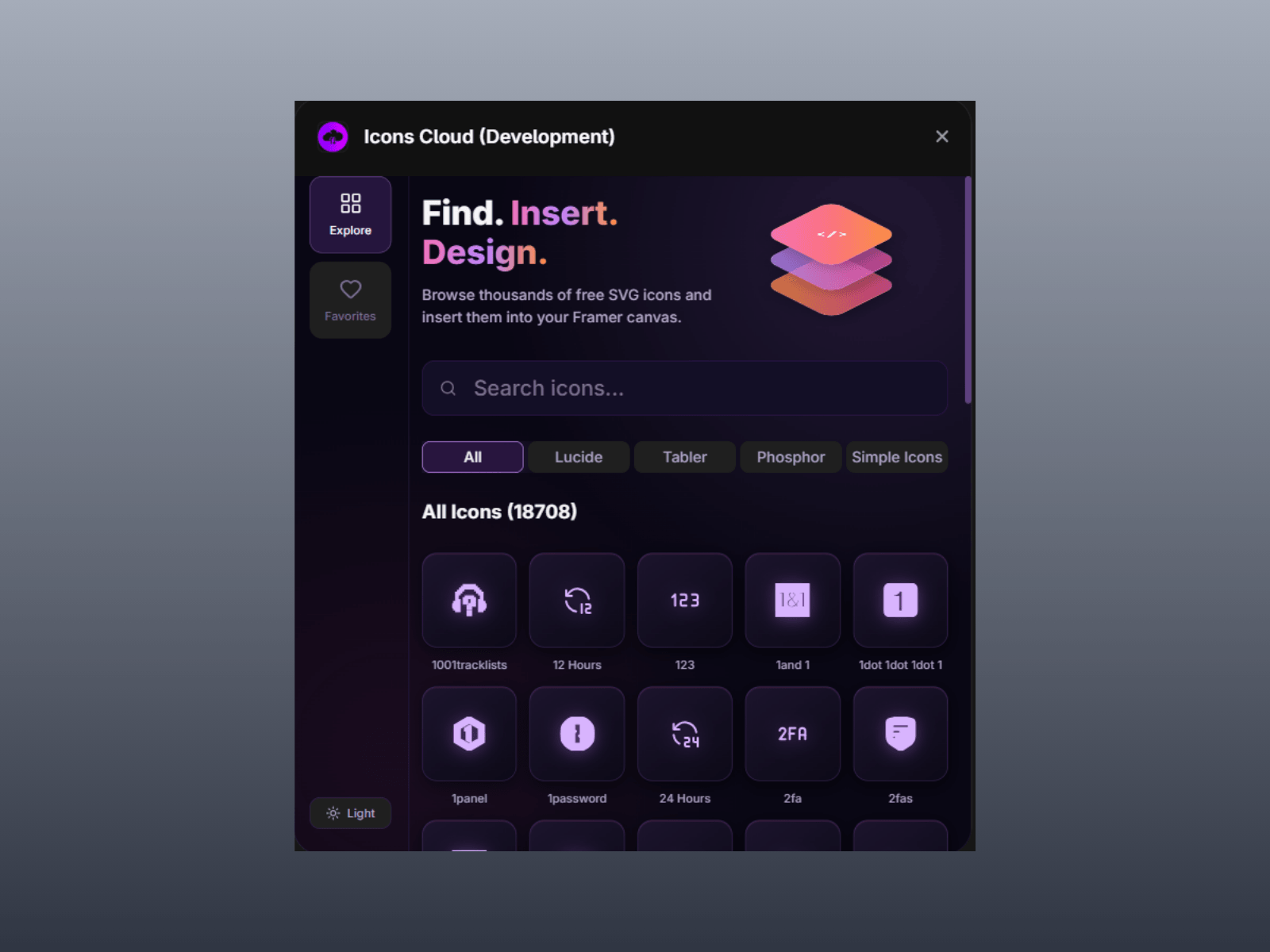
4 Premier Icon Libraries: Instantly switch between Lucide, Tabler, Phosphor, and Simple Icons (brand logos) directly from the sidebar.
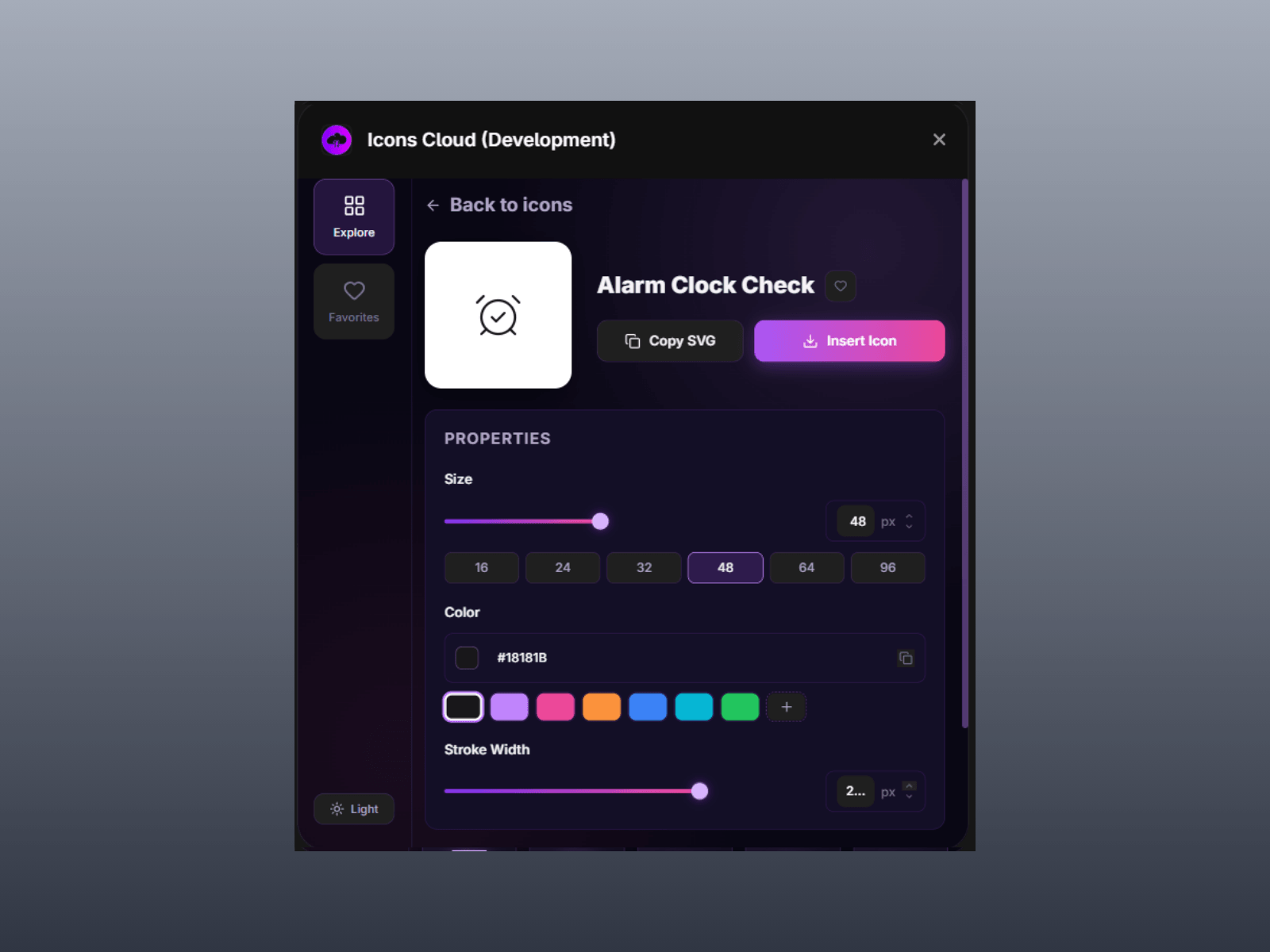
Live Property Customization: Fine-tune size, stroke width, and custom hex colours before inserting an icon.
Direct Canvas Insertion: Drop crisp, editable SVG layers onto your active selection with a single click.
Favourites Manager: Bookmark your most-used icons to keep them accessible across all your projects.
Copy SVG Code: Copy raw, clean SVG markup directly to your clipboard whenever you need code.
Native Theme Integration: Enjoy a clean UI built for both Dark and Light modes that matches Framer seamlessly.
Choose a Library: Select Lucide, Tabler, Phosphor, or Simple Icons from the sidebar.
Search: Search by keyword to locate the exact icon you need.
Customize & Insert: Adjust the size, colour, or stroke width, then click Insert Icon to drop it onto your canvas.

Icons Cloud brings thousands of production-ready vector icons directly into your Framer workspace. Access Lucide, Tabler, Phosphor, and Simple Icons in one unified plugin without breaking your design flow or manually downloading .svg files. Search, tweak styling properties, and drop customizable vector graphics straight onto your canvas with pixel-perfect precision.
4 Premier Icon Libraries: Instantly switch between Lucide, Tabler, Phosphor, and Simple Icons (brand logos) directly from the sidebar.
Live Property Customization: Fine-tune size, stroke width, and custom hex colours before inserting an icon.
Direct Canvas Insertion: Drop crisp, editable SVG layers onto your active selection with a single click.
Favourites Manager: Bookmark your most-used icons to keep them accessible across all your projects.
Copy SVG Code: Copy raw, clean SVG markup directly to your clipboard whenever you need code.
Native Theme Integration: Enjoy a clean UI built for both Dark and Light modes that matches Framer seamlessly.
Choose a Library: Select Lucide, Tabler, Phosphor, or Simple Icons from the sidebar.
Search: Search by keyword to locate the exact icon you need.
Customize & Insert: Adjust the size, colour, or stroke width, then click Insert Icon to drop it onto your canvas.