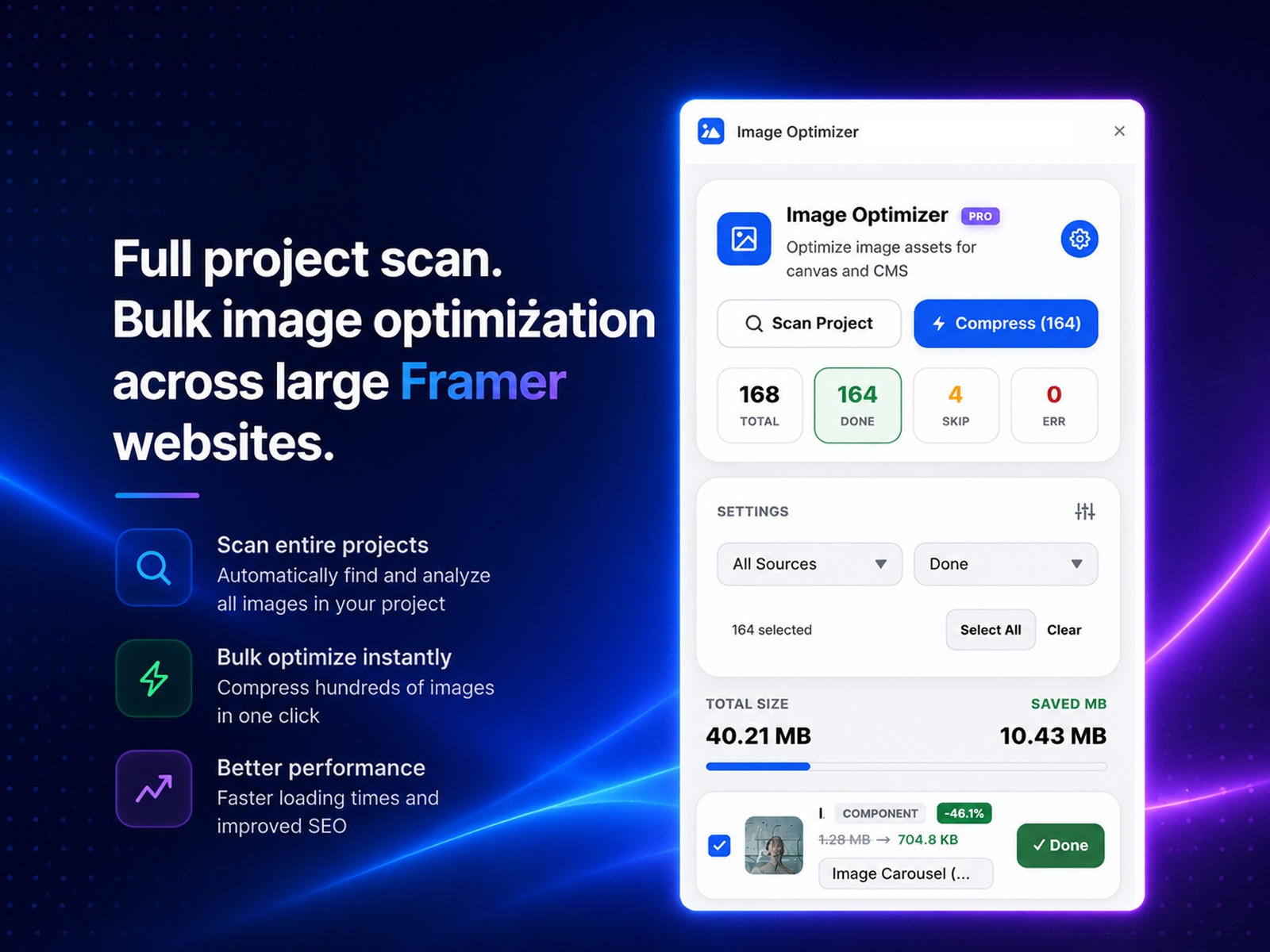
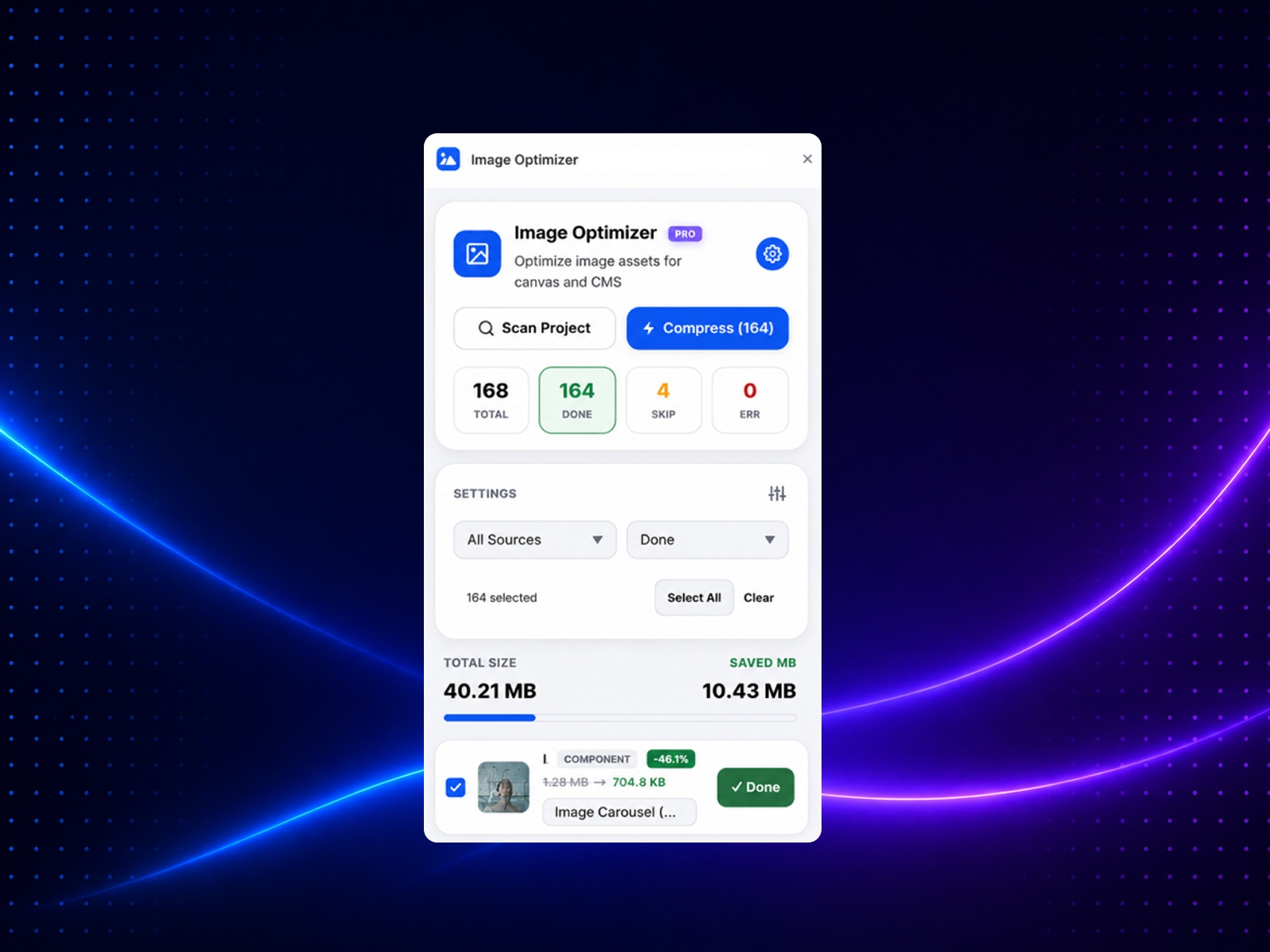
Optimize every image in your Framer project with one click. Compress, resize, and manage images, edit alt text, optimize CMS assets, and improve website performance—all without leaving Framer.
Stop optimizing images one by one.
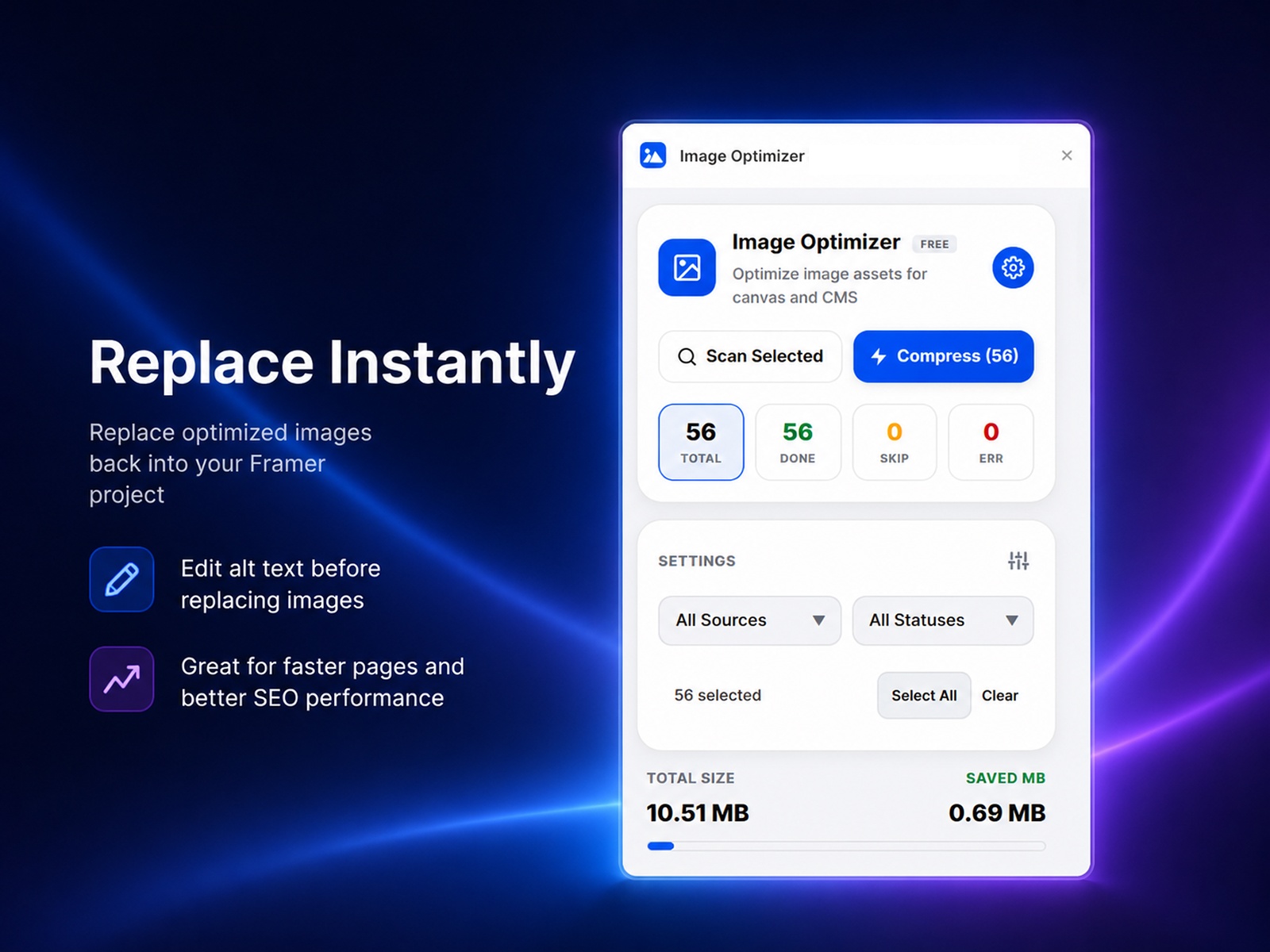
Image Optimizer scans your entire Framer project and helps you compress, resize, and manage images in just a few clicks. Whether you're building a landing page, portfolio, blog, CMS website, or client project, Image Optimizer makes it easy to reduce image sizes while preserving visual quality.
Instantly find every image across pages, components, and CMS collections.
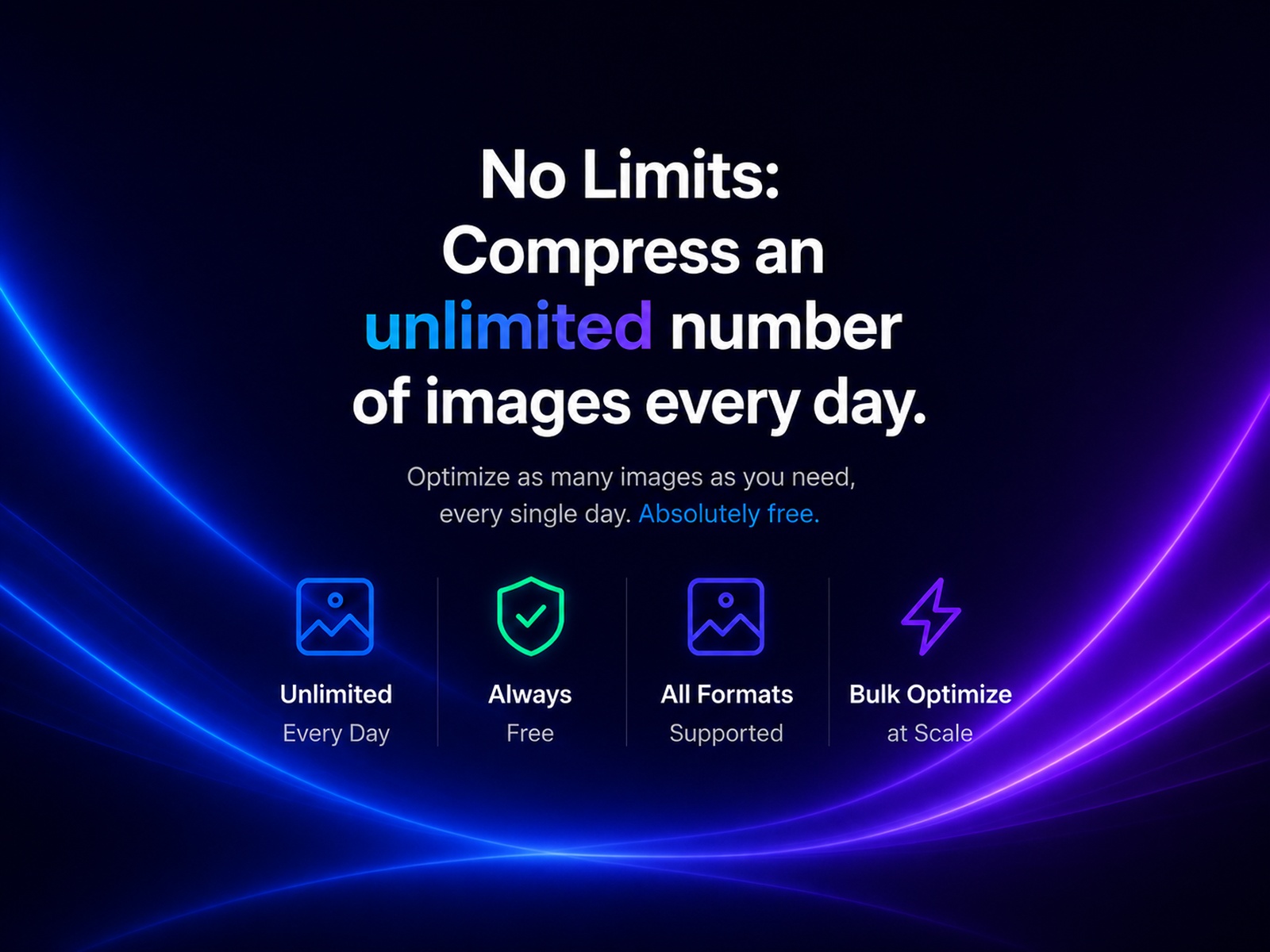
Compress hundreds of images at once and save hours of manual work.
Automatically resize oversized images without sacrificing quality.
Improve accessibility and boost SEO by editing image alt text directly inside Framer.
Optimize images used in CMS collections without leaving your workflow.
Smaller images mean:
Faster page loads
Better Core Web Vitals
Improved SEO
Better user experience
✔ Scan your entire project in seconds
✔ Optimize hundreds of images with one click
✔ Reduce project size without losing quality
✔ Improve accessibility with alt text editing
✔ Speed up your website and improve SEO
✔ Everything happens directly inside Framer
Save up to 80% image size
Optimize hundreds of images in seconds
Improve Google PageSpeed scores
Enhance SEO and accessibility
Keep your Framer projects fast and lightweight
Build faster websites with optimized images. Install Image Optimizer today and optimize your entire Framer project in minutes.
What is the refund policy?
If the plugin does not function as described, contact within 7 days of purchase with your order details and a short description of the issue.

Optimize every image in your Framer project with one click. Compress, resize, and manage images, edit alt text, optimize CMS assets, and improve website performance—all without leaving Framer.
Stop optimizing images one by one.
Image Optimizer scans your entire Framer project and helps you compress, resize, and manage images in just a few clicks. Whether you're building a landing page, portfolio, blog, CMS website, or client project, Image Optimizer makes it easy to reduce image sizes while preserving visual quality.
Instantly find every image across pages, components, and CMS collections.
Compress hundreds of images at once and save hours of manual work.
Automatically resize oversized images without sacrificing quality.
Improve accessibility and boost SEO by editing image alt text directly inside Framer.
Optimize images used in CMS collections without leaving your workflow.
Smaller images mean:
Faster page loads
Better Core Web Vitals
Improved SEO
Better user experience
✔ Scan your entire project in seconds
✔ Optimize hundreds of images with one click
✔ Reduce project size without losing quality
✔ Improve accessibility with alt text editing
✔ Speed up your website and improve SEO
✔ Everything happens directly inside Framer
Save up to 80% image size
Optimize hundreds of images in seconds
Improve Google PageSpeed scores
Enhance SEO and accessibility
Keep your Framer projects fast and lightweight
Build faster websites with optimized images. Install Image Optimizer today and optimize your entire Framer project in minutes.
What is the refund policy?
If the plugin does not function as described, contact within 7 days of purchase with your order details and a short description of the issue.