Turn questions into guided clicks.
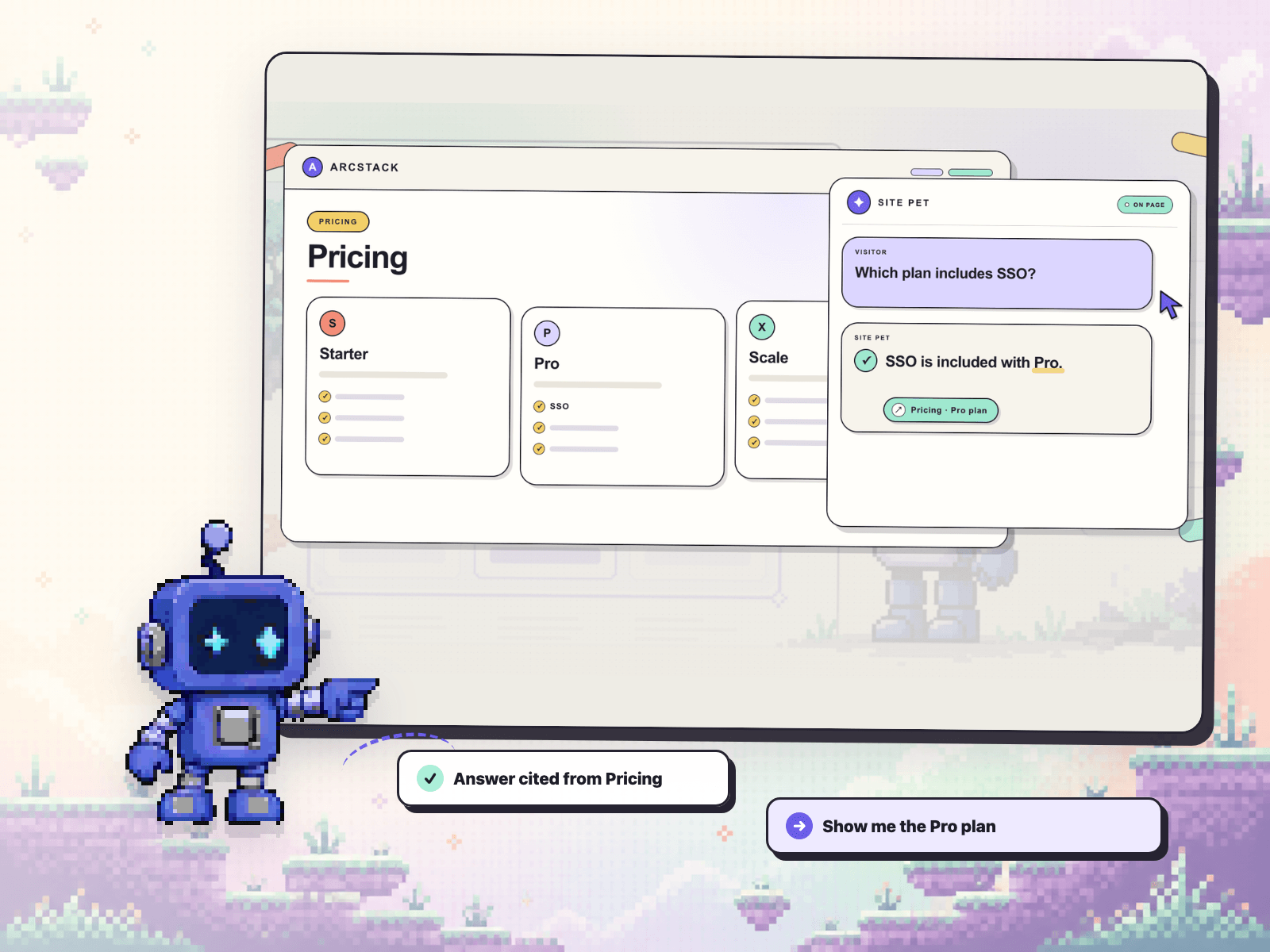
Site Pet is the AI site guide for Framer. It answers from your published pages, cites the source, then offers an owner-approved action that takes visitors to the right section.
What makes it different:
• Grounded answers with page title, URL, and heading citations
• On-page guidance that scrolls, highlights, or offers an approved destination
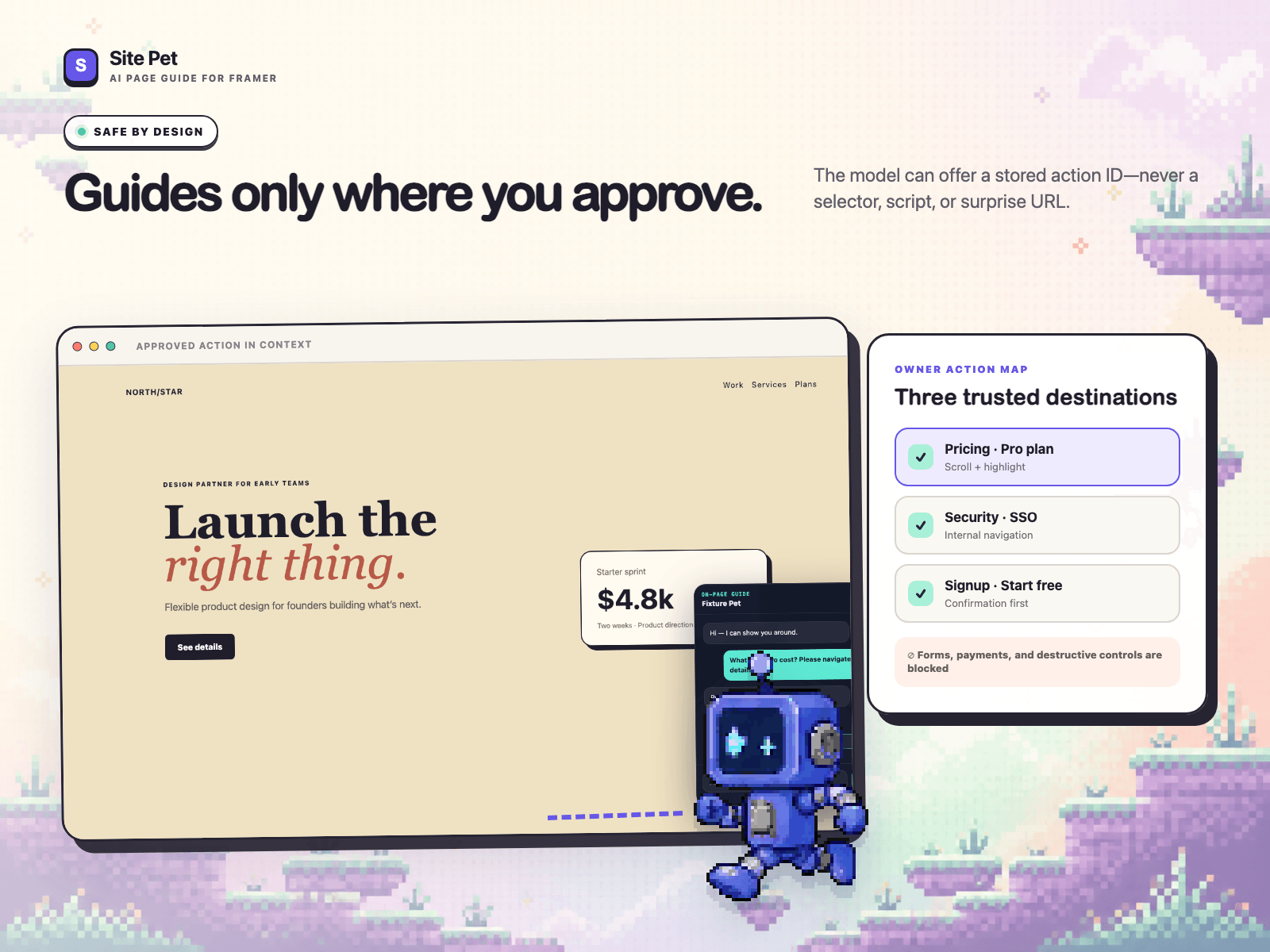
• A safe Action Map: the model can only offer actions the site owner created
• English, Chinese, and mixed-language answers
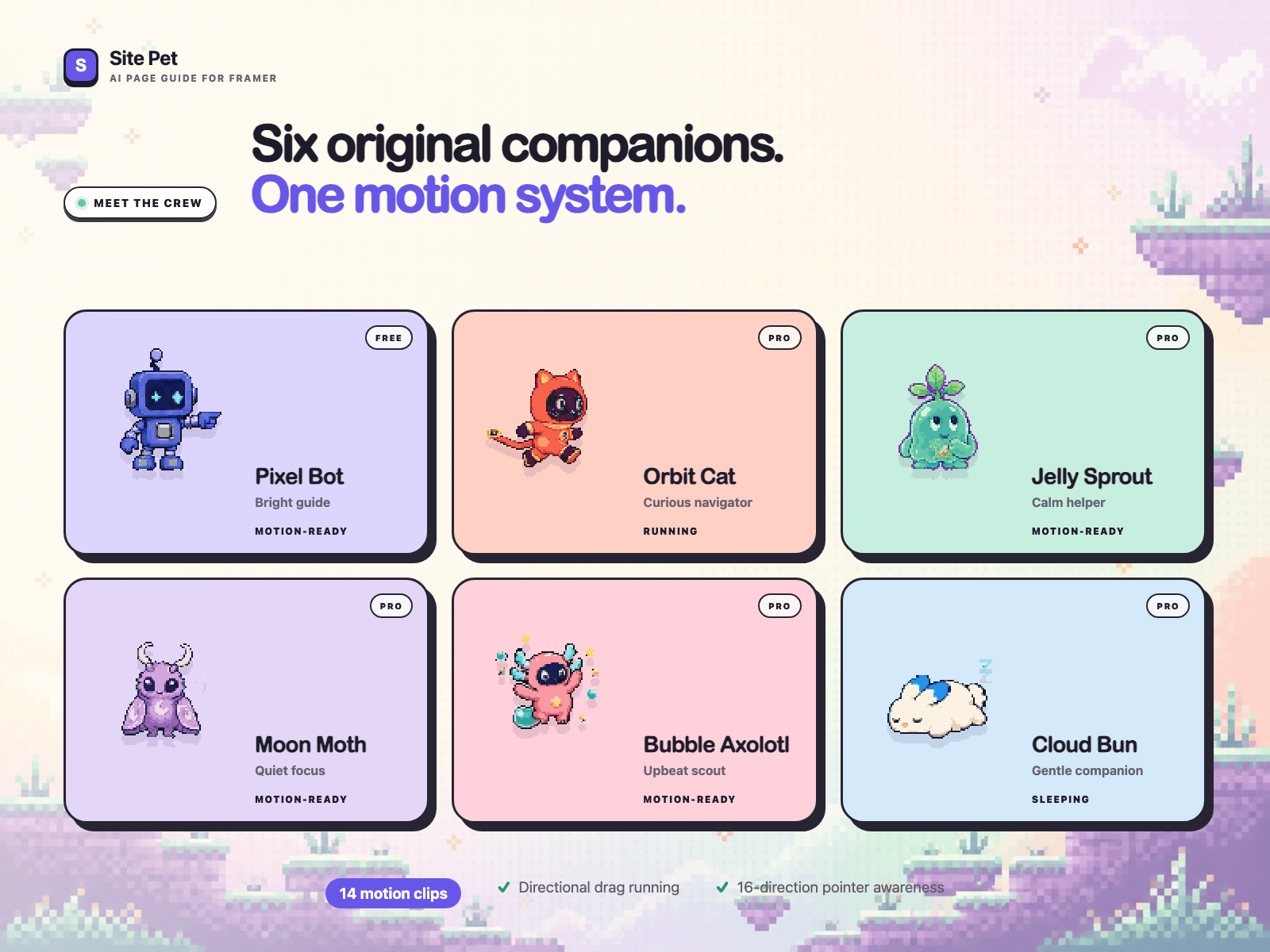
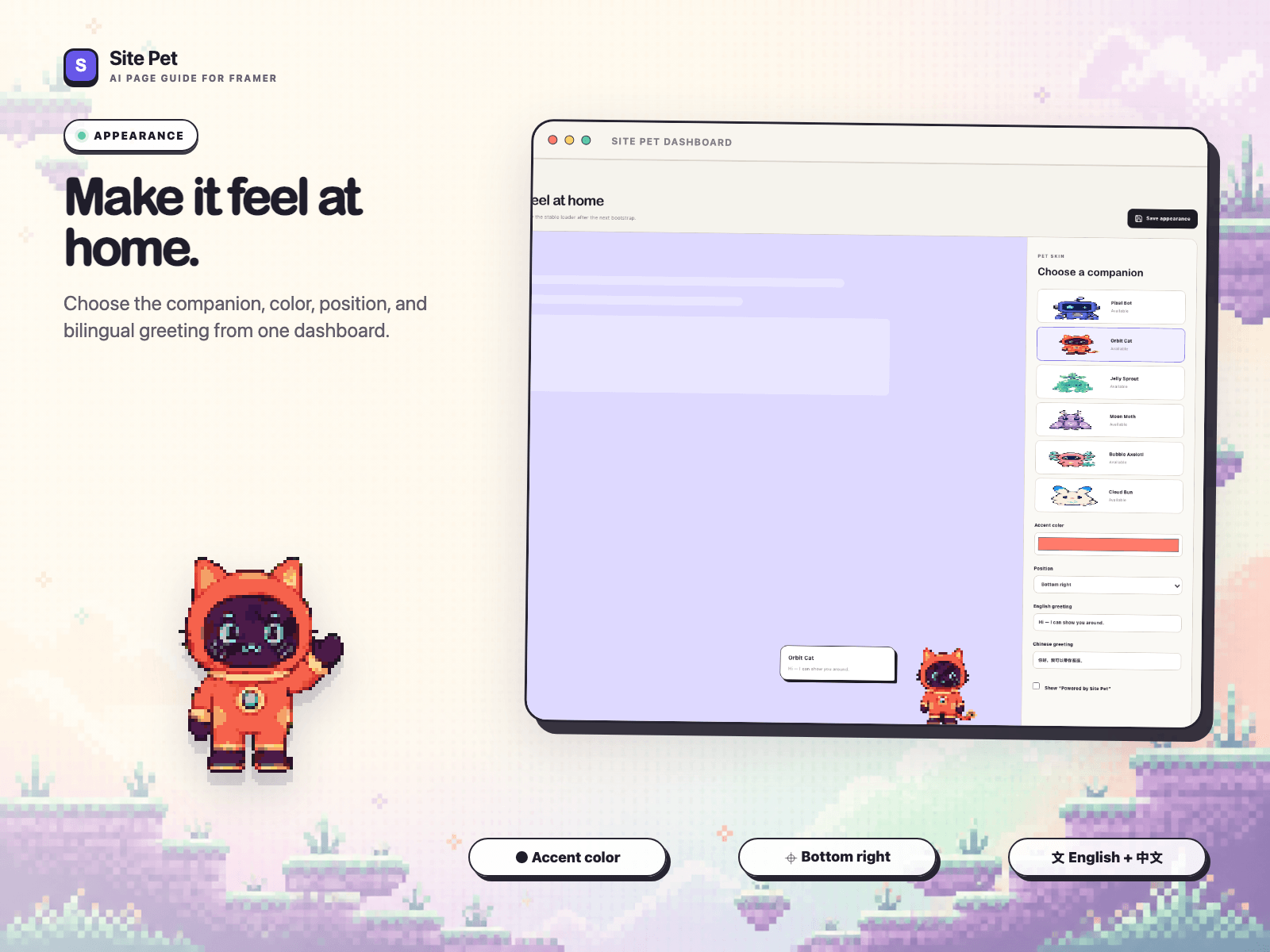
• Six original pixel companions with responsive interaction states
• Keyboard navigation, reduced-motion support, and mobile safe areas
Site Pet never lets the model invent selectors, JavaScript, forms, checkout actions, or destructive controls. If a source or approved target cannot be resolved, it stays on the safe side and gives text guidance instead.
Setup:
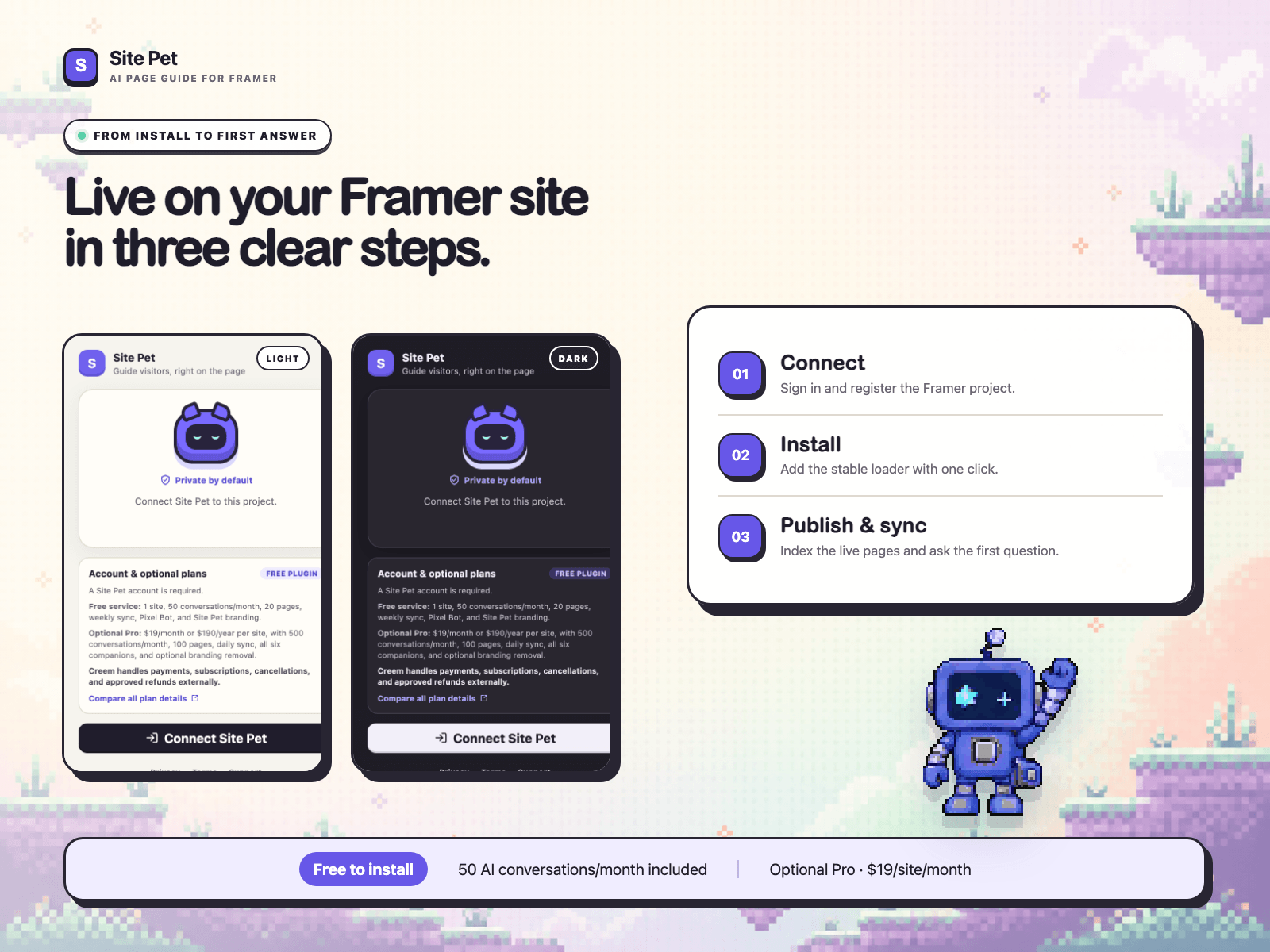
1. Publish your Framer site.
2. Connect Site Pet and install its small Body End loader.
3. Sync your pages and approve the destinations visitors may reach.
4. Ask a question and watch the pet cite the answer, then guide the visitor there.
Free to install. Free Beta includes 1 site, 50 AI conversations per month, 20 indexed pages, weekly sync, Pixel Bot, and Site Pet branding. Optional Pro access—$19/month or $190/year per site—adds 500 conversations per month, 100 indexed pages, daily sync, all companions, and removes Site Pet branding. Pro access opens after final billing verification.
No overage billing. When a plan reaches its monthly limit, AI answers pause clearly until the next period or an upgrade.
Installation requirement: the current Framer editor must be allowed to manage plugin Custom Code and save project settings. Framer controls these permissions and may require a paid Site plan. Site Pet checks both permissions before making any change.
Use the Framer Web Editor to install or repair Site Pet. Once published, the guide runs on the live site for all visitors.

Turn questions into guided clicks.
Site Pet is the AI site guide for Framer. It answers from your published pages, cites the source, then offers an owner-approved action that takes visitors to the right section.
What makes it different:
• Grounded answers with page title, URL, and heading citations
• On-page guidance that scrolls, highlights, or offers an approved destination
• A safe Action Map: the model can only offer actions the site owner created
• English, Chinese, and mixed-language answers
• Six original pixel companions with responsive interaction states
• Keyboard navigation, reduced-motion support, and mobile safe areas
Site Pet never lets the model invent selectors, JavaScript, forms, checkout actions, or destructive controls. If a source or approved target cannot be resolved, it stays on the safe side and gives text guidance instead.
Setup:
1. Publish your Framer site.
2. Connect Site Pet and install its small Body End loader.
3. Sync your pages and approve the destinations visitors may reach.
4. Ask a question and watch the pet cite the answer, then guide the visitor there.
Free to install. Free Beta includes 1 site, 50 AI conversations per month, 20 indexed pages, weekly sync, Pixel Bot, and Site Pet branding. Optional Pro access—$19/month or $190/year per site—adds 500 conversations per month, 100 indexed pages, daily sync, all companions, and removes Site Pet branding. Pro access opens after final billing verification.
No overage billing. When a plan reaches its monthly limit, AI answers pause clearly until the next period or an upgrade.
Installation requirement: the current Framer editor must be allowed to manage plugin Custom Code and save project settings. Framer controls these permissions and may require a paid Site plan. Site Pet checks both permissions before making any change.
Use the Framer Web Editor to install or repair Site Pet. Once published, the guide runs on the live site for all visitors.
Jing Jimmy