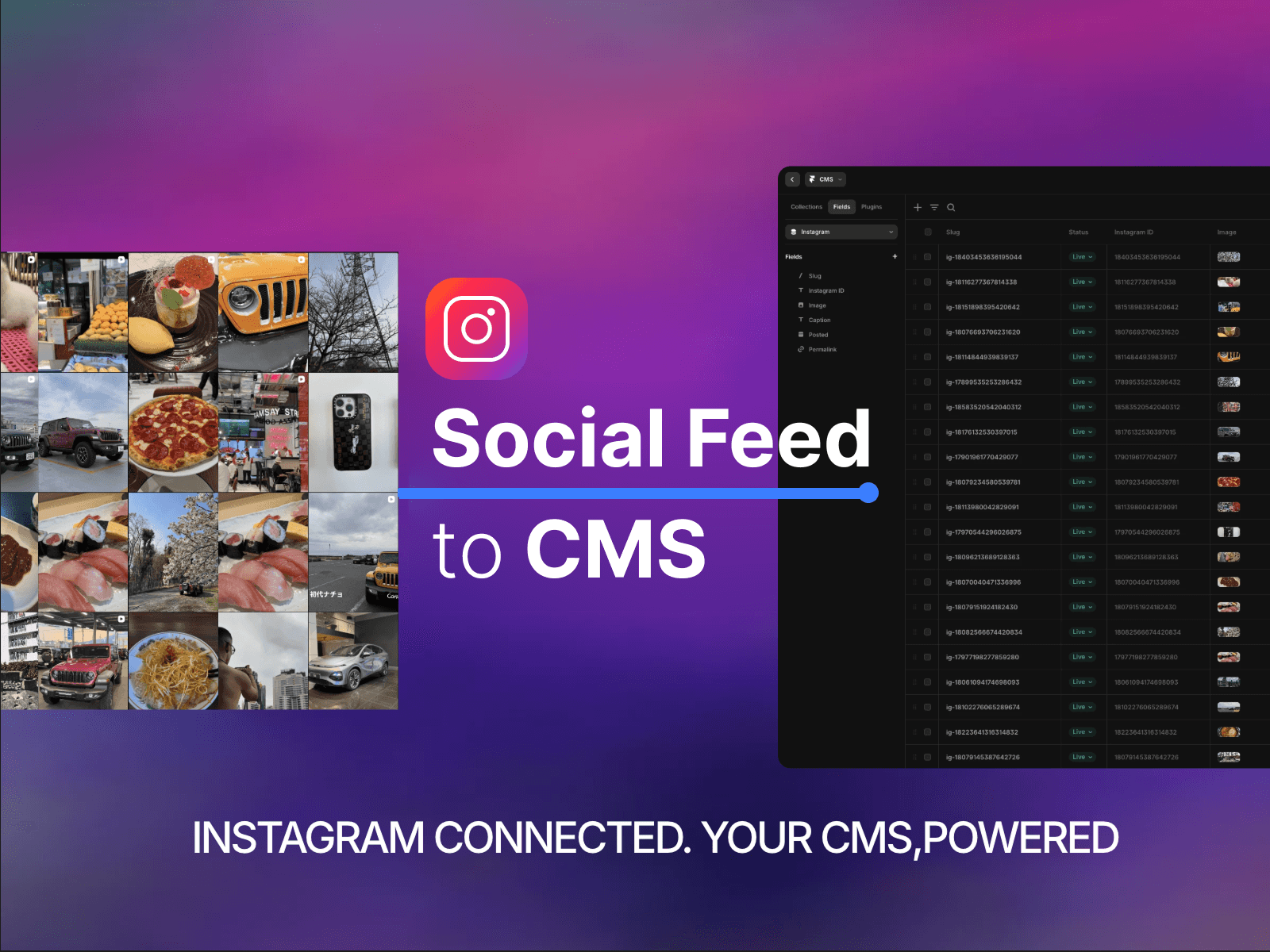
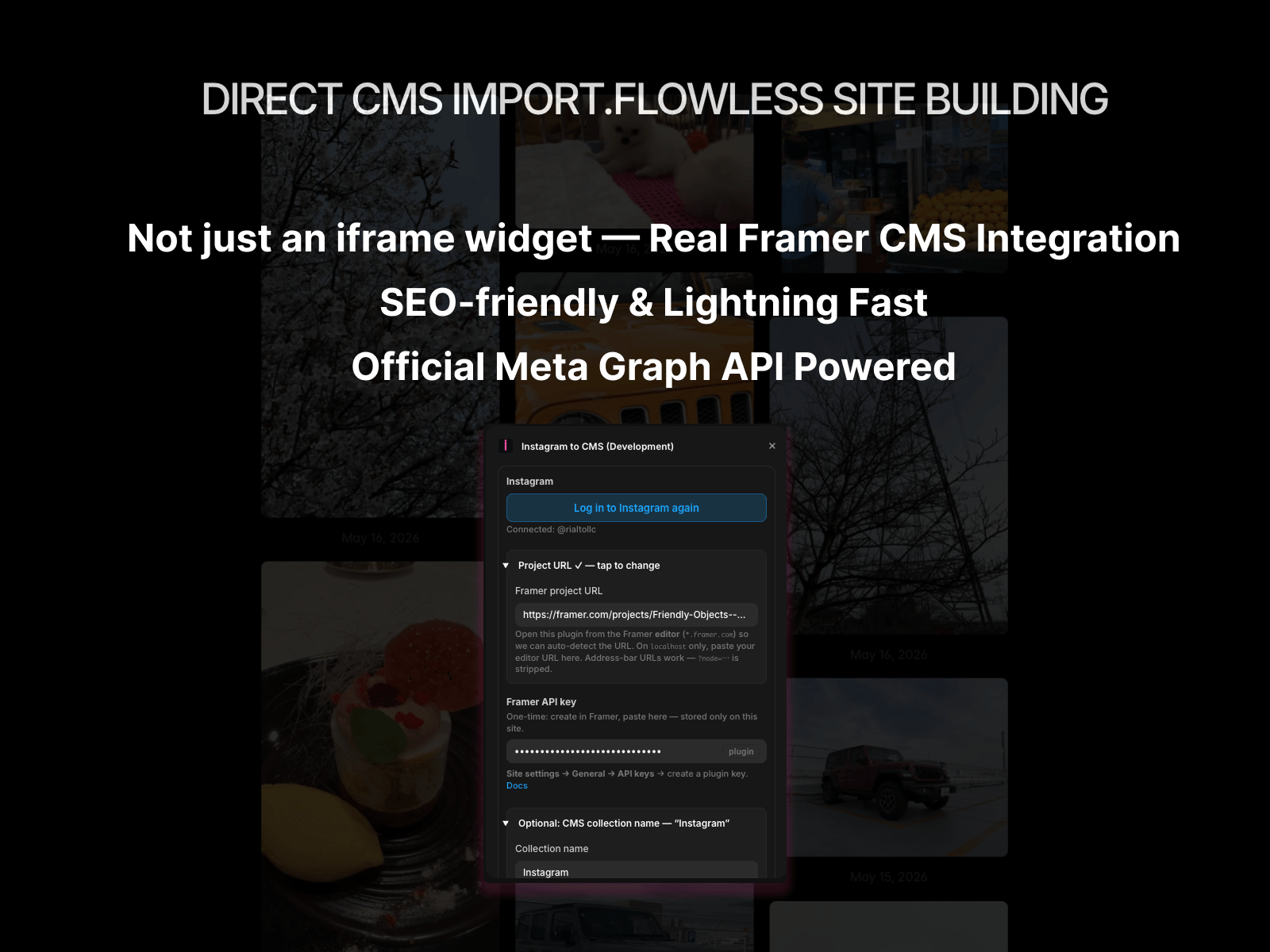
Social Feed to CMS brings Instagram content into your Framer site without manual copy-paste.
• Log in with Instagram (Meta OAuth) ― Business or Creator accounts supported
• Paste your Framer Server API key once (stored securely in your browser's localStorage)
• Sync now ― latest posts flow into CMS with Instagram ID, Image, Caption, Posted date, and Permalink
• On first sync, an Instagram CMS collection and required fields are created for you automatically
• Agencies and marketers keeping a Framer site in sync with an Instagram feed
• Creators who want CMS-driven grids, detail pages, or filtered layouts in Framer
1. Open the plugin in your Framer project
2. Add your Framer Server API key (Settings → API Keys → Server API)
3. Log in with Instagram
4. Click Sync now ― leave Collection name empty to auto-create the Instagram collection

Social Feed to CMS brings Instagram content into your Framer site without manual copy-paste.
• Log in with Instagram (Meta OAuth) ― Business or Creator accounts supported
• Paste your Framer Server API key once (stored securely in your browser's localStorage)
• Sync now ― latest posts flow into CMS with Instagram ID, Image, Caption, Posted date, and Permalink
• On first sync, an Instagram CMS collection and required fields are created for you automatically
• Agencies and marketers keeping a Framer site in sync with an Instagram feed
• Creators who want CMS-driven grids, detail pages, or filtered layouts in Framer
1. Open the plugin in your Framer project
2. Add your Framer Server API key (Settings → API Keys → Server API)
3. Log in with Instagram
4. Click Sync now ― leave Collection name empty to auto-create the Instagram collection