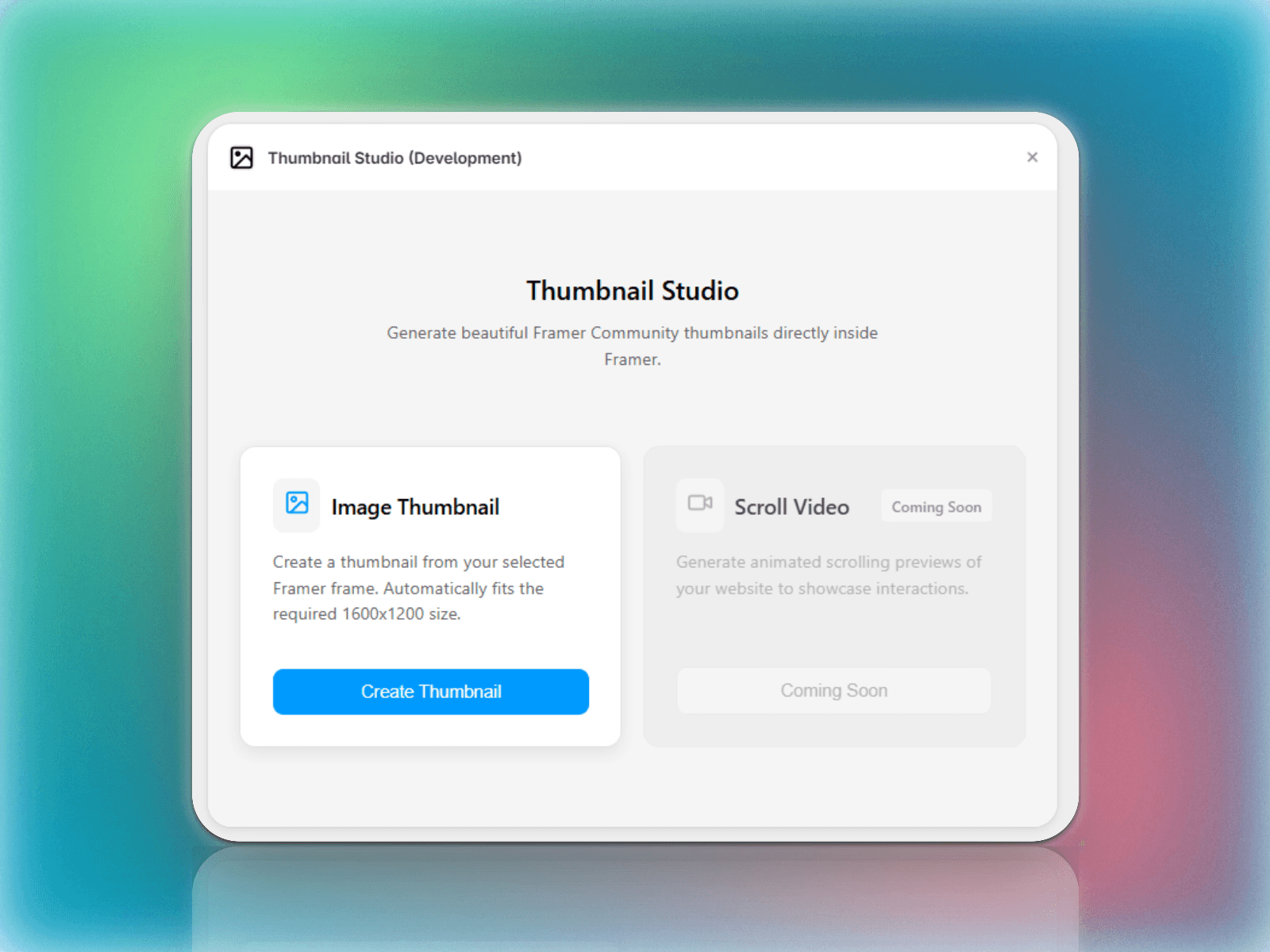
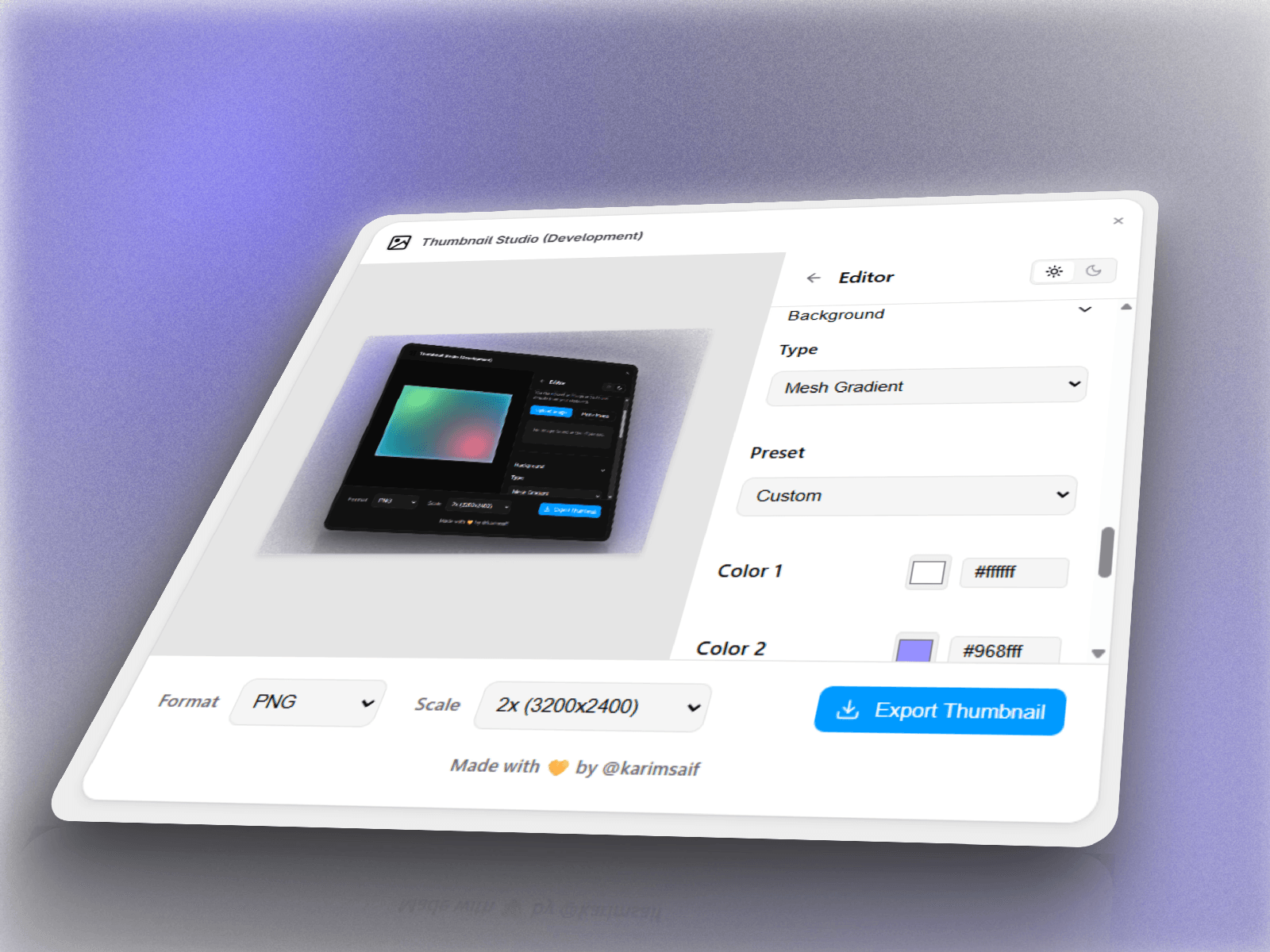
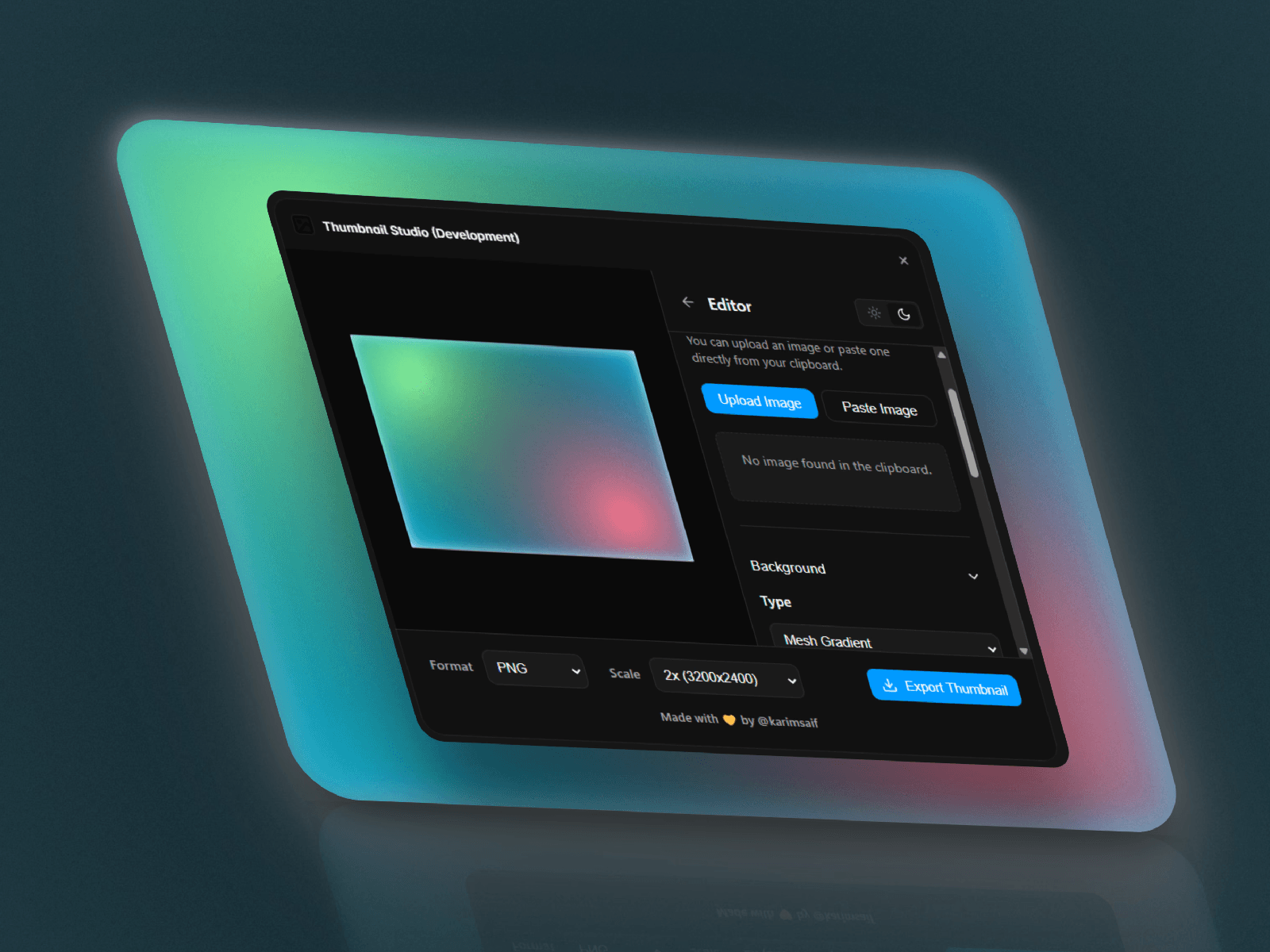
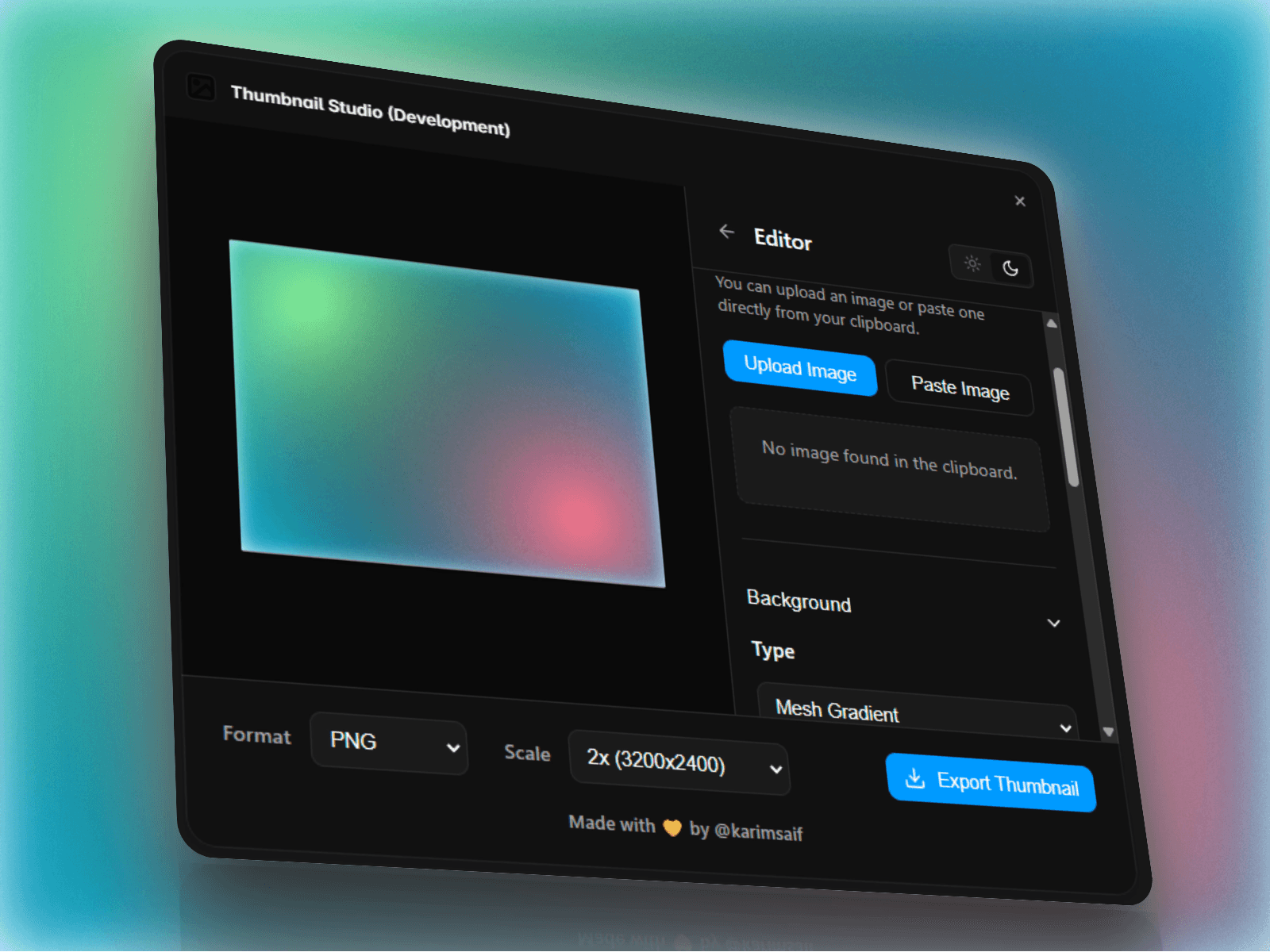
Thumbnail Studio is a powerful thumbnail creation plugin for Framer that helps you design professional Marketplace, template, plugin, and component thumbnails directly inside Framer. Create eye-catching covers with customizable backgrounds, gradients, typography, images, and layouts—perfectly optimized for Framer Community submissions and marketing assets.
Professional Thumbnail Builder
Create polished thumbnails for Framer templates, plugins, code components, UI kits, and marketplace assets with an intuitive visual editor.
Ready-to-Use Backgrounds
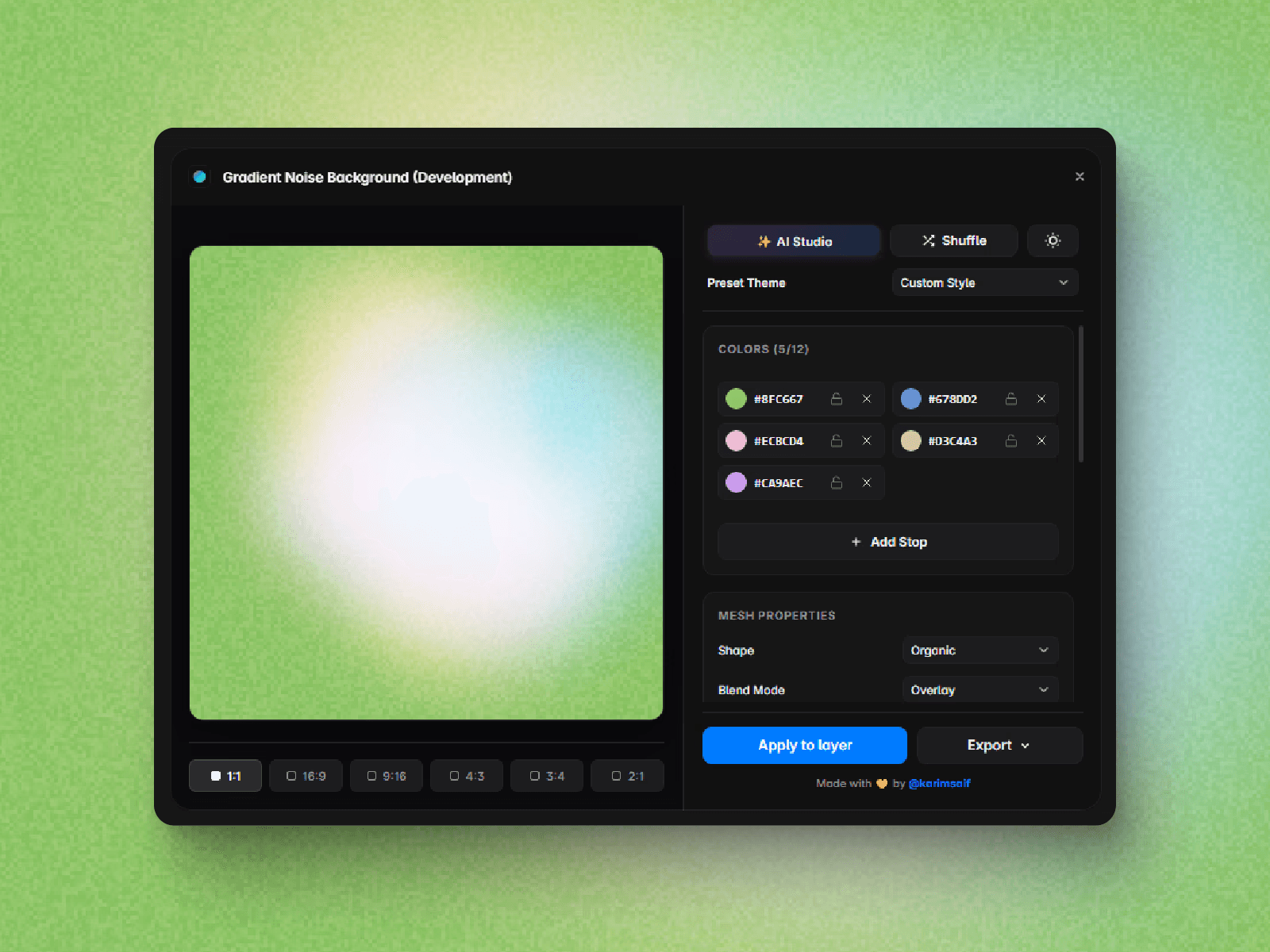
Choose from gradients, solid colors, abstract shapes, mesh backgrounds, and modern layouts designed for product showcases.
Image & Asset Support
Upload screenshots, product previews, logos, or illustrations and position them freely to build engaging compositions.
Typography Controls
Customize titles, subtitles, font size, alignment, spacing, colors, and hierarchy to create clear and attractive covers.
Marketplace Optimized
Design thumbnails that look great in Framer Community, product listings, social media, documentation, and promotional materials.
Fast Editing Workflow
Update backgrounds, text, images, and layouts in seconds without switching between multiple design tools.
Great for
Framer Template Creators
Create beautiful marketplace covers for premium and free templates.
Plugin Developers
Showcase plugins with clean, professional thumbnails that improve first impressions.
Component Designers
Present code components and interactive UI elements with engaging visuals.
Design Agencies
Generate consistent branding for client templates, libraries, and design systems.
Content Creators
Produce promotional graphics for launches, tutorials, YouTube, X, LinkedIn, and social media.
Have questions, feature requests, or found a bug?
Made with 💛 by @Karim Saif
𝕏 @karimsaif0
Your feedback helps improve Thumbnail Studio and shape future updates.

Thumbnail Studio is a powerful thumbnail creation plugin for Framer that helps you design professional Marketplace, template, plugin, and component thumbnails directly inside Framer. Create eye-catching covers with customizable backgrounds, gradients, typography, images, and layouts—perfectly optimized for Framer Community submissions and marketing assets.
Professional Thumbnail Builder
Create polished thumbnails for Framer templates, plugins, code components, UI kits, and marketplace assets with an intuitive visual editor.
Ready-to-Use Backgrounds
Choose from gradients, solid colors, abstract shapes, mesh backgrounds, and modern layouts designed for product showcases.
Image & Asset Support
Upload screenshots, product previews, logos, or illustrations and position them freely to build engaging compositions.
Typography Controls
Customize titles, subtitles, font size, alignment, spacing, colors, and hierarchy to create clear and attractive covers.
Marketplace Optimized
Design thumbnails that look great in Framer Community, product listings, social media, documentation, and promotional materials.
Fast Editing Workflow
Update backgrounds, text, images, and layouts in seconds without switching between multiple design tools.
Great for
Framer Template Creators
Create beautiful marketplace covers for premium and free templates.
Plugin Developers
Showcase plugins with clean, professional thumbnails that improve first impressions.
Component Designers
Present code components and interactive UI elements with engaging visuals.
Design Agencies
Generate consistent branding for client templates, libraries, and design systems.
Content Creators
Produce promotional graphics for launches, tutorials, YouTube, X, LinkedIn, and social media.
Have questions, feature requests, or found a bug?
Made with 💛 by @Karim Saif
𝕏 @karimsaif0
Your feedback helps improve Thumbnail Studio and shape future updates.