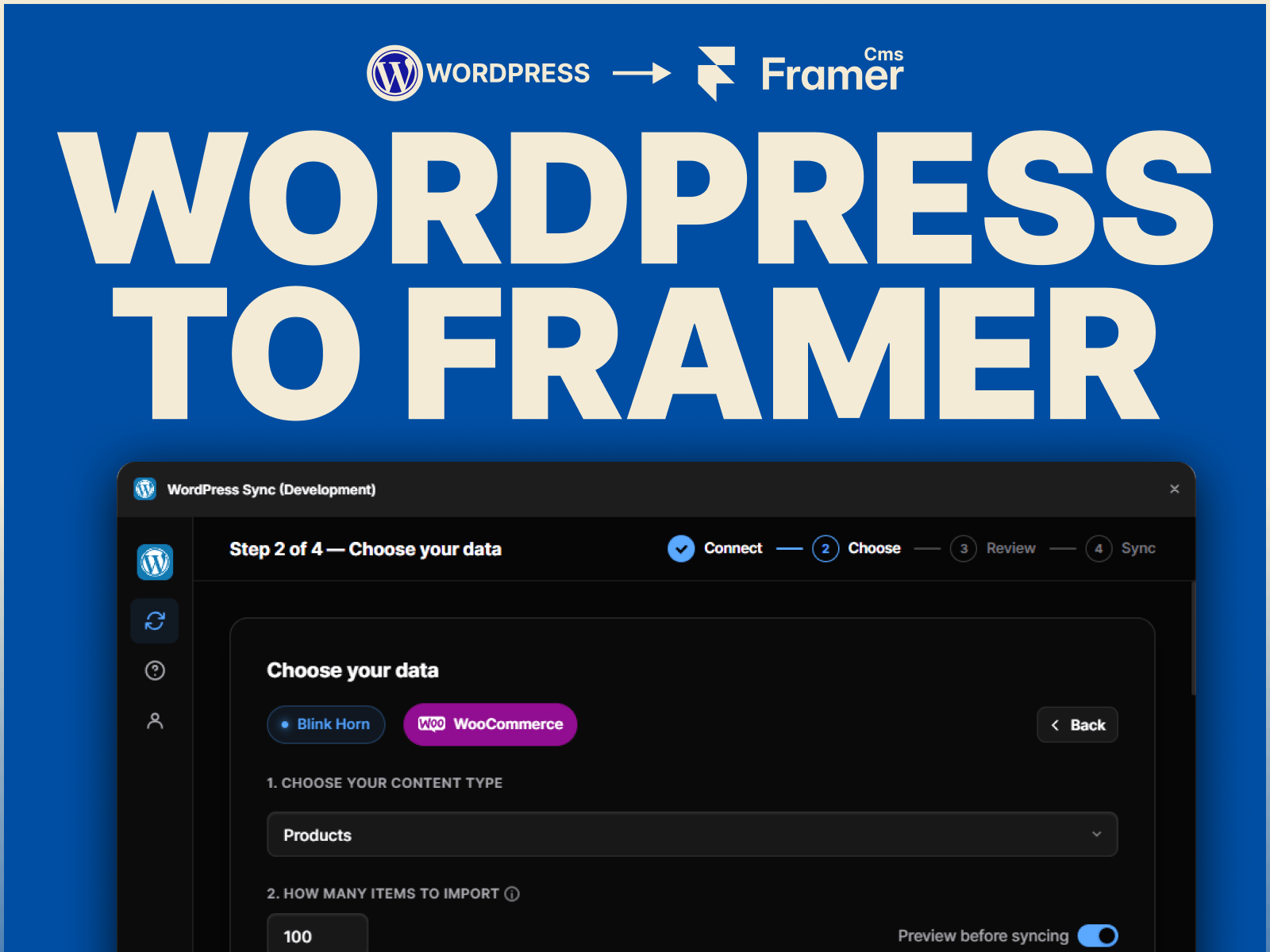
Stop manually copying WordPress content into Framer. WordPress to Framer CMS lets you import WordPress content directly into Framer CMS, making website migrations and content transfers faster and easier.
Whether you're rebuilding a WordPress website in Framer, migrating a blog, creating a directory, or moving an online store, import your content without CSV exports or endless copy-pasting.
Pages & Posts: Import WordPress pages and blog posts directly into Framer CMS.
Custom Post Types: Import supported custom post types such as portfolios, projects, testimonials, team members, events, properties, and more.
WooCommerce Products: Import WooCommerce products with supported product details, pricing, images, categories, and other fields.
Smart Field Mapping: Automatically map WordPress fields to the appropriate Framer CMS field types, or adjust mappings manually.
Rich Content & Media: Import supported rich text, featured images, and media from your WordPress content.
Custom Fields: Import supported custom fields and exposed ACF data and map them to Framer CMS fields.
Categories & Taxonomies: Bring categories, tags, and supported custom taxonomies into your Framer CMS collections.
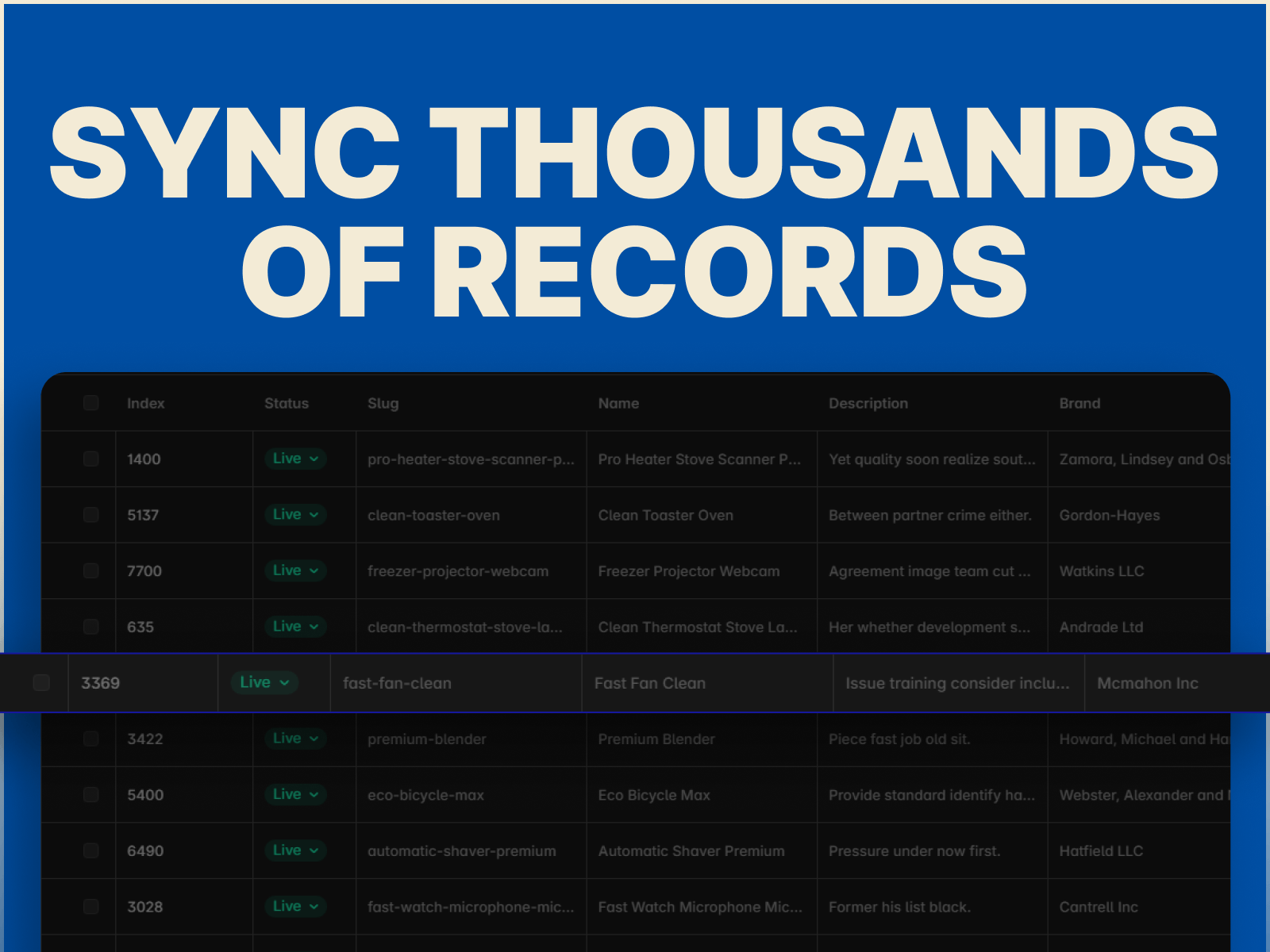
Large Imports: Paginated and batch processing helps handle large WordPress collections without overwhelming the plugin.
Re-sync: Run your import again whenever your WordPress content changes and keep your Framer CMS data up to date.
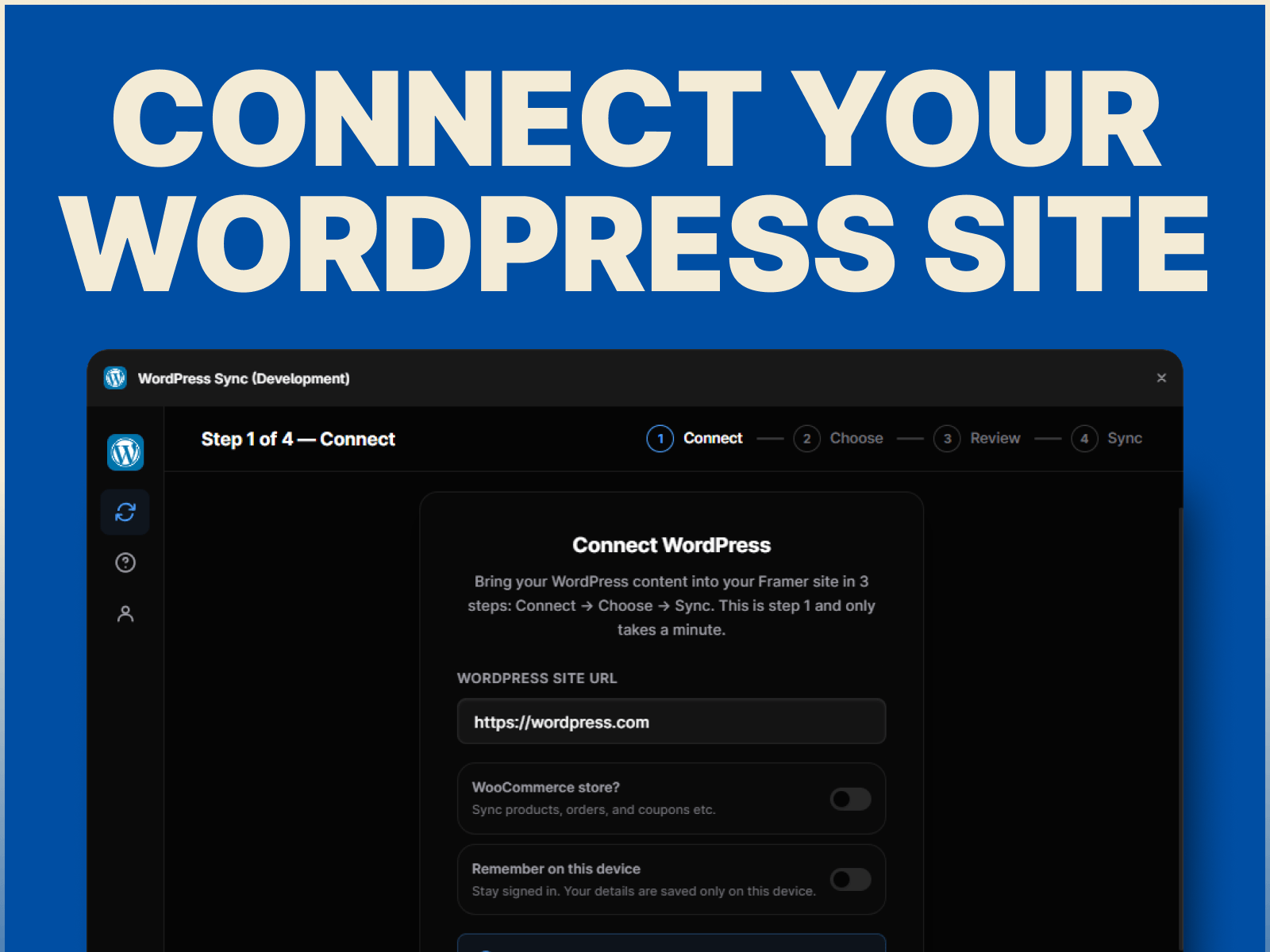
Connect your WordPress website.
Choose Pages, Posts, Custom Post Types, or WooCommerce Products.
Select the content and fields you want to import.
Map WordPress fields to your Framer CMS collection.
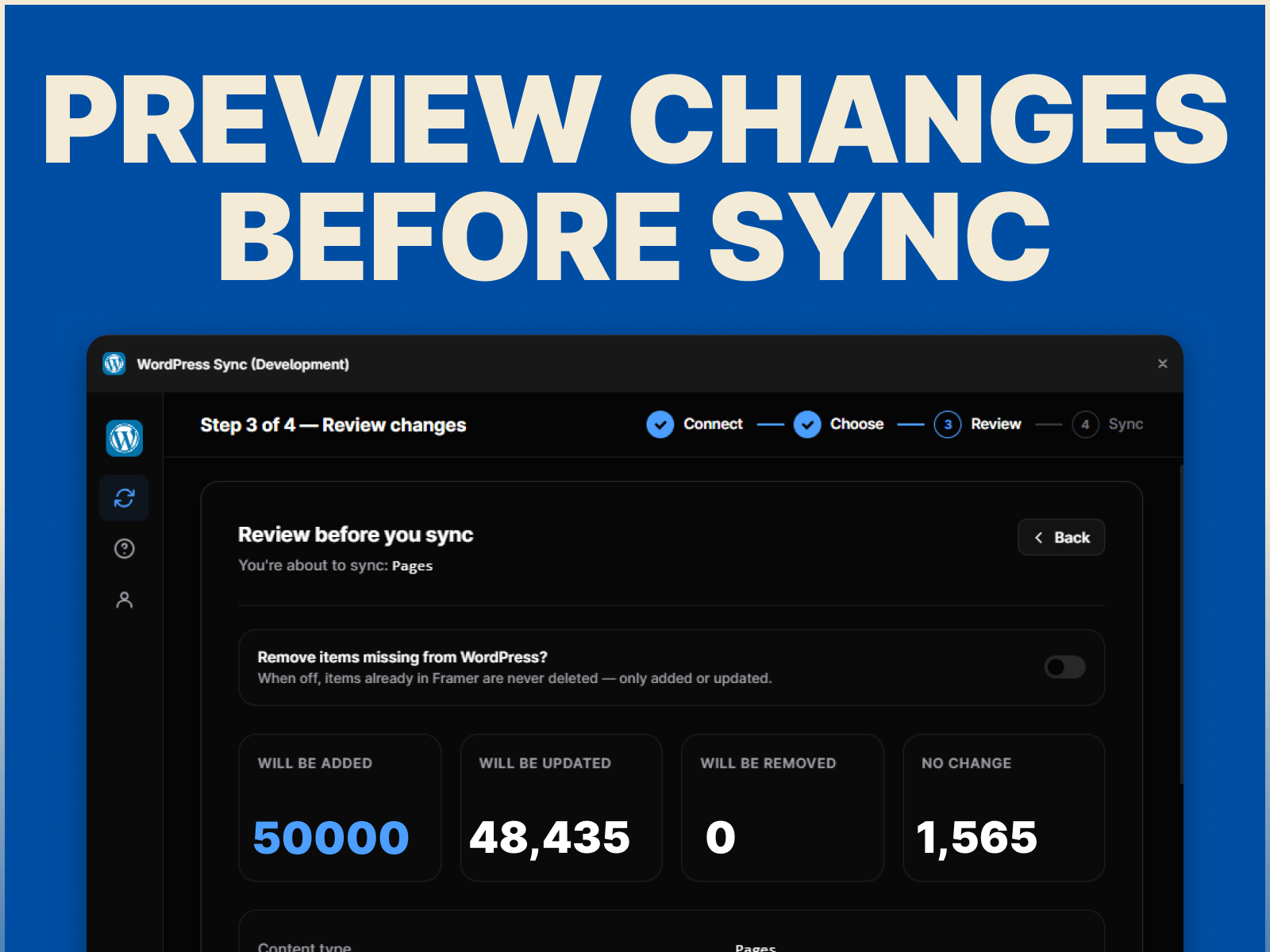
Preview your content.
Import into Framer CMS.
No CSV exports. No manual copy-pasting. No rebuilding content one record at a time.
Built for designers, developers, agencies, and anyone moving WordPress content to Framer.
Questions or support? Reach out at hello@sillyweb.in.

Stop manually copying WordPress content into Framer. WordPress to Framer CMS lets you import WordPress content directly into Framer CMS, making website migrations and content transfers faster and easier.
Whether you're rebuilding a WordPress website in Framer, migrating a blog, creating a directory, or moving an online store, import your content without CSV exports or endless copy-pasting.
Pages & Posts: Import WordPress pages and blog posts directly into Framer CMS.
Custom Post Types: Import supported custom post types such as portfolios, projects, testimonials, team members, events, properties, and more.
WooCommerce Products: Import WooCommerce products with supported product details, pricing, images, categories, and other fields.
Smart Field Mapping: Automatically map WordPress fields to the appropriate Framer CMS field types, or adjust mappings manually.
Rich Content & Media: Import supported rich text, featured images, and media from your WordPress content.
Custom Fields: Import supported custom fields and exposed ACF data and map them to Framer CMS fields.
Categories & Taxonomies: Bring categories, tags, and supported custom taxonomies into your Framer CMS collections.
Large Imports: Paginated and batch processing helps handle large WordPress collections without overwhelming the plugin.
Re-sync: Run your import again whenever your WordPress content changes and keep your Framer CMS data up to date.
Connect your WordPress website.
Choose Pages, Posts, Custom Post Types, or WooCommerce Products.
Select the content and fields you want to import.
Map WordPress fields to your Framer CMS collection.
Preview your content.
Import into Framer CMS.
No CSV exports. No manual copy-pasting. No rebuilding content one record at a time.
Built for designers, developers, agencies, and anyone moving WordPress content to Framer.
Questions or support? Reach out at hello@sillyweb.in.