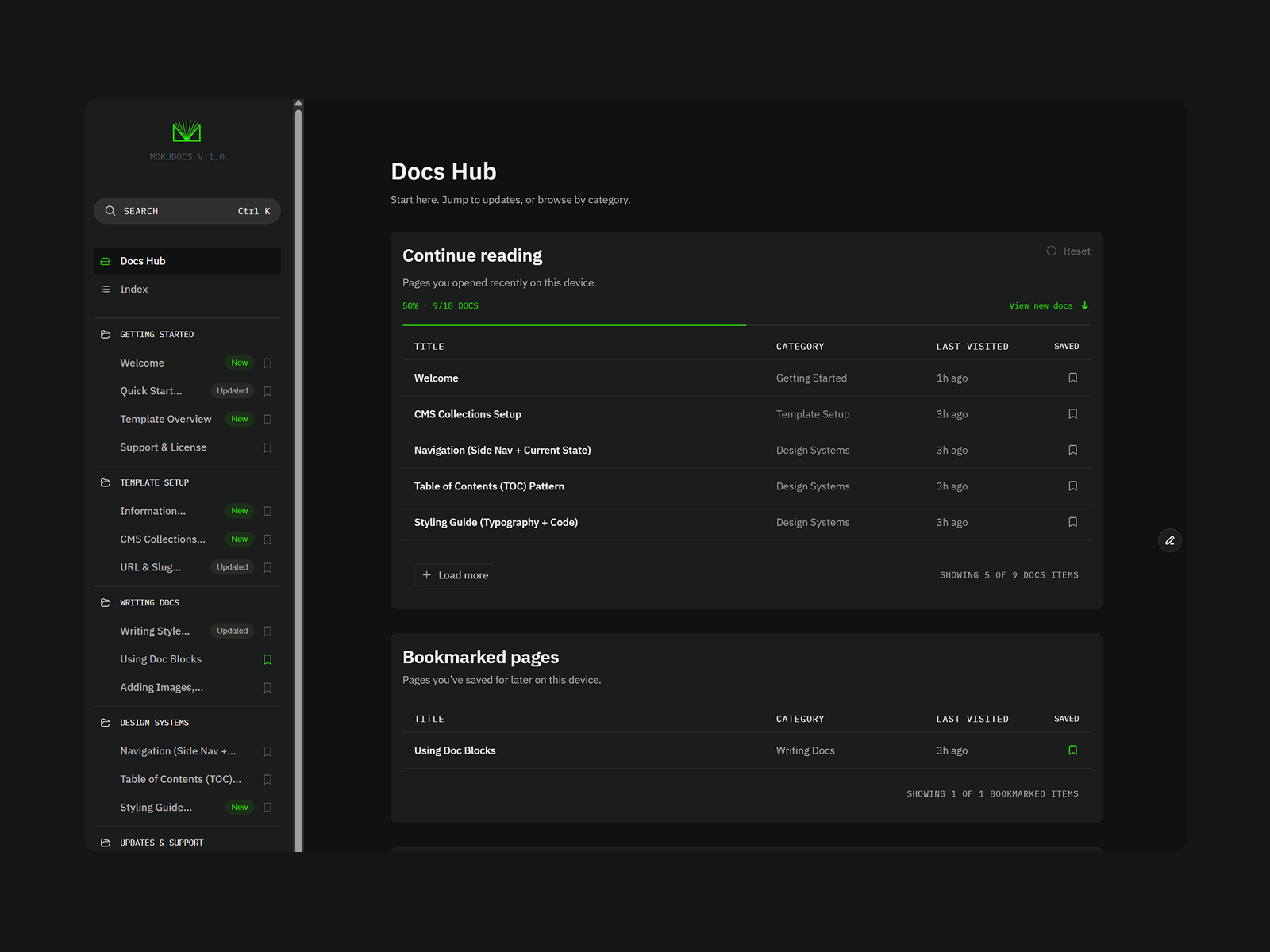
Most docs sites need an engineer for every content change: a new page, a release note, a term that needs explaining twice. MokuDocs 2.0 moves that work onto native Framer CMS, so whoever owns the content ships it themselves. Docs, changelog, and glossary live in the same Framer project and publish button, no separate changelog tool, no separate docs platform, no extra login to manage.
CMS-driven docs
Docs and Categories are CMS collections, not hardcoded pages. Add a doc, assign a category, publish, live the same day a feature ships instead of waiting for the next sprint.
Changelog with tag filtering
Every release gets a page automatically, filterable by tag, in the same project as your docs. Release notes become part of your ship cadence, not a separate tool to log into.
Inline glossary
Any term mentioned in a doc becomes a clickable link that opens its definition in a side panel, without leaving the page. Readers resolve their own confusion instead of pinging support, fewer repeat questions for your team.
Saved highlights and bookmarks
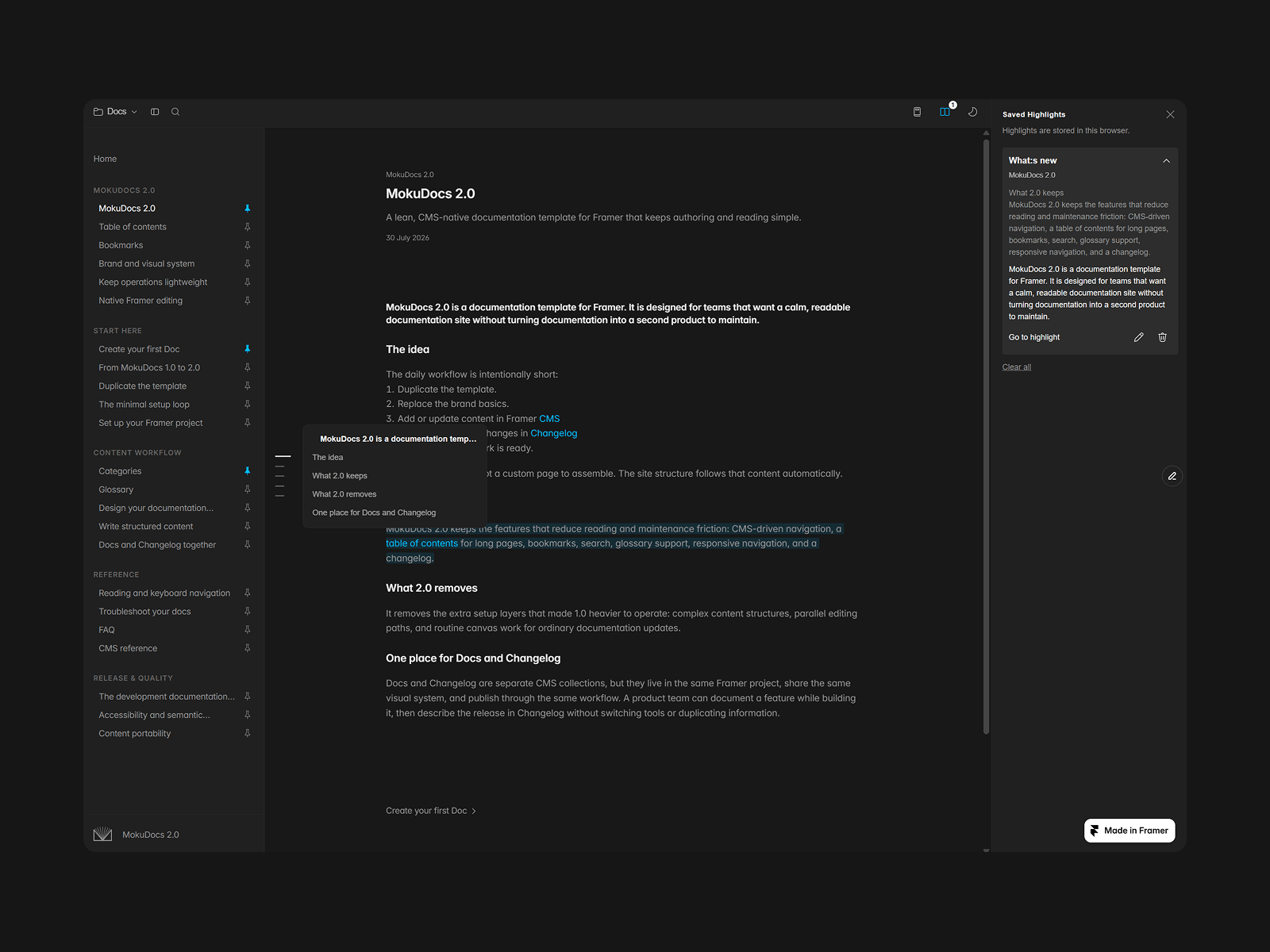
Readers select a passage, save it with a note, and find it again later in a dedicated panel. Docs stop being a one-time read and become a working reference during a build, an onboarding pass, or a support ticket.
Table of contents and search
Long pages and growing doc sets stay navigable without building search or navigation yourself. Native Framer Site Search covers full-text search (Pro plan or higher); the table of contents handles in-page orientation.
Accessibility, built in
WCAG AA keyboard navigation, focus states, and semantic structure are already checked and fixed, one less blocker in a customer's procurement or compliance review before a deal closes.
Light and dark theming
Matches whatever surface you're linking the docs from, no extra setup.

Most docs sites need an engineer for every content change: a new page, a release note, a term that needs explaining twice. MokuDocs 2.0 moves that work onto native Framer CMS, so whoever owns the content ships it themselves. Docs, changelog, and glossary live in the same Framer project and publish button, no separate changelog tool, no separate docs platform, no extra login to manage.
CMS-driven docs
Docs and Categories are CMS collections, not hardcoded pages. Add a doc, assign a category, publish, live the same day a feature ships instead of waiting for the next sprint.
Changelog with tag filtering
Every release gets a page automatically, filterable by tag, in the same project as your docs. Release notes become part of your ship cadence, not a separate tool to log into.
Inline glossary
Any term mentioned in a doc becomes a clickable link that opens its definition in a side panel, without leaving the page. Readers resolve their own confusion instead of pinging support, fewer repeat questions for your team.
Saved highlights and bookmarks
Readers select a passage, save it with a note, and find it again later in a dedicated panel. Docs stop being a one-time read and become a working reference during a build, an onboarding pass, or a support ticket.
Table of contents and search
Long pages and growing doc sets stay navigable without building search or navigation yourself. Native Framer Site Search covers full-text search (Pro plan or higher); the table of contents handles in-page orientation.
Accessibility, built in
WCAG AA keyboard navigation, focus states, and semantic structure are already checked and fixed, one less blocker in a customer's procurement or compliance review before a deal closes.
Light and dark theming
Matches whatever surface you're linking the docs from, no extra setup.
 Mokujiro Studio