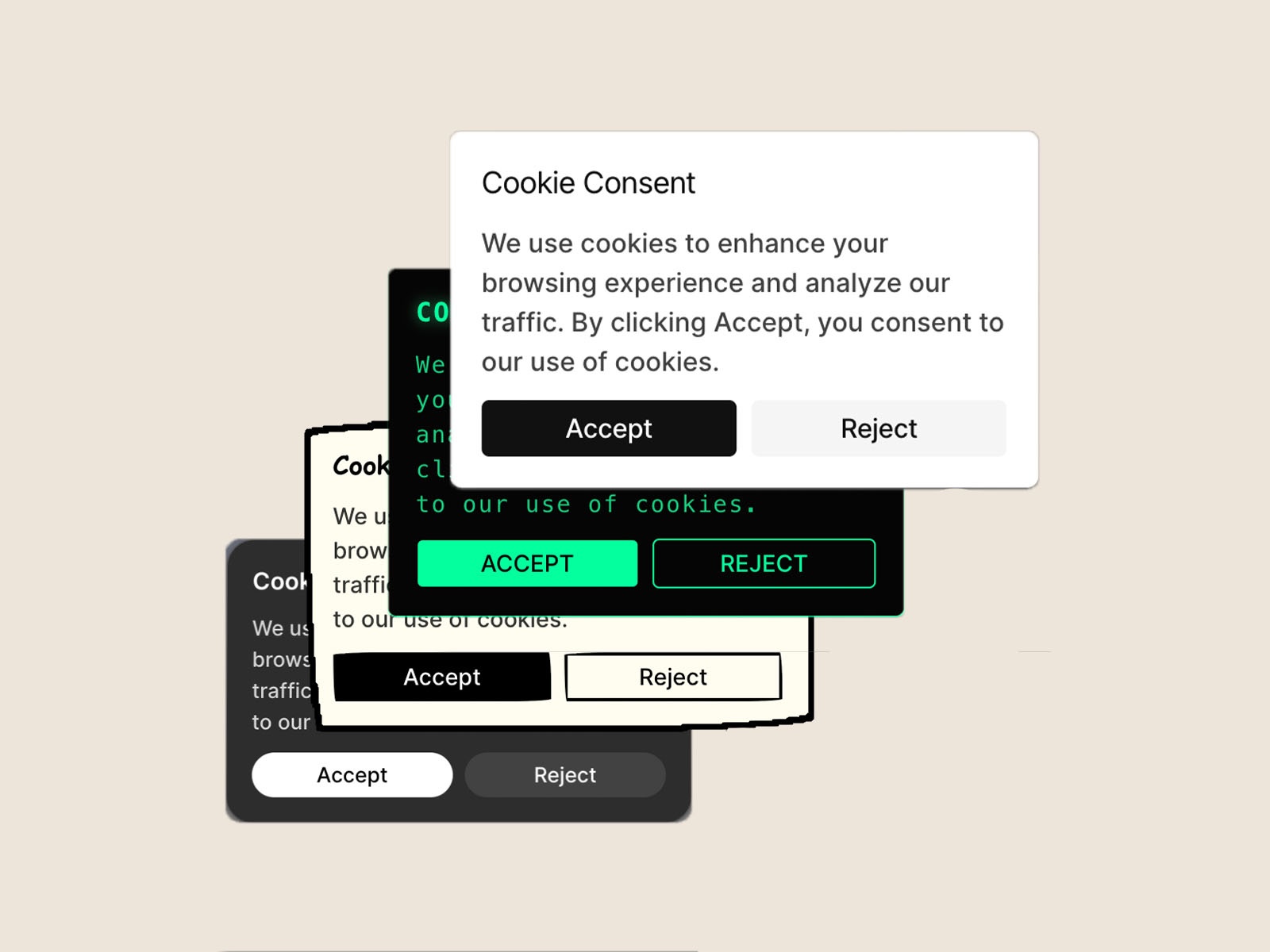
CookieGuard — Cookie Consent
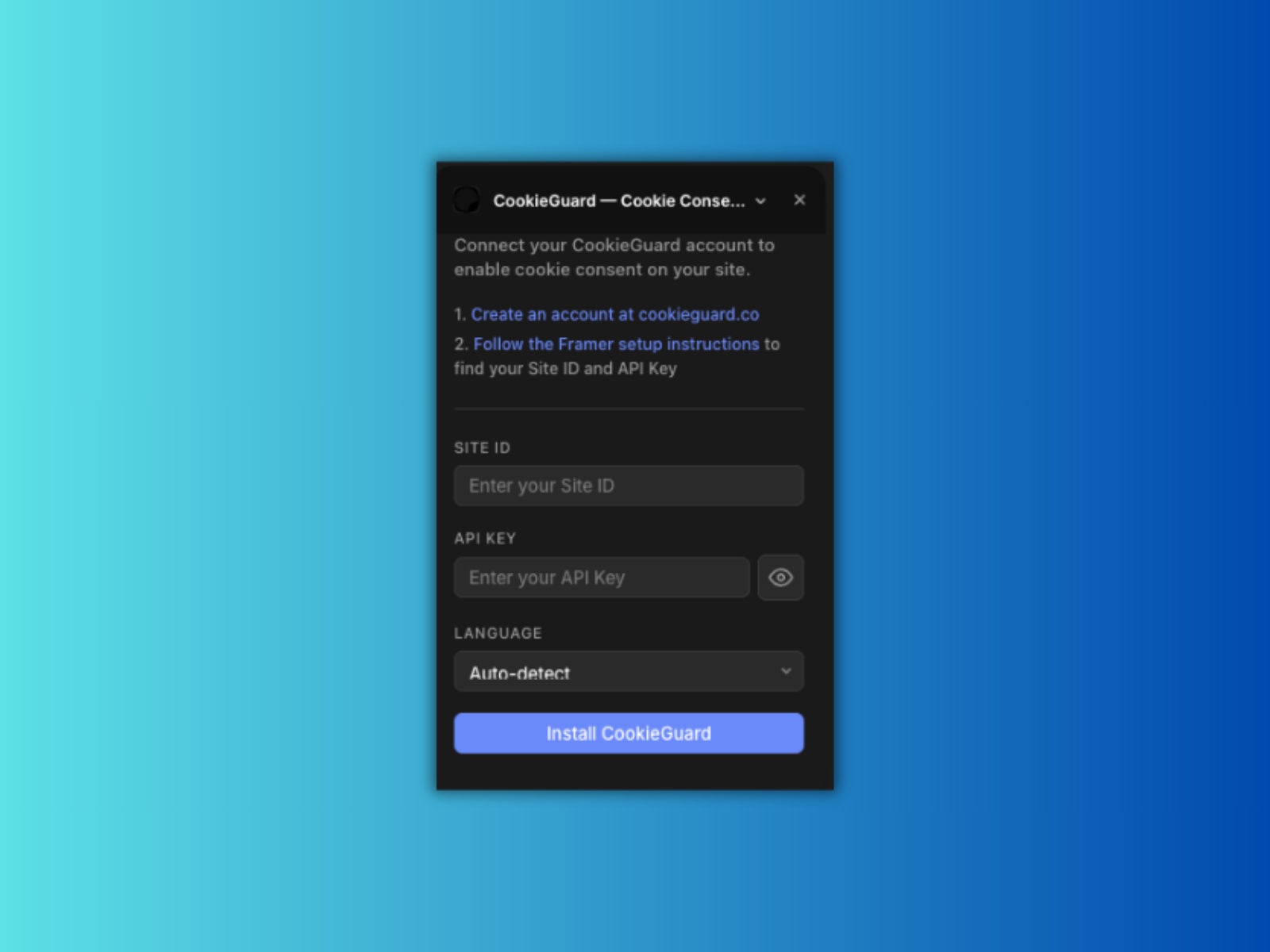
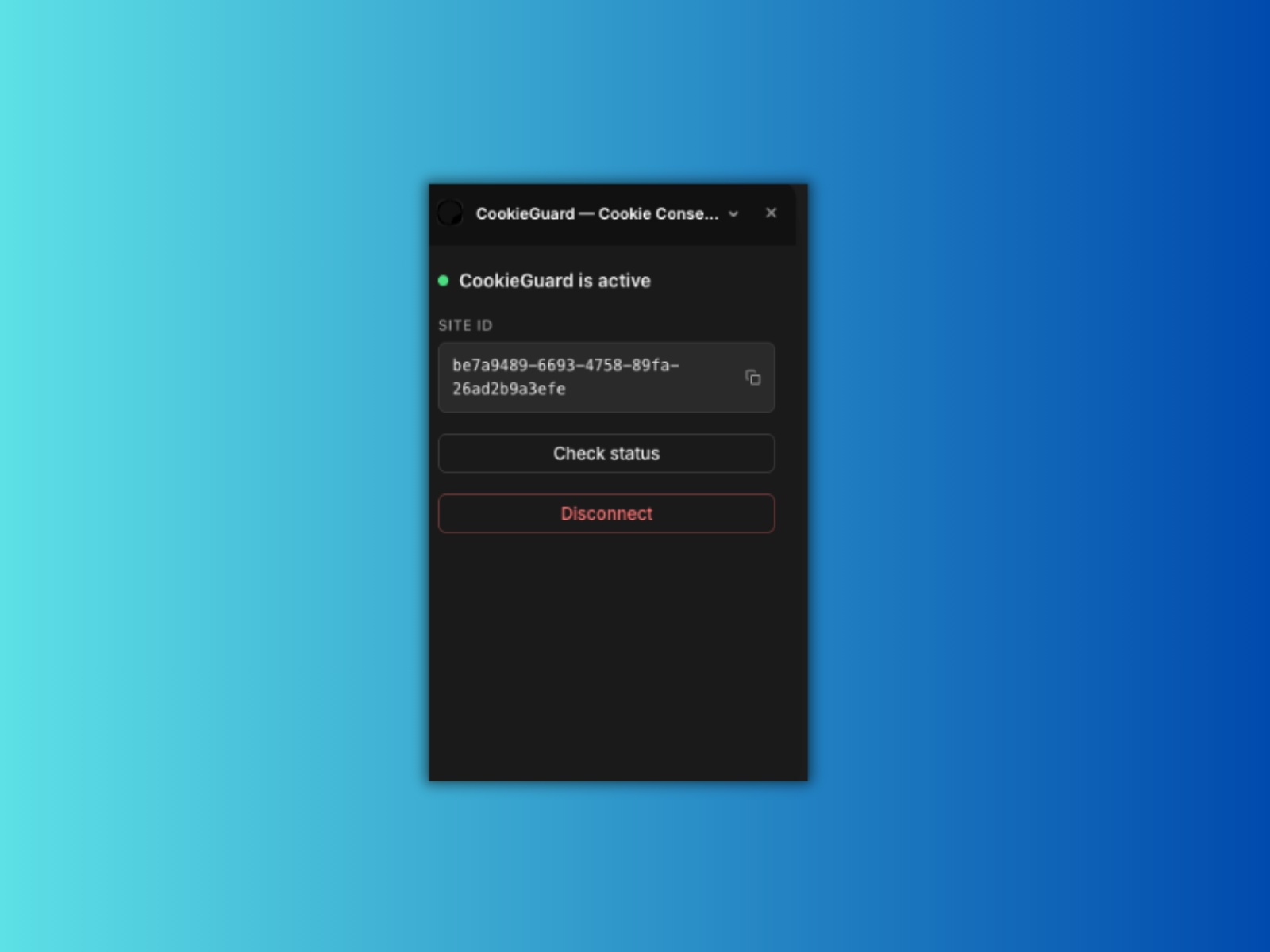
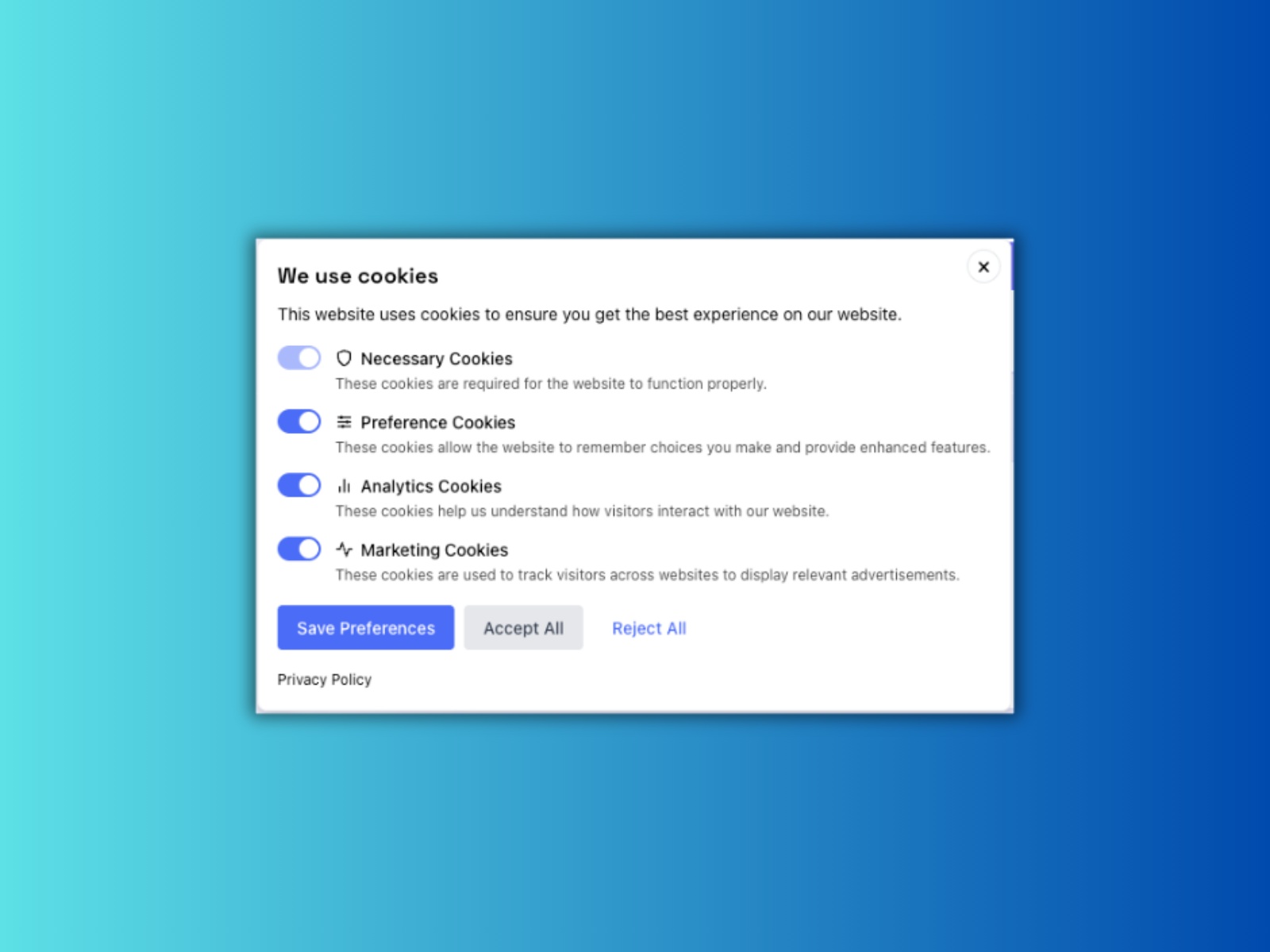
Connect your CookieGuard account to instantly add GDPR, CCPA, and global cookie consent to your Framer site. No code, no copy-pasting — just paste your credentials and you're compliant.
About this Plugin
CookieGuard is cookie consent management that deploys in minutes and runs quietly in the background. This plugin connects your Framer site to your CookieGuard account with a single click — no manual script installation required.
What it does Once you enter your Site ID and Access Key, the plugin injects the CookieGuard script directly into your site's custom code. Your consent banner is live immediately, with full support for GDPR, CCPA, LGPD, and 8 more global privacy regulations.
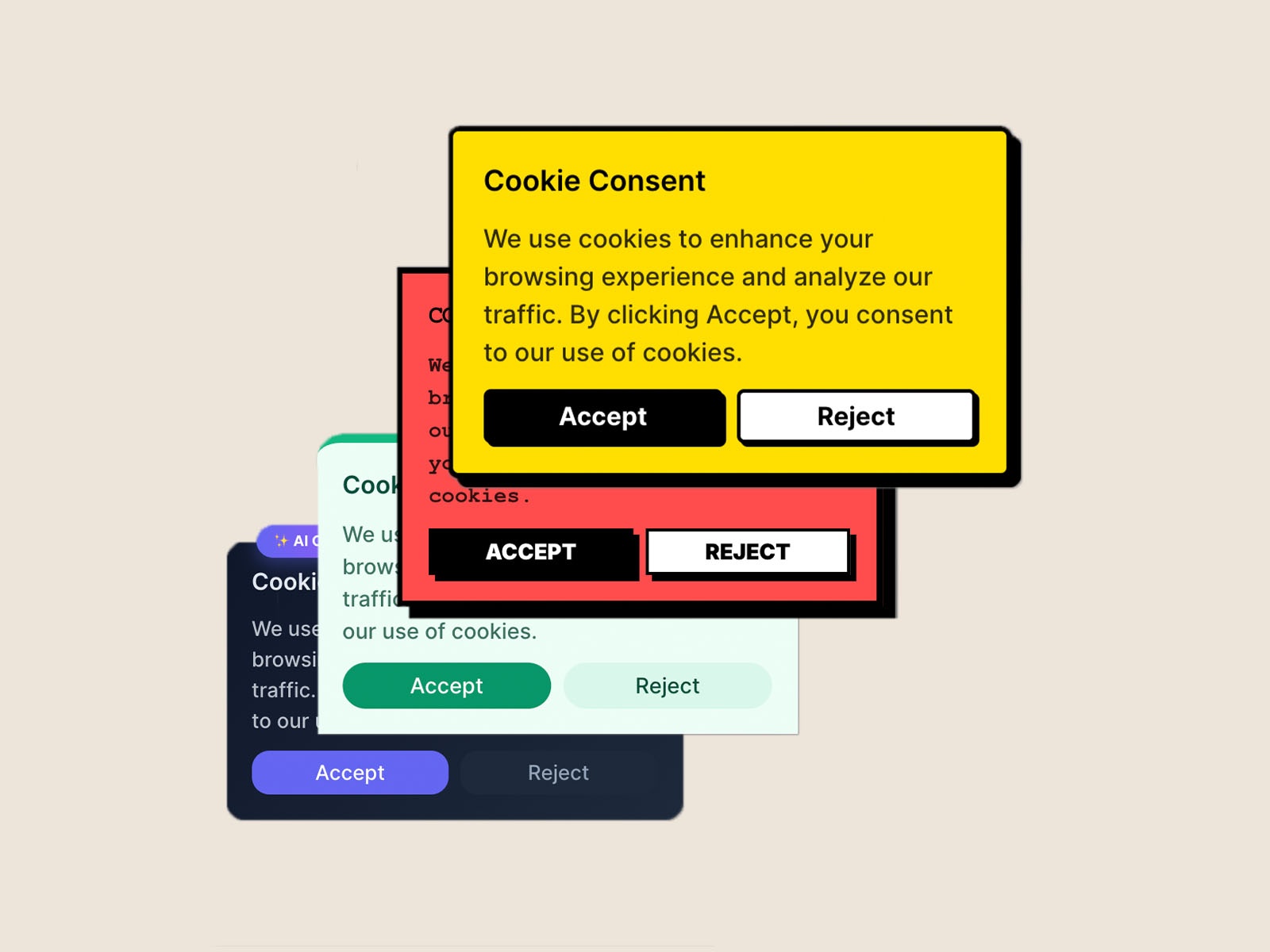
Why CookieGuard — Compliant across 11 regulations on every plan — Customizable banners with a visual editor in the CookieGuard dashboard — Automatic cookie scanning across your site — Predictable flat pricing — no per-domain billing surprises — Free plan available; paid plans start at $8/month
Requirements A CookieGuard account is required. Sign up free at cookieguard.co. After creating a site in your dashboard, you'll find your Site ID and Access Key in the site settings.
Changelog
fixed the dark/light theme based on this feedback provided.Dark/light theme is connected to the device theme instead of the Framer app's theme. To fix this, instead of using CSS media queries for light and dark mode, use the method described in this documentation article.You can see this by opening Framer in a browser (not the desktop app, because this issue doesn't happen there), opening your plugin, and toggling Framer's theme using the button at the bottom, and toggle your system theme using the Windows/MacOS theme setting. You can see that the plugin follows the system theme, instead of the Framer theme.
Details
 Divyabh Mishra