Framer Form Kit
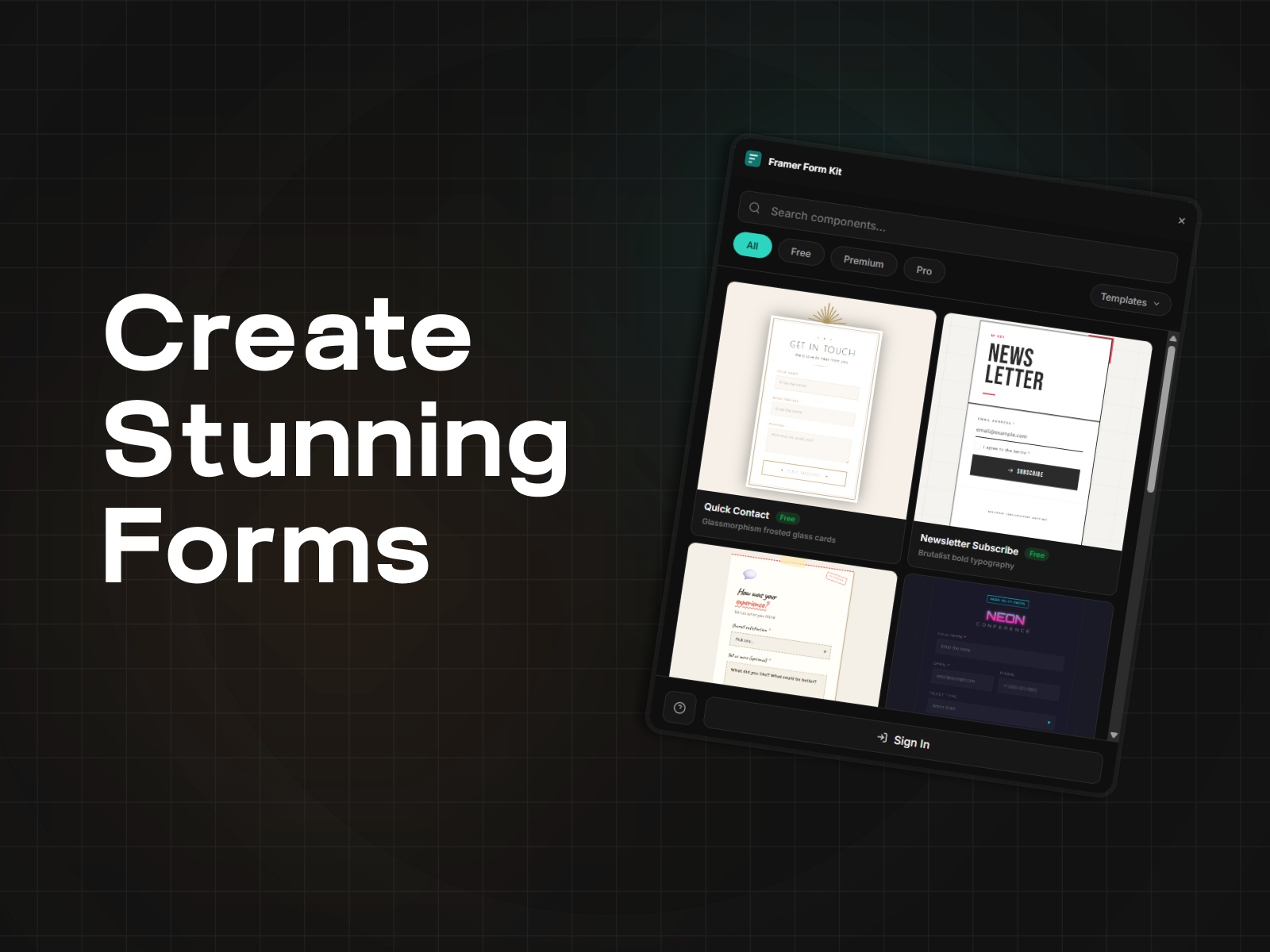
Advanced form components for Framer — validation, multi-step, conditional logic.
The form system Framer
Framer gives you beautiful pages. FormKit gives you forms that actually work.
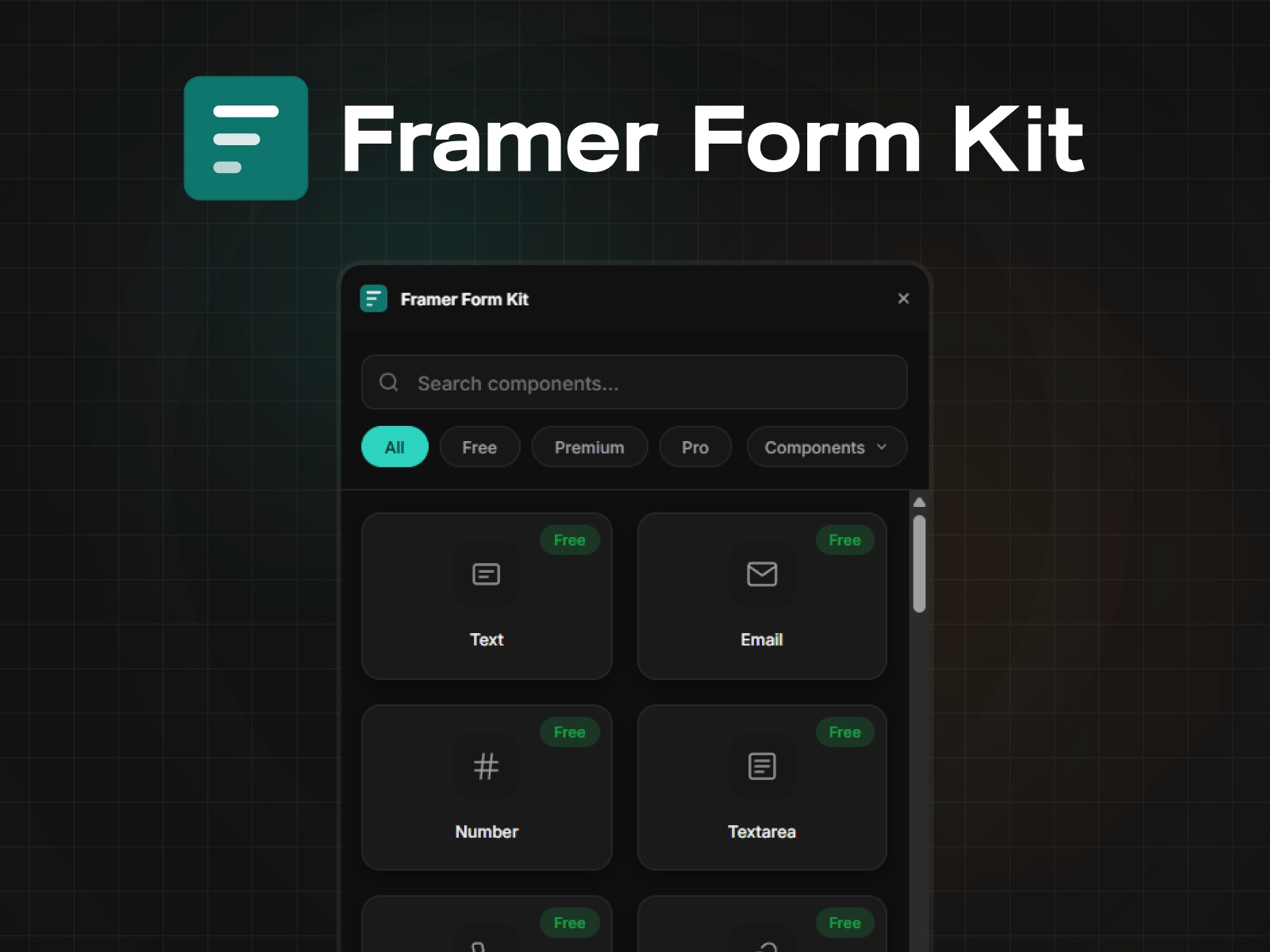
Drop in 35+ field components — text, email, date pickers, file uploads, star ratings, signature pads and configure everything from the Properties Panel. No code. No embeds. No switching tools.
What you get
Real validation
Required fields, email/phone/URL format checks, character limits, regex patterns, min/max ranges. Errors show inline on blur. Custom error messages that match your brand voice.
Multi-step forms
Break long forms into steps with progress bars, step indicators, and navigation buttons. The Next button validates the current step before advancing. Auto-saves to localStorage so users never lose progress.
Conditional logic
Show, hide, enable, or disable any field based on other field values. Eight operators (equals, contains, greater than, is empty, etc.) with AND/OR matching. Hidden fields automatically skip validation.
Full styling control
Every component exposes Input Styles, Label Styles, Error Styles, Focus Styles, and Success Styles directly in the Properties Panel. Style one field, then Ctrl+Alt+C / Ctrl+Alt+V to copy styles across your entire form.
URL parameter prefill
Pre-populate fields from URL query strings. Link from email campaigns, ads, or landing pages with `?email=user@example.com&source=newsletter` and fields fill automatically.
35+ components across 3 tiers
Free (10 components)
Text, Email, Number, Phone, URL, Textarea, Select, Checkbox, Submit — plus the full validation engine, conditional logic, and auto-save. Free forever, no credit card.
Premium (21 components)
Radio, Checkbox Group, Toggle, Button Group, Date Picker, Time Picker, DateTime, Slider, Star Rating, NPS Score, File Upload, Multi-File Upload, Image Upload, Hidden Field, reCAPTCHA, URL Data, Multi-Step, Next, Previous, Progress, Progress Bar, Slot, Summary.
Pro (5 components)
Signature Pad, Rich Text Editor, Color Picker, Image Button, Country Selector with flags.
Built for how you already work
Form Kit components behave exactly like native Framer layers. Drag them in, configure properties on the right, preview with Ctrl+P. They live inside Framer's native Form element so submission works through Framer's built-in form handling, no external services required.
3 steps to your first form
Open FormKit from the Plugins bar
Click any component to insert it into your Framer Form
Set the field name, label, and validation in the Properties Panel
That's it. Preview your page and the form works.
FAQ (for marketplace or website)
How is this different from Framer's built-in forms?
Framer gives you basic text inputs and a submit button. Form Kit adds real validation (email format, phone, regex, min/max), multi-step forms with progress bars, conditional show/hide logic, date pickers, file uploads, star ratings, and 25+ more field types. Everything configured visually — no code.
Do I need to use an external form service?
No. FormKit components work inside Framer's native Form element. Submission goes through Framer's built-in form handling. You can also connect to any service Framer supports.
Is it really free?
10 components are free forever — Text, Email, Number, Phone, URL, Textarea, Select, Checkbox, and Submit. That includes the full validation engine, conditional logic, and auto-save. No credit card, no trial, no time limit.
Does it work with responsive designs?
Yes. FormKit components respect Framer's responsive layout system. They adapt to any breakpoint you set up in your project.
Can I style the components to match my brand?
Every component exposes detailed style controls in the Properties Panel — input background, text color, border radius, focus states, error colors, success indicators. You can also copy/paste styles between fields with Ctrl+Alt+C/V.
What happens when a field is conditionally hidden?
Hidden fields automatically skip validation, so they won't block form submission. The wrapper container is also hidden to prevent layout gaps.
Details
 FramerHub.io