PlumSpace: Content Protection
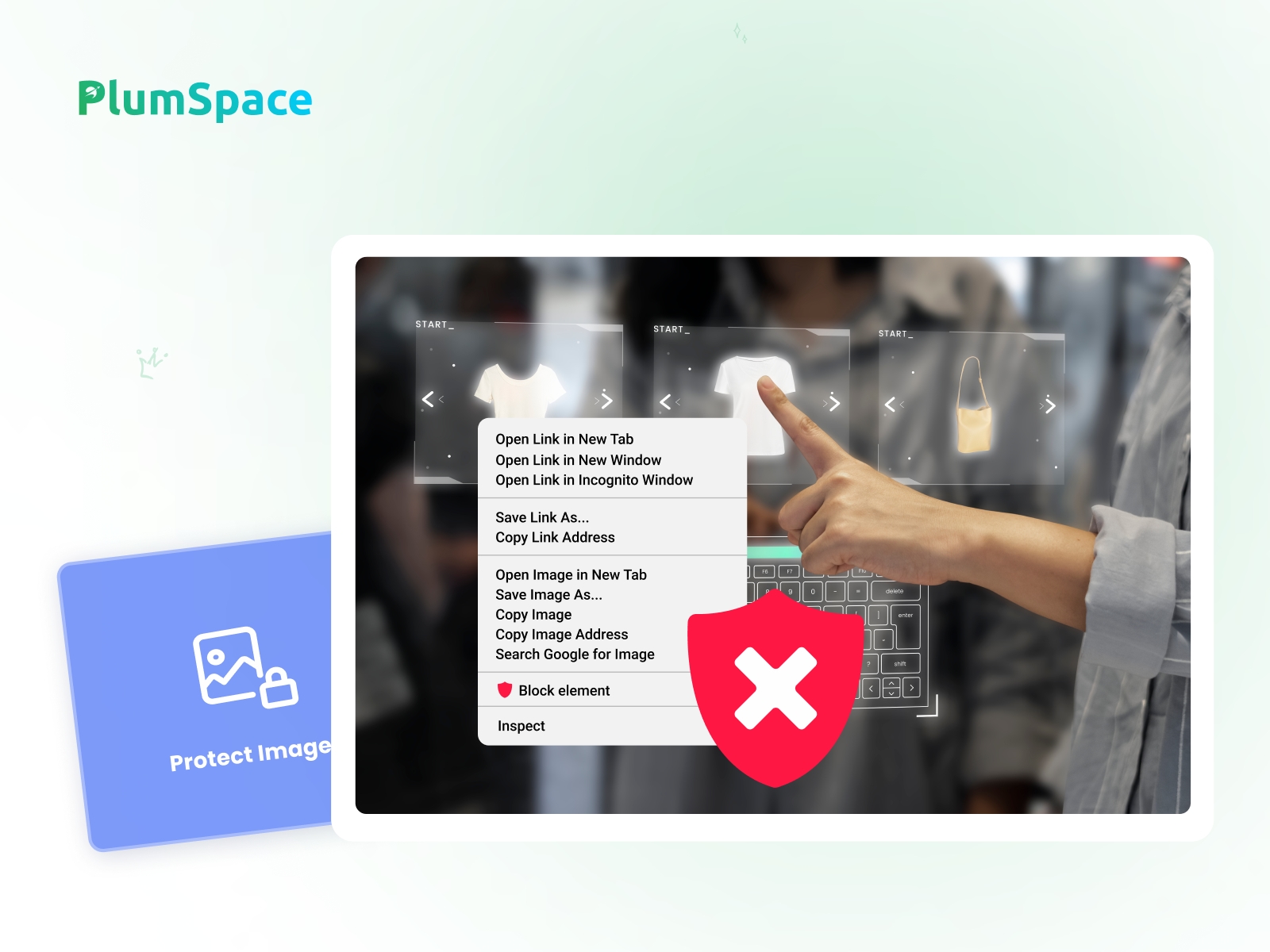
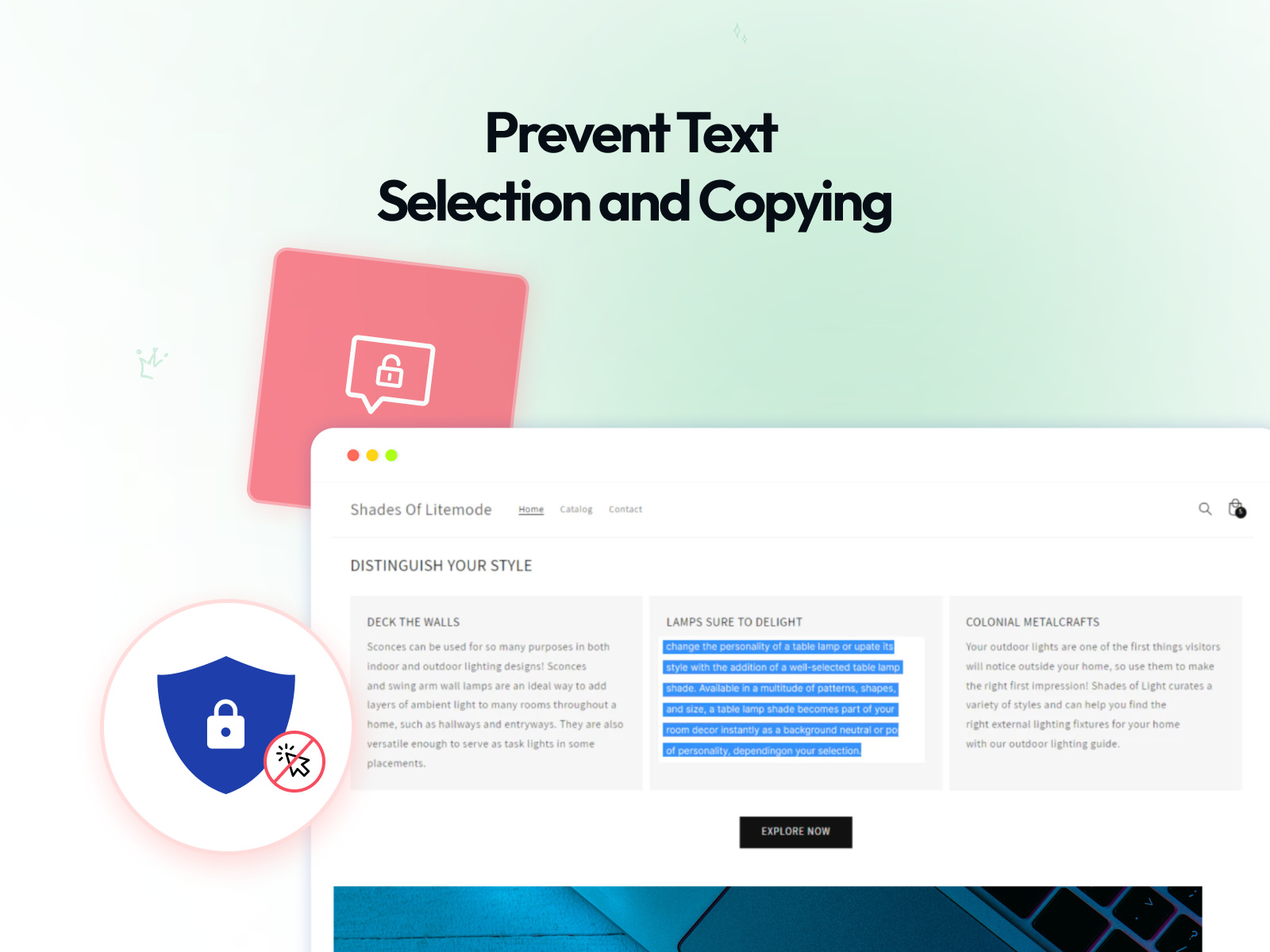
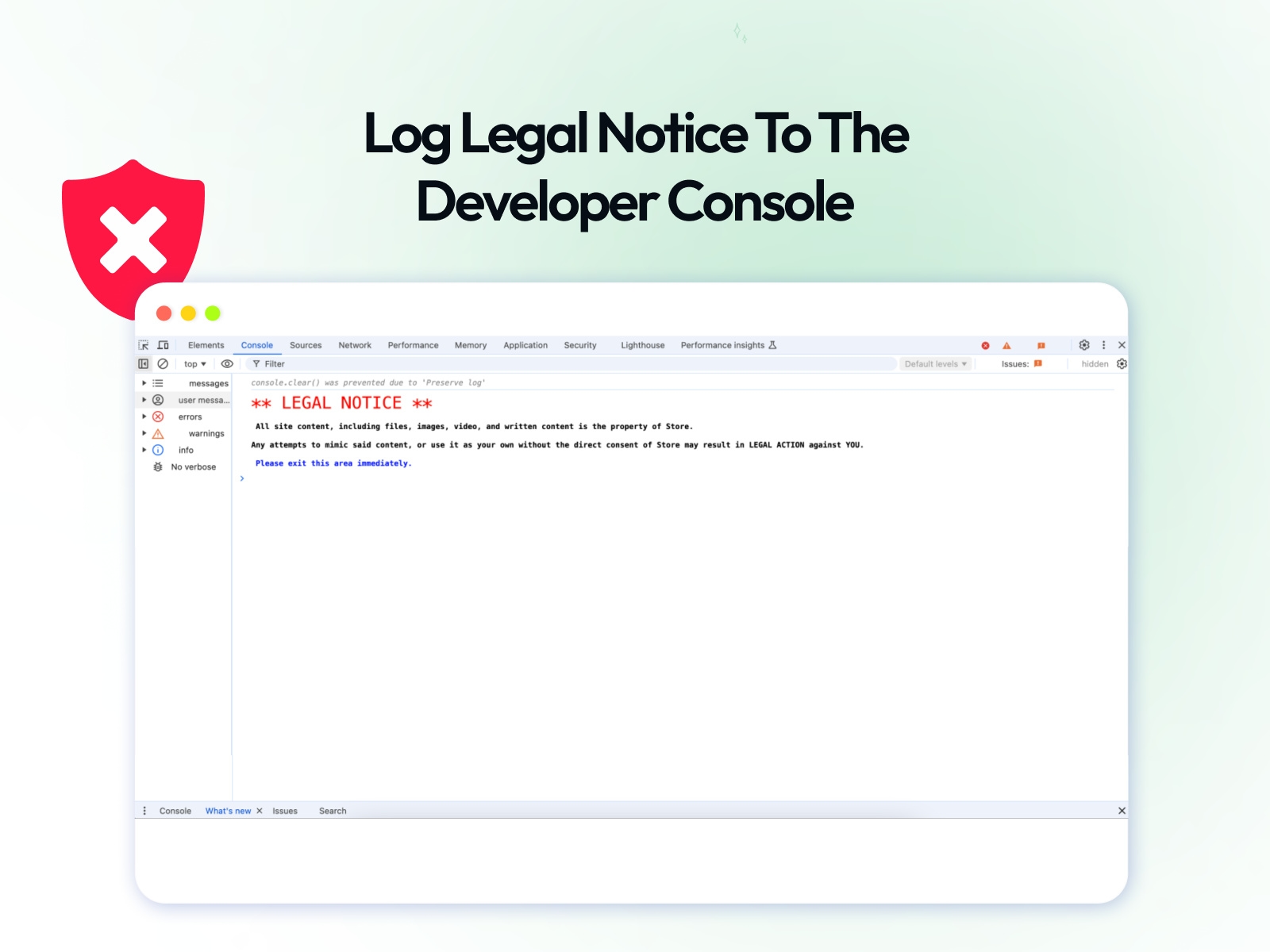
Protect your website content by disabling right click, text selection, copy shortcuts, and image saving. Add simple content protection tools to reduce unauthorized copying and help keep your text, images, and media more secure.
About this Plugin
Protect your website content with the PlumSpace: Content Protection & Disable Right Click plugin. Prevent common actions like right click, copy, cut, paste, text selection, and image saving to make it harder for visitors to duplicate your content without permission.
Perfect for creators, businesses, portfolios, digital products, and content-driven websites that want an extra layer of protection for text, images, and visual assets — all with simple no-code setup.
Benefits:
Disable right click: Help prevent visitors from opening the browser context menu to copy or save content.
Protect text and images: Reduce unauthorized copying of written content, visuals, and media.
Block common shortcuts: Restrict actions like copy, cut, paste, and text selection.
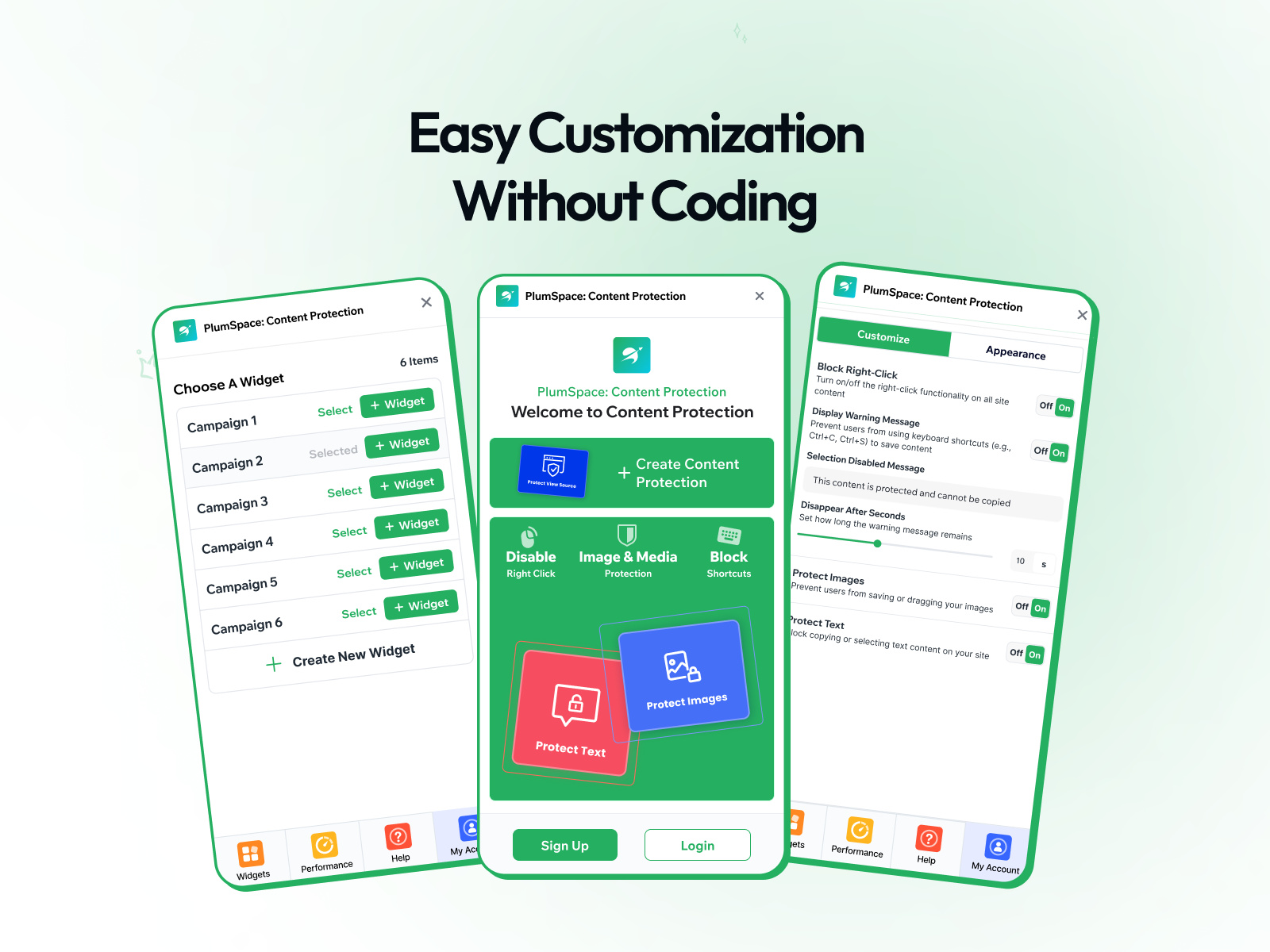
Easy setup: Enable protection tools in minutes without coding.
Customizable behavior: Choose which restrictions to apply based on your needs.
Extra peace of mind: Add a simple layer of security for portfolios, digital resources, and branded content.
Use the plugin at no cost while customizing: payment starts only when you publish changes. Includes a 7-day free trial. Single flat price of $9.
Add an extra layer of protection to your site — install Content Protection & Disable Right Click and help keep your content safer.
Details
 PlumSpace