Stream Bunny
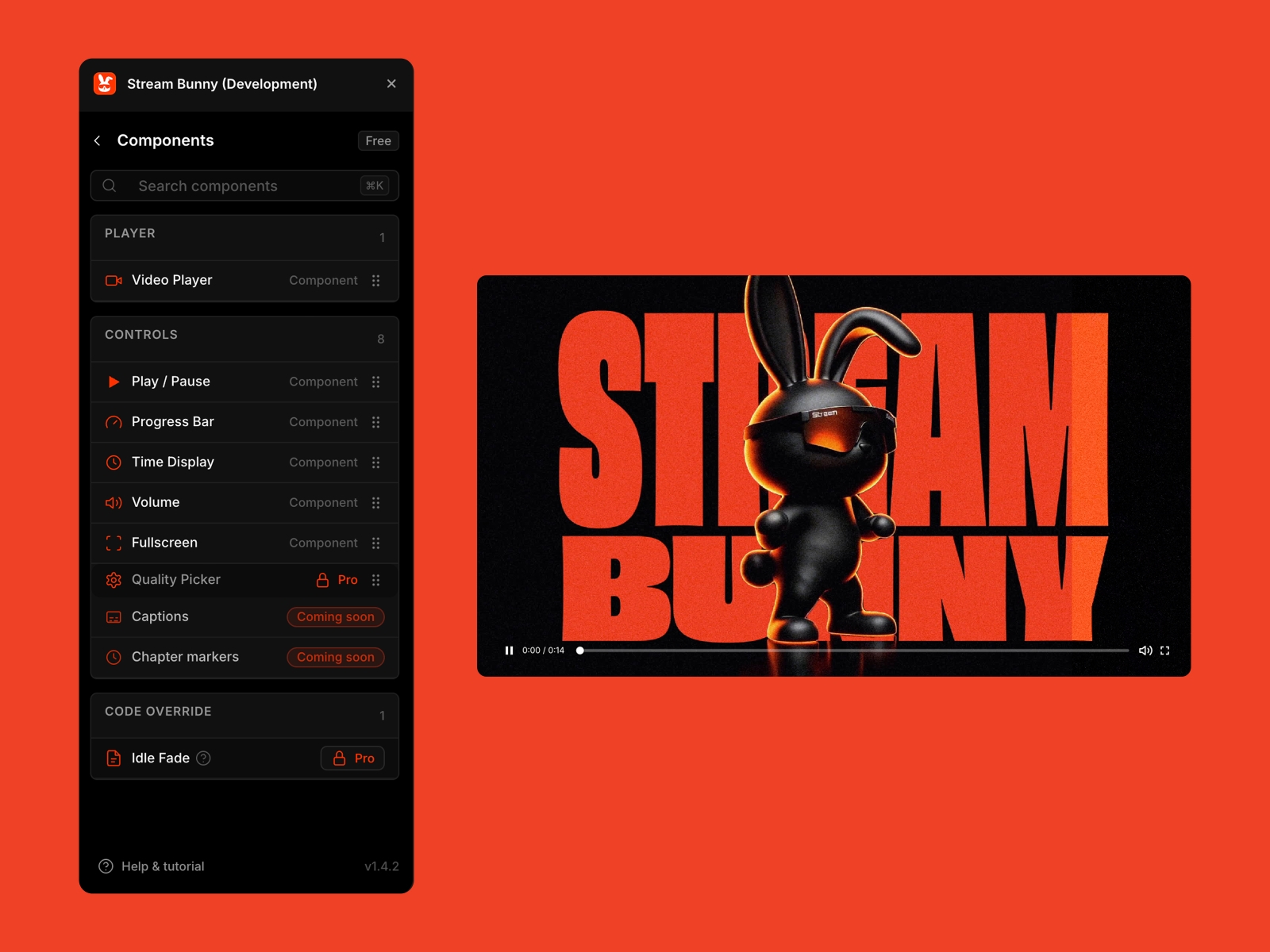
Stream Bunny brings bunny.net Stream (HLS) into Framer as native components. Adaptive streaming power meets a fully customizable video player UI and controls on your canvas, not in an iframe. Design real video layouts directly in Framer.
About this Plugin
Stream Bunny brings bunny.net Stream (HLS) into Framer as native code components: a real Video Player plus separate Controls that share state. You get the power of adaptive streaming and a fully customizable video player UI built directly on your canvas, not trapped inside an iframe embed.
Why not just use the Bunny embed?
Bunny.net’s default Stream player is an iframe. That works until you need real design control.
With an iframe you cannot restyle controls like Framer layers. You cannot place only the play button. You cannot put the timeline under the player or float controls anywhere in the layout. The embed decides the UI.
Stream Bunny breaks that pattern. Drop components. Skin them in Framer. Ship a layout that looks like your site, not a stock widget.
What you can build
Adaptive HLS playback from your Bunny Stream library (quality adapts to the network)
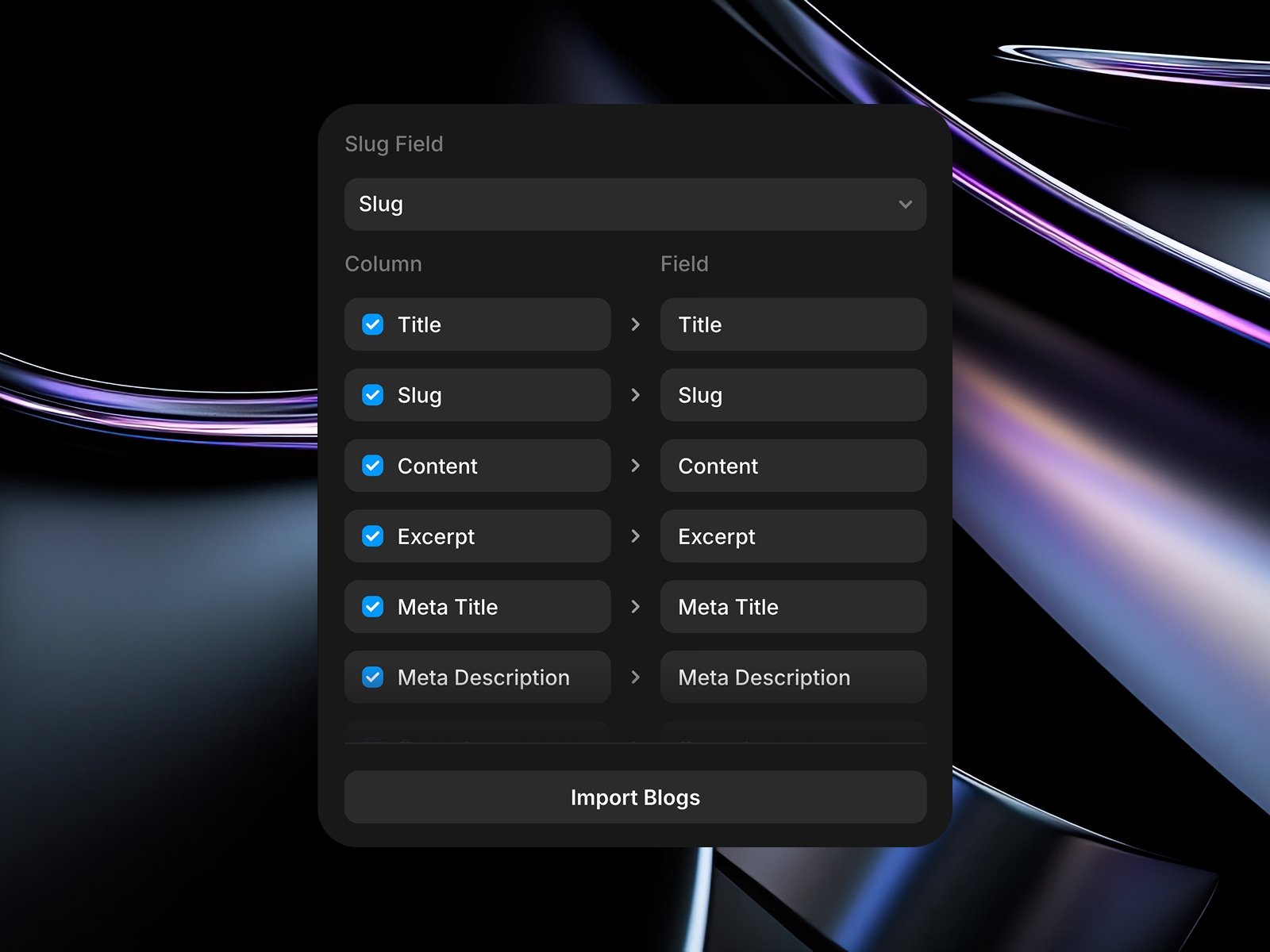
Video Player with Library ID, Video ID, and CDN host on the property panel
Controls as separate layers: play/pause, seekable progress, time display, volume, fullscreen
Shared player state across every control on the page
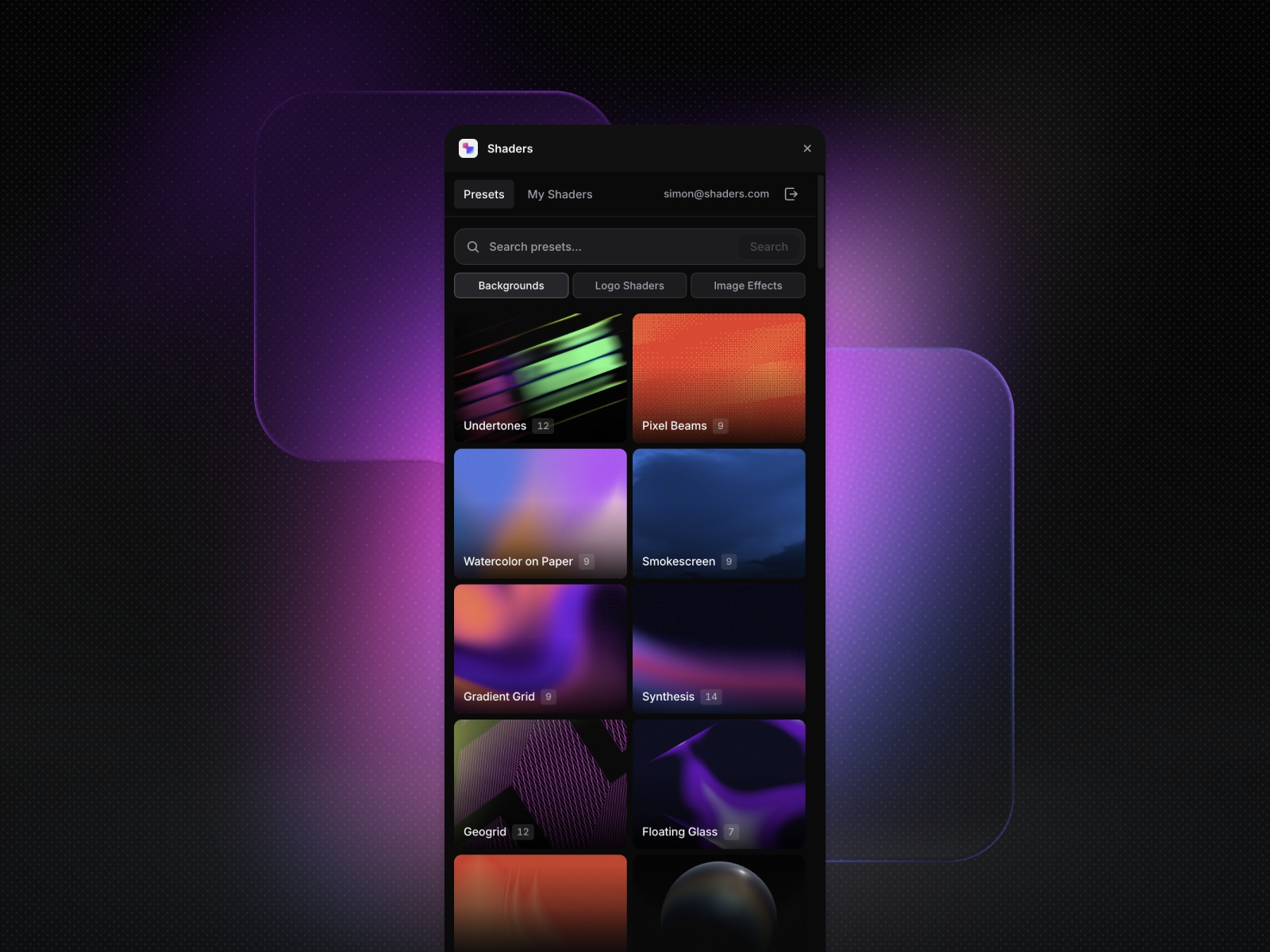
Templates for pre-composed player layouts (one free starter today; more rolling out over time)
Quality Picker (Pro) for manual rendition switching when you need it
Everything is layout-native: spacing, color, radius, typography, and position work like any other Framer component.
Components
Free tier (6 components)
BunnyVideoPlayer (HLS · adaptive quality)
BunnyPlayPauseButton
BunnyProgressBar (seekable)
BunnyTimeDisplay
BunnyVolumeSlider
BunnyFullscreenButton
Pro
BunnyQualityPickerButton (renditions · adaptive)
Idle Fade code override (fade layer after pointer idle)
Additional templates as they ship
Coming soon
Captions
Chapter markers
Templates
Pre-composed player layouts you can drop in one step instead of wiring every control by hand.
Free: one starter template (full-width hero-style layout).
Pro: additional templates as they ship (portfolio reels, grids, tutorials, and similar layouts).
More layouts are added over time; names and lineup may change between releases.
Pricing
Free
5 canvas inserts per workspace
All six free components
One starter template
Stream Bunny Pro · $49 once · lifetime updates
Unlimited canvas inserts
Quality Picker
Pro templates and features as they ship
Priority email support
Purchase on Polar. You receive a license key by email. Open the plugin → Account → paste the key → Activate.
Requirements
A Framer project (latest plugin runtime)
A bunny.net account with a Stream library and at least one encoded video
Paste Library ID, Video ID, and CDN host on the Player (no Bunny API key in Framer)
Clean projects
By default, the plugin inserts published Framer module instances. Your project does not get a pile of .tsx source files unless you use maintainer embed mode. Your canvas stays clean.
Privacy
No analytics, tracking, or telemetry
License activation validates your key via a small API (Polar); only the key is sent
Insert count and license key are stored locally in your browser
Open source components: https://github.com/wearestokt/bunny-stream-official
Support
Questions or playback help: hello@wearestokt.comBuilt by Stōkt · https://wearestokt.com
Details
 Stōkt
Stōkt