Ultimate Logo Finder · Ultimate Logo Finder
Ultimate Logo Finder lets you search millions of brand logos and add them directly to your Framer canvas or CMS image fields — no downloads, no tab-switching, no hassle.
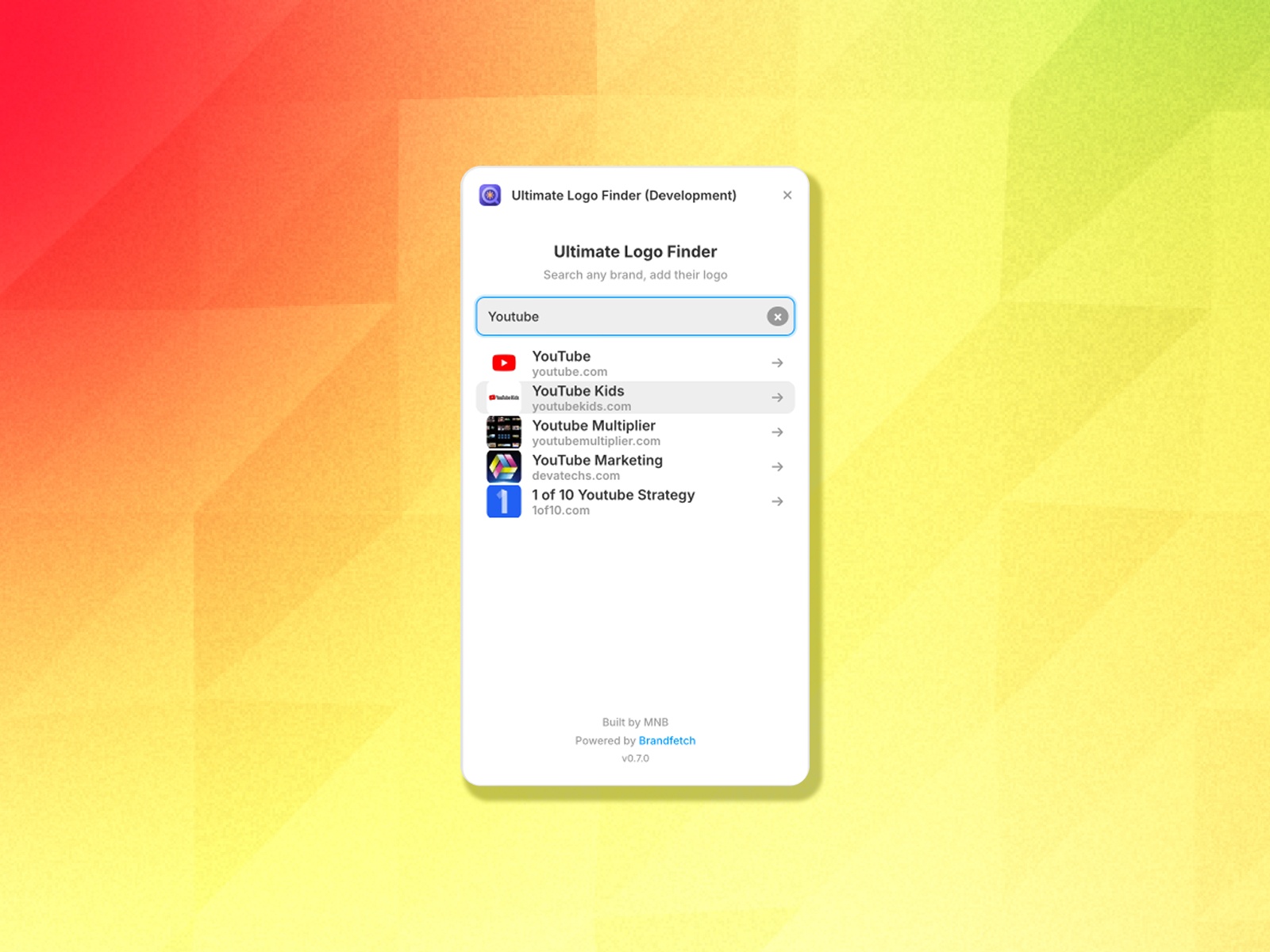
Instant brand search — Type any brand name and get results in real-time from the Brandfetch database
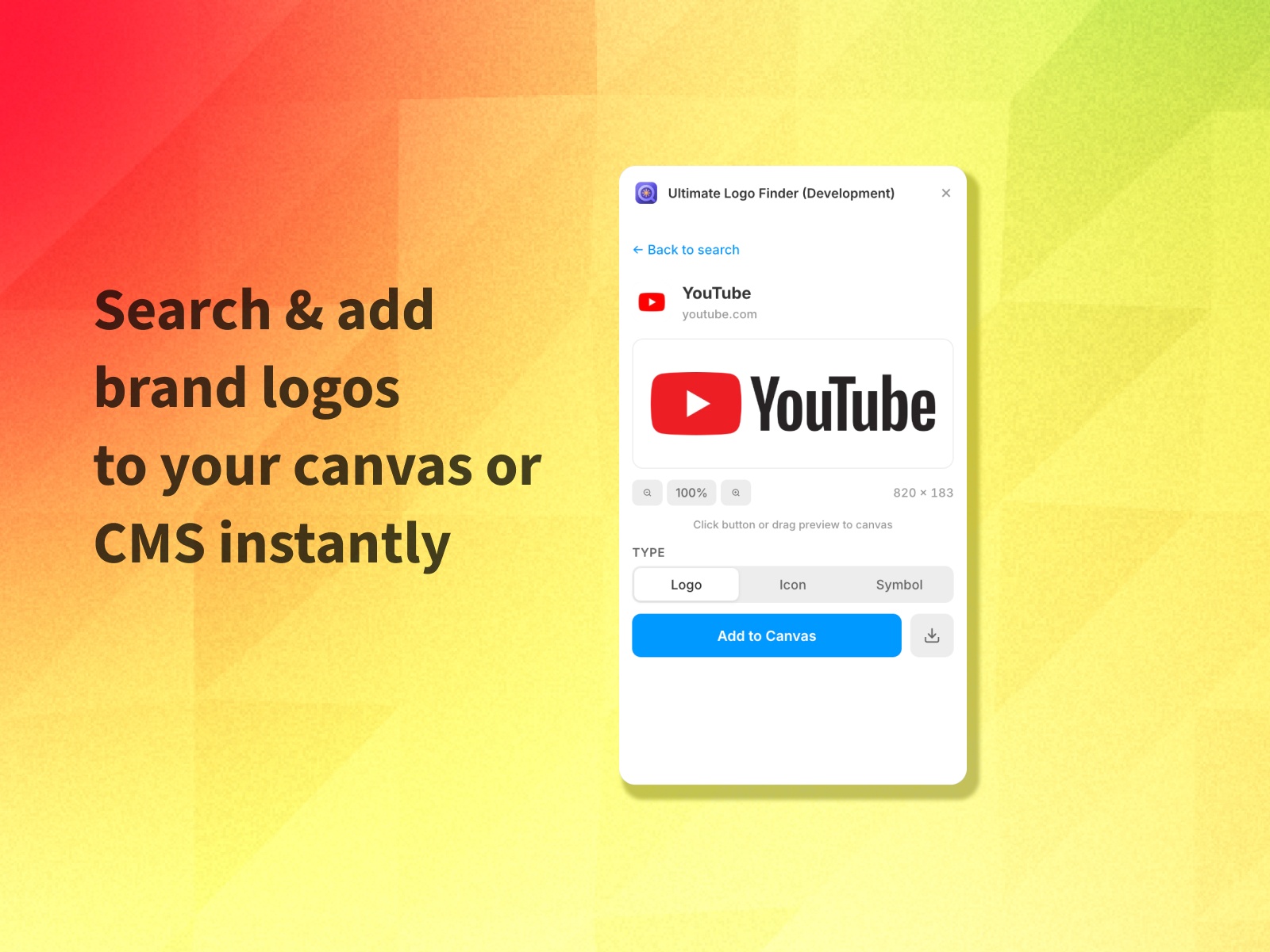
Multiple logo types — Choose between logo, icon, and symbol variants when available
Canvas & CMS support — Works both on the canvas (drag or click to add) and in CMS image fields
Download option — Save logos directly to your computer for use outside Framer
High quality — Always delivers the highest resolution available
Dark mode ready — Seamlessly adapts to your Framer theme
Drag & drop — Drag the preview directly onto your canvas
Open the plugin from the Plugins menu or from any CMS image field
Type a brand name in the search bar
Select a brand from the results
Choose your preferred logo type (if multiple are available)
Click "Add to Canvas" or drag the preview to your desired location
Optionally download the logo for external use
Logo data powered by Brandfetch. Built by MNB.

Ultimate Logo Finder lets you search millions of brand logos and add them directly to your Framer canvas or CMS image fields — no downloads, no tab-switching, no hassle.
Instant brand search — Type any brand name and get results in real-time from the Brandfetch database
Multiple logo types — Choose between logo, icon, and symbol variants when available
Canvas & CMS support — Works both on the canvas (drag or click to add) and in CMS image fields
Download option — Save logos directly to your computer for use outside Framer
High quality — Always delivers the highest resolution available
Dark mode ready — Seamlessly adapts to your Framer theme
Drag & drop — Drag the preview directly onto your canvas
Open the plugin from the Plugins menu or from any CMS image field
Type a brand name in the search bar
Select a brand from the results
Choose your preferred logo type (if multiple are available)
Click "Add to Canvas" or drag the preview to your desired location
Optionally download the logo for external use
Logo data powered by Brandfetch. Built by MNB.