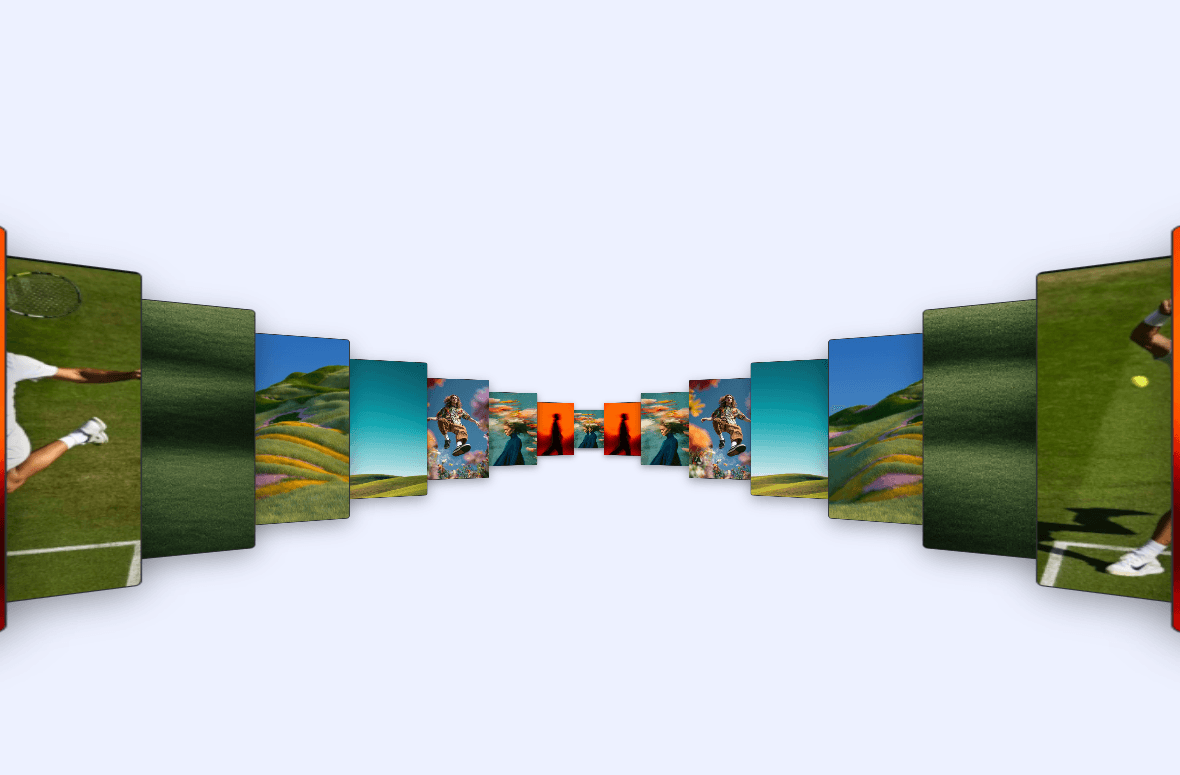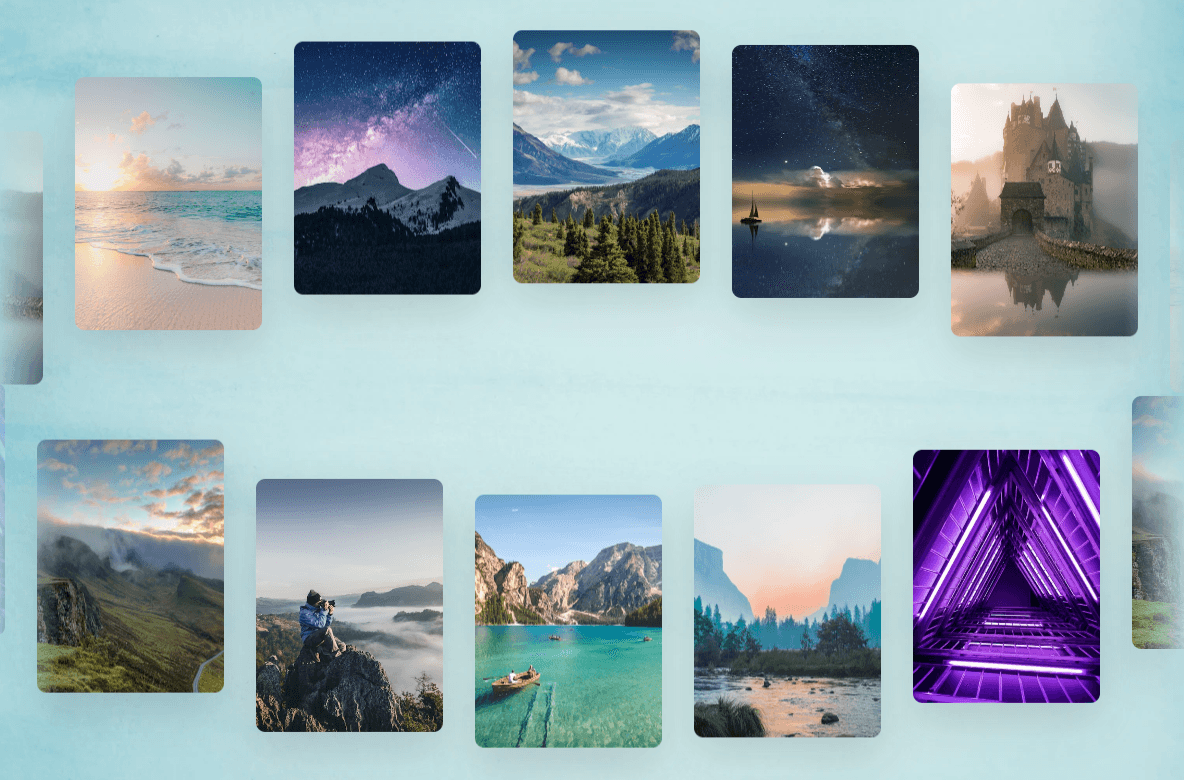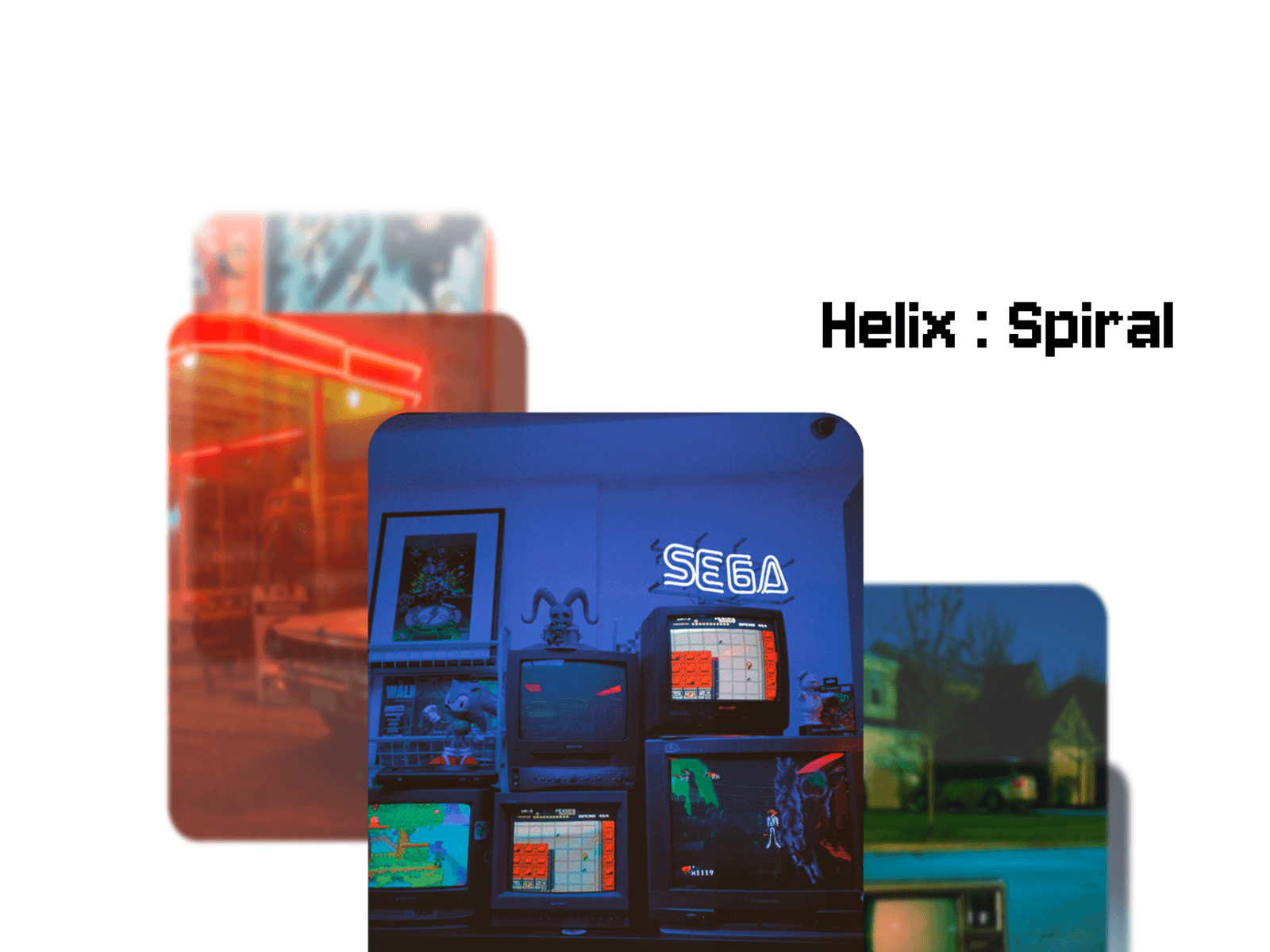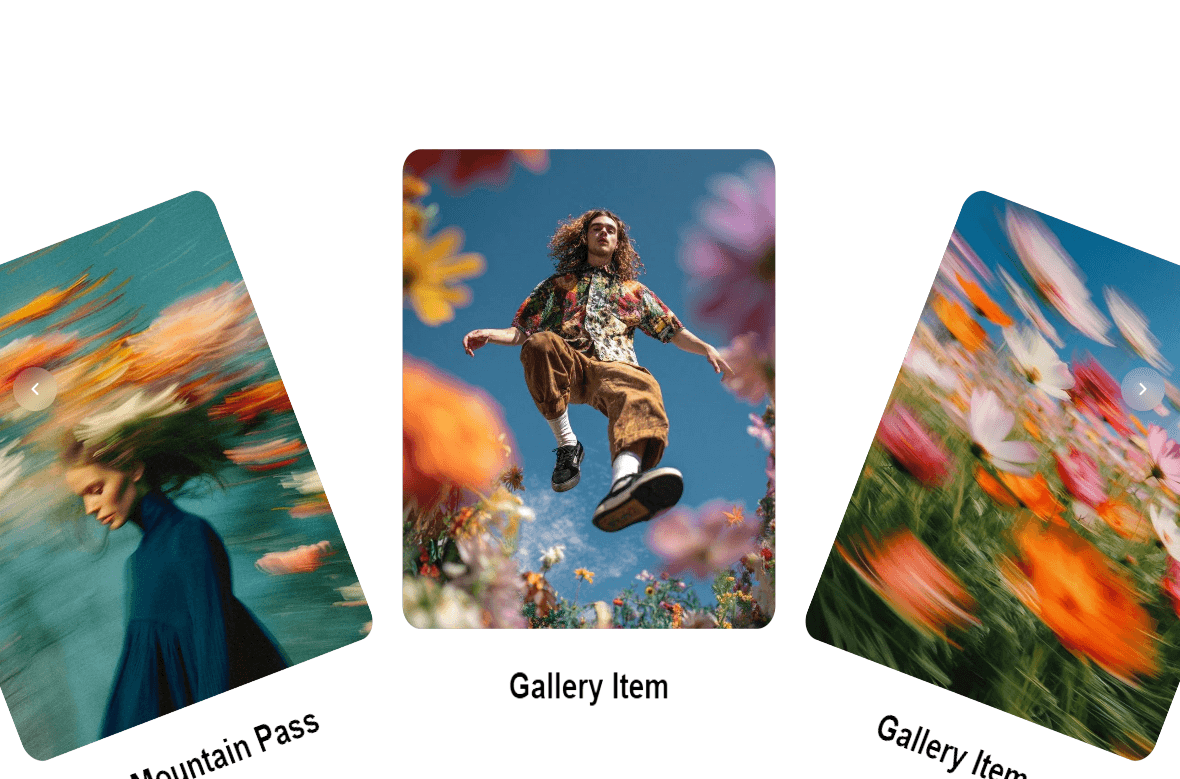
Create a visually striking 3D circular image gallery with smooth momentum scrolling, interactive dragging, curved card layouts, and subtle WebGL distortion.
Circular Gallery is designed for modern portfolios, creative websites, photography showcases, product presentations, and immersive landing pages where your visuals deserve more than a standard carousel.
3D curved gallery layout — Bend your gallery horizontally to create a cinematic circular effect.
Smooth inertial scrolling — Natural momentum-based movement for a polished interactive feel.
Drag & wheel interaction — Navigate through your gallery using mouse dragging or scrolling.
WebGL distortion — Add subtle dynamic distortion while the gallery moves.
Customizable cards — Control corner radius, curvature, and visual distortion.
Navigation arrows — Optional previous/next controls for easier navigation.
Custom typography — Adjust font family, size, weight, and text color.
Custom fonts — Use your own CSS font family when needed.
Responsive — Automatically adapts to different container sizes and screen dimensions.
Circular Gallery works especially well for:
Creative portfolios
Photography websites
Design portfolios
Agency websites
Product showcases
Fashion & editorial websites
Art galleries
Case study presentations
Interactive landing pages
Personal websites
Built specifically as a Framer Code Component, Circular Gallery gives you the visual flexibility of WebGL while keeping the experience simple to configure directly from the Framer property panel.
No complicated setup. Add your images, customize the controls, and make the gallery your own.
Having an issue or want to suggest an improvement?
I'd love to hear from you.
X: @karimsaif0
Email: krimsaif010@gmailcom

Create a visually striking 3D circular image gallery with smooth momentum scrolling, interactive dragging, curved card layouts, and subtle WebGL distortion.
Circular Gallery is designed for modern portfolios, creative websites, photography showcases, product presentations, and immersive landing pages where your visuals deserve more than a standard carousel.
3D curved gallery layout — Bend your gallery horizontally to create a cinematic circular effect.
Smooth inertial scrolling — Natural momentum-based movement for a polished interactive feel.
Drag & wheel interaction — Navigate through your gallery using mouse dragging or scrolling.
WebGL distortion — Add subtle dynamic distortion while the gallery moves.
Customizable cards — Control corner radius, curvature, and visual distortion.
Navigation arrows — Optional previous/next controls for easier navigation.
Custom typography — Adjust font family, size, weight, and text color.
Custom fonts — Use your own CSS font family when needed.
Responsive — Automatically adapts to different container sizes and screen dimensions.
Circular Gallery works especially well for:
Creative portfolios
Photography websites
Design portfolios
Agency websites
Product showcases
Fashion & editorial websites
Art galleries
Case study presentations
Interactive landing pages
Personal websites
Built specifically as a Framer Code Component, Circular Gallery gives you the visual flexibility of WebGL while keeping the experience simple to configure directly from the Framer property panel.
No complicated setup. Add your images, customize the controls, and make the gallery your own.
Having an issue or want to suggest an improvement?
I'd love to hear from you.
X: @karimsaif0
Email: krimsaif010@gmailcom