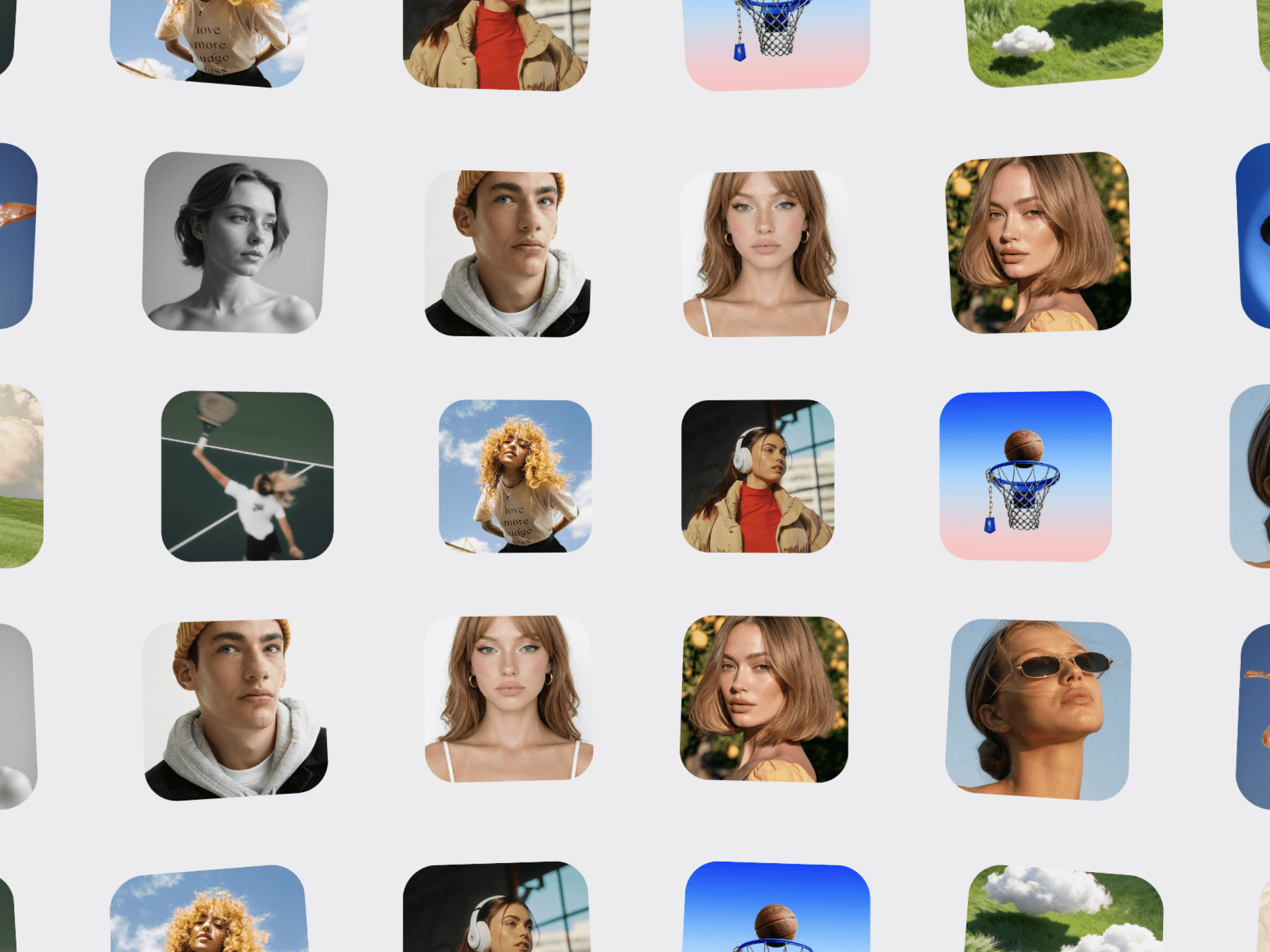
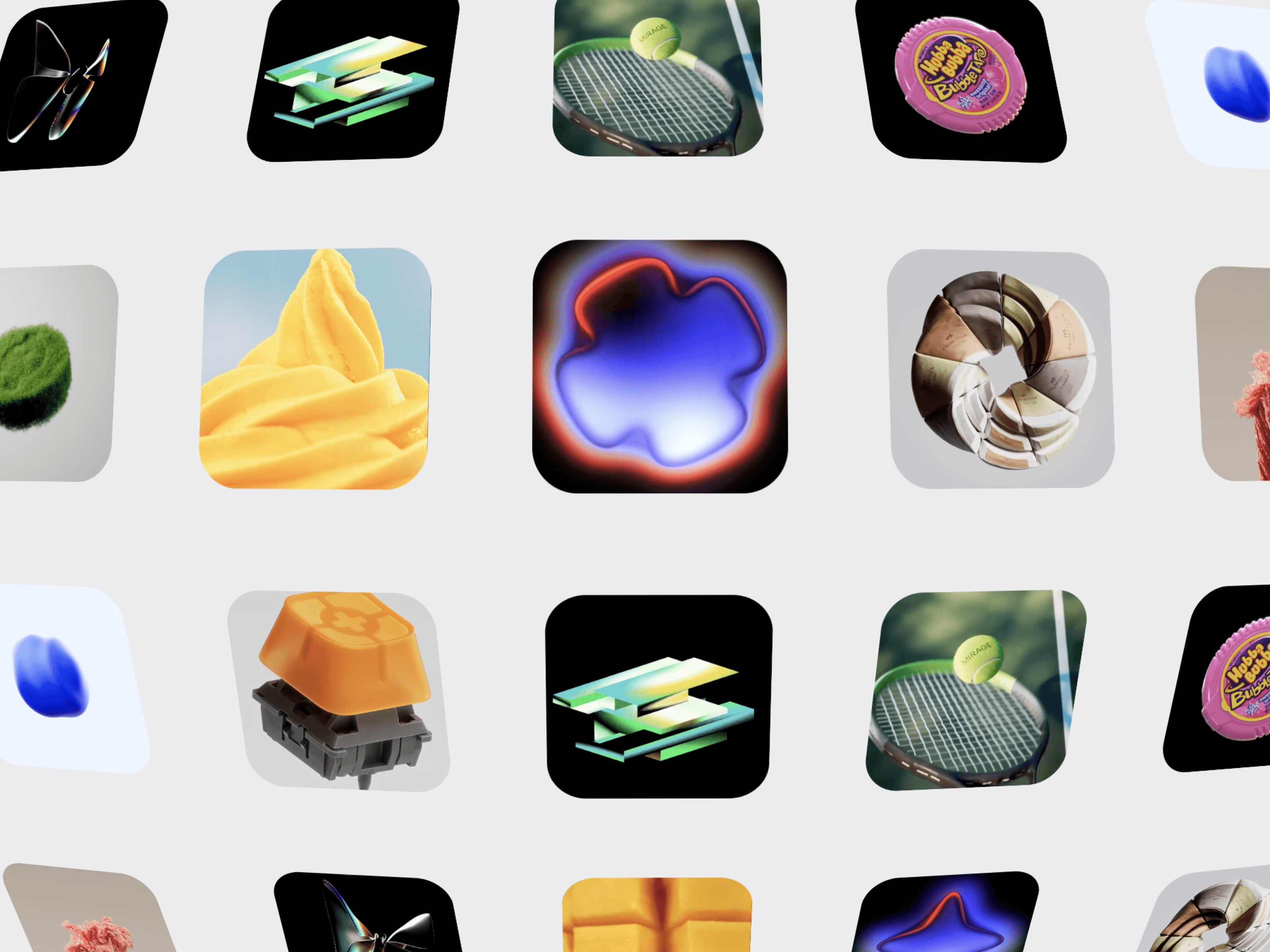
CMS Circular Gallery is a cinematic, interactive 3D media gallery for Framer that arranges image and video cards around a smooth circular orbit. Create immersive visual experiences for portfolios, projects, case studies, products, campaigns, and creative showcases.
Each card can be connected individually to a Framer CMS page or any URL using the CMS Link control. This lets you turn every card into a direct entry point to its related CMS content.
3D Circular Layout — Arrange image and video cards around a cinematic orbit.
Auto Spin — Continuously rotate the gallery with adjustable speed.
Drag Rotation — Click and drag to freely rotate around the gallery.
Smooth Momentum — Add natural movement and momentum after dragging.
Wheel Rotation — Rotate the gallery using the mouse wheel.
Pause on Hover — Optionally pause the automatic rotation when hovering over a card.
Connect each card to a different Framer CMS page.
Use individual CMS Links for projects, case studies, products, or articles.
Link cards to external URLs when needed.
Each card can have its own unique destination.
Create interactive visual navigation without using a CMS Collection.
Depth Shading — Darken cards as they move away from the viewer.
Perspective Control — Adjust the 3D depth and viewing angle.
View Offset — Change the camera position around the gallery.
Ring Tilt — Tilt the entire circular gallery for a cinematic composition.
Floor Reflection — Add an optional soft reflection beneath the gallery.
Smooth Motion — Fine-tune the transition and movement using motion smoothing.
Control media, CMS links, panel count, panel width, panel height, corner radius, orbit radius, perspective, view offset, ring tilt, depth shading, shade strength, reflection, reflection opacity, auto spin, spin speed, pause on hover, motion smoothing, drag rotation, drag multiplier, release momentum, alignment, wheel rotation.

CMS Circular Gallery is a cinematic, interactive 3D media gallery for Framer that arranges image and video cards around a smooth circular orbit. Create immersive visual experiences for portfolios, projects, case studies, products, campaigns, and creative showcases.
Each card can be connected individually to a Framer CMS page or any URL using the CMS Link control. This lets you turn every card into a direct entry point to its related CMS content.
3D Circular Layout — Arrange image and video cards around a cinematic orbit.
Auto Spin — Continuously rotate the gallery with adjustable speed.
Drag Rotation — Click and drag to freely rotate around the gallery.
Smooth Momentum — Add natural movement and momentum after dragging.
Wheel Rotation — Rotate the gallery using the mouse wheel.
Pause on Hover — Optionally pause the automatic rotation when hovering over a card.
Connect each card to a different Framer CMS page.
Use individual CMS Links for projects, case studies, products, or articles.
Link cards to external URLs when needed.
Each card can have its own unique destination.
Create interactive visual navigation without using a CMS Collection.
Depth Shading — Darken cards as they move away from the viewer.
Perspective Control — Adjust the 3D depth and viewing angle.
View Offset — Change the camera position around the gallery.
Ring Tilt — Tilt the entire circular gallery for a cinematic composition.
Floor Reflection — Add an optional soft reflection beneath the gallery.
Smooth Motion — Fine-tune the transition and movement using motion smoothing.
Control media, CMS links, panel count, panel width, panel height, corner radius, orbit radius, perspective, view offset, ring tilt, depth shading, shade strength, reflection, reflection opacity, auto spin, spin speed, pause on hover, motion smoothing, drag rotation, drag multiplier, release momentum, alignment, wheel rotation.