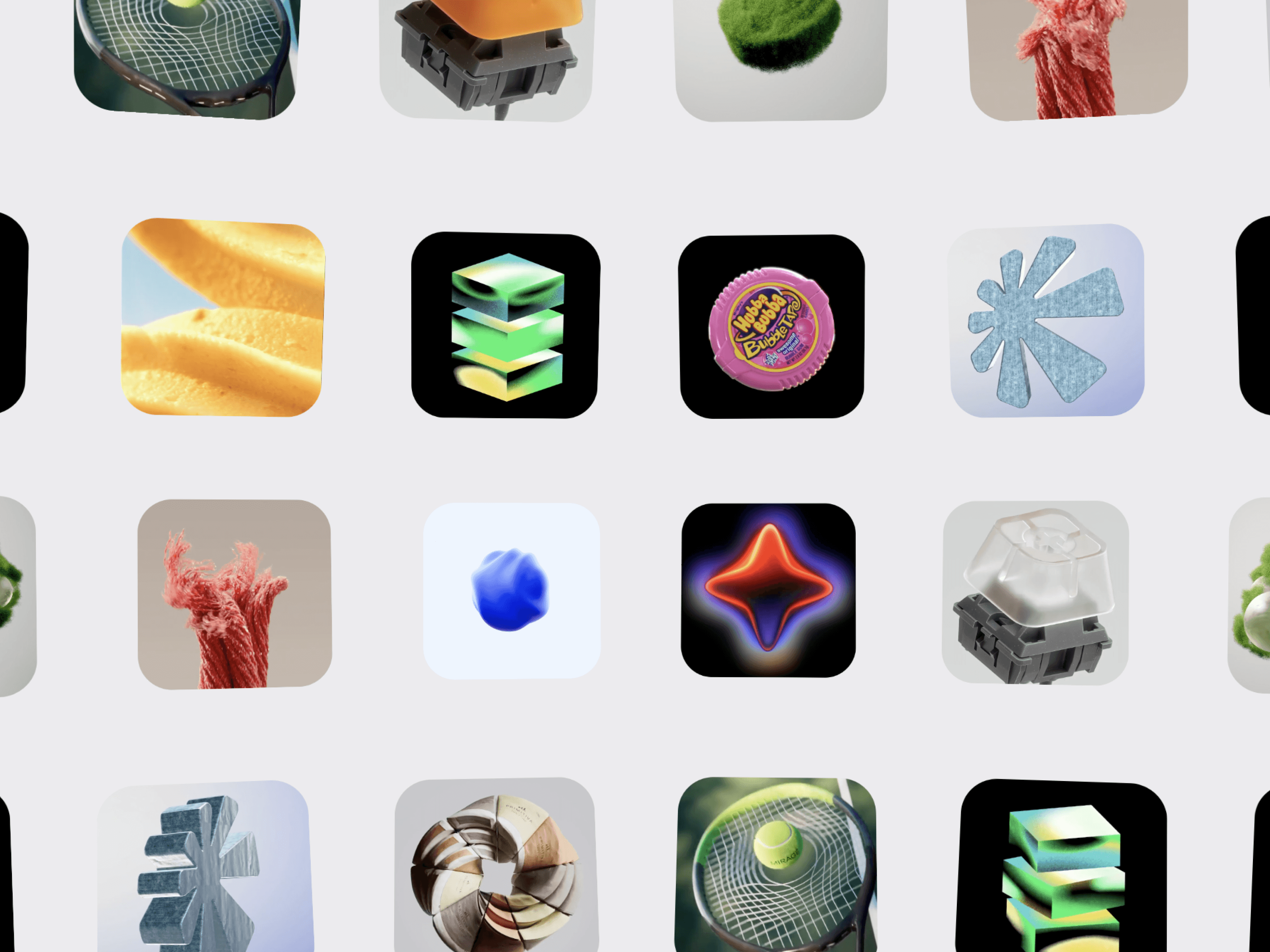
CMS Drag Gallery is a smooth, interactive image gallery for Framer that combines continuous scrolling, drag interactions, hover effects, and flexible card layouts. Create dynamic visual experiences for portfolios, projects, case studies, products, campaigns, and creative showcases.
Each card can be connected individually to a Framer CMS page or any URL using the Link / CMS Link control. This lets you turn every image into a direct entry point to its related CMS content.
Smooth Dragging — Explore the gallery naturally with click-and-drag interactions.
Infinite Scrolling — Seamlessly loop images for a continuous visual experience.
Two-Row Layout — Create dynamic galleries with independently moving rows.
Directional Scrolling — Set each row to move left or right.
Touch Friendly — Designed for mouse, trackpad, and touch interactions.
Connect each card to a different Framer CMS page.
Use individual CMS Links for projects, case studies, products, or articles.
Link cards to external URLs when needed.
Upload images directly or use Image URLs.
Add a title and subtitle to every card.
Show or hide text independently.
Add text overlays with customizable colors and spacing.
Customize image sizing, card dimensions, gaps, and corner radius.
Hover Zoom — Subtly scale images on hover.
Hover Lift — Raise cards for added depth.
Card Shadows — Create polished visual separation.
Custom Borders — Choose solid, dashed, dotted, or no border.
Edge Fade — Add smooth fades at the gallery edges.
Responsive Scaling — Cards adapt across desktop, tablet, and mobile layouts.
Control images, image URLs, titles, subtitles, CMS links, card width, card height, card gap, row gap, distribution, padding, background, scroll direction, autoplay speed, drag interaction, hover effects, text styles, overlays, shadows, borders, fade width, fade strength, and link behavior.

CMS Drag Gallery is a smooth, interactive image gallery for Framer that combines continuous scrolling, drag interactions, hover effects, and flexible card layouts. Create dynamic visual experiences for portfolios, projects, case studies, products, campaigns, and creative showcases.
Each card can be connected individually to a Framer CMS page or any URL using the Link / CMS Link control. This lets you turn every image into a direct entry point to its related CMS content.
Smooth Dragging — Explore the gallery naturally with click-and-drag interactions.
Infinite Scrolling — Seamlessly loop images for a continuous visual experience.
Two-Row Layout — Create dynamic galleries with independently moving rows.
Directional Scrolling — Set each row to move left or right.
Touch Friendly — Designed for mouse, trackpad, and touch interactions.
Connect each card to a different Framer CMS page.
Use individual CMS Links for projects, case studies, products, or articles.
Link cards to external URLs when needed.
Upload images directly or use Image URLs.
Add a title and subtitle to every card.
Show or hide text independently.
Add text overlays with customizable colors and spacing.
Customize image sizing, card dimensions, gaps, and corner radius.
Hover Zoom — Subtly scale images on hover.
Hover Lift — Raise cards for added depth.
Card Shadows — Create polished visual separation.
Custom Borders — Choose solid, dashed, dotted, or no border.
Edge Fade — Add smooth fades at the gallery edges.
Responsive Scaling — Cards adapt across desktop, tablet, and mobile layouts.
Control images, image URLs, titles, subtitles, CMS links, card width, card height, card gap, row gap, distribution, padding, background, scroll direction, autoplay speed, drag interaction, hover effects, text styles, overlays, shadows, borders, fade width, fade strength, and link behavior.