Deboss: a hover rail where the artwork dents toward your cursor
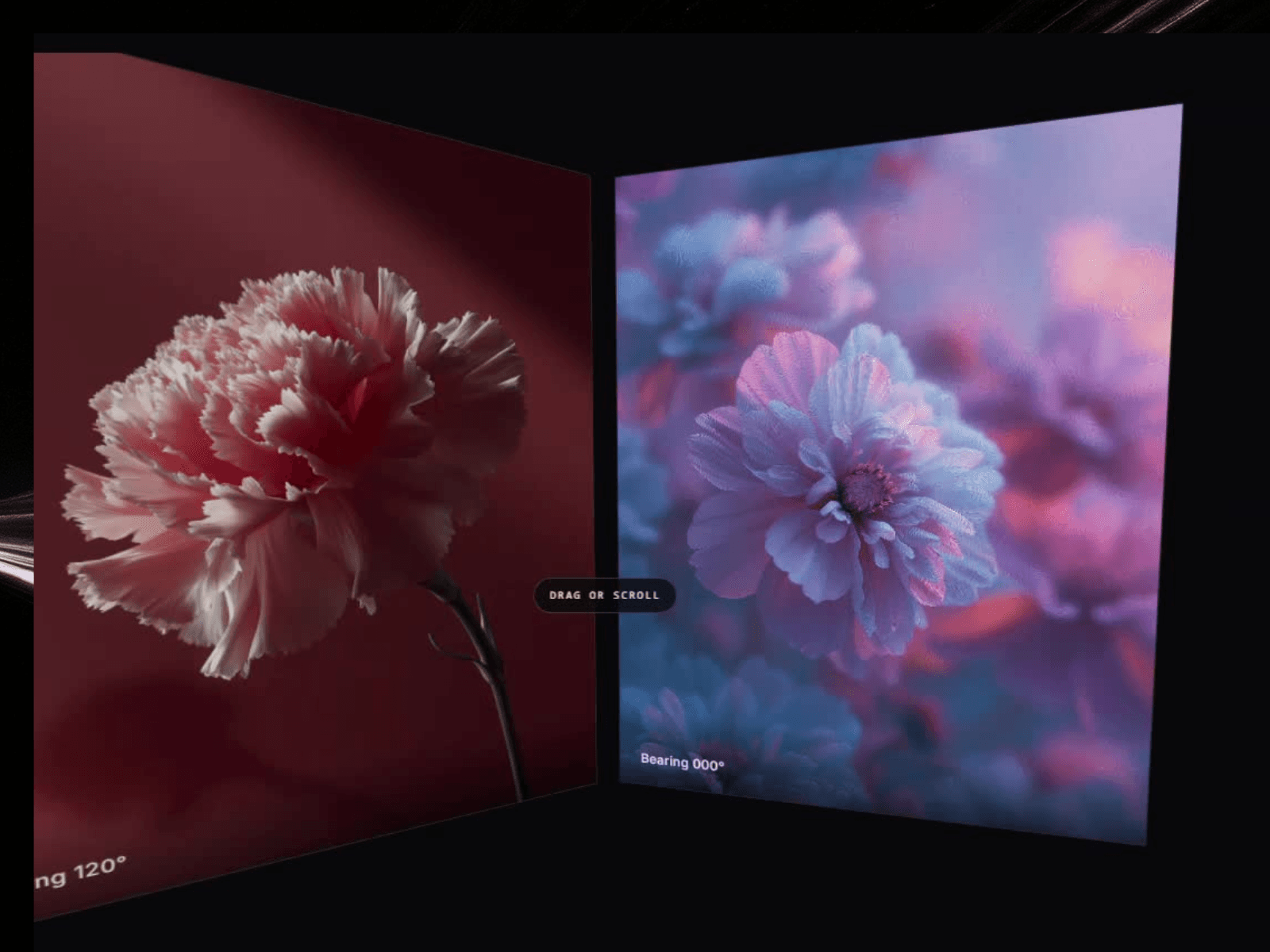
Debossing presses a design into the material instead of raising it off. That is exactly what this does. Hover any frame and the image warps locally toward the pointer, a magnetic dent inside the picture plane with real light catching the depression. The frame itself never moves. Rendered live in WebGL, no code needed.
What you get
8 presets: Magnet · Bulge · Ripple · Vortex · Liquid Chrome · Paper Dent · Heat Haze · Ghost
4 warp modes: Pinch · Bulge · Ripple · Swirl
Dent shaping: radius, strength, falloff, lit depth and chromatic split
Isolate mode. Keep the dent inside the hovered frame or let the field bleed onto its neighbours
Rail layout: item height, aspect ratio, gap, corner radius and backdrop colour
Drag with inertia, wheel and trackpad travel, optional autoplay drift and a seamless infinite loop
Cursor follow and scroll smoothing for buttery travel at any frame rate
Unfocused frames dim and desaturate so the hovered one leads
Per image captions with full font, size and colour control
Control panel your visitors can open on the canvas, positionable in five spots and trimmable group by group
Presets set starting values and never lock a control
Pauses off screen, respects reduced motion, crisp static frame in the editor
Drop it into a portfolio index, a product gallery, or a full-bleed editorial strip.
What's included:
Remix link to the Component.
Free updates. The remix link always carries the latest version
Email support: support@premshandilya.com
License: Single-user license. Use Deboss in unlimited personal and commercial Framer projects, including client work. Reselling, redistributing, or repackaging the component or its source code as your own asset is not permitted.
Refunds: This is a non-refundable digital product, so try the live demo before purchasing. If anything doesn't work as shown, email me and I'll fix it fast.

Deboss: a hover rail where the artwork dents toward your cursor
Debossing presses a design into the material instead of raising it off. That is exactly what this does. Hover any frame and the image warps locally toward the pointer, a magnetic dent inside the picture plane with real light catching the depression. The frame itself never moves. Rendered live in WebGL, no code needed.
What you get
8 presets: Magnet · Bulge · Ripple · Vortex · Liquid Chrome · Paper Dent · Heat Haze · Ghost
4 warp modes: Pinch · Bulge · Ripple · Swirl
Dent shaping: radius, strength, falloff, lit depth and chromatic split
Isolate mode. Keep the dent inside the hovered frame or let the field bleed onto its neighbours
Rail layout: item height, aspect ratio, gap, corner radius and backdrop colour
Drag with inertia, wheel and trackpad travel, optional autoplay drift and a seamless infinite loop
Cursor follow and scroll smoothing for buttery travel at any frame rate
Unfocused frames dim and desaturate so the hovered one leads
Per image captions with full font, size and colour control
Control panel your visitors can open on the canvas, positionable in five spots and trimmable group by group
Presets set starting values and never lock a control
Pauses off screen, respects reduced motion, crisp static frame in the editor
Drop it into a portfolio index, a product gallery, or a full-bleed editorial strip.
What's included:
Remix link to the Component.
Free updates. The remix link always carries the latest version
Email support: support@premshandilya.com
License: Single-user license. Use Deboss in unlimited personal and commercial Framer projects, including client work. Reselling, redistributing, or repackaging the component or its source code as your own asset is not permitted.
Refunds: This is a non-refundable digital product, so try the live demo before purchasing. If anything doesn't work as shown, email me and I'll fix it fast.